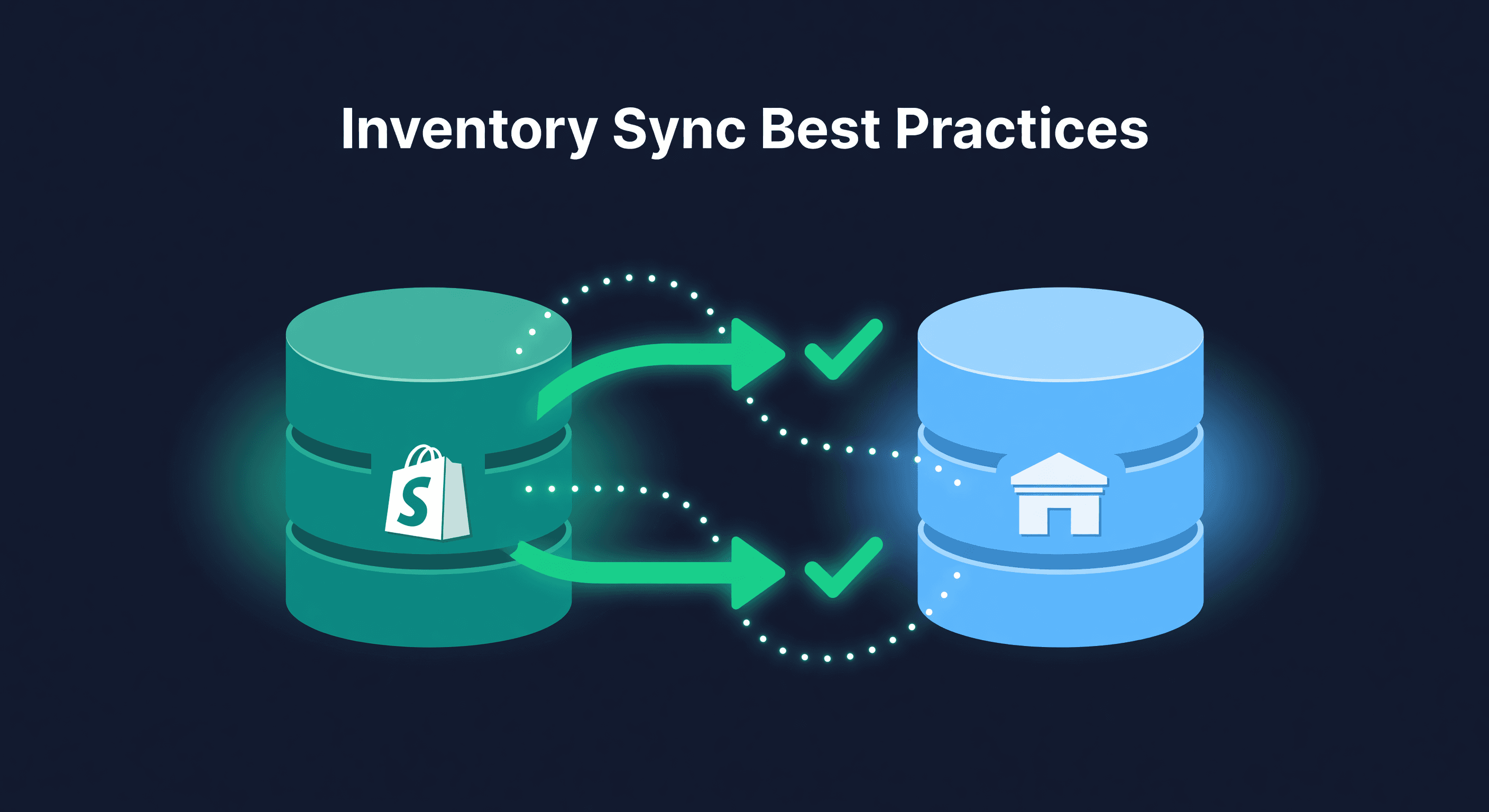
Shopify Inventory Sync Best Practices
Key takeaway: Sync Shopify inventory at minimum hourly, ideally every 15 minutes for high-volume stores. Track each location separately to prevent double-counting. A 10% gap between system count and physical count means your reorder decisions are based on wrong data.
Your Shopify Counts Are Probably Wrong
Most Shopify stores have inventory discrepancies they do not know about. The numbers in Shopify say one thing. The shelf says another. And if you sell on Amazon too, there is a third number that disagrees with both.
I audited a store last year that thought they had 2,400 units across 60 SKUs. The physical count came back at 2,150. That 10% gap meant they were listing products they did not have and missing sales on products they did. Both problems cost money, and they had been compounding for months.
Here is what actually keeps Shopify inventory accurate.
Track Every Location Separately
If your inventory lives in more than one place, Shopify needs to know about each one. Not a combined total. Each location individually.
Location A: Warehouse    -> 500 units
Location B: Amazon FBA   -> 350 units
Location C: 3PL          -> 200 units
Total Available: 1,050 units
This is how you avoid double-counting. When a customer orders from your Shopify store, the system deducts from the correct location. When you check stock for a reorder decision, you see the real breakdown instead of a single number that hides where your inventory actually sits.
Sync Frequency Matters More Than You Think
Hourly syncs are fine for stores doing 10-20 orders a day. Past that, the gap between syncs is a window for oversells. This is one reason I tell sellers to judge Shopify inventory management software by sync interval and location handling before they get impressed by dashboards.
| Daily Order Volume | Recommended Sync | Oversell Risk at 60-min Sync |
|---|---|---|
| Under 20 | 60 minutes | Low |
| 20-50 | 30 minutes | Moderate |
| 50-200 | 15 minutes | High at 60 min |
| 200+ | 5 minutes | Very high at 60 min |
The math is simple. If you sell 10 units per hour and sync every hour, you could sell up to 10 units of something you do not have. At 5-minute intervals, that risk drops to less than 1 unit. Moving from hourly to 15-minute syncs shrinks that oversell window to a quarter of its size, which is the single biggest lever most sellers have for cutting oversell complaints.
Reconcile or Drift
System counts drift slowly: a return processed wrong here, a manual adjustment with a typo there, a shipment received but not scanned.
A small daily error rate left unchecked for a quarter compounds into counts that are meaningfully wrong, not just a little off.
The fix is boring but it works:
Weekly: spot-check your 10 fastest-moving SKUs. These are the ones most likely to drift and most costly when they do.
Monthly: count your top 20% of SKUs by revenue. This is where 80% of your money is. If these counts are wrong, your reorder decisions are wrong too.
Quarterly: full audit. Every SKU. Yes, it takes a day. The alternative is trusting numbers that have been drifting for 90 days.
Buffer Stock for Multi-Channel
If you sell on both Shopify and Amazon, do not list 100% of your inventory on each channel. That is how oversells happen.
Total inventory: 1,000 units
Shopify available: 400 units
Amazon available: 400 units
Buffer: 200 units (20%)
The buffer absorbs sync delays. A sale on Amazon takes a few minutes (or longer) to reflect in Shopify. During that window, the buffer prevents you from selling inventory that is already committed elsewhere.
I keep a 15-20% buffer for products that move fast on both channels. For slower products, 10% is usually enough. The right number depends on your sync frequency - faster syncs mean you can run a smaller buffer.
Automate the Boring Parts
Manual inventory updates are where errors breed. Every time a human types a number into a field, there is a chance it is wrong.
What should be automated: sales deductions (Shopify does this natively), return additions (make sure your returns workflow adds stock back), receiving (use barcode scanning, not manual entry), and transfers between locations (track in-transit as a separate status so you do not count inventory that is on a truck as available).
What should not be automated: the judgment calls. When to reorder, how much to allocate to each channel, whether to mark slow inventory for clearance. Automate data entry. Keep decisions human.
Set Reorder Points That Update
A reorder point you set six months ago based on last year's sales velocity is worse than no reorder point at all. It gives you false confidence.
Your reorder point needs three inputs that all change over time: current sales velocity, actual supplier lead time (not the lead time they promise), and enough safety stock for your demand variability. For the formulas, use our reorder point calculator. If you want those inputs updated from Shopify order history instead of a monthly spreadsheet ritual, see the Shopify inventory forecasting workflow.
The point is: review them. Monthly at minimum. If your velocity doubled since you set the reorder point, you will stock out before the new order arrives. I have made this mistake. It is expensive.
Mistakes That Create Discrepancies
Editing quantities directly instead of using inventory adjustments with reasons. When you manually change a quantity from 50 to 45, there is no record of why. Three months later, nobody knows if those 5 units were damaged, stolen, miscounted, or a typo.
Ignoring returns that need to be added back. If your returns process does not automatically update inventory, you are slowly losing count of units that are physically in your warehouse.
Forgetting in-transit inventory. Units being shipped from your supplier or transferred to FBA should be tracked separately. They exist but they are not available to sell. Mixing them into your available count creates confusion.
Treating each channel as isolated. If you check Shopify inventory and Amazon inventory in separate tabs without connecting them, you are working with partial information. Your total inventory position is what matters for reorder decisions.
For more on the multi-channel complexity, read our guide on 5 multi-channel inventory challenges.
When Manual Tracking Breaks Down
Below 50 SKUs and one sales channel, you can keep Shopify inventory accurate with discipline and a weekly reconciliation habit. Above that threshold - especially if you sell on Amazon too - the manual approach starts failing. Not because you are bad at it, but because the number of things to track exceeds what a person can reliably manage alongside everything else in the business.
We built ReplenishRadar to sit between your sales channels and give you one accurate inventory picture. Amazon and Shopify inventory both push to us in real-time (Amazon via push notifications, Shopify via webhooks), and we recompute positions as tight as every 2 minutes on higher tiers. ReplenishRadar reconciles counts across locations and flags discrepancies before they become oversells. The alternative is a spreadsheet you will forget to update on your busiest day of the quarter.
See how ReplenishRadar keeps inventory in sync ->
Related Reading:
Frequently Asked Questions
Get notified when it matters
Amazon and Shopify change the rules constantly. We'll email you when something affects your business.
See what your inventory is really doing
Doing $5M+ in revenue? Talk to our team
Related Posts
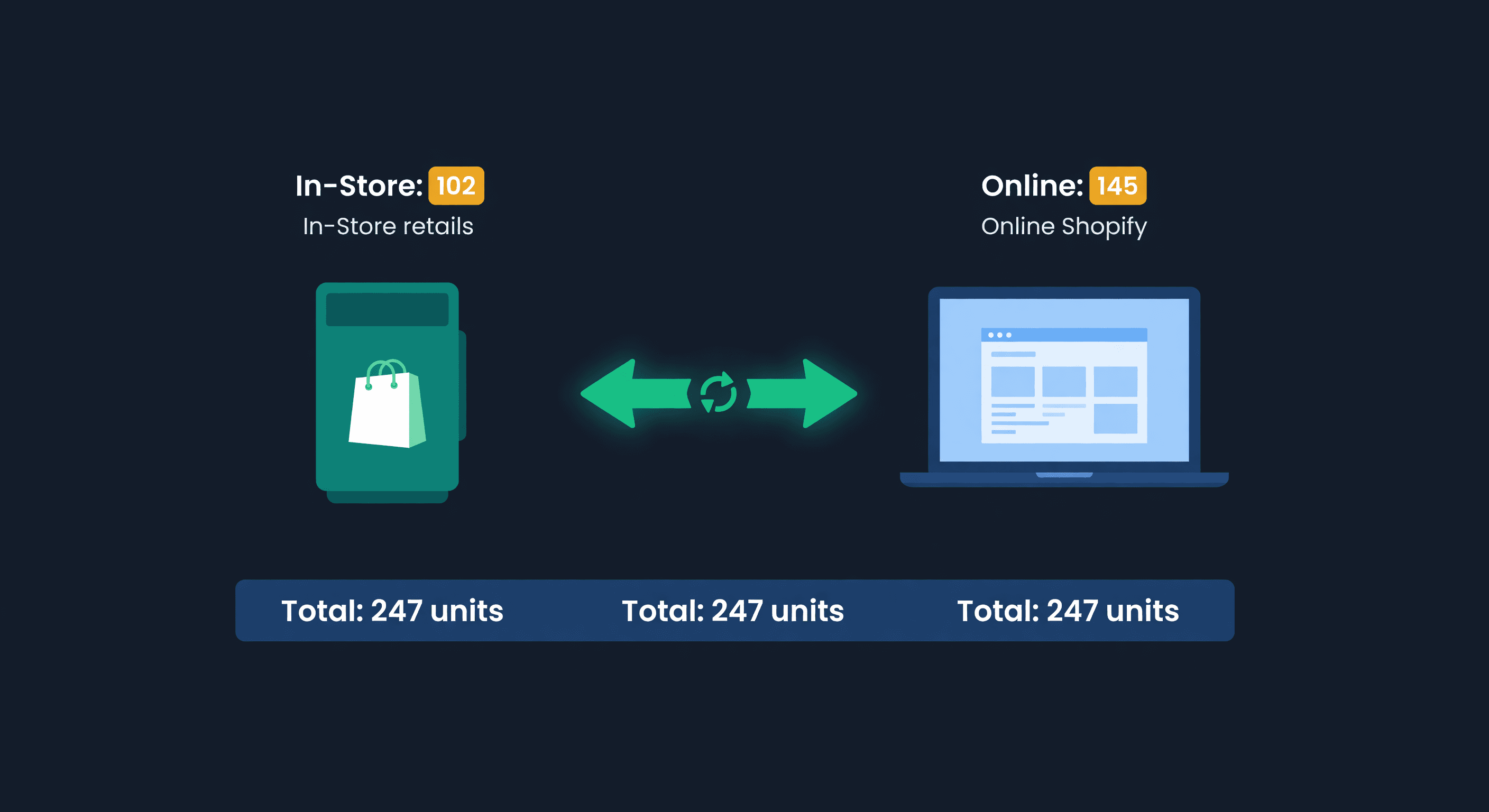
Shopify POS + Online Inventory Sync Guide
How Shopify POS syncs with your online store, where it breaks, and how to stop selling the last unit twice, with the buffer math to size your reserve.
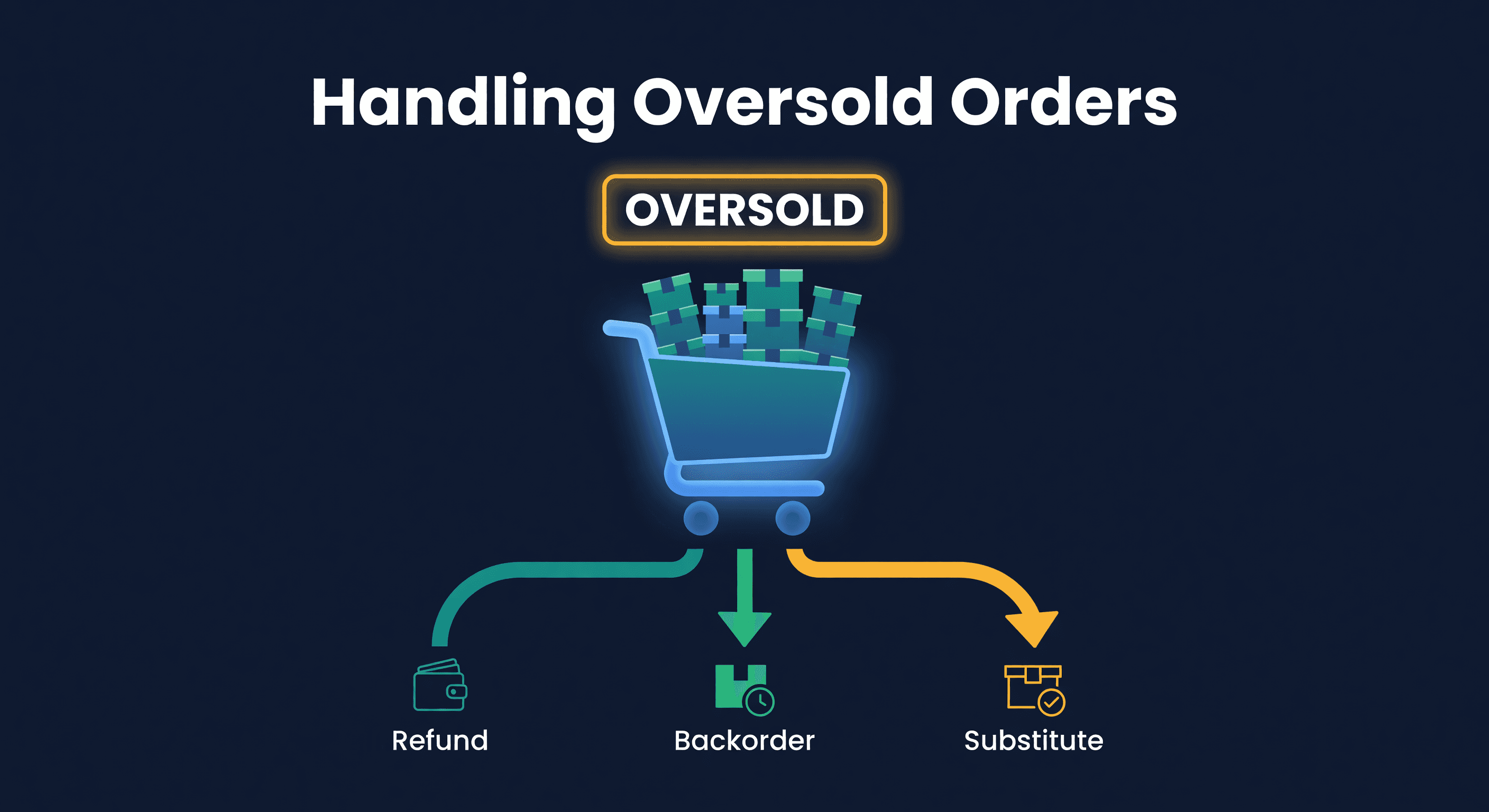
How to Handle Oversold Orders in E-commerce
Why overselling happens on multi-channel stores, what it costs you, and the prevention strategies that actually work, from buffer stock to real-time push sync.
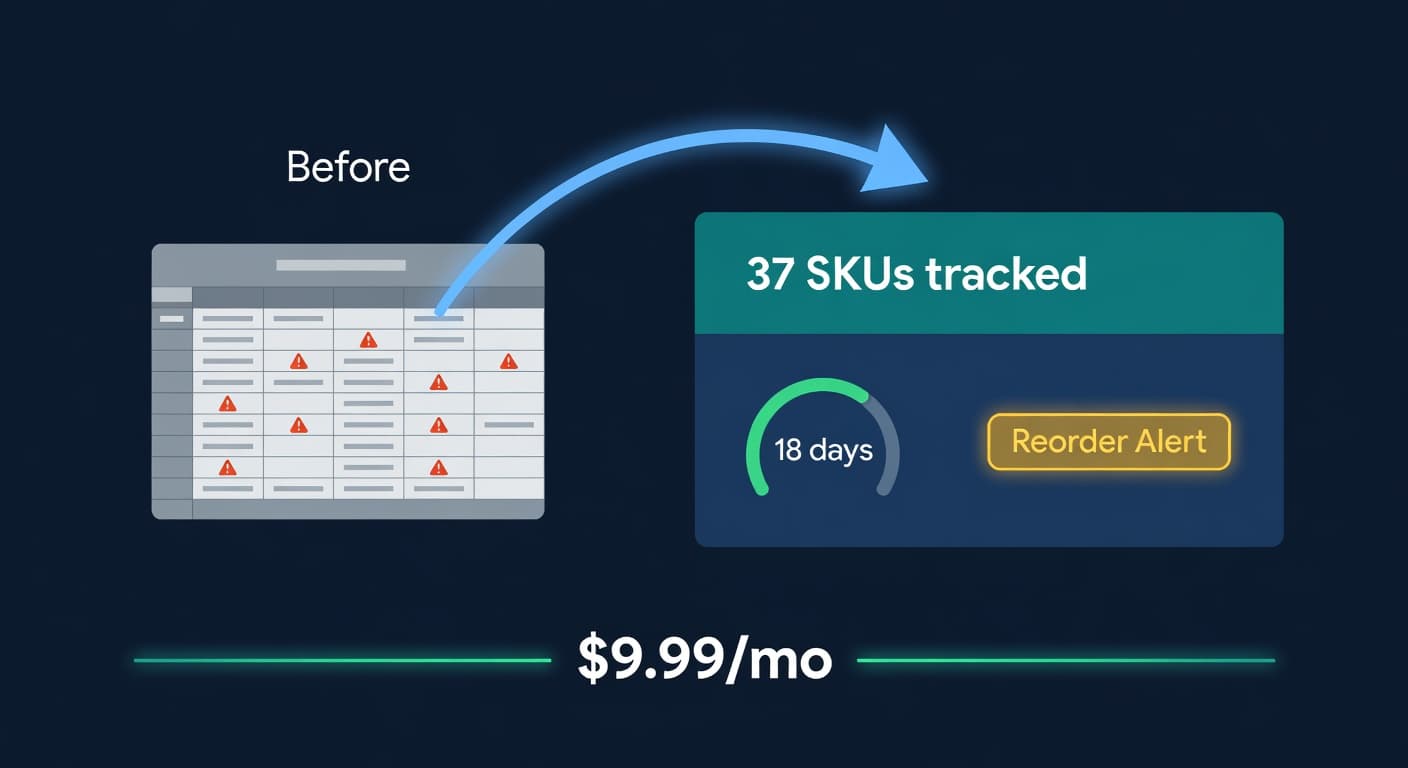
Inventory Lite: Who It's For, What It Does, When to Upgrade
Lite is $9.99/mo for hybrid Shopify + Amazon sellers under 50 SKUs and $10k/30d. Here is what it covers and when you outgrow it.
