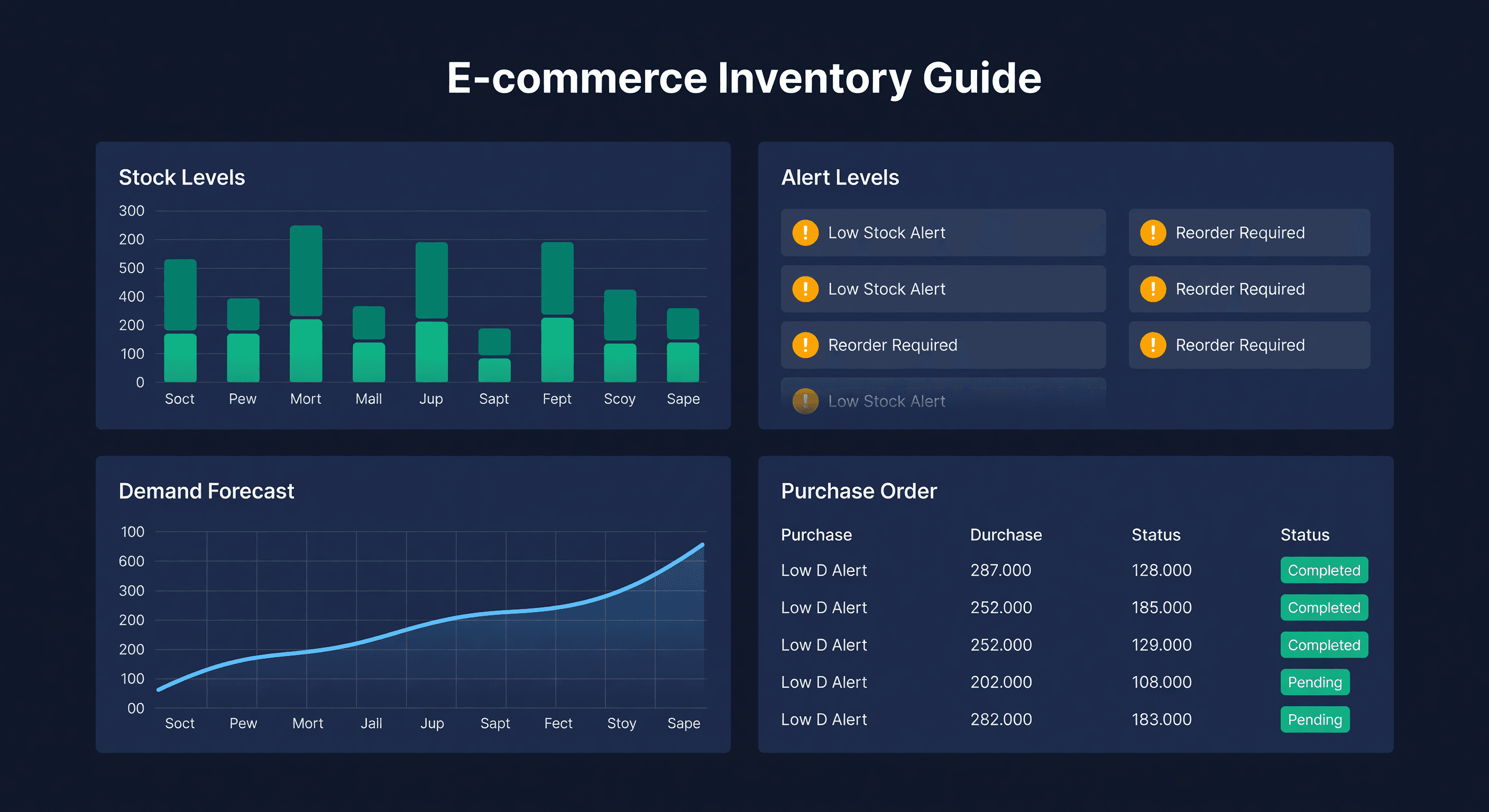
Complete Guide to E-commerce Inventory Management in 2026
Key takeaway: Effective inventory management comes down to five areas: accurate tracking, demand forecasting, reorder point calculations, multi-channel coordination, and KPI monitoring. Miss any one and cash flow problems compound quickly.
Most Sellers Lose Money on Inventory Without Knowing It
I talk to e-commerce sellers constantly. Almost all of them know their revenue and their ad spend to the penny. Ask them how much capital is trapped in slow-moving inventory and you get a blank stare. Ask what their stockout rate was last quarter and they have to check.
The math is brutal. Illustrative assumptions: $500,000 a year in revenue, inventory turning 5 times a year, and a 50% cost-of-goods ratio. Average inventory value is cost of goods divided by turnover, so $500,000 x 0.50 / 5 = $50,000 sitting in stock at any given time, on a seller with a perfectly healthy turnover rate. Bad inventory decisions, ordering too much, ordering too late, not tracking what sells where, pile carrying cost on top of that.
Industry benchmarks put carrying cost at 20 to 30% of inventory value a year, which is $10,000 to $15,000 annually on this example alone, before dead stock write-offs and lost sales.
This guide covers the pieces that matter. Not theory. The actual decisions you need to make and the numbers behind them.
The Five Things You Need to Get Right
Inventory tracking
You cannot manage what you do not measure. At minimum you need: real-time stock counts at each location (warehouse, FBA, 3PL, in-transit), SKU-level detail down to the variant (size, color), and a single view that consolidates all of it.
For multi-channel sellers, this is where things get messy. Your inventory might live in five different places, tracked by three different systems, with sync delays between them. A unified inventory view is not optional once you sell on more than one platform.
Demand forecasting
Forecasting predicts how much you will sell in the future. Good forecasting looks at historical sales data, seasonal patterns (Q4 is not the same as Q2), demand trends, and external events like promotions or competitor stockouts.
The full walkthrough is in our Inventory Forecasting 101 guide. The short version: pull 12 months of sales data, calculate your daily velocity by SKU, and factor in the patterns you already know about.
Reorder management
This is where forecasting turns into action. You need a reorder point (the inventory level that triggers a new order), an order quantity (how much to buy), lead time awareness (how long from PO to shelf), and safety stock to absorb variability.
Most sellers set these once and forget about them. That works until demand shifts, a supplier gets slower, or you launch a new product that cannibalizes an old one. Review quarterly at minimum.
Supplier coordination
Your suppliers control half of the equation. Their lead times determine when you need to order. Their minimums determine how much. Their reliability determines how much safety stock you need.
I track three things for every supplier: promised lead time vs. actual lead time, fill rate (do they ship the full quantity?), and communication responsiveness. A supplier who is 5 days slower than they claim changes your reorder point math on every SKU they supply.
Multi-channel coordination
Selling on Shopify and Amazon means every inventory decision is now two decisions. How much to allocate to each channel, how to prevent oversells during sync delays, and how to handle channel-specific rules like FBA restock limits.
The details are in our multi-channel inventory challenges guide, and if you're ready to pick a tool, our comparison of the best multi-channel inventory software walks through which platforms fit which seller.
The Metrics That Tell You If You Are Doing It Right
Numbers without context are useless. Here are the four metrics I actually check, and what they should look like.
Inventory turnover
Inventory Turnover = Cost of Goods Sold / Average Inventory Value
This tells you how many times per year you sell through your inventory. For most e-commerce sellers, 4-8x is healthy. Below 4x and you are holding too much. Above 10x and you might be ordering too lean, running the risk of frequent stockouts.
Days of inventory
Days of Inventory = Current Inventory / Daily Sales Rate
More intuitive than turnover. If you have 300 units and sell 10 per day, you have 30 days of inventory. I want to see this number between lead time + safety stock and 2x that amount. Below lead time means you are already too late to order. Our days of supply calculator runs this per SKU with your actual velocity data.
Stockout rate
Stockout Rate = Days Out of Stock / Total Days
Target: under 2% for your top 20 products. Under 5% for everything else. Above 5% and you are hemorrhaging sales. Amazon sellers get hit particularly hard here because stockouts kill your search ranking, and recovering that ranking can take weeks.
Fill rate
Fill Rate = Orders Shipped Complete / Total Orders
Target: above 98%. If you are shipping partial orders or canceling because you do not have stock, your fill rate tells the story your revenue number hides.
Amazon vs. Shopify: Different Problems
Amazon sellers
FBA creates unique constraints. Amazon limits how much inventory you can send based on your IPI score and sales velocity. Their restock recommendations exist but are based on Amazon's priorities, not yours - they do not account for your other channels or your cash flow situation.
You also have to manage stranded inventory (stock that is in FBA but not linked to an active listing) and the aged inventory surcharge, what Amazon used to call the long-term storage fee, which still kicks in at 181 days and climbs again past 365 days as of October 2026.
Shopify sellers
Shopify gives you more control but less infrastructure. You manage your own fulfillment, your own sync frequency with external systems, and your own location tracking. The app store has inventory tools, but most are either too simple (just alerts) or too complex (built for enterprises with warehouses in six countries).
What Shopify sellers actually need: multi-location support, demand forecasting, purchase order management, and alerts that fire at the right time. Not six months of implementation.
Choosing Your Tools
This decision comes down to scale.
| Scale | Tool | Why |
|---|---|---|
| Under 50 SKUs, single channel | Spreadsheet | Free, you control everything |
| Under 50 SKUs, multi-channel | Platform native tools | Built-in, no extra cost |
| 50-500 SKUs | Dedicated inventory software | Automation pays for itself in time saved |
| 500+ SKUs | Dedicated software + process documentation | You need both the tool and the discipline |
Spreadsheets work until they do not. I ran my business on Google Sheets until we hit about 80 SKUs, at which point the maintenance time exceeded the forecasting time and the formulas started producing wrong answers nobody caught for weeks. And if you sell wholesale alongside DTC, the complexity jumps again: EDI, B2B portals, and multi-location ops push you toward a platform like Cin7 rather than a pure planning tool.
How ReplenishRadar Fits
We built ReplenishRadar specifically for the 50-5,000 SKU range where spreadsheets break and enterprise software is overkill. It connects to Shopify and Amazon, pulls your sales history, runs the forecasting math automatically, and tells you what to order and when. The system tracks supplier lead times from your actual PO history - not the lead time you entered once six months ago - so your reorder points stay accurate as suppliers speed up or slow down.
If you are doing this in spreadsheets and managing more than 50 SKUs, you are spending hours on something that should take minutes. See how it works -> If you sell on Shopify, our roundup of the best Shopify inventory management software compares the leading tools before you commit to one.
Start Here
- Audit your current state: where is your inventory and how accurate are your counts?
- Fix counting first: no tool helps if your base numbers are wrong
- Set reorder points: use the reorder point calculator on your top 20 SKUs
- Size the order: the EOQ calculator gives you a starting order quantity that balances ordering and holding costs
- Add safety stock: the safety stock calculator runs the math
- Measure and adjust: track stockout rate and inventory turnover monthly
The sellers who manage inventory well do not have a secret. They have a system they actually use, and they review it regularly. Start with five SKUs done right. Expand from there.
Related Reading:
Frequently Asked Questions
Get notified when it matters
Amazon and Shopify change the rules constantly. We'll email you when something affects your business.
See what your inventory is really doing
Doing $5M+ in revenue? Talk to our team
Related Posts
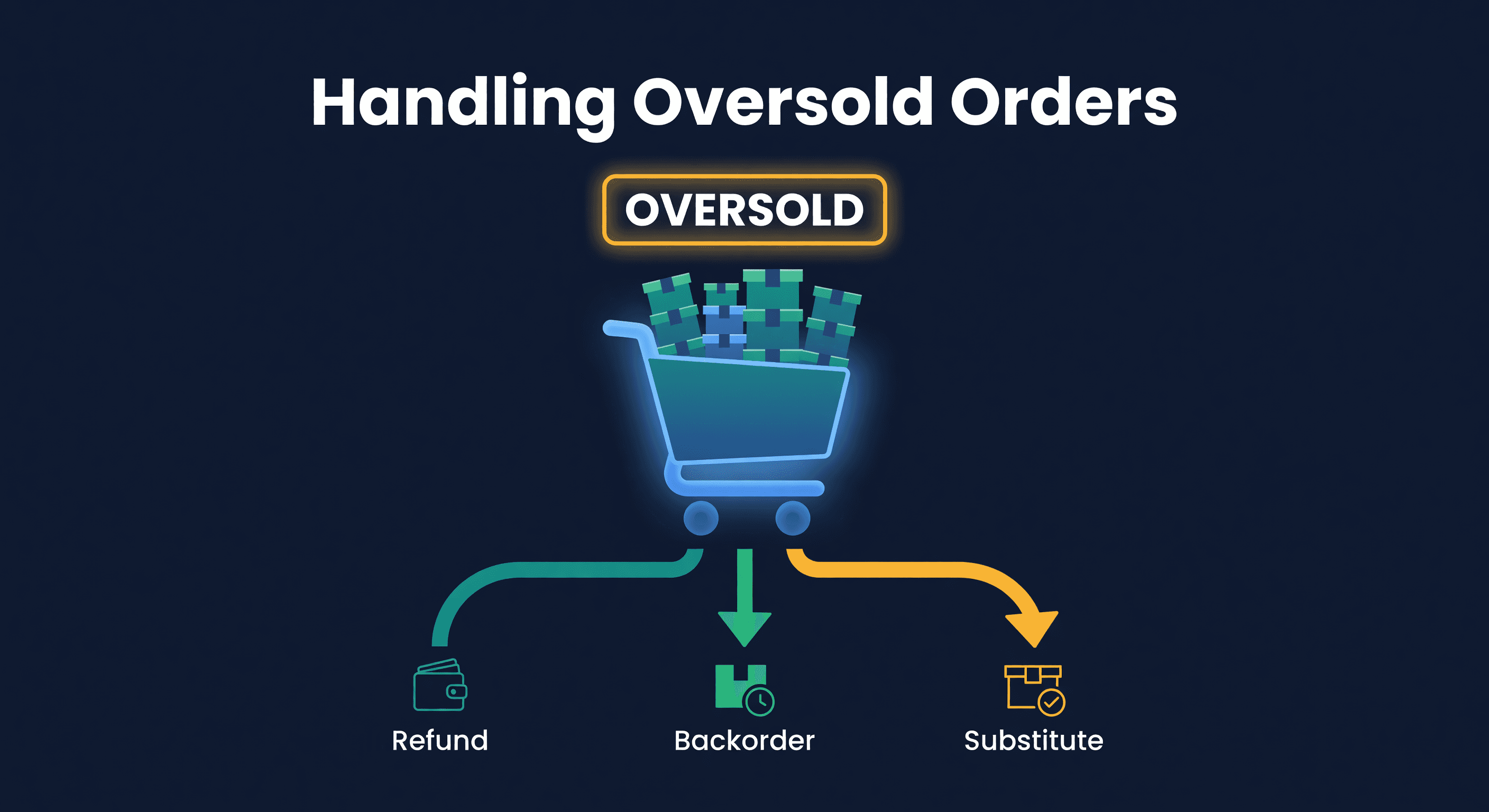
How to Handle Oversold Orders in E-commerce
Why overselling happens on multi-channel stores, what it costs you, and the prevention strategies that actually work, from buffer stock to real-time push sync.
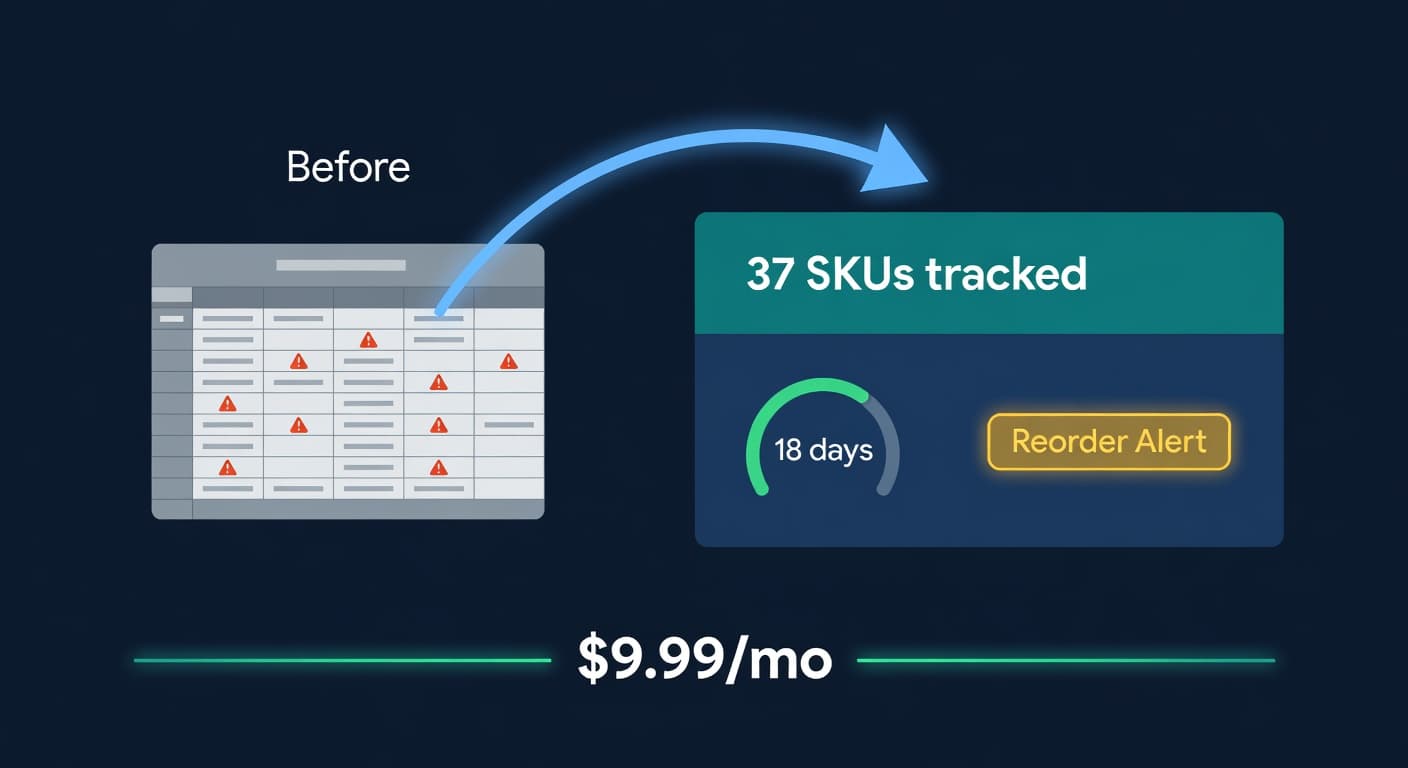
Inventory Lite: Who It's For, What It Does, When to Upgrade
Lite is $9.99/mo for hybrid Shopify + Amazon sellers under 50 SKUs and $10k/30d. Here is what it covers and when you outgrow it.
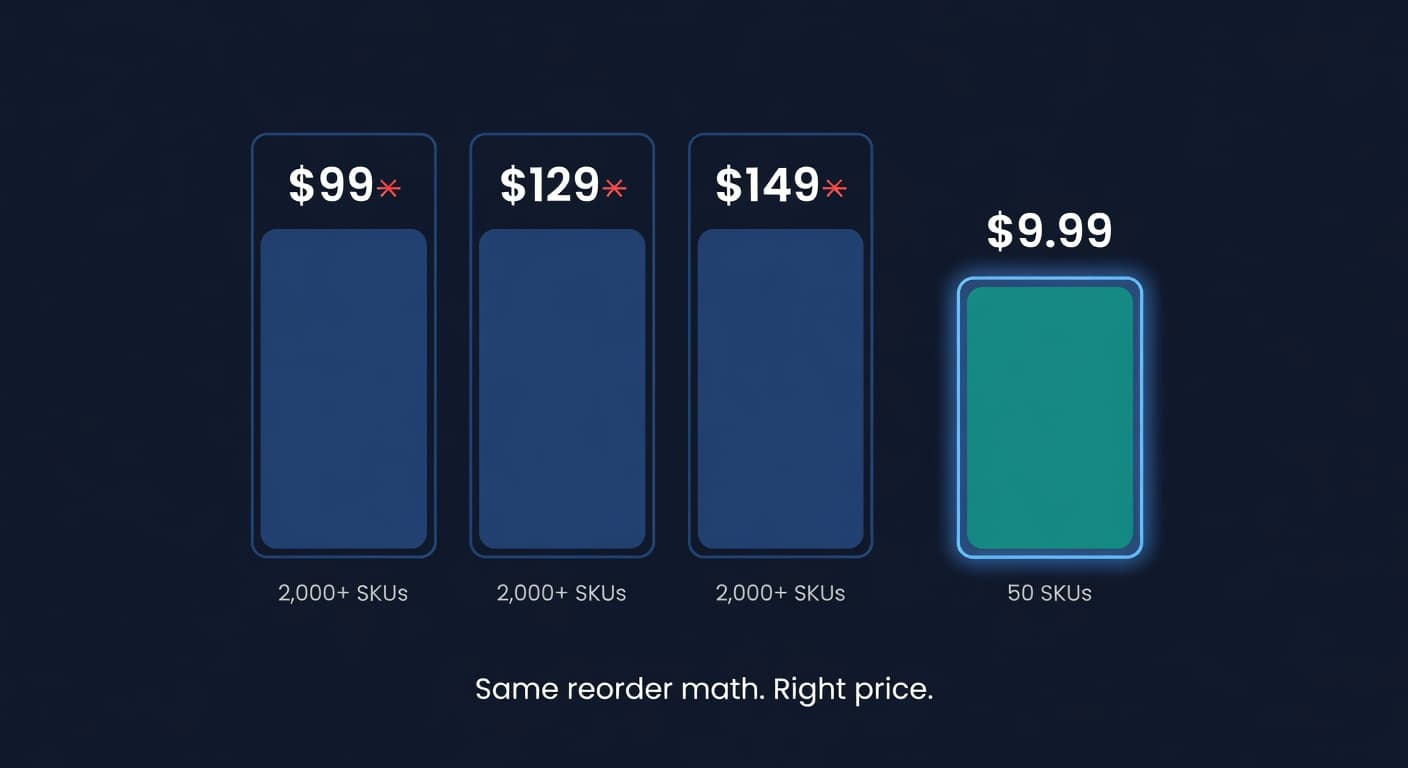
Why We Built a $9.99 Inventory Plan When Rivals Start at $99
Most inventory tools start at $99 and assume you have 2,000 SKUs and a buyer. If you sell 30 SKUs across Shopify and Amazon, that math is broken.
