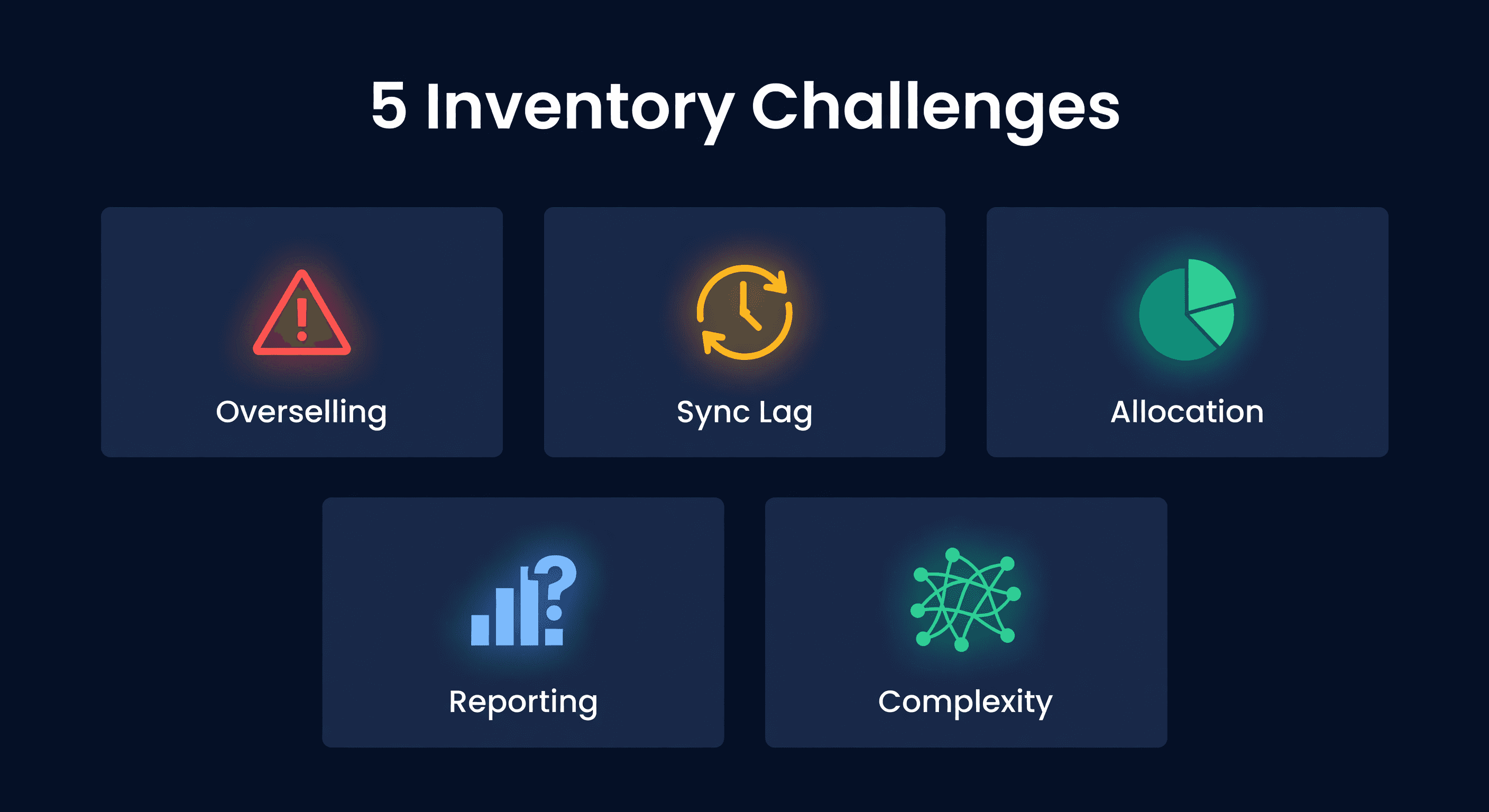
5 Multi-Channel Inventory Challenges (And How to Solve Them)
Key takeaway: The top multi-channel challenge is overselling during sync lags between platforms. A sale on Shopify takes minutes to reflect on Amazon, creating a window for double-sells. Prevent it with real-time sync, buffer stock reserves, or channel-specific inventory allocation.
Multi-Channel Doubles Your Revenue Potential and Your Headaches
Adding a second sales channel does not double the complexity. It squares it. Every decision that was simple on one platform - how much to order, when to reorder, what is actually in stock - becomes a coordination problem across two systems with different rules, different sync speeds, and different failure modes.
I sell on both Shopify and Amazon. The day I connected the second channel without adjusting my inventory strategy, I oversold 14 units of a best-seller in a single afternoon. Refunds, angry emails, a ding on my Amazon account health. That was expensive tuition.
Here are the five problems that will bite you and how to deal with each one.
1. Overselling
You have 10 units. Amazon sells 7, Shopify sells 5. You have now promised 12 units you do not have.
This happens because syncs are not instant. Between the time Amazon records a sale and that sale reflects in Shopify, there is a window where both platforms think they have more inventory than exists. High-velocity products during sales events make this worse.
The consequences are real: canceled orders, refunds, negative reviews, and Amazon account health warnings. Do it enough and Amazon suspends your listing.
Fix it with sync speed and buffers. The math is straightforward:
Buffer = Hourly Sales Velocity x Hours Between Syncs
If you sell 5 units per hour and sync every 30 minutes:
Buffer = 5 x 0.5 = 2-3 units minimum
Do not show your last few units as available. A 15-20% reserve across channels is safer than trying to sell every last unit. I would rather leave a few units unbuyable on one channel than deal with oversell complaints on both.
The other lever is sync frequency. Moving from hourly to 15-minute syncs cuts your oversell risk by 75%.
2. No Single Source of Truth
Where is your inventory right now? Not the question. The question is: can you answer it in under 30 seconds?
Your inventory might be in your warehouse, in FBA, in transit from your supplier, in transit to FBA, at a 3PL, or being returned. Six locations. And if your counts across these locations do not add up to the same total, you have a problem you might not even see until a physical count.
What you need is one dashboard showing all locations with this calculation:
Available to Sell = On Hand - Reserved - Already Allocated + Incoming (if within lead time)
This is not the same as "total inventory." Available to sell is what you can actually promise to a customer right now. Mixing that up with total inventory - which includes units on a container ship - leads to oversells and false confidence.
3. Forecasting Across Channels
Amazon demand and Shopify demand behave differently. Different customer bases, different pricing sensitivity, different seasonality. Prime Day creates an Amazon spike but does nothing for Shopify. Your Shopify flash sale moves product there but Amazon is flat.
Single-channel forecasting will mislead you. A Shopify-first tool like Inventory Planner treats Amazon as a data feed, while an Amazon-only tool like SoStocked cannot see Shopify demand at all. Either way, half your demand picture is blank.
Forecast each channel separately using channel-specific sales history, then combine for purchasing:
Total Forecast = Amazon Forecast + Shopify Forecast
Purchasing Decision = Total Forecast + Safety Stock
The combined number determines how much to buy from your supplier. The per-channel numbers determine how to allocate once inventory arrives. I made the mistake of forecasting with blended data for a full quarter - the numbers looked reasonable but hid a growing mismatch between channels that led to overstocking on Shopify and understocking on Amazon.
Build channel-specific events into your forecast: Prime Day for Amazon, site-wide promotions for Shopify, category seasonality that might differ by platform.
4. Reordering Gets Complicated
When should you reorder and how much? On a single channel, the formula is clean. On two channels, the questions multiply: do I have enough for both? Should I prioritize FBA or my warehouse? How do I split incoming inventory? What if one channel spikes?
Calculate reorder points from combined demand:
Combined Daily Sales = Shopify + Amazon
Reorder Point = (Combined x Lead Time) + Safety Stock
Order for your total business, then allocate. This is simpler and more capital-efficient than running separate inventory pools with separate reorder points.
For allocation, set rules in advance:
- Minimum 2 weeks of inventory per channel
- Excess goes to whichever channel has the higher velocity
- If either channel drops below 1 week, reduce available quantity on the slower channel
Writing these rules down before you need them saves panic decisions when a spike hits.
5. Operational Overload
Every channel adds a portal, a set of rules, and a daily check. Amazon Seller Central for FBA. Shopify Admin for your store. Your 3PL's portal. Supplier emails. And a spreadsheet attempting to tie it all together.
Context-switching between four systems kills productivity and introduces errors. You update Amazon's count, forget to update Shopify, and create the exact oversell situation you were trying to prevent.
The fix: pick one system as your source of truth. All data flows there. All decisions happen there. Updates push out to the channels. This does not mean you never log into Seller Central - you still handle FBA shipments and account issues there. But your inventory decisions happen in one place.
Automate the routine: low stock triggers a PO draft, FBA running low triggers a transfer suggestion, inventory hitting zero updates the listing. Your time goes to exceptions, not monitoring.
Which Inventory Strategy Fits
There are three approaches. Pick one.
| Strategy | How It Works | Best For | Tradeoff |
|---|---|---|---|
| Fully shared | One pool, both channels sell from it | Moderate velocity, fast sync | Oversell risk if sync is slow |
| Fully split | Separate stock for each channel | Just starting multi-channel | More capital tied up, less efficient |
| Hybrid (FBA + warehouse) | FBA serves Amazon, warehouse serves Shopify and replenishes FBA | Most Shopify + Amazon sellers | Must manage FBA restocking |
I recommend the hybrid approach for most sellers. FBA handles Amazon fulfillment with Prime eligibility. Your warehouse handles Shopify orders and serves as the replenishment source for FBA. You get the best of both without the oversell risk of a fully shared pool.
Where ReplenishRadar Helps
The manual version of multi-channel coordination is a spreadsheet that ties Shopify and Amazon data together, with formulas for combined reorder points and a manual process for allocating incoming inventory. We ran that system for a year. It worked on calm days. On Prime Day, Black Friday, or any day with a demand spike, it broke.
ReplenishRadar connects to both channels, maintains one inventory view, and runs the combined forecasting and reorder math automatically. When your reorder point hits on a SKU, you get an alert with a suggested PO quantity based on your combined demand across channels - not just what one platform thinks you need.
Try ReplenishRadar free for 14 days ->
Multi-channel selling is not going back in a box. The sellers who treat it as one business with two storefronts - instead of two separate businesses - are the ones who scale without the operational chaos.
Related Reading:
Frequently Asked Questions
Get notified when it matters
Amazon and Shopify change the rules constantly. We'll email you when something affects your business.
See what your inventory is really doing
Doing $5M+ in revenue? Talk to our team
Related Posts
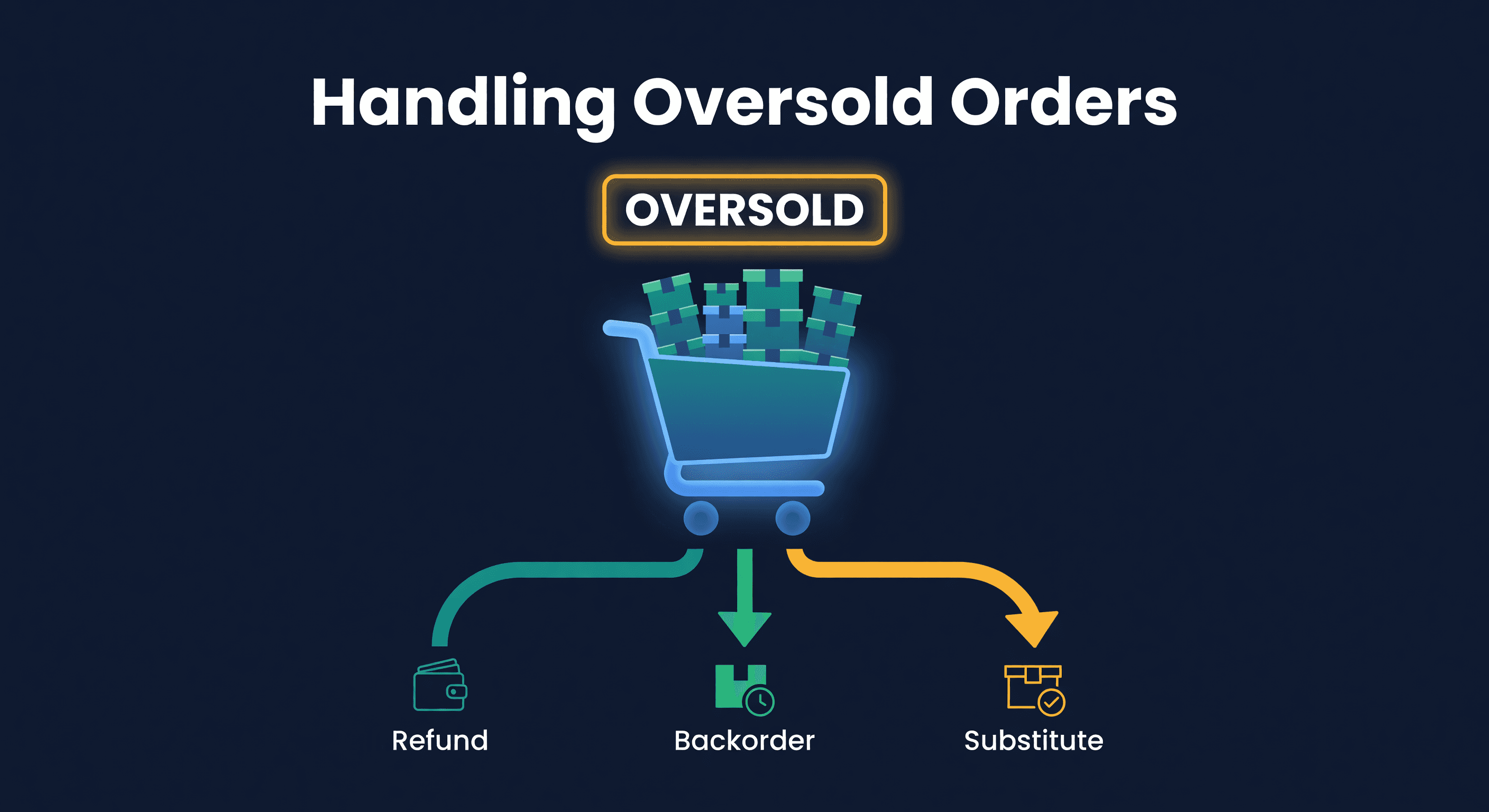
How to Handle Oversold Orders in E-commerce
Why overselling happens on multi-channel stores, what it costs you, and the prevention strategies that actually work, from buffer stock to real-time push sync.
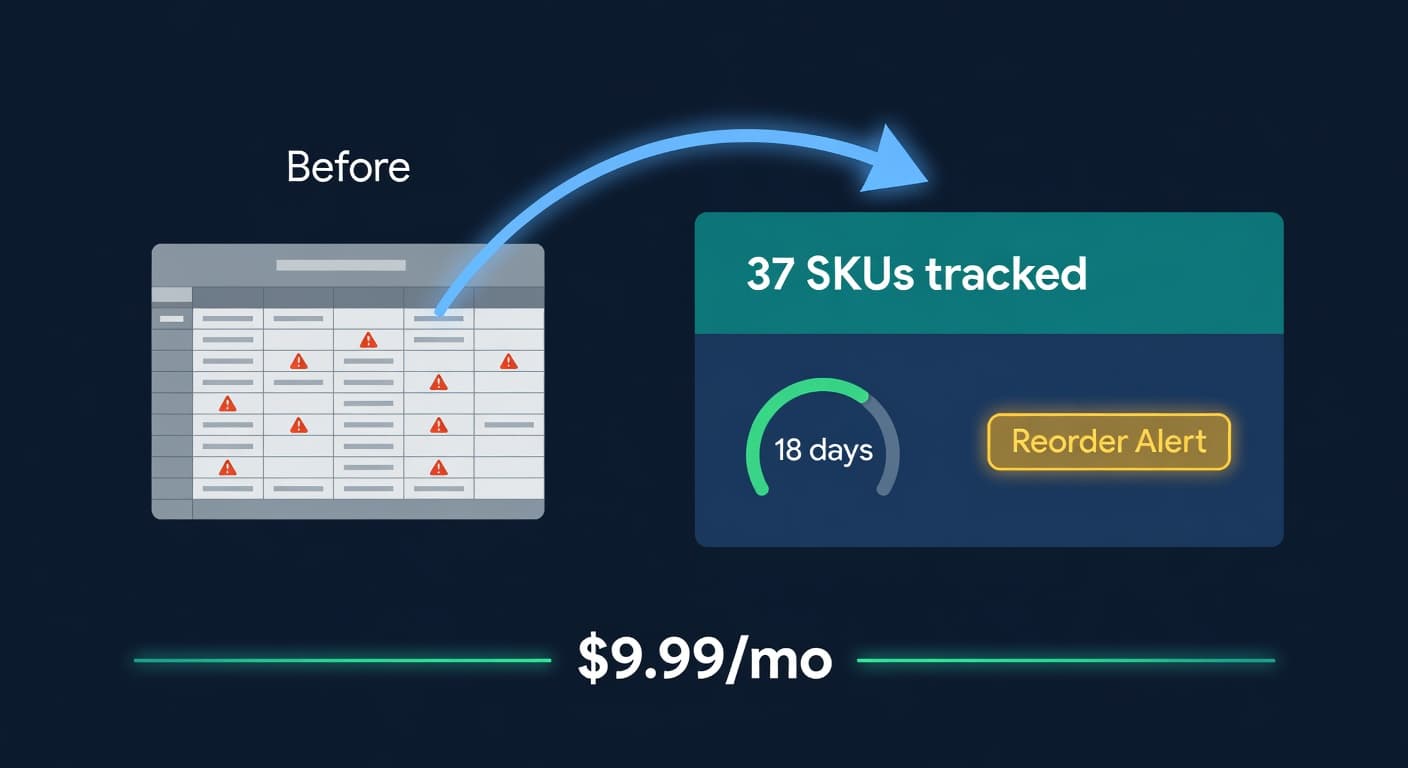
Inventory Lite: Who It's For, What It Does, and When to Upgrade
Lite is $9.99/mo for hybrid Shopify + Amazon sellers under 50 SKUs and $10k/30d. Here is what it covers and when you outgrow it.
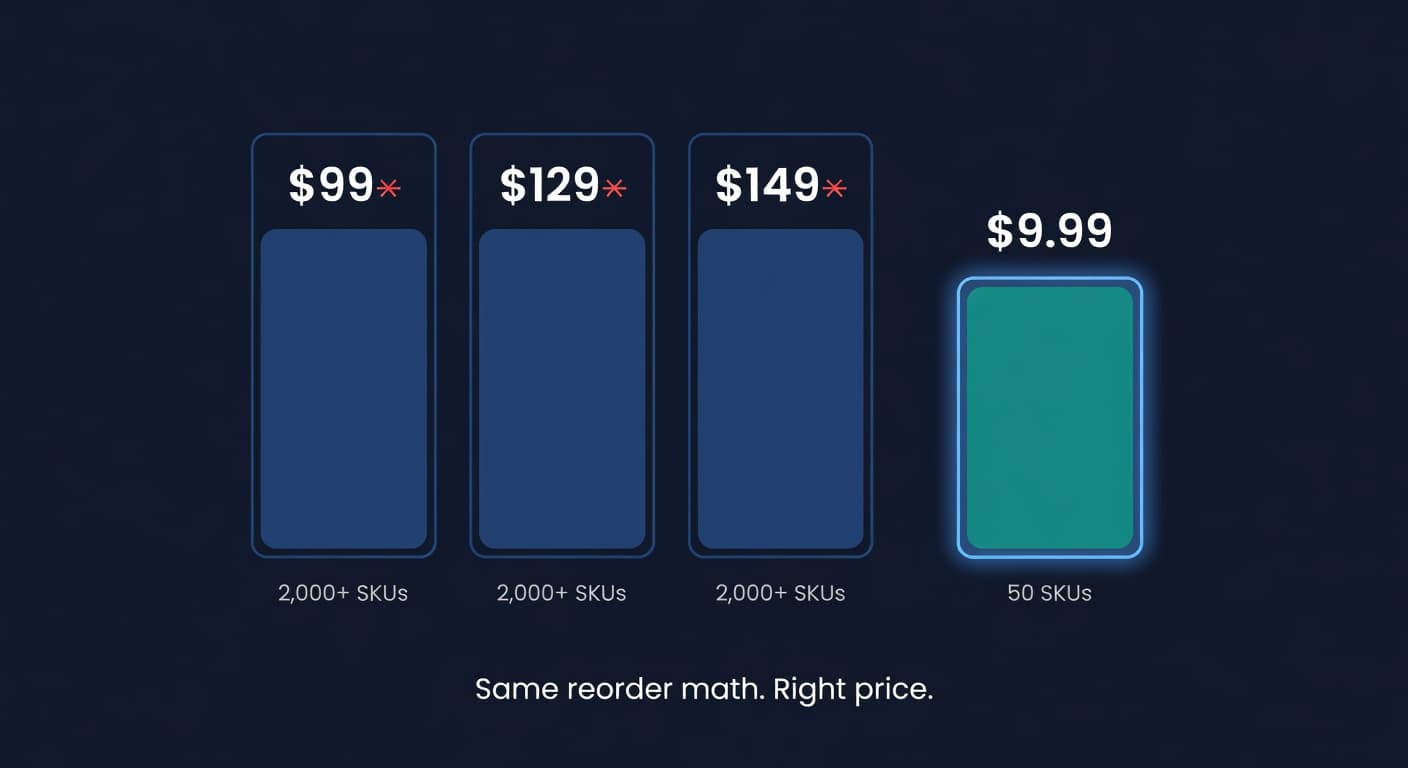
Why We Built a $9.99 Inventory Plan When Our Competitors Start at $99
Most inventory tools start at $99 and assume you have 2,000 SKUs and a buyer. If you sell 30 SKUs across Shopify and Amazon, that math is broken.
