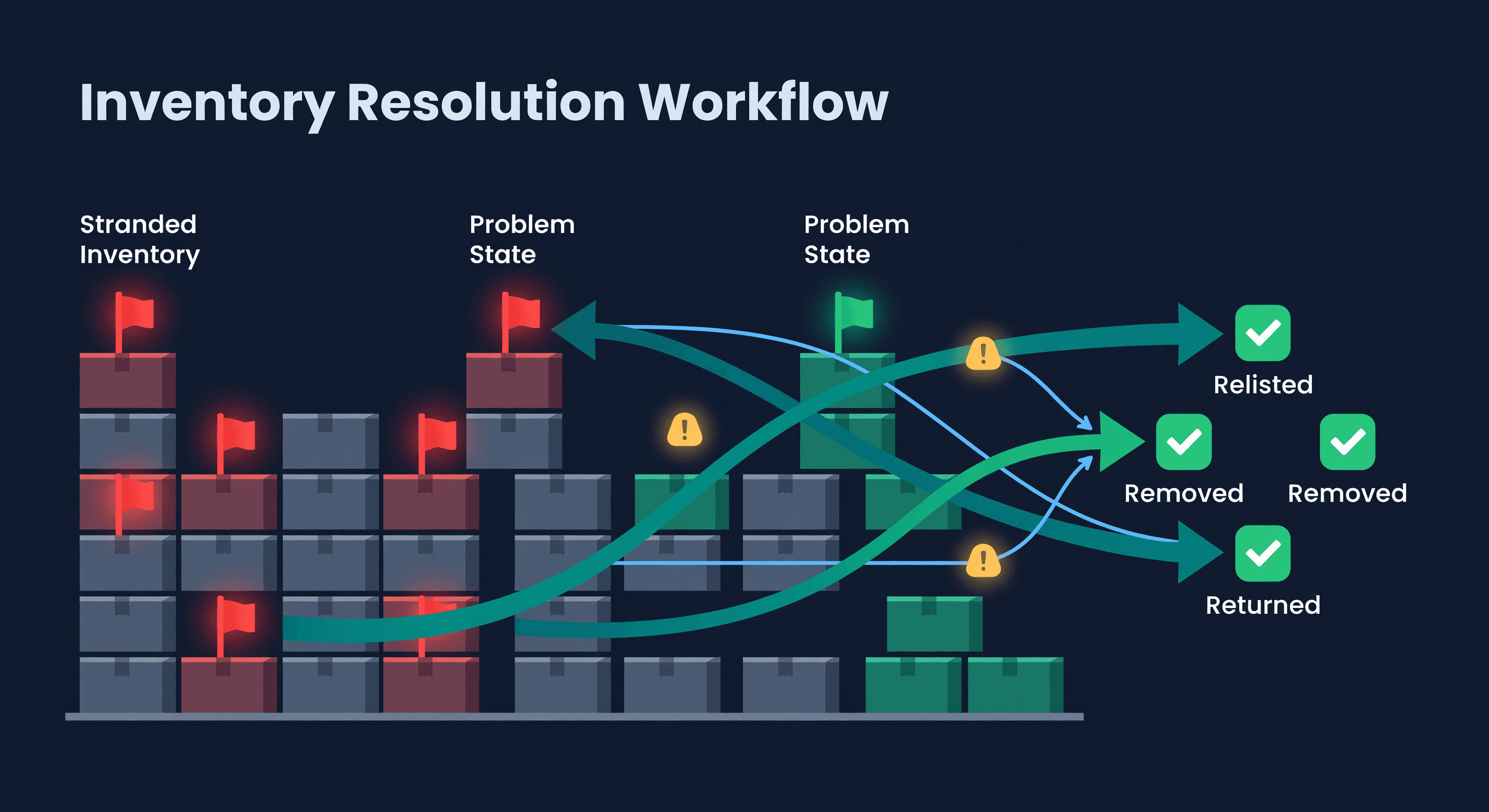
How to Fix FBA Stranded Inventory (And Prevent It)
Key takeaway: Stranded inventory sits in Amazon's warehouse accruing storage fees while generating zero sales. It loses its listing connection due to ASIN errors, pricing violations, or listing deletions. Check Seller Central weekly. Amazon gives 30 days to fix before automatic disposal.
Stranded Inventory Costs You Twice
Stranded inventory sits in Amazon's warehouse, racking up storage fees, while generating exactly zero sales. It happens when your FBA stock loses its connection to an active listing. The units are physically there. Amazon just will not let anyone buy them.
I have seen sellers discover thousands of dollars in stranded inventory they did not know about. One seller I talked to had 400 units sitting stranded for three months - $1,200 in storage fees on products that could have been selling the entire time.
The causes are predictable:
- Listing errors or suppressions from Amazon's content checks
- Accidentally deleted or ended listings
- Pricing rule violations (usually the automated pricing tool going haywire)
- Category restrictions that Amazon applies retroactively
- Product compliance changes you were never notified about
Finding Your Stranded Inventory
Amazon does not make this obvious. Here is the path:
- Go to Seller Central and click Inventory, then Manage Inventory
- Open the Inventory Dashboard
- Look for the Stranded Inventory section - it shows a count and dollar value
- Or go directly to the Fix Stranded Inventory tool
Check this weekly. Not monthly. Weekly. The longer inventory sits stranded, the more you pay in storage with nothing to show for it.
Four Ways to Fix It
Relist the product
If you accidentally deleted a listing, recreate it with the same ASIN and FNSKU. Amazon will reconnect the inventory automatically. This takes minutes but I have seen sellers wait weeks because they did not realize the listing was gone.
Fix listing errors
Suppressed listings are the most common cause. Check for:
- Missing required attributes (Amazon adds new ones without warning)
- Image violations (wrong dimensions, text on main image)
- Title length or formatting issues
- Category compliance gaps
Amazon's Account Health page shows suppressions. Fix the root issue and the listing reactivates, usually within 24 hours.
Match to an existing listing
Sometimes inventory gets disconnected from a listing that still exists. Use the "Relist" option in the stranded inventory tool to reconnect it to the correct ASIN.
Create a removal order
When inventory cannot be fixed - maybe the product is restricted now, or the listing is permanently removed - create a removal order. You can have Amazon ship it back to you or dispose of it. Shipping it back costs $0.50-$1.00 per unit depending on size. Not cheap, but cheaper than paying monthly storage on unsellable goods.
What Stranded Inventory Actually Costs
Most sellers think about storage fees and stop there. The real math is worse.
Take 200 stranded units of a product that sells for $25 with a $10 margin:
| Cost Type | Monthly Impact |
|---|---|
| FBA storage fees (standard size) | $30-50/month |
| Lost sales (200 units x $10 margin) | $2,000/month |
| Aged inventory surcharge (after 181 days) | $150-300/month |
| Capital locked up (200 x $8 cost) | $1,600 unavailable |
The storage fees are annoying. The lost sales are the real damage. And if those units sit long enough to trigger aged inventory surcharges, you are paying Amazon extra for the privilege of not selling anything.
Learn more about the full impact in our stockout cost calculator.
Preventing Stranded Inventory
The best fix is not needing one.
Check Account Health weekly. Not when something breaks. Weekly. Listing suppressions show up here before inventory goes stranded. Catch them early and you avoid the problem entirely.
Never delete a listing with FBA inventory. This sounds obvious but it happens constantly. Before removing any listing, check if there is FBA stock attached to it. If there is, create a removal order first. Then delete.
Stay ahead of compliance changes. Amazon changes category requirements without much fanfare. If you sell in categories with frequent policy updates - supplements, electronics, beauty - subscribe to Seller Central's notification emails. Yes, they send a lot of noise. The alternative is discovering your inventory is stranded a month after it happened.
Keep your catalog clean. Duplicate listings, abandoned ASINs, test listings you forgot about - these create stranded inventory when Amazon's automated systems try to reconcile your catalog.
Keeping Tabs at Scale
When you have 20 ASINs, checking for stranded inventory manually is fine. When you have 200 or 2,000, it is not. We built inventory health monitoring into ReplenishRadar for exactly this reason. The system tracks your FBA inventory status on every sync and flags problems - stranded units, excess stock, aging inventory - before they compound. You get an alert instead of discovering the problem during a quarterly account review.
See how ReplenishRadar monitors FBA inventory health ->
The sellers who lose the most money to stranded inventory are the ones who check for it quarterly instead of weekly. At scale, you need automated monitoring. At any size, you need the habit.
Related Reading:
Frequently Asked Questions
Get notified when it matters
Amazon and Shopify change the rules constantly. We'll email you when something affects your business.
See what your inventory is really doing
Doing $5M+ in revenue? Talk to our team
Related Posts
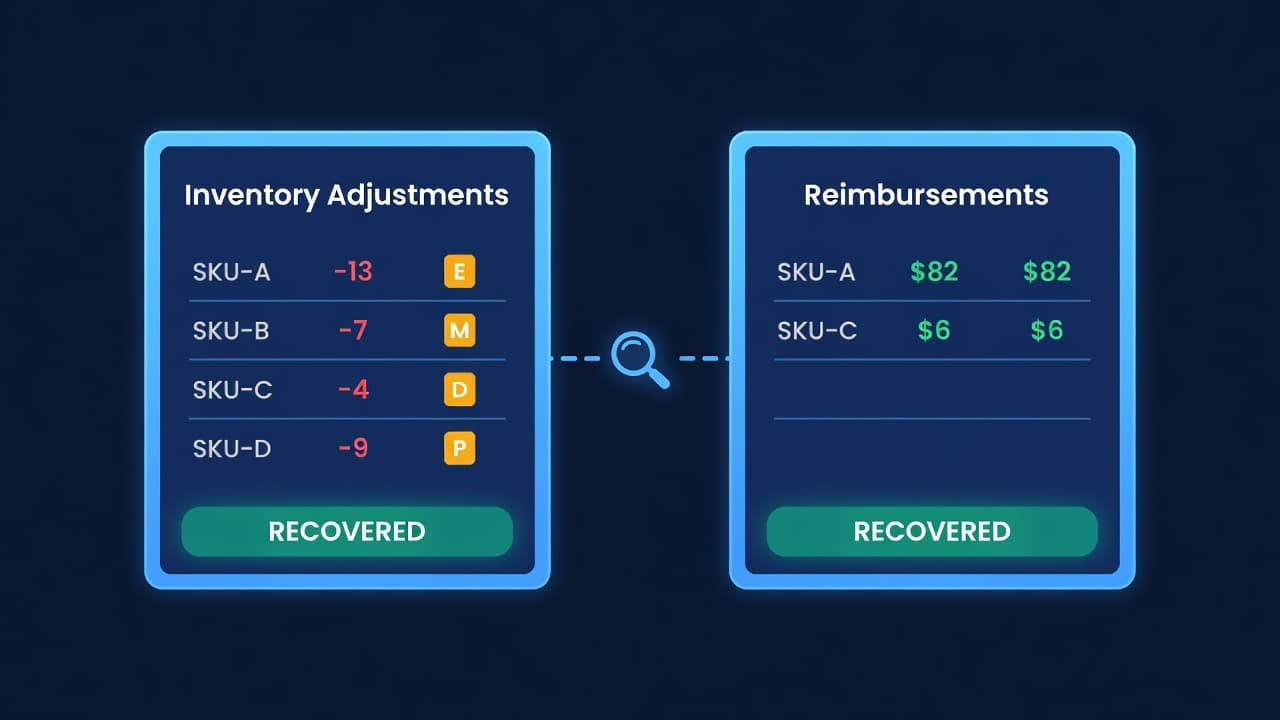
Amazon Lost Inventory: How to Get Reimbursed
How to find lost or damaged FBA inventory, file reimbursement claims with Amazon, and stop leaving 1-3% of your FBA revenue on the table.
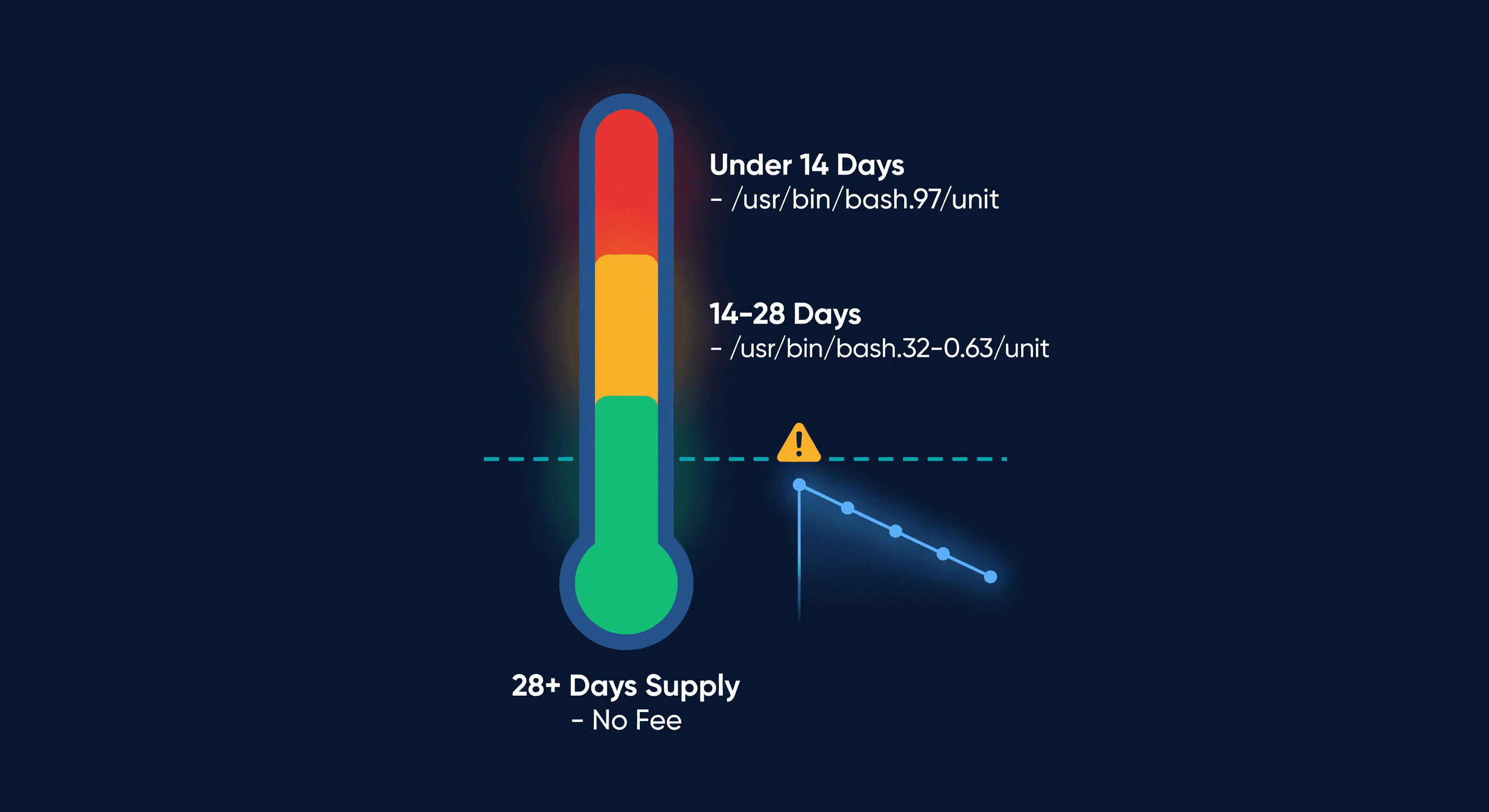
Amazon Low-Inventory-Level Fee Explained
How Amazon's low-inventory-level fee works, which products are exempt, fee amounts by days of supply, and how to avoid it without triggering storage fees.
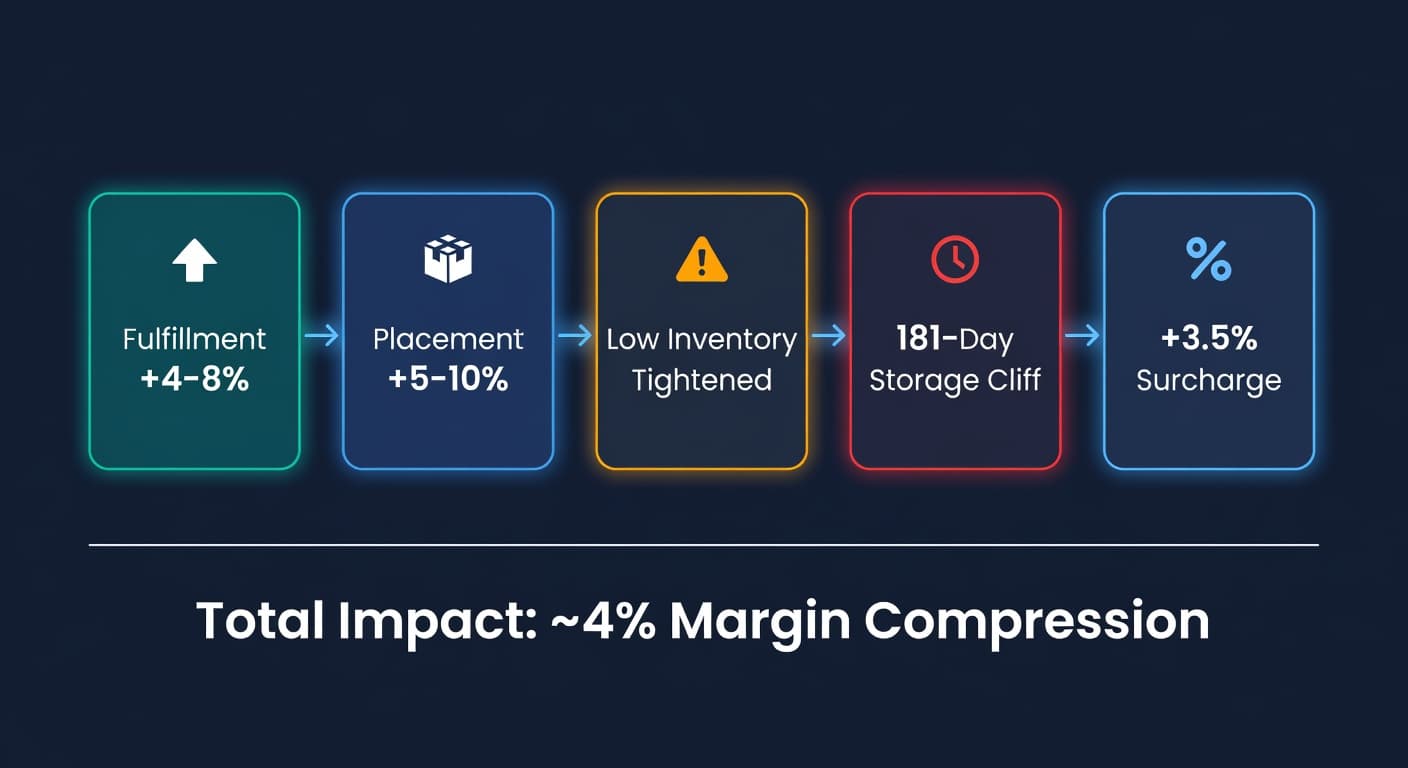
FBA 2026 Fee Survival Guide for Small Sellers
Every 2026 FBA fee change in one place, with mitigation math for sellers doing $50K-$500K in annual FBA revenue.
