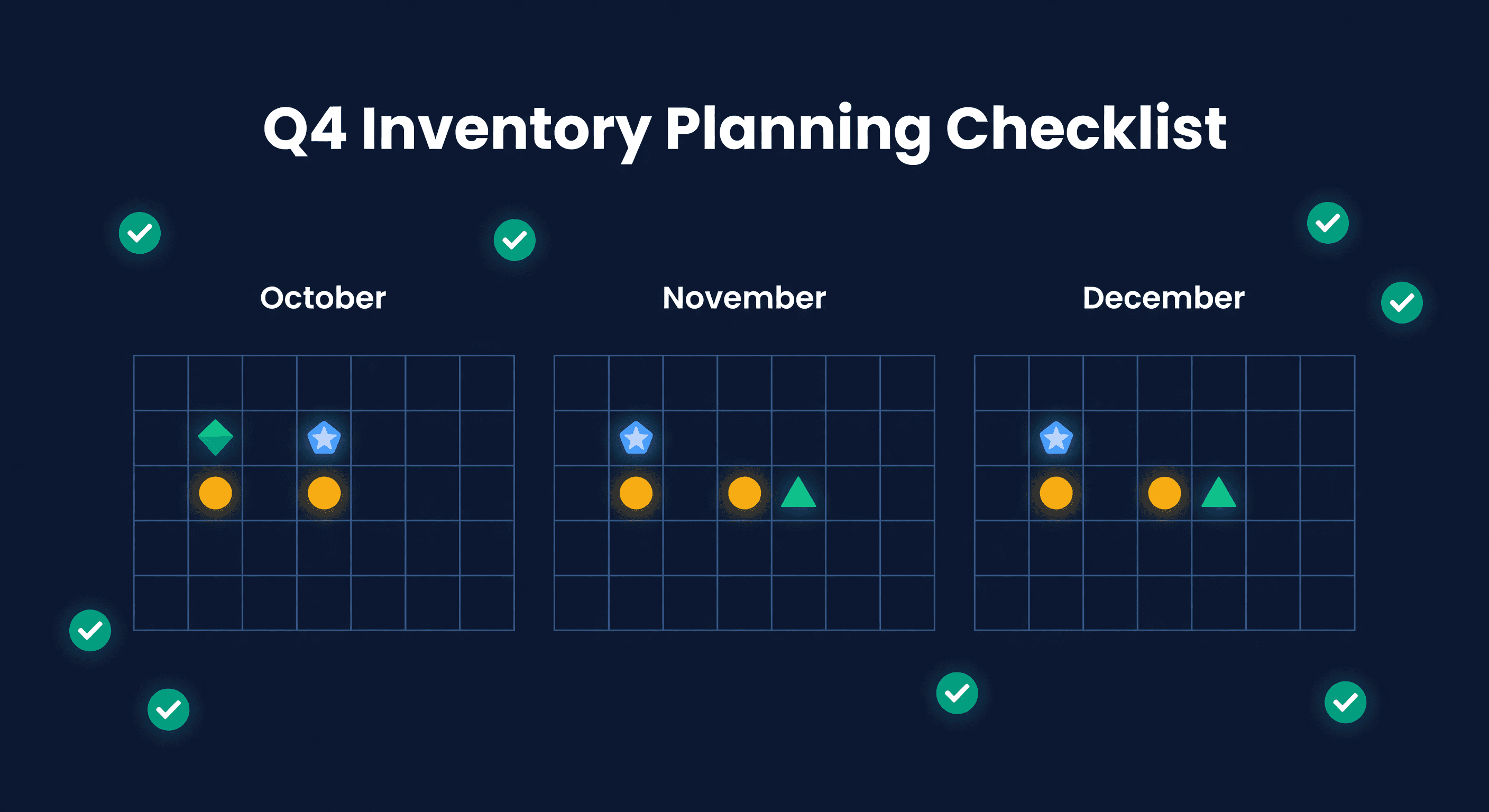
Q4 Inventory Planning Checklist: Holiday Prep for E-commerce
Key takeaway: Start Q4 planning in July-August. Budget for 2-4x normal November-December sales based on prior year data. FBA send-in deadlines are early November for Black Friday and late November for Christmas. Miss them and your peak inventory sits in your warehouse.
Q4 Is Where You Make or Lose the Year
For many e-commerce sellers, November and December generate 30-50% of annual revenue. Two months. Half the money. Get inventory wrong and the damage lasts well past January.
The challenge is simple to state and hard to execute: order enough to capture demand without drowning in overstock come January. I have watched sellers blow entire Q4 seasons both ways - stocking out of their best seller on Black Friday, and sitting on pallets of holiday-themed product that nobody wants in February.
The Planning Timeline
July: Data Analysis
- Pull last year's Q4 sales by SKU
- Calculate YoY growth rate
- Identify top Q4 performers
- Note any anomalies (viral products, stockouts that suppressed sales)
August: Forecasting and Ordering
- Build Q4 demand forecast per SKU
- Apply growth assumptions (be honest, not optimistic)
- Place orders for 45+ day lead times
- Confirm supplier capacity - do not assume it
September: FBA Preparation
- Check Amazon inventory limits
- Plan FBA shipments to arrive by Oct 15
- Create backup fulfillment plan (FBM, 3PL)
- Order packaging and supplies
October: Final Push
- Rush orders for any gaps (air freight if the math works)
- Complete FBA shipments before Amazon deadlines
- Stress-test fulfillment operations
- Confirm staffing
November-December: Execution
- Monitor sell-through daily
- Reorder fast movers if lead times allow
- Start liquidation on anything clearly not moving
- Watch competitor stockouts - that is your opportunity
Building the Q4 Demand Forecast
Step 1: Last Year's Baseline
Pull SKU-level data. Not category averages. SKU-level.
SKU-A: Oct 100, Nov 350, Dec 280
SKU-B: Oct 50, Nov 180, Dec 150
Step 2: Apply Your Growth Rate
If you are growing 20% YoY:
SKU-A Nov forecast: 350 x 1.2 = 420 units
Step 3: Adjust for What You Know
Add or subtract for specific factors: new marketing spend, expanded channel presence, category trends, economic conditions. Do not just apply a blanket multiplier.
Step 4: Add Safety Buffer on A Items
Q4 demand is volatile. Add 10-20% buffer on your best sellers. Skip the buffer on C items - that is how overstock happens.
SKU-A Nov: 420 x 1.15 = 483 units (round to 485)
FBA-Specific Planning
Amazon Inventory Limits
Amazon restricts how much you can send to FBA. Check your limits in August - not October. Clear slow movers before Q4, request limit increases if available, and have a backup fulfillment plan ready.
FBA Shipping Deadlines
Typical deadlines (verify the current year in Seller Central):
| Event | Inventory Deadline |
|---|---|
| Black Friday | Nov 1-7 |
| Cyber Monday | Nov 7-14 |
| Christmas delivery | Nov 20-25 |
Ship early. FBA receiving slows dramatically in November, and I mean dramatically. We have seen check-in times stretch from 5 days to 3 weeks during peak.
Update, October 5, 2026: Amazon's 2026 holiday peak fulfillment fee applies to units shipped October 15, 2026 to January 14, 2027. See the per-unit math.
Long-Term Storage Fees
Inventory sitting since spring? Q4 is your chance to sell it. Products in FBA 271+ days face steep fees. Either sell them during holiday traffic or remove them before the fees hit.
Multi-Channel Strategy
For sellers on both Shopify and Amazon:
Allocate by Channel Strength
| Channel | Q4 Characteristic | Inventory Strategy |
|---|---|---|
| Amazon | Higher volume, Prime expectations | Front-load FBA early |
| Shopify | Higher margins, more flexible | Keep warehouse buffer |
Backup Fulfillment
If FBA hits limits or runs out, you need a fallback:
- Enable FBM on Amazon listings
- Use a 3PL for overflow
- Fulfill Shopify orders from the same 3PL
Know Your Total Position
This is where most multi-channel sellers lose visibility. You need to know FBA reserved, FBA available, warehouse on-hand, and in-transit - all in one place. Not across four tabs in three different tools.
The Stockout vs. Overstock Decision
Q4 forces a choice. For every SKU, you are betting on one risk over the other.
| SKU Category | Risk Tolerance | Strategy |
|---|---|---|
| A items | Understocking is worse | Order aggressively + 15-20% buffer |
| B items | Balanced risk | Order to forecast, no buffer |
| C items | Overstocking is worse | Conservative quantities + markdown plan |
For A items, the cost of a stockout - lost sales, lost Amazon ranking, lost customers - exceeds the cost of carrying extra inventory. I would rather have 3 extra weeks of cover on a best-seller than stock out on Black Friday. Every time.
Air Freight Decision Framework
When to pay for air freight:
Air freight makes sense when:
Lost Sales Value > Air Premium Cost

Example:
- SKU sells $50, margin $20
- Sea freight: $2/unit, 45 days
- Air freight: $8/unit, 7 days
- Air premium: $6/unit

If stockout loses 100 sales:
Lost margin: 100 x $20 = $2,000
Air cost for rush 100 units: 100 x $6 = $600

Decision: Air freight saves $1,400
The math is rarely close. When it favors air freight, it favors it by a lot.
Post-Q4 Planning (Yes, Plan This Now)
January Liquidation
Products that do not sell by Dec 26 need a plan:
- Post-holiday sale pricing
- Bundle into value packs
- Secondary marketplaces
- Liquidation channels
Decide these thresholds before Q4, not during.
Returns Processing
Q4 gifts generate January returns. Plan for 15-30% return rates on some categories. Know your refurbishment capacity and your restocking timeline.
Summary Checklist
August: Q4 forecast complete. Primary orders placed. Supplier capacity confirmed.
September: FBA limits checked. FBA shipments created. Backup fulfillment ready.
October: FBA inventory received. Gap orders placed. Operations tested.
November: Daily monitoring active. Reorder triggers set. Liquidation plan on standby.
We built Q4 forecasting into ReplenishRadar because this process is too important to wing with spreadsheets. The system shows you projected stockout dates by SKU, factors in seasonal lift from prior years, and generates recommended order quantities with lead-time math already applied. If you want to run the numbers yourself first, try our days of supply calculator against your top Q4 SKUs. You still make the decisions. The tool just does the arithmetic faster than you can.
Try ReplenishRadar free for 14 days ->
Related Reading:
Frequently Asked Questions
Get notified when it matters
Amazon and Shopify change the rules constantly. We'll email you when something affects your business.
See what your inventory is really doing
Doing $5M+ in revenue? Talk to our team
Related Posts
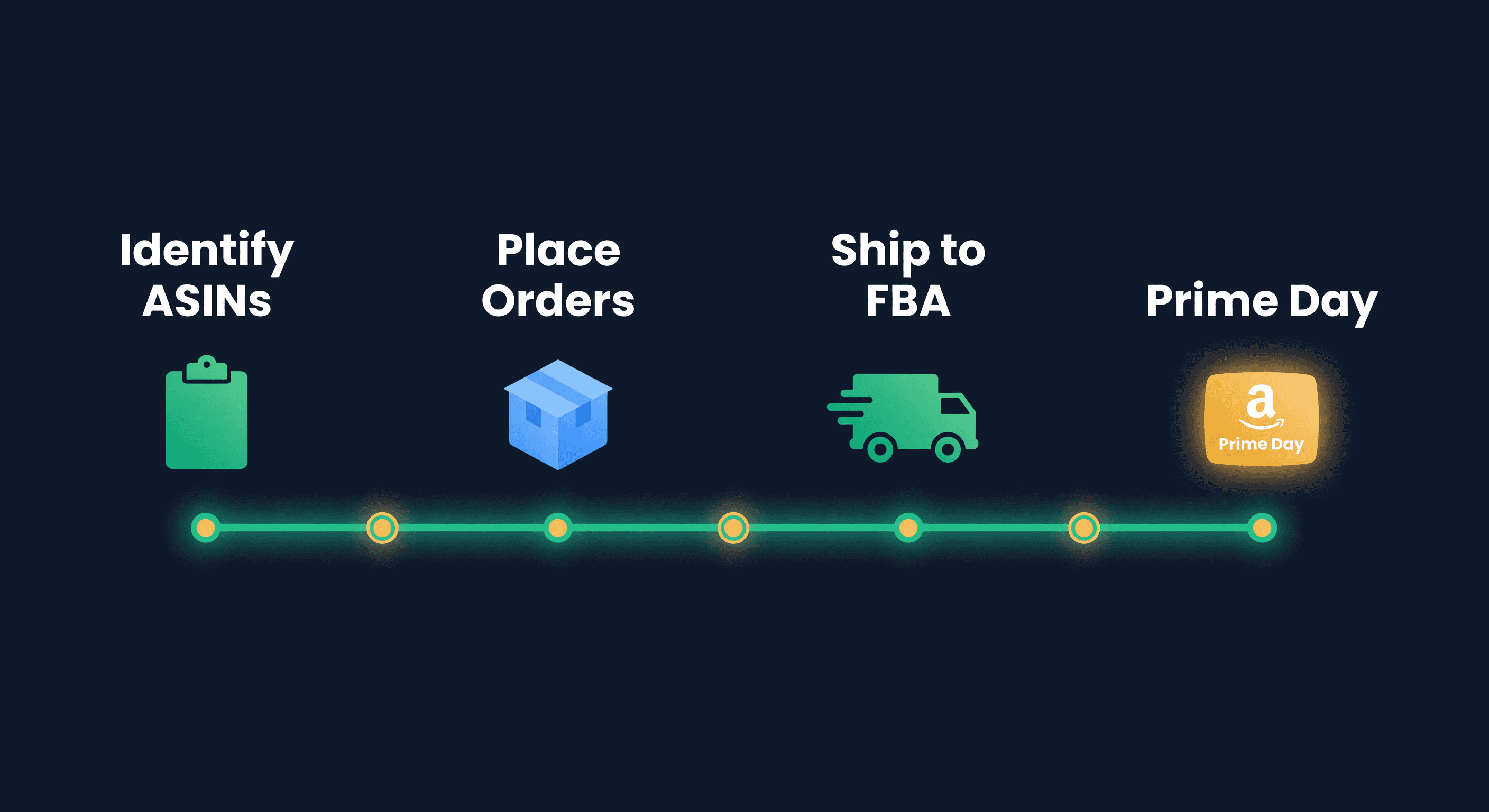
Prime Day Inventory Prep Checklist for FBA Sellers
A week-by-week Prime Day inventory checklist covering FBA send-in deadlines, demand forecasting, storage fees, and the mistakes that cost sellers thousands.
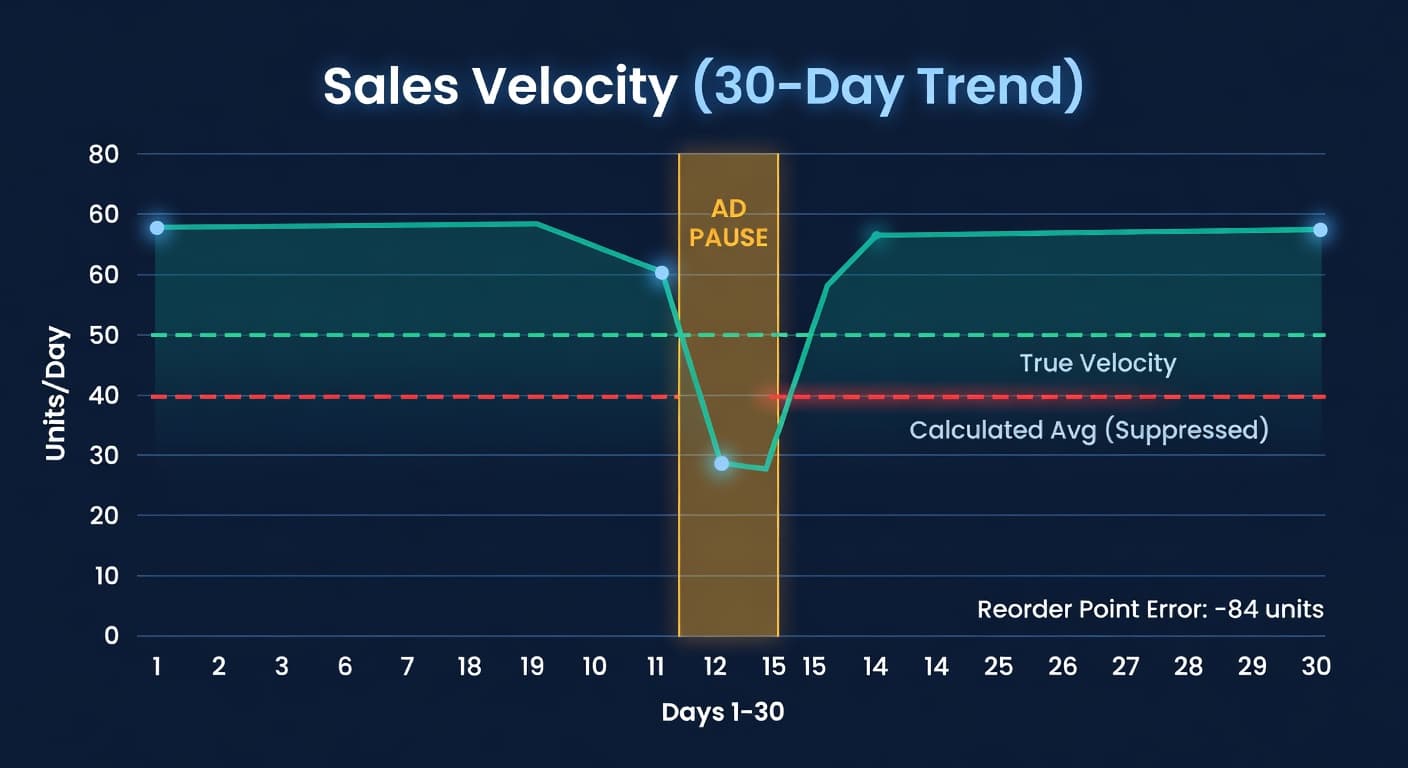
Why Your Reorder Points Are Wrong After an Ad Pause
Pausing Amazon ads tanks your velocity data. Here's the math on how that poisons reorder points and what to do about it.
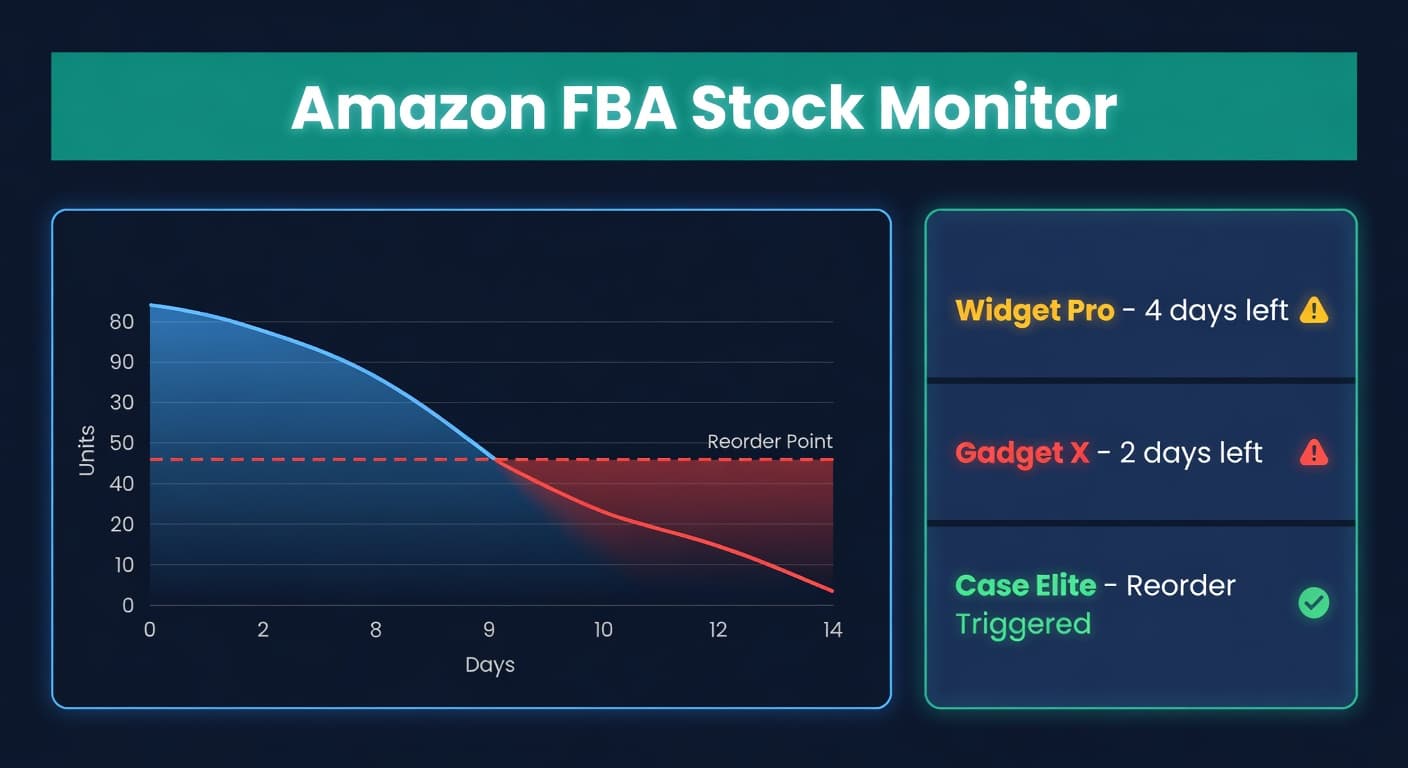
How to Prevent Stockouts on Amazon
Amazon stockouts cost more than lost sales. Here's the math, the prevention playbook, and the recovery plan for FBA sellers.
