Casepacks and MOQ: The Hidden Cost for Amazon FBA Sellers
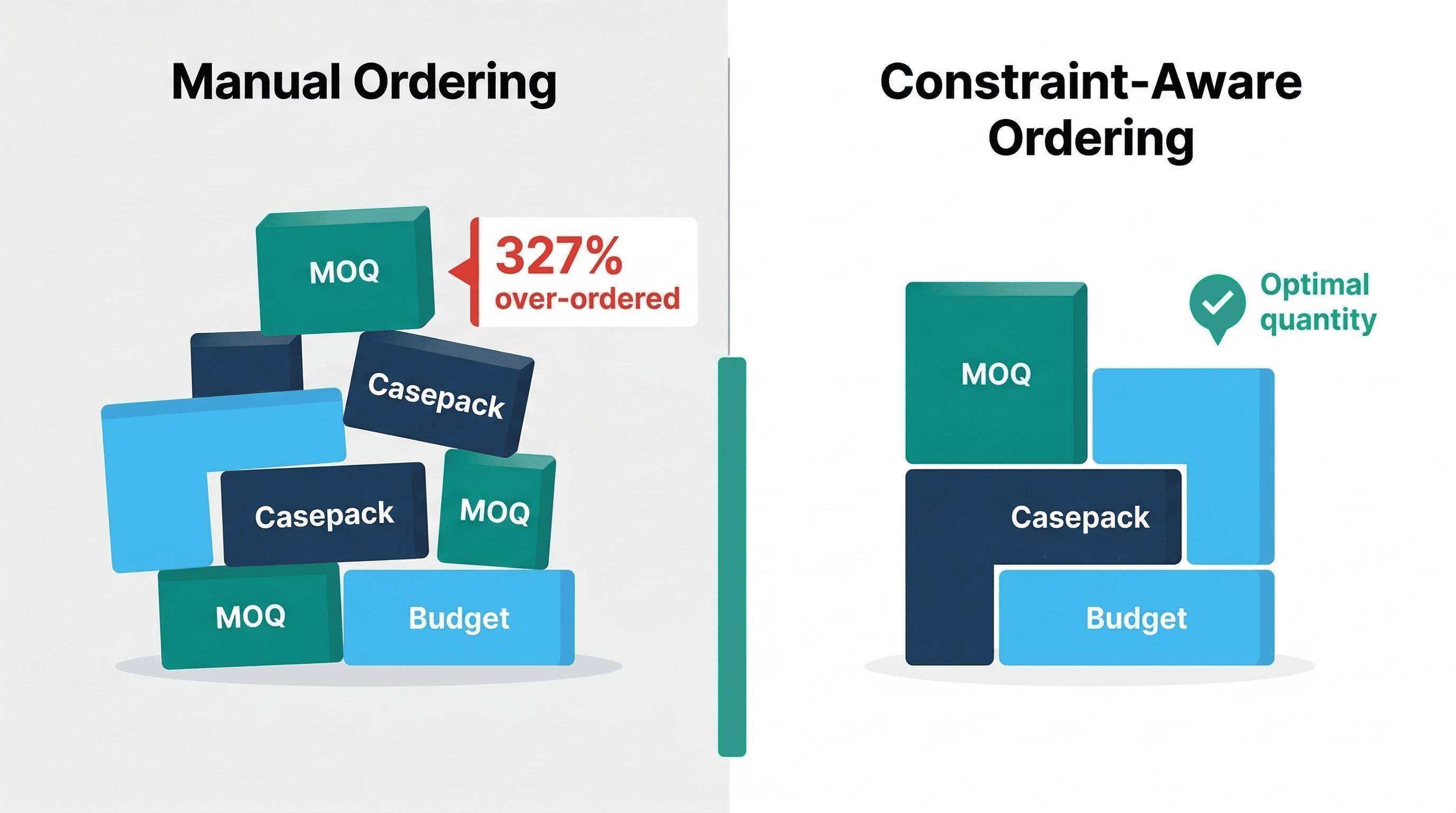
The Ordering Constraints Nobody Talks About
Every inventory planning guide tells you the same thing: calculate your reorder point, figure out how much to order, place the PO.
What they skip is that your supplier and Amazon both have rules about how much you can order. And those rules silently inflate your inventory costs.
The Three Constraints
1. Minimum Order Quantity (MOQ)
Your supplier will not sell you 85 units. The minimum is 500. So you order 500, tie up the extra cash, and hope it sells before next quarter.
2. Casepack Quantity
Amazon requires certain products to be shipped in casepacks. If your casepack is 12, you send 12, 24, 36, 48 - not 13 or 50. Your carefully calculated transfer quantity of 85 units becomes 96.
3. Order Multiple
Some suppliers require orders in specific increments. MOQ of 200 with an order multiple of 50 means you can order 200, 250, 300 - but not 225.
How They Stack
This is where it gets expensive. These constraints combine:
| What You Need | Casepack | Order Multiple | What You Actually Order |
|---|---|---|---|
| 85 units | 12 | None | 96 (next multiple of 12) |
| 85 units | None | 50 | 100 (next multiple of 50) |
| 85 units | 12 | 5 | 120 (LCM of 12 and 5 = 60) |
| 30 units | 24 | 10 | 120 (LCM of 24 and 10 = 120) |
That last row is the one that should worry you. You needed 30 units. You ordered 120. That is 4x your actual need, all because two constraints interact in a way that is not obvious without doing the math.
The Real Cost of Getting This Wrong
Over-Ordering
Most sellers round up manually. "I need 85, casepack is 12, so... 96." That is correct. But add a supplier order multiple of 5, and the actual answer is 120 (the Least Common Multiple of 12 and 5 is 60, so you round to the nearest 60 above 85).
Order 96 and your supplier rejects it because it violates the order multiple. Order 120 manually and you have over-ordered by 41%.
Over a catalog of 200 SKUs, that error compounds into tens of thousands of dollars in excess inventory. I have seen it happen. It is one of those problems that hides in plain sight because nobody adds up the aggregate overage.
Under-Ordering
Some sellers go the other direction: they order what their forecast says and hope the supplier does not notice. The supplier either rejects the order, rounds it up without telling you, or ships short. All three cause problems.
The Spreadsheet Tax
The most common "solution" is a spreadsheet with VLOOKUP formulas that pull casepack sizes and MOQs, then apply ceiling functions to round up. This works until:
- Someone changes a casepack size and forgets to update the sheet
- A new SKU gets added without constraint data
- Two constraints interact and the formula does not handle LCM
- You have 500 SKUs across 8 suppliers with different rules
At scale, the spreadsheet becomes a liability. I ran one for 18 months. It broke at least twice a quarter.
What Good Looks Like
Setting Constraints Once
Not every SKU has the same rules. Some products ship in packs of 24 from one supplier and packs of 12 from another. Some suppliers have a blanket MOQ across their entire catalog.
Good constraint management checks the most specific rule first and falls back to broader defaults when nothing specific exists. You configure it once per supplier or SKU, and the system handles the rest. No re-entering casepack sizes every time you create an order.
Automatic Rounding
When you create a purchase order or transfer, the system should:
- Start with the forecast-based quantity (what you actually need)
- Apply MOQ (if the quantity is below minimum, round up to MOQ)
- Apply casepack and order multiple using LCM rounding
- Show you the adjustment: "Need 85 -> Ordering 120 (casepack 12 x multiple 5 = rounds to 60s)"
You see the math. You understand why. You approve or override.
Overage Warnings
If rounding doubles your order quantity or more, the system should warn you. "You need 30 units but constraints round this to 120 - a 300% increase. Continue?"
This catches the edge cases where two constraints interact badly and prevents accidental over-ordering.
Stale Order Detection
When constraint values change - supplier updates their MOQ, Amazon changes a casepack requirement - any open draft POs or pending transfers that used the old values should be flagged. You do not want to submit an order calculated with last month's casepack size.
Practical Example: A 50-SKU FBA Shipment
You are preparing a transfer from your warehouse to Amazon FBA. Your system generates transfer suggestions for 50 SKUs based on sales velocity and FBA stock levels.
Without constraint automation:
- Export suggestions to spreadsheet
- Look up casepack size for each of the 50 SKUs
- Look up any MOQ or order multiple requirements
- Apply ceiling formulas (hope the LCM logic is right)
- Manually check for overage on edge cases
- Re-enter quantities into your transfer order
- Time: 45-60 minutes, error-prone
With constraint automation:
- Review suggestions with constraints already applied
- Check the 3 items flagged with overage warnings
- Approve the transfer
- Time: 5 minutes, constraints enforced correctly
How ReplenishRadar Handles Ordering Constraints
We built constraint enforcement into every purchase order and transfer in ReplenishRadar because this problem cost us too much when we were managing it manually.
You set up your MOQs, casepacks, and order multiples once. After that, every purchase order respects them. The system applies all constraints automatically - including LCM rounding when multiple constraints overlap - and shows you exactly how quantities changed before you approve anything. If you want to stress-test the economics of a particular quantity before committing, plug it into our EOQ calculator alongside your MOQ constraint. If rounding pushes an order well above what you actually need, you get a warning, not a silent adjustment.
No manual ceiling functions. No forgotten casepack updates. You review the math and approve or override.
The Bottom Line
Ordering constraints are not optional. Your suppliers have MOQs, Amazon has casepacks, and the math gets complicated at scale. Either you handle that math in a spreadsheet and accept the errors, or you let software enforce it. We chose the second option because the first one cost us money.
Try ReplenishRadar free for 14 days ->
Related Reading
Frequently Asked Questions
Get notified when it matters
Amazon and Shopify change the rules constantly. We'll email you when something affects your business.
See what your inventory is really doing
Doing $5M+ in revenue? Talk to our team
Related Posts
Amazon's 2027 Bundle Rule and Your Kitted Inventory
Amazon's bundle policy changes January 11, 2027. Here's how to plan kitted FBA inventory, the reorder to skip, and the exemptions that keep a bundle live.
How to Create a Purchase Order (Step-by-Step)
How to create a purchase order for e-commerce, with a PO template, worked examples, and the ordering mistakes that cost sellers thousands.
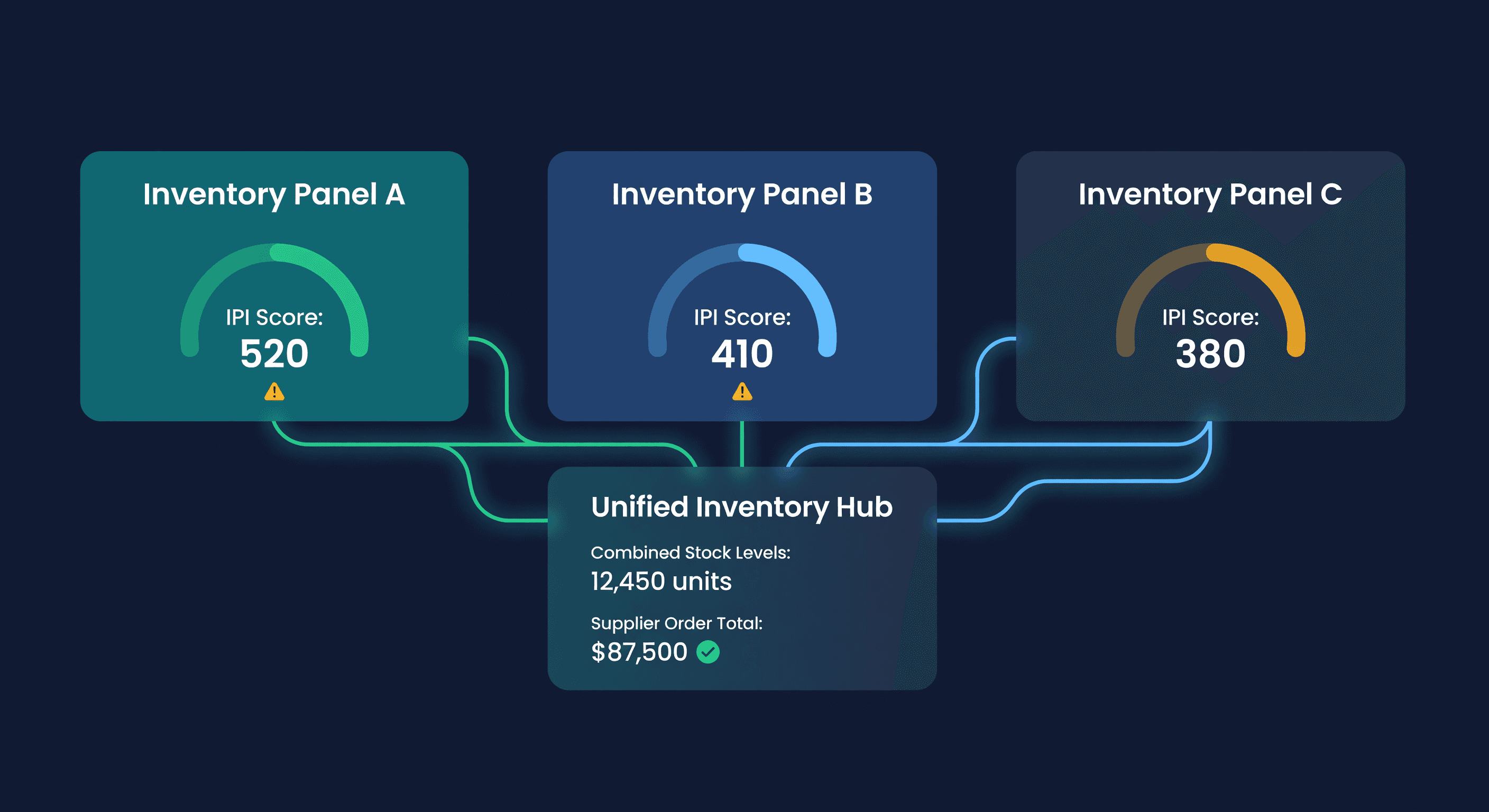
Multiple Amazon Accounts: Inventory Planning Guide
Managing inventory across multiple Amazon seller accounts? Learn how to unify demand, plan FBA restocks, and consolidate supplier orders across accounts.
