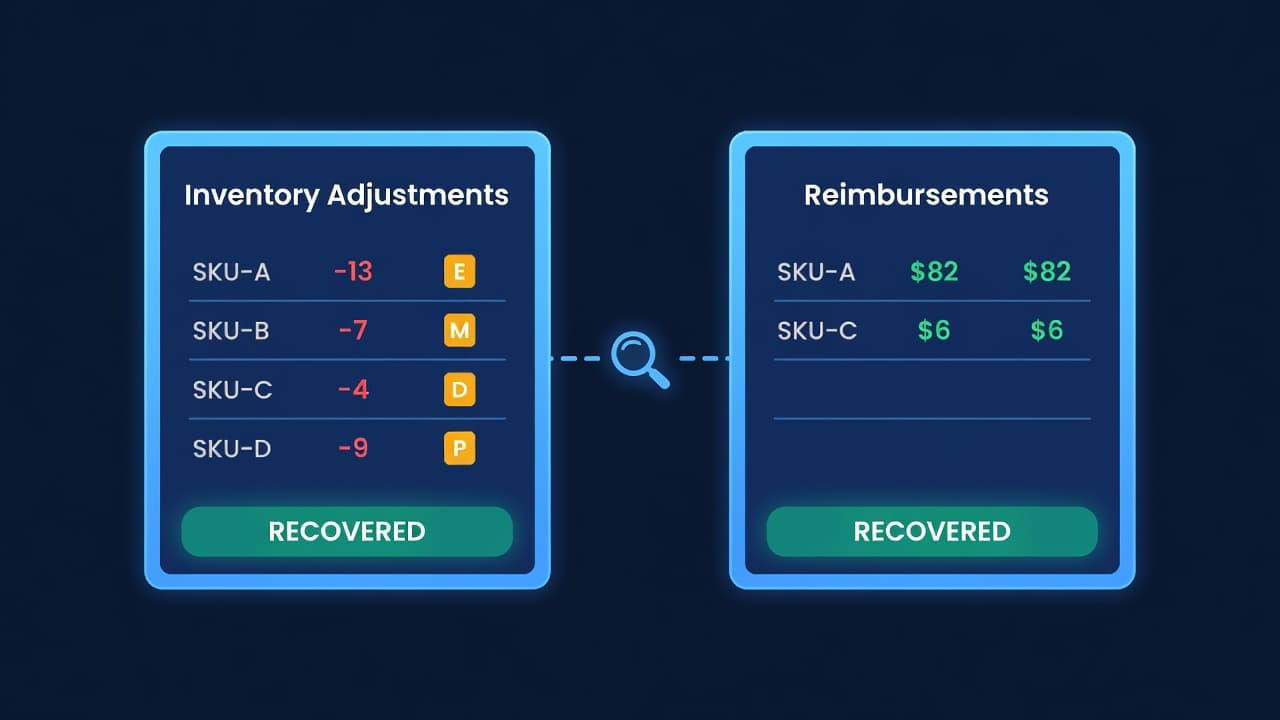
Amazon Lost Inventory: How to Get Reimbursed
Key takeaway: Amazon loses 1-3% of FBA inventory annually. Most goes unreimbursed unless you file claims within 18 months. Here's how to find discrepancies and recover the money.
Amazon Loses Your Inventory. That Is Not an Accusation - It Is Arithmetic.
Amazon moves billions of units through its warehouses every year. At that scale, some percentage goes missing. Damaged during stowing. Lost in a bin relocation. Mis-scanned and credited to another seller. Returned by a customer but never put back on the shelf. The units vanish from your account, and unless you are looking for them, you will never know.
I did my first serious reconciliation after 14 months of selling on FBA. Found $8,200 in discrepancies I had never noticed. Some Amazon had automatically reimbursed. Most they had not. I filed claims on $4,700 worth of inventory and recovered $3,900. That was money sitting on the table for over a year.
The Types of Losses
Not all inventory losses look the same, and Amazon handles them differently.
Warehouse losses. Amazon scans your units multiple times - receiving, stowing, picking, packing. At each step, units can go missing. Sometimes a bin count comes up short. Sometimes a pallet is misplaced during a facility transfer between Amazon warehouses. These show up in your Inventory Adjustments report as negative adjustments with reason codes like "M" (misplaced) or "D" (damaged by Amazon).
Inbound shipment shortages. You ship 500 units. Amazon receives 487. Where did the other 13 go? Sometimes they are sitting in a staging area waiting to be scanned. Sometimes they were damaged in transit. Sometimes the count is just wrong. Amazon's receiving process is fast but not perfect - I have had shipments where the discrepancy was 5-8% on certain SKUs.
Customer return issues. A customer returns a product. Amazon scans the return, issues the refund, and is supposed to add the unit back to your sellable inventory (or reimburse you if it is damaged). But sometimes the return never makes it back to your inventory. The customer got a refund, you got charged, and the unit disappeared.
Damaged by Amazon. This is straightforward. Amazon's warehouse staff damages your product during handling. They are supposed to reimburse you automatically. They usually do - but "usually" is not "always," and the reimbursement amount does not always match what they owe you.
How to Find the Discrepancies
This is the part that stops most sellers. The data exists, but you have to pull it together from multiple reports.
Step 1: Pull the Inventory Adjustments Report
In Seller Central, go to Reports > Fulfillment > Inventory Adjustments. Set your date range to the last 6 months (or 18 months if you have never done this). Download the report.
This report shows every unit Amazon added or removed from your inventory, along with a reason code. The negative adjustments are your potential claims.
Key reason codes to watch:
| Reason Code | Meaning | Action |
|---|---|---|
| E | Warehouse damage by Amazon | Should be auto-reimbursed. Verify. |
| M | Misplaced and found / not found | If "not found" with no matching positive, file a claim. |
| D | Damaged | Check if reimbursed. |
| P | Disposed by Amazon | Check if you authorized it. If not, claim. |
| K | Transfer error between FCs | Often resolves itself within 30 days. If not, claim. |
Step 2: Pull the Reimbursements Report
Same section in Seller Central - Reports > Fulfillment > Reimbursements. Same date range.
This shows what Amazon has already paid you. Every reimbursement has a reason and an amount. Download it.
Step 3: Cross-Reference
This is the tedious part. Match negative inventory adjustments against reimbursements. If Amazon removed 10 units of SKU-A for reason "E" (warehouse damage) on March 15, there should be a corresponding reimbursement for those 10 units within 30-60 days.
No matching reimbursement? That is your claim.
I do this in a spreadsheet. Export both reports, sort by FNSKU and date, and look for orphaned negative adjustments. The first time takes 2-3 hours for a catalog of 100+ ASINs. After that, doing it monthly takes 30-45 minutes.
Step 4: Check Inbound Shipments
Go to Inventory > Shipments in Seller Central. For each shipment in your date range, compare "Shipped" units against "Received" units. Any shipment where Received < Shipped by more than Amazon's standard tolerance (usually 5% or 5 units, whichever is larger) is worth investigating.
Wait at least 30 days after the shipment closes. Amazon sometimes stows units late and updates the count. If the discrepancy persists after 30 days, file a claim.
Step 5: Audit Customer Returns
Go to Reports > Fulfillment > Customer Returns. This shows every return. For each returned unit, check whether it was added back to your sellable inventory, moved to unfulfillable, or reimbursed.
The common gap: customer got a refund, Amazon shows the return as "received," but the unit never appeared in your sellable or unfulfillable inventory. No reimbursement either. Those are your phantom returns.
Filing the Claim
Amazon has moved the reimbursement process through several iterations. As of 2026, you file claims through the "Reimbursement" section under Help > Contact Us, or through the automated claims tool in Seller Central depending on the claim type.
For each claim, you need:
- The FNSKU or ASIN
- The date range of the discrepancy
- The specific units affected
- The shipment ID (for inbound shortages)
- Proof from your records (packing slips, BOL, shipping receipts)
Be specific. "I am missing inventory" gets nowhere. "Shipment FBA-12345 shipped 500 units of FNSKU X0001234, your receiving report shows 487, no reimbursement issued for the 13-unit shortage" gets resolved in days.
Amazon's typical response timeline:
| Claim Type | Response Time | Approval Rate |
|---|---|---|
| Warehouse loss/damage | 5-10 business days | 85-90% if documented |
| Inbound shipment shortage | 7-14 business days | 70-80% (they investigate shipping records) |
| Customer return not received | 10-21 business days | 75-85% |
| Damaged by carrier (inbound) | 14-30 business days | 60-70% (harder to prove) |
The 18-Month Clock
Amazon allows claims up to 18 months from the date of the loss event. After that, the window closes permanently. This is why doing a reconciliation at least quarterly matters - you do not want to discover a $2,000 discrepancy from 19 months ago.
I set a calendar reminder every 90 days. Pull the reports, run the reconciliation, file any claims. It takes a morning. The average recovery is $1,500-$3,000 per quarter for a seller doing $30,000-$50,000/month in FBA revenue. That is $6,000-$12,000 per year.
The sellers who never do this are donating that money to Amazon.
How Much Money Are You Leaving?
Here is a rough way to estimate your exposure:
Annual FBA Revenue x 0.02 = Approximate Annual Lost Inventory Value
The 2% figure is conservative. Some categories (apparel, fragile goods, heavy items) run higher. Some (small, durable goods) run lower.
| Annual FBA Revenue | Estimated Annual Losses (2%) | Typical Recovery (70%) |
|---|---|---|
| $100,000 | $2,000 | $1,400 |
| $250,000 | $5,000 | $3,500 |
| $500,000 | $10,000 | $7,000 |
| $1,000,000 | $20,000 | $14,000 |
A seller doing a million dollars a year on FBA who never reconciles is leaving roughly $14,000 on the table annually. Every year. That is on top of any stockout cost you eat when phantom shortages take popular SKUs offline.
Reconciliation in ReplenishRadar
The manual version of this process - pulling reports, cross-referencing in spreadsheets, tracking what you already claimed - takes hours per quarter. And it only works if you remember to do it. We built inventory discrepancy tracking into ReplenishRadar because this is exactly the kind of problem that falls through the cracks when you are busy running the rest of your business. The system flags quantity mismatches between what Amazon reports and what your records show, so you see the discrepancies without digging through reports manually. You still file the claims yourself, but knowing what to claim is the hard part.
Try ReplenishRadar free for 14 days ->
Make It a Habit
I do not view FBA reimbursements as a side project. It is part of running an FBA business, the same way reconciling your bank statement is part of running any business. The money is yours. Amazon agrees - they built the reimbursement process because they know units go missing.
The sellers who treat this as a quarterly routine recover thousands per year. The sellers who never check? They subsidize Amazon's margin.
Set a 90-day reminder. Pull the reports. File the claims. The first time is the worst. After that, it is maintenance.
Related Reading:
Frequently Asked Questions
Get notified when it matters
Amazon and Shopify change the rules constantly. We'll email you when something affects your business.
See what your inventory is really doing
Doing $5M+ in revenue? Talk to our team
Related Posts
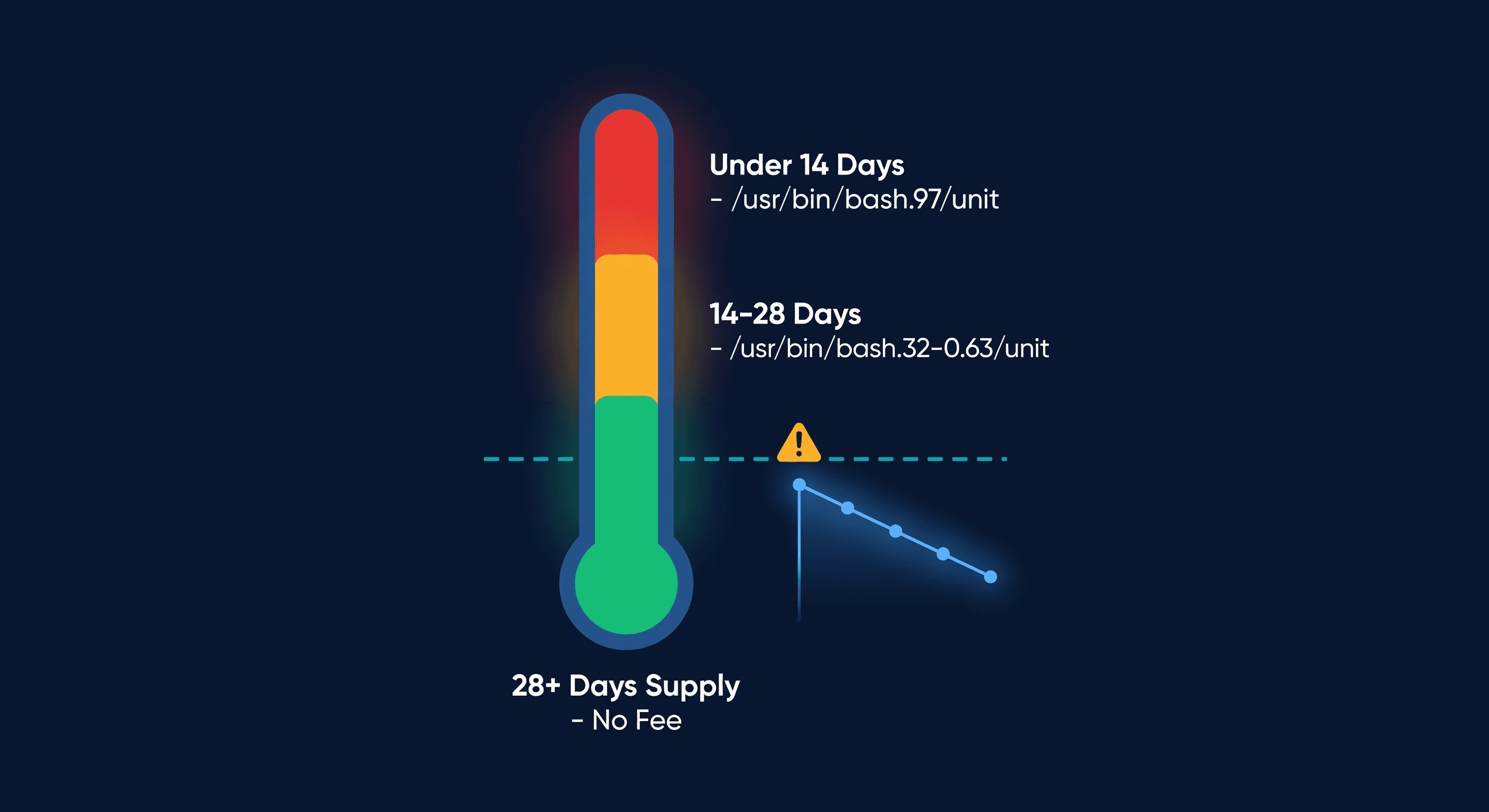
Amazon Low-Inventory-Level Fee Explained
How Amazon's low-inventory-level fee works, which products are exempt, fee amounts by days of supply, and how to avoid it without triggering storage fees.
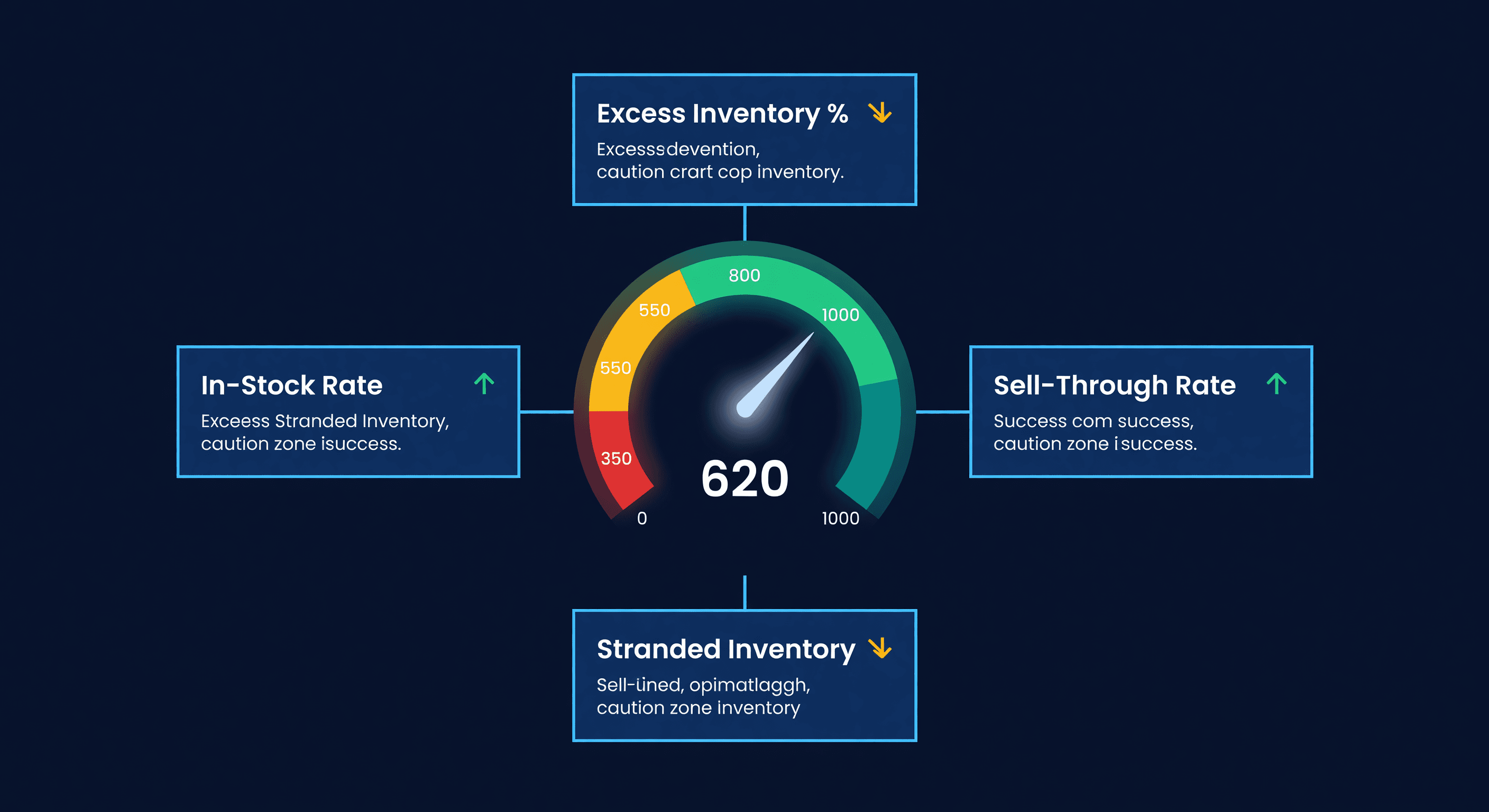
Amazon IPI Score: What It Is and How to Fix It
Your Amazon IPI score controls your FBA storage limits. Learn what the 4 factors actually measure, the score thresholds, and how to improve each one.
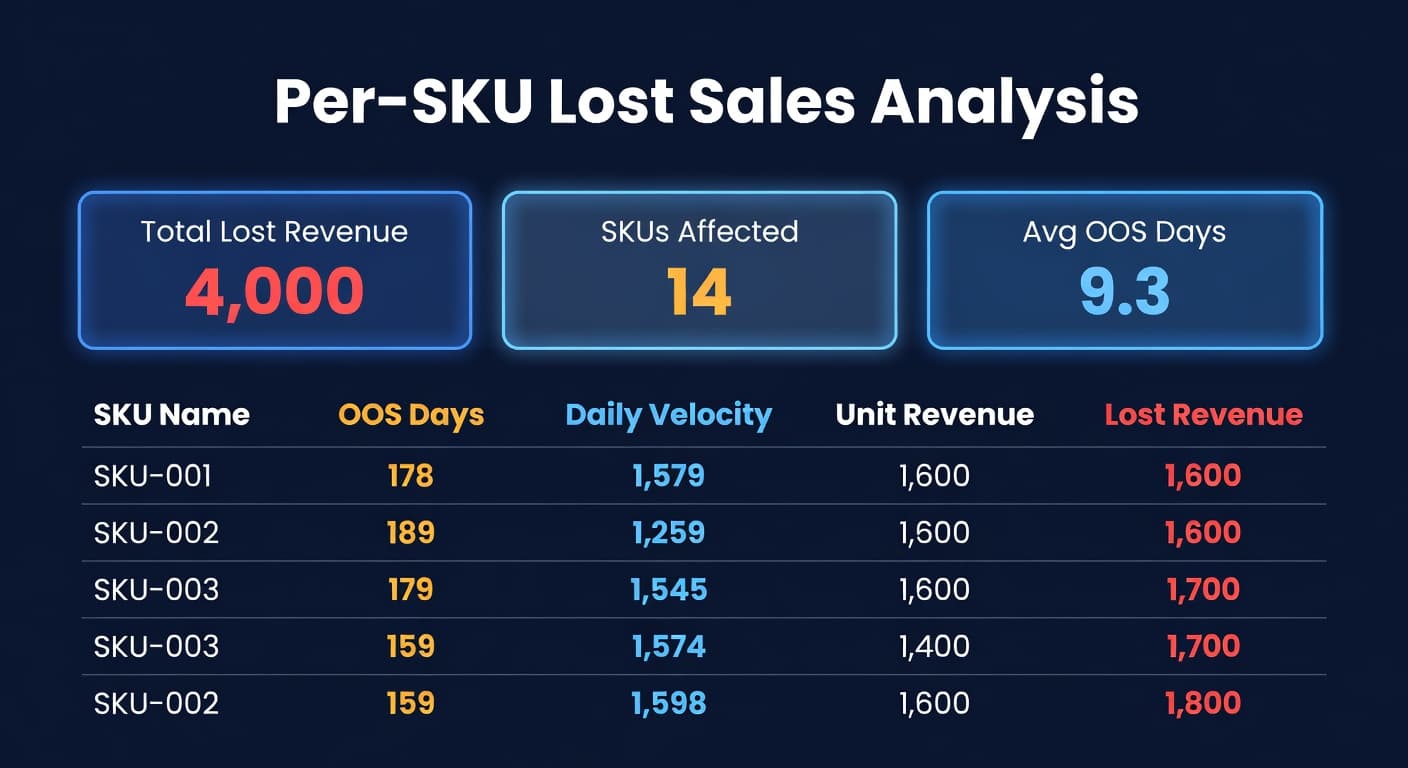
What Your Stockouts Actually Cost (Per-SKU)
Most sellers track what sold but not what didn't. Per-SKU lost sales analysis reveals the exact revenue each stockout costs.
