Amazon Low-Inventory-Level Fee Explained
Amazon Now Charges You for Running Low
Amazon introduced the low-inventory-level fee in 2024, and I still talk to sellers who have never heard of it. They find out the hard way - a mysterious per-unit charge showing up on their fee breakdown, sometimes $500-$2,000 per month, with no obvious explanation until they dig into the fine print.
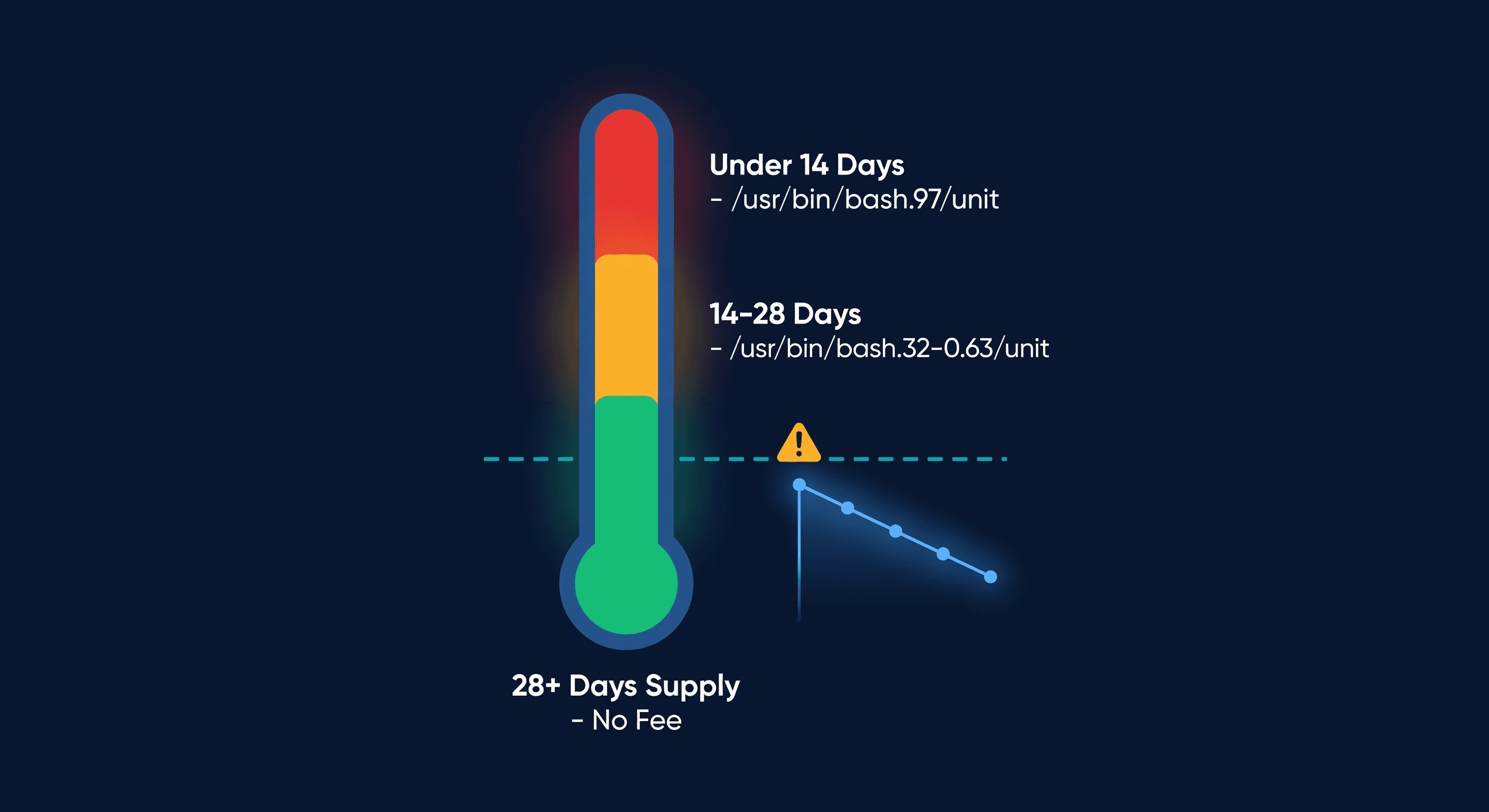
Here is the short version: if your historical days of supply at FBA drops below 28 days for a given ASIN, Amazon tacks a surcharge onto every unit of that product you sell. The lower your days of supply, the higher the fee. It is Amazon's way of saying "keep your shelves stocked or pay extra."
What Days of Supply Means (Amazon's Version)
Days of supply sounds simple. It is not - at least not the way Amazon calculates it.
Amazon looks at two windows: your long-term historical days of supply (roughly the last 90 days) and your short-term window (last 7-28 days). They take the higher of the two, which works slightly in your favor. If you had a bad couple of weeks but your 90-day average is healthy, the longer window saves you.
The formula:
Historical Days of Supply = Average Daily Inventory On-Hand / Average Daily Units Shipped
So if you averaged 100 units on hand per day and shipped 5 units per day over the past 90 days, your historical days of supply is 20. That puts you in fee territory.
The trick: Amazon counts units on hand, not units available. If you have 200 units inbound but they have not been received yet, those do not count toward your days-of-supply calculation. I have watched sellers create a shipment, assume their days of supply are covered, and still get hit with the fee because Amazon had not stowed the inventory yet.
The Fee Amounts
Here is what the surcharge looks like for standard-size items:
| Historical Days of Supply | Fee per Unit (Standard-Size) | Fee per Unit (Oversize) |
|---|---|---|
| 28+ days | $0.00 | $0.00 |
| 21-28 days | $0.32 | $0.16 |
| 14-21 days | $0.63 | $0.32 |
| 0-14 days | $0.97 | $0.47 |
These are per-unit charges on every unit you sell. Not on units you store. On units you sell. That distinction matters. If your product sells 300 units per month and your days of supply dips to 18 days, you are paying an extra $0.63 x 300 = $189 per month on that one ASIN.
Across a catalog of 50 ASINs where 15 are running lean? I have seen sellers paying $1,500-$3,000 per month in low-inventory fees they did not even know existed.
Who Is Exempt
Not every product gets charged. Amazon exempts:
- New ASINs with fewer than 90 days of sales history at FBA. You get a grace period to build up your supply.
- Auto-replenishment enrolled products - if Amazon manages the replenishment, they do not penalize you for low stock.
- Sellers with fast shipping performance - specifically, sellers who ship 25 days or fewer after receiving a customer order from Amazon (this one is poorly documented and applies to a narrow set of merchant-fulfilled scenarios).
If your product has been selling at FBA for more than 90 days, assume the fee applies.
The Double-Bind Problem
This is where Amazon's fee structure gets genuinely frustrating. They charge you for too little inventory (low-inventory-level fee) and too much inventory (aged inventory surcharge and monthly storage fees). You are penalized in both directions.
The window you are aiming for:
| Days of Supply at FBA | What Happens |
|---|---|
| 0-14 days | $0.97/unit low-inventory fee. High stockout risk. |
| 14-28 days | $0.32-$0.63/unit fee. You are running too lean. |
| 28-60 days | The safe zone. No low-inventory fee. Storage costs are manageable. |
| 60-90 days | Still no low-inventory fee, but storage costs are accumulating. |
| 90-180 days | Storage fees are real now. Risk of excess inventory charges. |
| 181+ days | Aged inventory surcharge kicks in. You are losing money holding these units. |
The sweet spot is 28-60 days. Tight enough to keep storage costs low, padded enough to stay above Amazon's threshold. I aim for 35-45 days on my best-selling ASINs. That gives me a week of buffer before I cross into fee territory.
The Math Behind Avoiding It
Let me work through a real example. Say you sell a product at $25 with a unit cost of $8. Normal FBA fees are $5.50. Your margin is $11.50 per unit.
If your days of supply drops to 18 days, Amazon adds $0.63 per unit. Your margin is now $10.87. On 400 units per month, that is $252 per month in fees you were not paying before. That is $3,024 per year - on one SKU.
The fix costs less than the fee. If you need to maintain 28 days of supply and your daily velocity is 13 units, you need 364 units at FBA at all times. If you are currently running at 18 days, you have about 234 units. The gap is 130 units. At $8 cost, that is $1,040 in additional inventory investment to avoid $3,024 in annual fees.
That is a 2.9x return. I will take that trade every single time.
The Multi-SKU Reality
The math gets worse when you look at a full catalog. Most sellers do not have one product running lean. They have a dozen.
I audited a seller's account last year. They had 60 FBA ASINs. Here is how the days-of-supply distribution broke down:
| Days of Supply Range | Number of ASINs | Monthly Low-Inventory Fee |
|---|---|---|
| 28+ days (safe) | 38 | $0 |
| 21-28 days ($0.32/unit) | 9 | $576 |
| 14-21 days ($0.63/unit) | 8 | $1,260 |
| 0-14 days ($0.97/unit) | 5 | $970 |
| Total | 60 | $2,806/month |
That is $33,672 per year in fees. The fix - bringing all 22 ASINs above 28 days of supply - required about $18,000 in additional inventory investment. The payback period was less than 7 months. After that, the savings are pure margin.
The ASINs running low were not obscure products. They were mid-range sellers doing 50-200 units per month. Exactly the products that fly under the radar because they are not your best sellers (so you are not watching them daily) and not your worst (so you are not culling them).
How the Fee Connects to Your IPI Score
Here is something Amazon does not spell out: the low-inventory-level fee and your IPI score push in the same direction on your best products. One of the four IPI factors is your in-stock rate on replenishable ASINs. If your days of supply is low enough to trigger the fee, your in-stock rate is probably suffering too.
A low IPI score restricts your storage limits. Restricted storage limits make it harder to send enough inventory. Less inventory means lower days of supply. Lower days of supply means more fees. It is a feedback loop, and it starts with the same root cause: not restocking early enough.
Break the loop by fixing the restocking cadence, and both problems clear up.
Practical Strategies
Monitor days of supply weekly, not monthly. The fee is calculated on a rolling basis. By the time you see it on your monthly statement, you have been paying it for weeks. I check every Monday.
Stagger your shipments. Sending one large shipment every 6 weeks means your days of supply follows a sawtooth pattern - high right after receiving, dangerously low right before the next shipment. Smaller, more frequent shipments keep you in the safe zone. I moved from monthly to biweekly shipments on my top 20 ASINs and eliminated the low-inventory fee almost entirely.
Account for FBA receive times in your reorder point. Your reorder trigger should be: (daily velocity x lead time in days) + (daily velocity x average FBA receive days) + safety stock. If your supplier ships in 14 days and Amazon takes 7 days to receive, your effective lead time is 21 days, not 14. I see sellers miss this constantly.
Pre-build inventory before demand spikes. If you know a product spikes during Q4 or around Prime Day, send inventory early. Your days of supply is a trailing indicator. A sudden demand spike tanks your historical days of supply even if you have plenty of units on hand today.
Do not overreact. The worst response to the low-inventory-level fee is panic-shipping 6 months of inventory to FBA. You will avoid the low-inventory fee and walk straight into long-term storage fees. Stay in the 28-60 day window. That is the target.
Tracking Days of Supply in ReplenishRadar
This is exactly why we built days-of-supply tracking into ReplenishRadar at the SKU level. The system calculates your current FBA days of supply on every sync and compares it against the 28-day threshold. When a product drops below 35 days - which is where I set my alert buffer - you get a reorder notification before the fee kicks in, not after. The reorder engine factors in your actual FBA receive times from past shipments, not Amazon's optimistic estimates, so your restock timing accounts for the real-world delays that cause most sellers to dip below the threshold in the first place.
Try ReplenishRadar free for 14 days ->
Both Fees Are Telling You the Same Thing
The low-inventory-level fee and the aged inventory surcharge are not opposites. They are the same message: Amazon wants you to stock the right amount, not too much and not too little. They make money when products sell, not when they collect dust or go out of stock.
For most sellers, the fix is not complicated. It is just math you are not doing yet. Calculate your days of supply per ASIN. Set reorder points that keep you above 28 days. Adjust for real lead times, not quoted ones. Do this weekly and the fee disappears.
The sellers who pay this fee are almost always the ones managing inventory limits by feel instead of data. The fee is not the problem. The process gap is.
Related Reading:
Frequently Asked Questions
Get notified when it matters
Amazon and Shopify change the rules constantly. We'll email you when something affects your business.
See what your inventory is really doing
Doing $5M+ in revenue? Talk to our team
Related Posts
Amazon Lost Inventory: How to Get Reimbursed
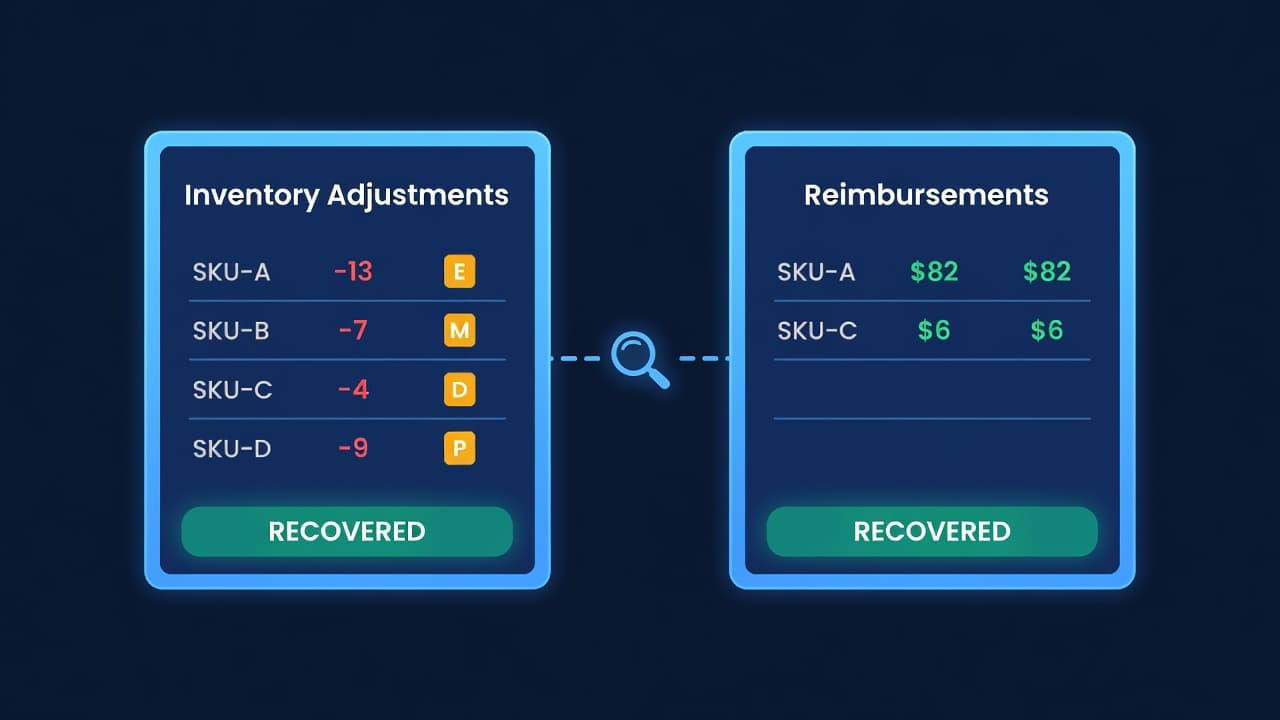
How to find lost or damaged FBA inventory, file reimbursement claims with Amazon, and stop leaving 1-3% of your FBA revenue on the table.
Amazon IPI Score: What It Is and How to Fix It
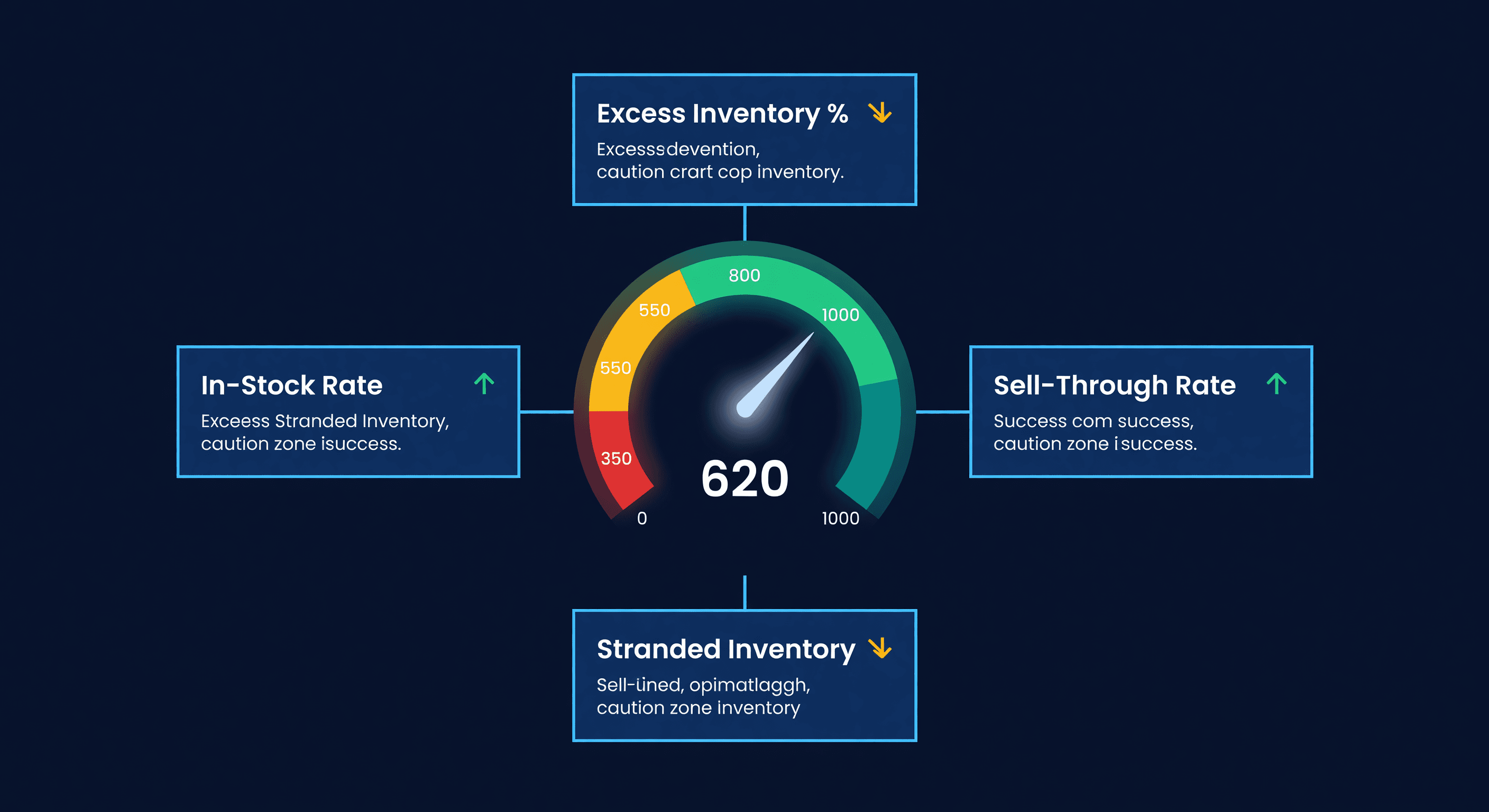
Your Amazon IPI score controls your FBA storage limits. Learn what the 4 factors actually measure, the score thresholds, and how to improve each one.
What Your Stockouts Actually Cost (Per-SKU)
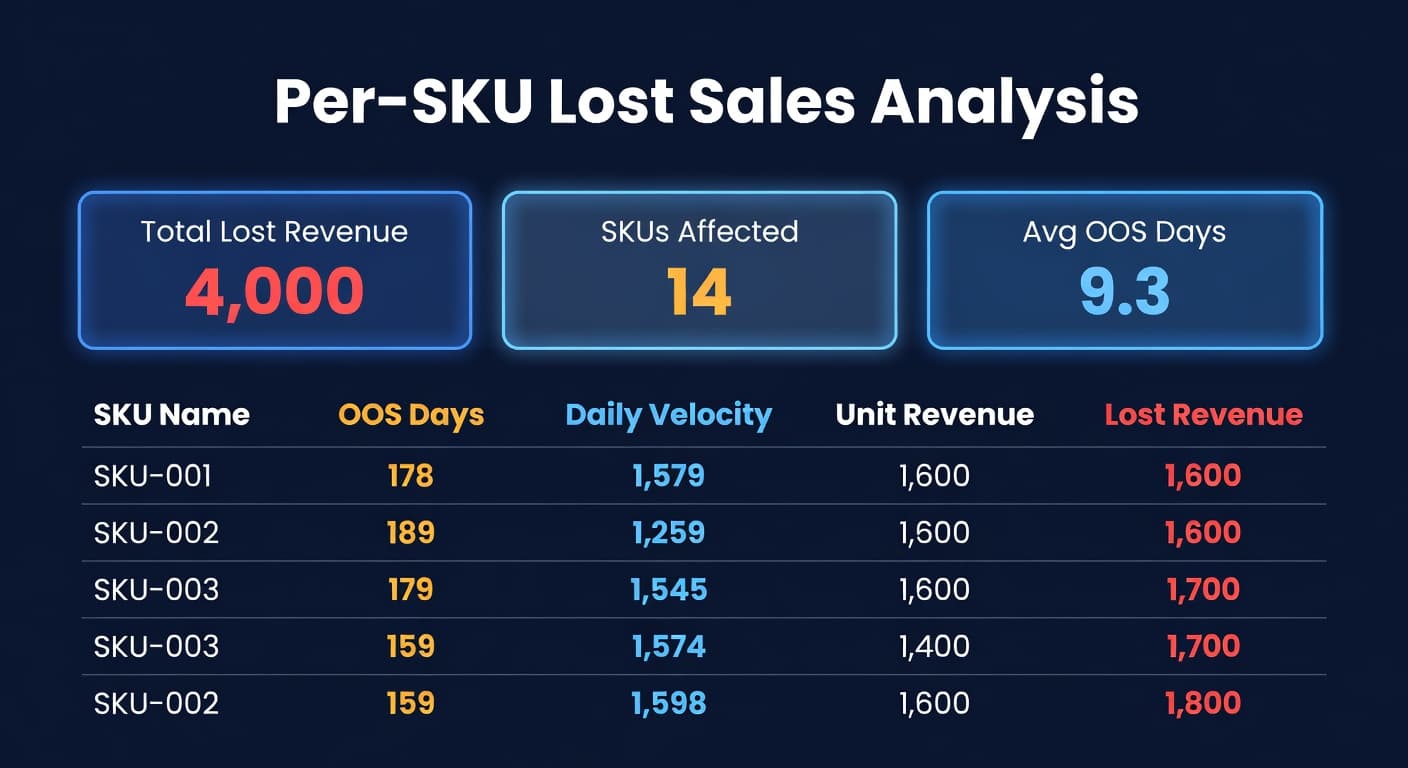
Most sellers track what sold but not what didn't. Per-SKU lost sales analysis reveals the exact revenue each stockout costs.
