
How to Measure Inventory Forecast Accuracy (And Why Most Tools Don't)
Key takeaway: Measure forecast accuracy with MAPE (Mean Absolute Percentage Error). Good e-commerce forecasts hit 70-85% accuracy. Below 60% means your data quality or model fit needs attention before the forecast can drive purchasing decisions.
Every Decision You Make Starts with a Number You Have Not Verified
Every purchase order you approve, every FBA restock you send, every unit of safety stock you hold - they all start with a forecast.
Your system predicts that SKU-A will sell 15 units per day. Based on that prediction, you order 450 units to cover the next 30 days. You allocate warehouse space. You commit cash.
But what if the real demand is 8 units per day? You just over-ordered by 87%. That is excess inventory sitting on shelves, tying up working capital, and potentially becoming dead stock.
Or what if demand is actually 22 units per day? You run out in 20 days instead of 30. Stockout. Lost sales. On Amazon, lost rankings.
The forecast drives everything. And most tools never tell you whether it was right.
Forecasts Without Accountability
Most inventory tools generate forecasts. Very few validate them.
The typical workflow: tool generates forecast, you order based on that number, time passes, tool generates a new forecast. Nobody checks whether the old forecast was accurate. There is no feedback loop. The system never learns from its mistakes because nobody measures them.
This is like hiring a financial advisor who gives you stock picks every month but never tells you how the previous picks performed. You would fire that advisor. But most sellers accept this from their forecasting tools.
I accepted it for two years before I started tracking accuracy manually. The results were humbling.
What to Measure
1. Accuracy Percentage
How close was the prediction to reality?
Accuracy = 1 - |Predicted - Actual| / Actual
If you predicted 100 and sold 90, your accuracy is 89%. Predicted 100 and sold 50? That is 0%. The formula is ruthless with big misses.
Calculate per-SKU and then average across your catalog, weighted by revenue or units.
Benchmarks:
| Accuracy | What It Means |
|---|---|
| 85%+ | Excellent - safe to automate purchasing decisions |
| 70-85% | Good - reliable for planning, add safety stock for protection |
| 50-70% | Needs work - investigate data quality, increase safety stock |
| Below 50% | Unreliable - do not automate decisions, investigate root cause |
2. Bias Direction
Accuracy tells you how far off you were. Bias tells you which direction.
Over-forecasting (positive bias): Predictions consistently higher than actuals. You are over-ordering, building excess inventory, tying up cash.
Under-forecasting (negative bias): Predictions consistently lower than actuals. You are under-ordering, running into stockouts, losing sales.
No bias: Predictions miss in both directions equally. Errors are random, not systematic.
Bias is more useful than accuracy alone because it tells you how to adjust. If your forecasts consistently over-predict by 15%, you know to look at why the model runs hot. Maybe returns are not excluded from sales history. Maybe a promotional spike was not flagged.
3. Worst Misses
Your average accuracy might be 80%, but three SKUs could be at 20% and dragging down your overall numbers. Identifying your worst misses lets you:
- Investigate specific SKUs with bad predictions
- Find data quality issues (wrong sales history, missing returns)
- Discover products that do not fit the model (lumpy demand, promotional spikes)
Fix the worst misses and your overall accuracy jumps disproportionately. I have seen sellers go from 72% to 84% average accuracy by fixing data issues on just 15 SKUs.
4. Accuracy Over Time
Is your forecasting getting better or worse? Track accuracy per forecast run and plot it over time. You should see improvement as more history accumulates, data quality issues get cleaned up, and seasonal patterns become better recognized.
If accuracy is declining, something changed: a data source broke, new products are not being handled well, or market conditions shifted.
What a Good Accuracy Loop Looks Like
The idea is simple: save what you predicted, wait for reality to happen, then compare the two. Do this on a regular cadence - short enough that you catch problems early, long enough that the comparison is meaningful.
The key is keeping a historical record of predictions alongside actuals so you can calculate error at the SKU level and then roll it up. Per-SKU accuracy is where the real signal is. Catalog-level averages are useful for tracking progress over time, but they hide the outliers that are actually costing you money.
Once you have the comparison, the question is what to do with it. Persistent bias in one direction means something systematic is off - maybe returns are inflating your sales history, or a promo spike never got flagged. A handful of terrible SKUs dragging down overall accuracy? That is a data quality problem, not a model problem. Fix those first. And if accuracy is declining over time, something changed in your inputs: a data feed broke, a new product category does not fit the model, or market conditions shifted.
The point is not perfection. It is feedback. A forecast system that never looks back at its own predictions is flying blind.
Common Pitfalls
Measuring Too Soon
If you compare a 30-day forecast against 3 days of actuals, the comparison is meaningless. Wait for the full forecast window to elapse before evaluating.
Ignoring New Products
New products with less than 30 days of sales history will have poor forecast accuracy by definition. Separate them from your accuracy metrics or you will think your forecasting is worse than it is.
Counting Stockout Days
If a SKU was out of stock for 5 of the 7 evaluation days, actual sales were artificially low. The forecast might have been right about demand, but there was no inventory to fulfill it. Good accuracy pipelines flag stockout periods so they do not distort the comparison. This one catches a lot of people. Your forecast was not wrong - your inventory was.
Not Weighting by Impact
A 50% miss on a SKU that sells 2 units per day matters less than a 20% miss on a SKU that sells 200 units per day. Weight your accuracy metrics by revenue or unit volume to focus on what actually matters to your bottom line.
Returns Are Lying to Your Forecast
This one deserves its own section because I have watched it quietly wreck purchasing decisions for months before anyone catches it.
Most forecasting tools - and most spreadsheets - calculate velocity from gross sales. Sold 300 units in 30 days? That is 10 per day. Order for 10 per day. Simple math, wrong answer. If 90 of those 300 units came back as returns, your true demand is 210 units. Seven per day, not ten. Ordering for 10 means you are carrying 43% more inventory than you need, and you will keep doing it every single cycle until somebody subtracts the returns.
The bias is systematic and it always points the same direction: over-forecasting. Your forecast looks accurate against gross sales, but gross sales are not demand. Demand is what customers bought and kept. Categories with high return rates get hit hardest. Apparel and fashion sellers on Amazon routinely see 20-30% return rates on certain SKUs. If you are forecasting from gross numbers, you are over-ordering by 20-30% on those exact products - the ones that already have thin margins because of the return costs. Amazon sellers tend to feel this more than Shopify DTC sellers simply because FBA return rates run higher across most categories.
The fix is straightforward: use net demand. Gross sales minus returns equals the units that actually left your business. ReplenishRadar does this automatically - returns data from both Shopify and Amazon flows into the velocity calculation so the forecast reflects what customers kept, not what they ordered. No manual adjustment, no separate spreadsheet to reconcile.
How ReplenishRadar Measures Accuracy
We built forecast accuracy tracking into ReplenishRadar because we got tired of not knowing whether our own forecasts were any good. After a short evaluation window, the system automatically compares what it predicted against what actually sold, flags the SKUs where it missed worst, and shows you whether bias is running hot or cold.
No exporting to a spreadsheet. No building your own comparison formulas. The system holds itself accountable against reality, and you see the results without asking for them.
Trust But Verify
Good forecasting is the foundation of inventory management. But a forecast you cannot verify is just a guess with a decimal point.
Measure your accuracy. Identify your bias. Fix your worst misses. Then watch your purchasing decisions get better over time.
Try ReplenishRadar free for 14 days ->
Related Reading
- Inventory Forecasting 101
- Safety Stock Calculation Guide
- Reorder Point Calculator
- Stockout Cost Calculator
- Flash Sales Shouldn't Wreck Your Forecast
- Why One Formula Can't Forecast Every SKU
Frequently Asked Questions
Get notified when it matters
Amazon and Shopify change the rules constantly. We'll email you when something affects your business.
See what your inventory is really doing
Doing $5M+ in revenue? Talk to our team
Related Posts
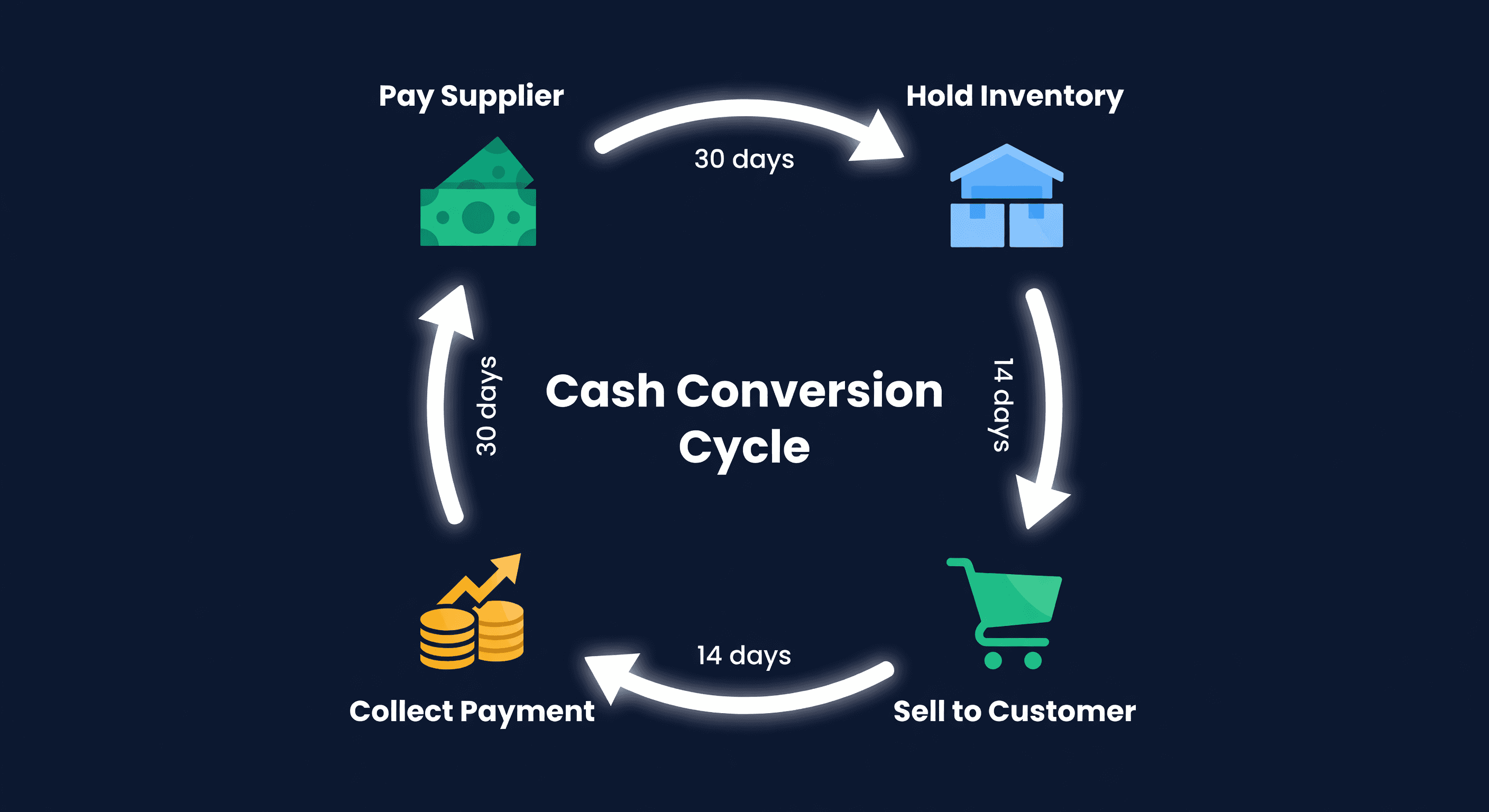
Cash Conversion Cycle for E-commerce Sellers
The CCC formula (DIO + DSO - DPO) explained with real e-commerce numbers. Learn what good looks like and how to shorten yours.
Physical Inventory Counts: A Practical Guide
Full counts vs cycle counting vs spot checks. How to organize a physical inventory count, how often to do it, and how to fix the discrepancies you find.
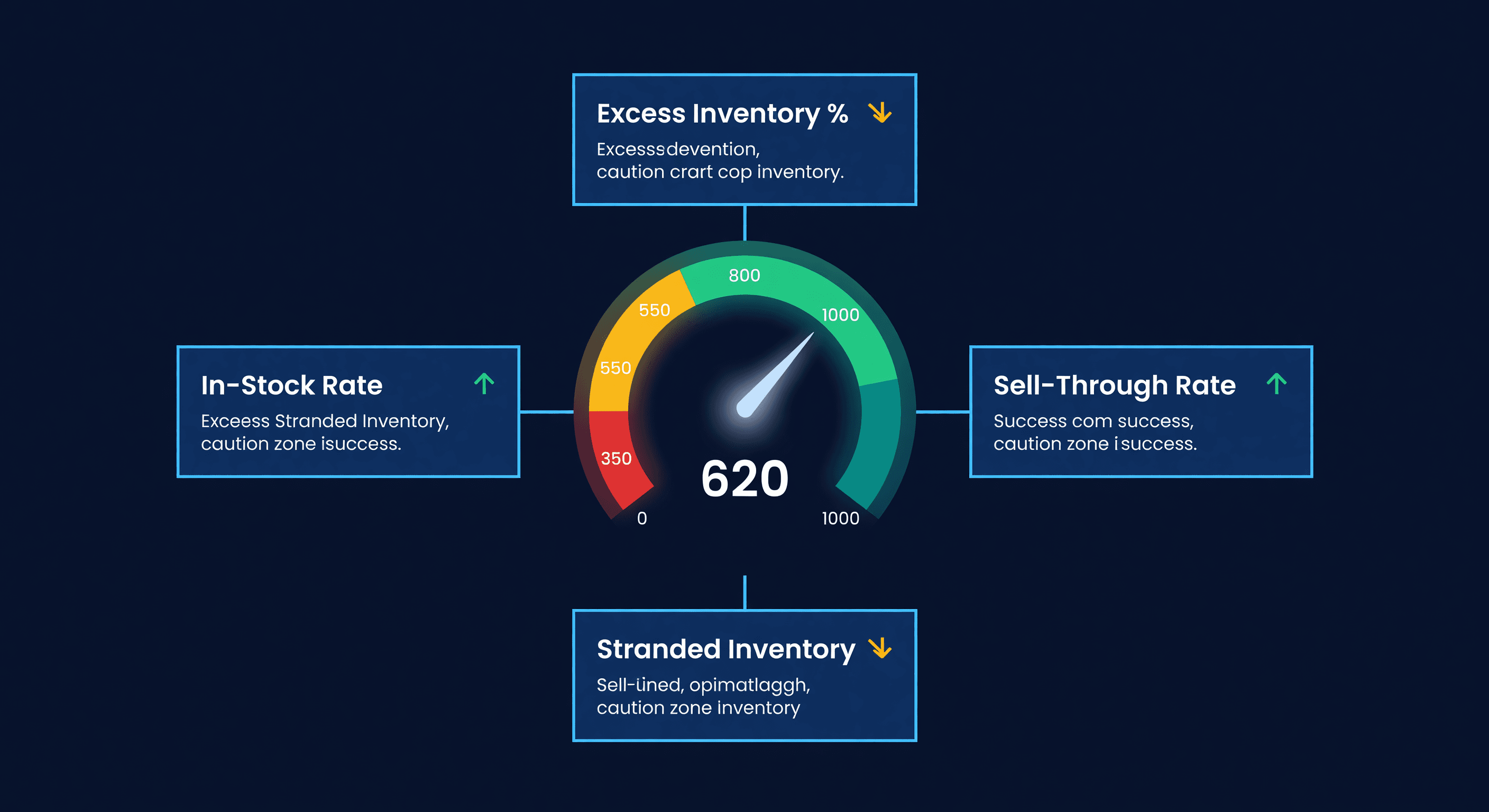
Amazon IPI Score: What It Is and How to Fix It
Your Amazon IPI score controls your FBA storage limits. Learn what the 4 factors actually measure, the score thresholds, and how to improve each one.
