Stocky Shut Down: Best Alternatives (2026)

Stocky is dead. Not dying. Dead.
Here is the short version if you just want the answer. Shopify retired Stocky on August 31, 2026, and the best alternatives for Shopify sellers are ReplenishRadar (statistical forecasting plus native Amazon FBA support, from $99/mo), Inventory Planner (deep, tunable forecasting for large Shopify catalogs, quote-based), and Prediko (Shopify-only, AI-forward, from $49/mo). Under about 30 SKUs, spreadsheets or the built-in Shopify Admin still work. If you sell on Amazon too, pick a multi-channel tool, because Stocky never touched Amazon. The rest of this post is the reasoning behind that ranking, and the full ReplenishRadar vs Stocky comparison if you want the side-by-side.
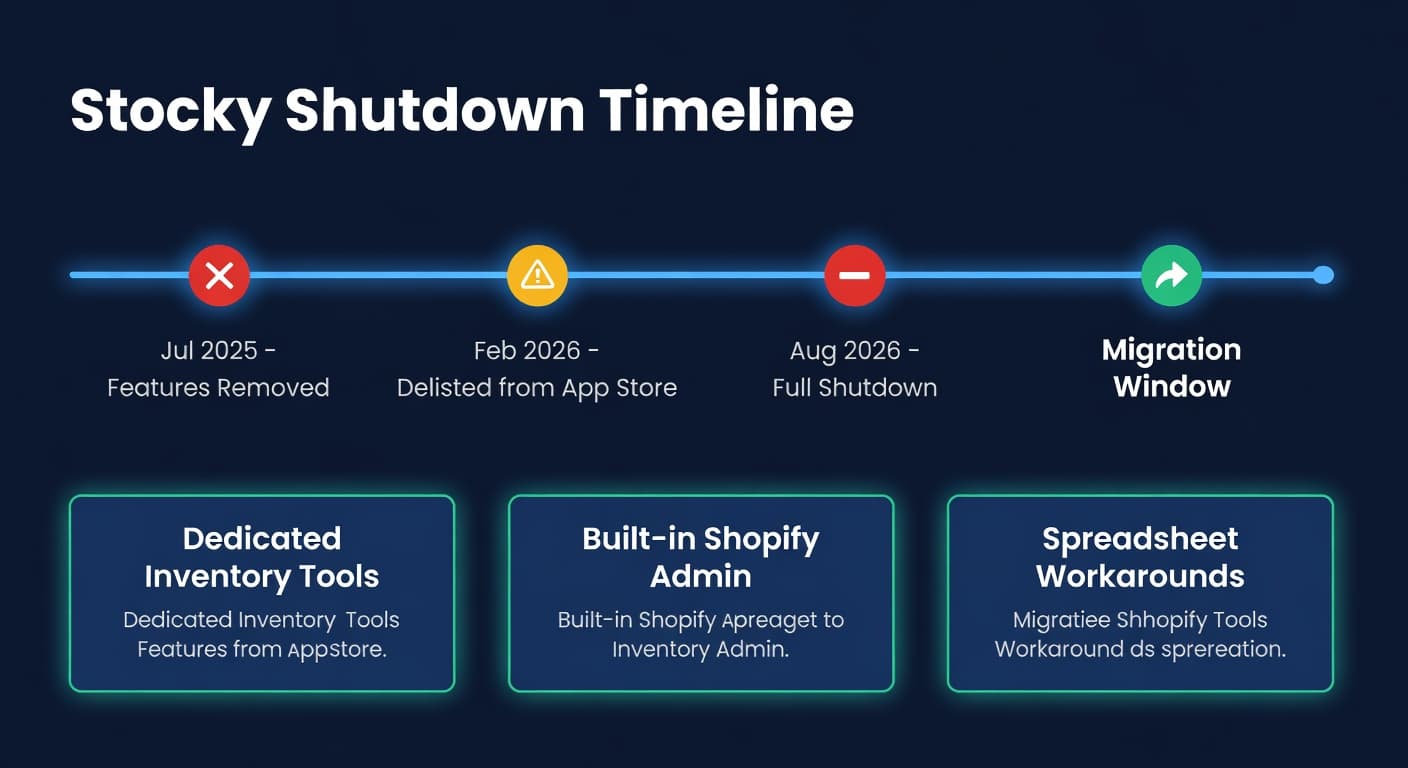
Shopify pulled it from the App Store on February 2, 2026. The core features that made it useful were already stripped out in July 2025. The app stopped working entirely on August 31, 2026. If you are reading this, you probably already know all of that and you are here for the "now what" part.
I spend most of my day in seller communities, and this topic has been coming up constantly since the delisting. The frustration is real. Sellers who built their entire reorder workflow around Stocky are now scrambling to find a replacement before the deadline.
Answer one question first: do you sell anywhere other than Shopify?
It is the only fork on this page that is expensive to get wrong. Stocky was Shopify-only, so it never forced you to think about it, and most of the tools being recommended as replacements are Shopify-only too. Pick one of those while an Amazon or wholesale channel is anywhere in your plans and you will be running a second system for it inside a year, which is how sellers end up with a spreadsheet stitching two tools together. That was the problem Stocky users had before Stocky was even in trouble.
If you sell on Shopify and Amazon, or expect to: ReplenishRadar, from $99/mo. That is us, and combined forecasting across both channels is the reason we are on this list at all. Nothing else here does it.
If you are Shopify-only and expect to stay that way, several of these do the job well:
- Reports, history and low-stock alerts: Stockful, from $19.99/mo. Daily stock history, forecasts, alerts. Shopify only.
- Forecasting: Monocle (from $47/mo) or Prediko (from $49/mo, priced on GMV).
- Large catalogue, maximum control: Inventory Planner by Sage, quote-based since 2026.
- Under 30 SKUs and one supplier: a spreadsheet, honestly.
If your problem is bigger than Stocky was: Cin7 ($349/mo) or Katana (free to 30 SKUs, then $299/mo) for wholesale, manufacturing or accounting alongside inventory. Starshipit WMS or similar for pick, pack and barcode operations.
The rest of this is the detail behind each of those, the migration checklist, and what I would do if it were my store.
The Shutdown Timeline
| Date | What Happened |
|---|---|
| Jul 7, 2025 | Core features removed: transfers, min/max forecasting, barcode printing, replenishment |
| Feb 2, 2026 | Delisted from Shopify App Store. No new installs. |
| Aug 31, 2026 | Complete shutdown. App stops functioning. |
That middle row is the one that matters, and it is already behind you. You have been running a gutted Stocky for over a year: transfers, min/max forecasting and replenishment went in July 2025. The August date only removes what is left.

Why Shopify Killed Stocky
I have a theory. Stocky was an acquisition (originally a third-party app, acquired by Shopify around 2018-2019). Shopify folded basic inventory features into the Admin over time, and Stocky became an orphan. No dedicated team. No roadmap. Feature removals started quietly, then the delisting made it official.
Shopify's stated replacement is the built-in Admin inventory management. I have to be honest: it handles stock counts and location transfers. That is about it. No demand forecasting. No reorder suggestions. No purchase order workflows. If your entire Stocky usage was "check how many units I have," the Admin works fine. If you were using Stocky for reorder planning, the Admin is not a replacement. It is a downgrade.
Your Actual Options
These are grouped by the decision you are actually making, not ranked. "Closest to Stocky" is a tempting way to sort a list like this and it is the wrong one: Stocky was Shopify-only and deliberately simple, so sorting on similarity to it just rewards whichever tool is smallest. The question worth answering is which of these still fits you in two years.
If you are not sure you need a tool at all
Spreadsheets
Cost: Free (plus your time).
I know this is where a lot of sellers end up after losing a tool. A Google Sheet with your SKUs, current stock, average daily sales, and a simple reorder point formula. It works. I used spreadsheets for longer than I want to admit.
The problem is maintenance. At 30 SKUs, updating a spreadsheet weekly takes 20 minutes. At 200 SKUs, it takes two hours. At 500, you stop doing it consistently and start flying blind on the SKUs you did not get to this week. The spreadsheet does not pull your sales data automatically. It does not adjust when lead times shift. It does not warn you that SKU #347 has six days of stock left.
That gap is where the money leaks. Research by Corsten and Gruen, published in Harvard Business Review, found that 21% to 43% of shoppers who hit a stockout buy from a competitor instead, and most never come back. Missing one reorder on one fast mover is not a rounding error. It is a customer you handed to someone else.
If you have under 30 SKUs and one supplier, a spreadsheet is fine. Past that, the time cost exceeds what you would spend on software.
Shopify Admin (do nothing)
Cost: Free (included with Shopify).
Shopify's built-in inventory tracks quantities across locations and handles basic transfers. That is the floor, not the ceiling. There is no forecasting, no reorder point calculation, no purchase order generation.
This works if inventory planning is not really your problem. Maybe you sell 10 SKUs. Maybe you order once a month from one supplier and eyeball it. For that workflow, Shopify Admin is fine and always has been.
For anyone who was actively using Stocky's reorder suggestions, this is not a substitute.
Shopify-only replacements
These are the like-for-like swaps. All four are good at what they do and every one of them stops at the Shopify boundary, which is the thing to check against your own plans before you commit.
Stockful
Cost: $19.99/mo (2,000 SKUs, 1 location), $39.99/mo (7,500 SKUs, 5 locations), $79.99/mo (15,000 SKUs, 10 locations). Overages run $5 per extra 500 SKUs or per extra location. 14-day trial.
Stockful covers the reporting side of Stocky closely: daily inventory snapshots going back up to two years, self-tuning demand forecasts with safety stock, reorder points, scheduled reports and Slack alerts. It launched in March 2026, which is to say it was built for this migration, and it shows.
I have not run it on a real catalogue, so treat this as a description rather than a review. Two things are worth knowing before you commit. It is Shopify-only, so the day you add Amazon you are shopping again. And it is priced per SKU and per location rather than on revenue, which is the friendlier shape if you are growing sales faster than catalogue.
If you are Shopify-only today and Shopify-only in two years, it is worth a trial.
Inventory Planner
Cost: Starts around $99/month, scales with SKU count.
Inventory Planner is a well-established Shopify app with detailed forecasting and replenishment features. It handles large catalogs and gives you granular control over forecasting parameters per product. If you have 500+ SKUs on Shopify and want to tune every knob, Inventory Planner has the depth for it.
The learning curve is steeper than simpler tools. I hear from sellers who installed it and felt overwhelmed by the configuration options. If you want something you can set up in an afternoon and have working by dinner, this is not that. If you want maximum control and are willing to invest the setup time, it is a strong option. Pricing moved to quote-based in 2026. We have a detailed comparison with Inventory Planner that covers pricing, features, and when each one makes sense.
Prediko
Cost: From $49/mo for stores under $100k GMV; higher tiers scale with revenue and require contacting sales.
Prediko has been picking up a lot of Stocky migrators lately, and I get why. It is Shopify-native, the interface is clean, and they lean hard into AI positioning with an assistant called Pia that answers inventory questions in natural language. If you want a modern-looking tool that feels like it was built in 2025 rather than 2015, Prediko checks that box.
The trade-offs: pricing is GMV-based, so your bill scales with revenue rather than features or SKU count. That matters for growing sellers. Pricing above $100k GMV requires a sales call. The forecasting leans on their AI model - you get recommendations but less visibility into what inputs and patterns are driving them. If you want to understand why the system is telling you to order 500 units, you are trusting the black box.
The bigger question is channel coverage. Prediko is Shopify-only. If you sell on Amazon too - or plan to - you will hit a wall. For pure Shopify sellers who want a polished, AI-forward experience and do not mind the premium pricing, it is worth evaluating. See how it compares to ReplenishRadar.
Monocle
Cost: $47/mo, $67/mo, and $89/mo, tiered by monthly order volume. Free trial. Rated 4.6 from 26 reviews on the Shopify App Store at the time of writing.
Monocle is Shopify-exclusive and forecasting-first. Its machine-learning model trains on your own store's history and gets better as it accumulates data, which means it is stronger in year two than in month one. The two features I think are genuinely well thought out: it detects stock-out periods and excludes them from the forecast, so a month where you sold zero because you had zero does not teach the model that demand collapsed, and it surfaces products that tend to sell together.
Same caveat as Stockful, I have not run it. And the same ceiling: Shopify only, no Amazon.
Pricing on order volume rather than SKU count is worth checking against your own numbers. A store with 300 SKUs and heavy repeat volume pays more here than in a SKU-priced tool, and a store with 5,000 slow-moving SKUs pays less.
If you sell on Amazon as well as Shopify
ReplenishRadar
Cost: $99-$499/month depending on SKUs and stores. 14-day free trial.
This is our tool, so take that into account. We built ReplenishRadar specifically for Shopify and Amazon sellers who need demand forecasting, reorder recommendations, and purchase order workflows. The exact things Stocky used to do, but with actual statistical forecasting instead of simple recent-velocity math.
Where it goes further than Stocky ever did: demand forecasting with trend and seasonality detection, safety stock calculations that factor in lead time variability, reorder point automation, FBA restocking for sellers who also sell on Amazon, and supplier management with lead time tracking.
If you sell on both Shopify and Amazon, Stocky was never going to work for you anyway (it was Shopify-only). ReplenishRadar handles both channels from one place.
Migration from Stocky starts with a Shopify OAuth connection, which takes about five minutes; your catalog and sales history then sync automatically, usually finishing within a few hours. Supplier data imports through the supplier CSV flow, and open or historical POs import through the purchase-order CSV flow with preview before confirm. The PO import preserves PO numbers and received quantities for history, but it does not move stock.
Bigger systems than Stocky ever was
Cin7 (formerly Dear Systems)
Cost: $349/month and up.
Cin7 is an ERP-adjacent tool. If you do manufacturing, wholesale, and DTC, and you need accounting integrations, warehouse management, and B2B order processing alongside inventory planning, it might be the right move.
For most Stocky users, this is overkill. Stocky was a simple tool for simple needs. Jumping to an ERP because your simple tool got shut down is like replacing a Honda Civic with a semi truck because the Civic got recalled. Unless you were already outgrowing Stocky's scope, a focused inventory tool will serve you better and cost less. If you are seriously considering Cin7, read our detailed Cin7 alternative comparison first.
Katana
Cost: Starts around $99/month.
Katana is built for manufacturers who sell DTC. If you make your own products on Shopify, Katana handles raw material planning, production scheduling, and finished goods inventory in one system. For makers and manufacturers, it fills a different niche than Stocky did.
If you do not manufacture, Katana is not the right fit.
Starshipit WMS and other warehouse systems
Cost: quote-based.
Starshipit is a shipping platform that has moved into warehouse management, and it turns up in most Stocky-alternative lists now. A WMS covers purchase orders, inbound receiving and multi-location stock, so on paper it does tick the Stocky boxes, and it adds pick and pack workflows, barcode scanning and multi-carrier shipping on top.
I want to be straight about the fit. If you are picking and packing your own orders out of your own warehouse and that process is the thing hurting you, a WMS is the right category and Stocky was never really solving that problem for you anyway. If your problem is deciding what to reorder and when, a WMS is a large, operationally heavy answer to a planning question. Most Stocky users I talk to are in the second group.
Evaluate this one only if warehouse operations, not reorder planning, is what actually keeps you up.

The Comparison Table
| Tool | Forecasting | Purchase Orders | Amazon Support | Starting Price | Best For |
|---|---|---|---|---|---|
| Shopify Admin | No | No | No | Free | Under 10 SKUs, one channel |
| Spreadsheets | Manual | Manual | Manual | Free | Under 30 SKUs, one supplier |
| Stockful | Self-tuning | Yes | No | $19.99/mo (per SKU tier) | Closest like-for-like on Stocky's reporting |
| ReplenishRadar | Statistical | Yes | Native | $99/mo | Shopify + Amazon sellers, 50-50K SKUs |
| Inventory Planner | Yes | Yes | Yes | Quote-based | High-SKU Shopify stores |
| Prediko | AI-driven | Yes | No | From $49/mo (GMV-based) | Shopify-only, AI-forward UX |
| Monocle | Machine learning | Advisory | No | From $47/mo (order volume) | Shopify-only, forecast accuracy over time |
| Cin7 | Yes | Yes | Yes | $349/mo | Wholesale + manufacturing + DTC |
| Katana | Production | Yes | Limited | Free to 30 SKUs, then $299/mo | Shopify manufacturers |
| Starshipit WMS | No | Yes | Via shipping | Quote-based | Warehouse ops, pick and pack, barcodes |
Migration Checklist
Stocky went dark on August 31, 2026, and Shopify said it would not provide exports afterwards, so what you have is whatever you exported before then. If you did, import it. If you did not, your sales history is still in Shopify and every tool below rebuilds forecasts from it; what you lost is purchase order history and supplier settings, which you re-enter once.
If you exported from Stocky before the shutdown, you have:
- Your supplier list (names, lead times, contact info)
- Any open purchase orders, for CSV import and reference while you cut over
- Product cost data if you entered it in Stocky
If you did not, the supplier list is the one thing to rebuild by hand.
From Shopify (your new tool will pull this automatically):
- Product catalog and variants
- Current inventory levels by location
- Sales history (most tools pull 12-24 months)
What you will lose regardless:
- Stocky-specific reports and views
- Any custom configurations in Stocky's interface
The good news: your actual inventory data lives in Shopify, not in Stocky. Stocky was a layer on top. Now that it is gone, your products, stock levels, and order history are still in Shopify Admin. You are migrating the planning logic, not the data.
What I Would Do
If I had just lost Stocky with 100+ SKUs on Shopify, I would pick a tool this week rather than run without forecasting into Q4. Every tool on this list has a free trial and connects to Shopify by OAuth in minutes, so the evaluation is an afternoon, not a project. Trialling two in parallel costs you an afternoon.
The sellers I talk to who handle migrations well are the ones who overlap their tools. Run the new system in parallel. Verify the reorder suggestions make sense. Then switch.
The ones who waited for the shutdown to arrive are the ones making panic decisions now, and either overspend on a tool they do not need or underspend on one that does not actually replace what they lost.
Try ReplenishRadar free for 14 days. Connect Shopify in five minutes, then once your data syncs see if the reorder suggestions match what you have been doing manually. Want to see what it does before signing up? Product overview.
Related Reading:
Frequently Asked Questions
Get notified when it matters
Amazon and Shopify change the rules constantly. We'll email you when something affects your business.
See what your inventory is really doing
Doing $5M+ in revenue? Talk to our team
Related Posts
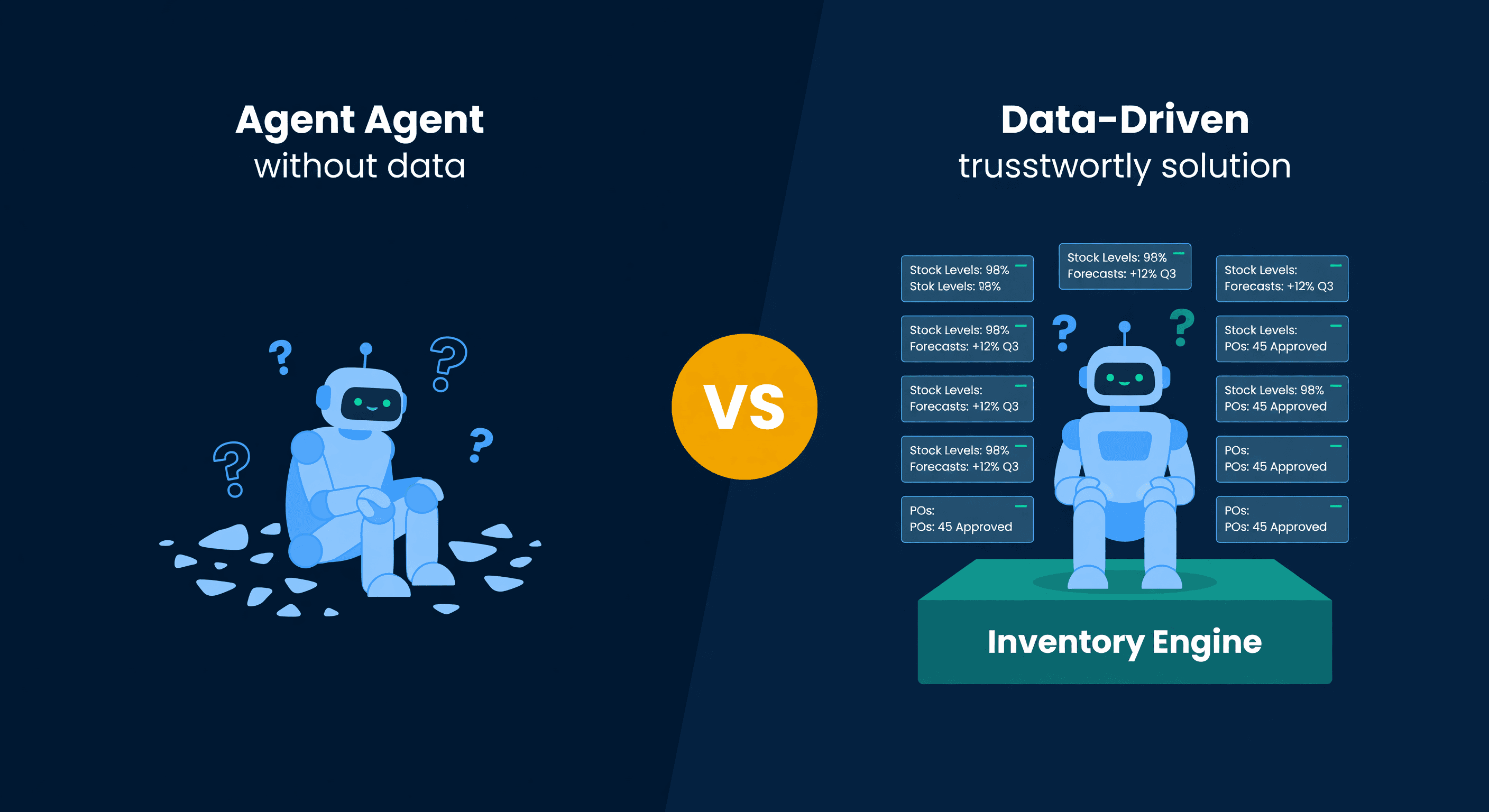
OpenClaw vs Inventory Software: Where AI Agents Fall Short
OpenClaw handles basic Shopify stock alerts but stops short on FBA lead times, multi-channel forecasting, and reorder math. The honest breakdown.
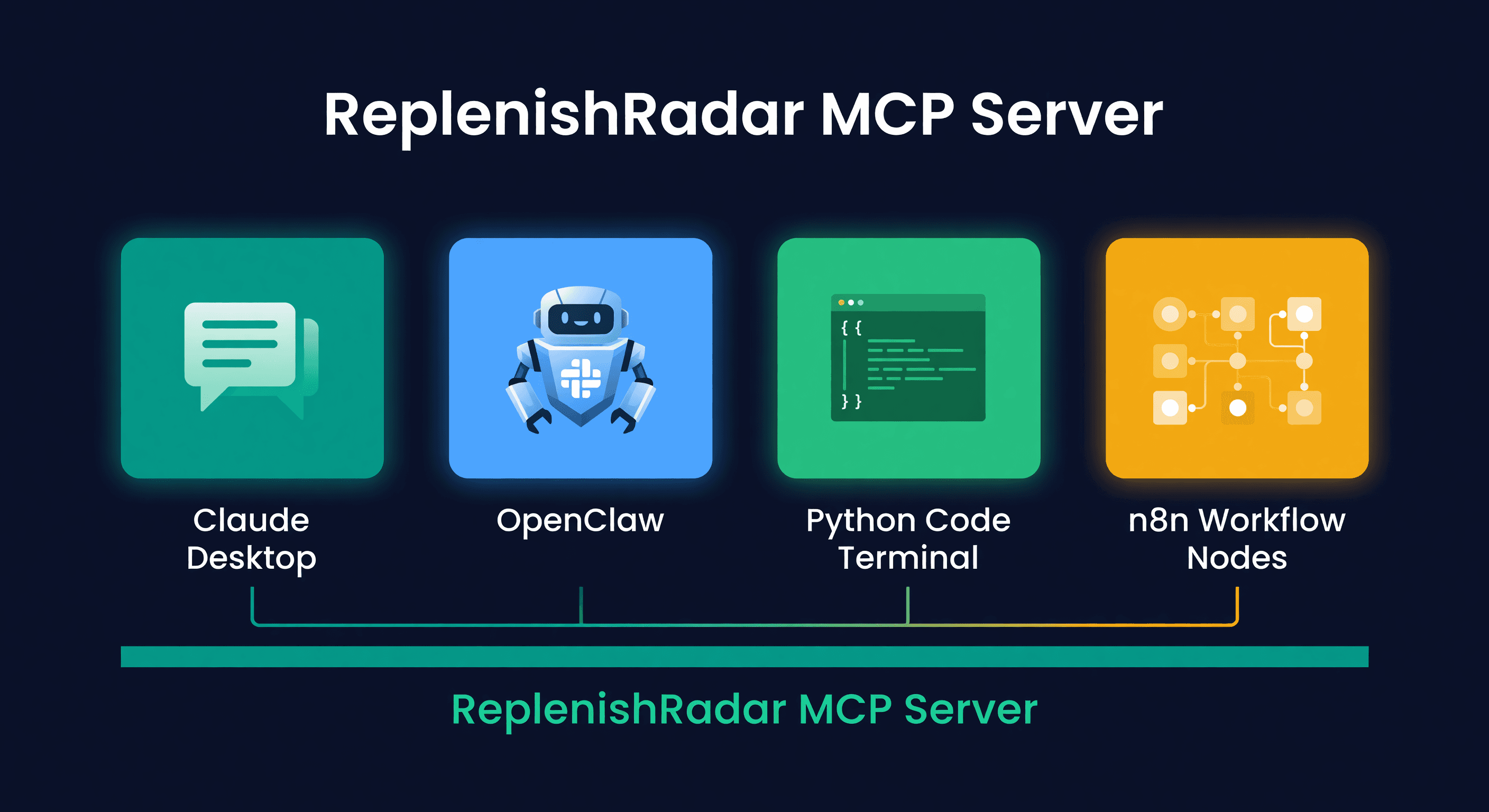
Best AI Agent Setup for Amazon and Shopify (2026)
Four ways to connect an AI agent to your inventory data. Claude Desktop, OpenClaw, custom Python, and n8n compared with honest pros and cons.
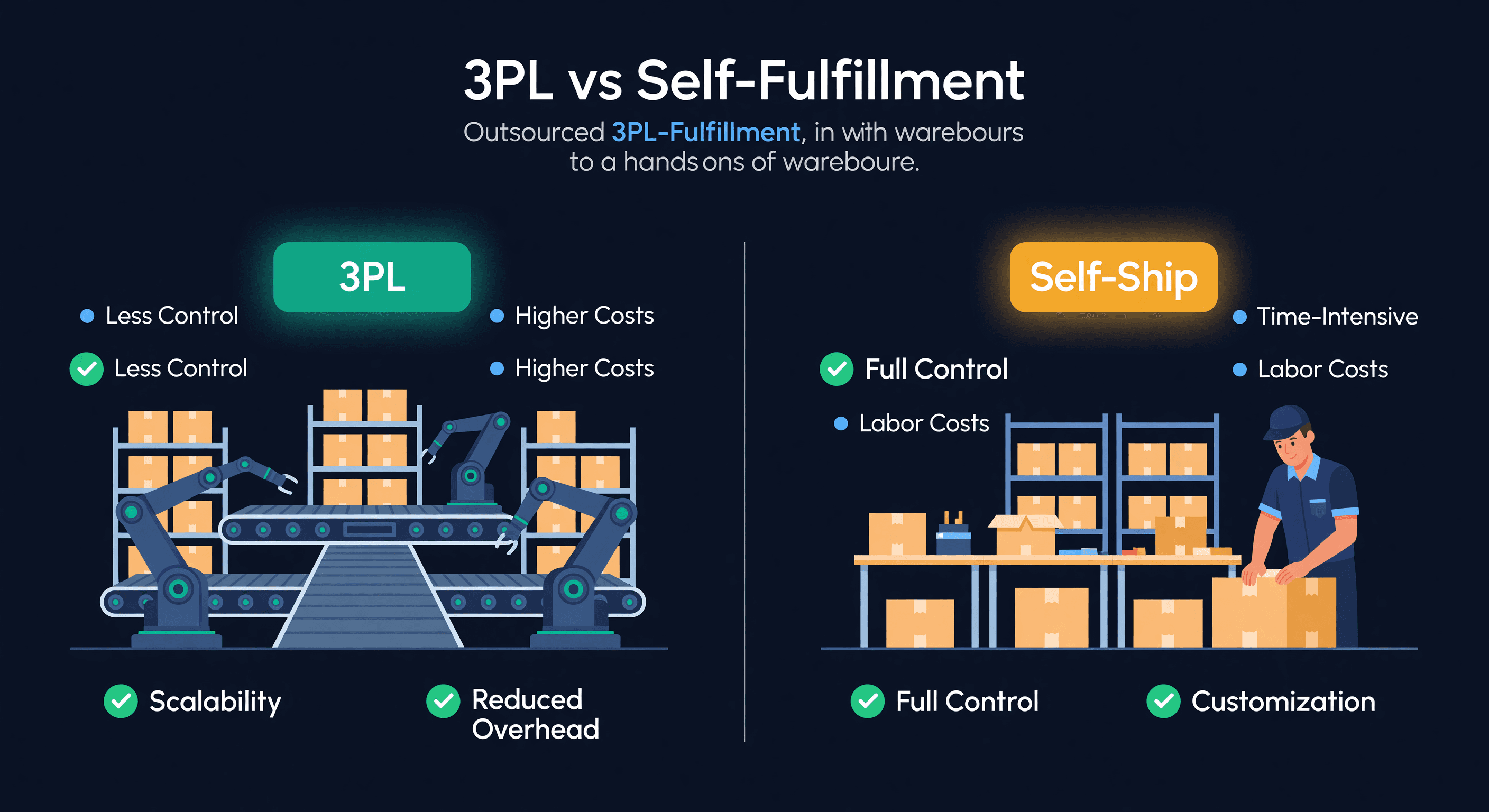
3PL vs Self-Fulfillment for E-commerce
A real cost comparison of 3PL vs self-fulfillment, with the math on when to outsource, when to keep it in-house, and why hybrid models win.
