How to Tariff Stress-Test Your FBA Catalog

A federal court heard arguments last week that tariffs under IEEPA can be renewed indefinitely. Every 150 days, a new emergency declaration, a new extension. No sunset clause. No automatic expiration.
If you have been treating tariffs as temporary, that assumption just got more expensive.
I talk to FBA sellers every day. The ones who are doing well right now are not the ones who guessed the tariff rate correctly. They are the ones who stress-tested their entire catalog against multiple scenarios and made decisions before the rate changed. The ones who are scrambling did not.
This post is the stress-test. One example product threaded through the whole thing so you can follow the math with your own SKUs open in another tab.
The Product We Are Stress-Testing
I am going to use a real-ish product throughout this post. A silicone kitchen spatula set, sourced from Guangdong, sold on Amazon FBA.
| Metric | Value |
|---|---|
| FOB price | $6.80 |
| Freight per unit | $0.95 |
| Insurance | $0.08 |
| Customs brokerage (per unit) | $0.12 |
| Current tariff rate | 25% |
| Current tariff duty | $1.70 |
| Last mile to FBA | $0.65 |
| Current landed cost | $10.30 |
| Amazon selling price | $24.99 |
| Amazon fees (referral + FBA) | $9.50 |
| Current margin per unit | $5.19 |
| Monthly velocity | 420 units |
That $5.19 margin looks fine. It is 20.8% of the selling price. Not amazing, not terrible. Enough to cover ad spend and still eat.
The question is: what happens to that margin at higher tariff rates?
The Three Scenarios
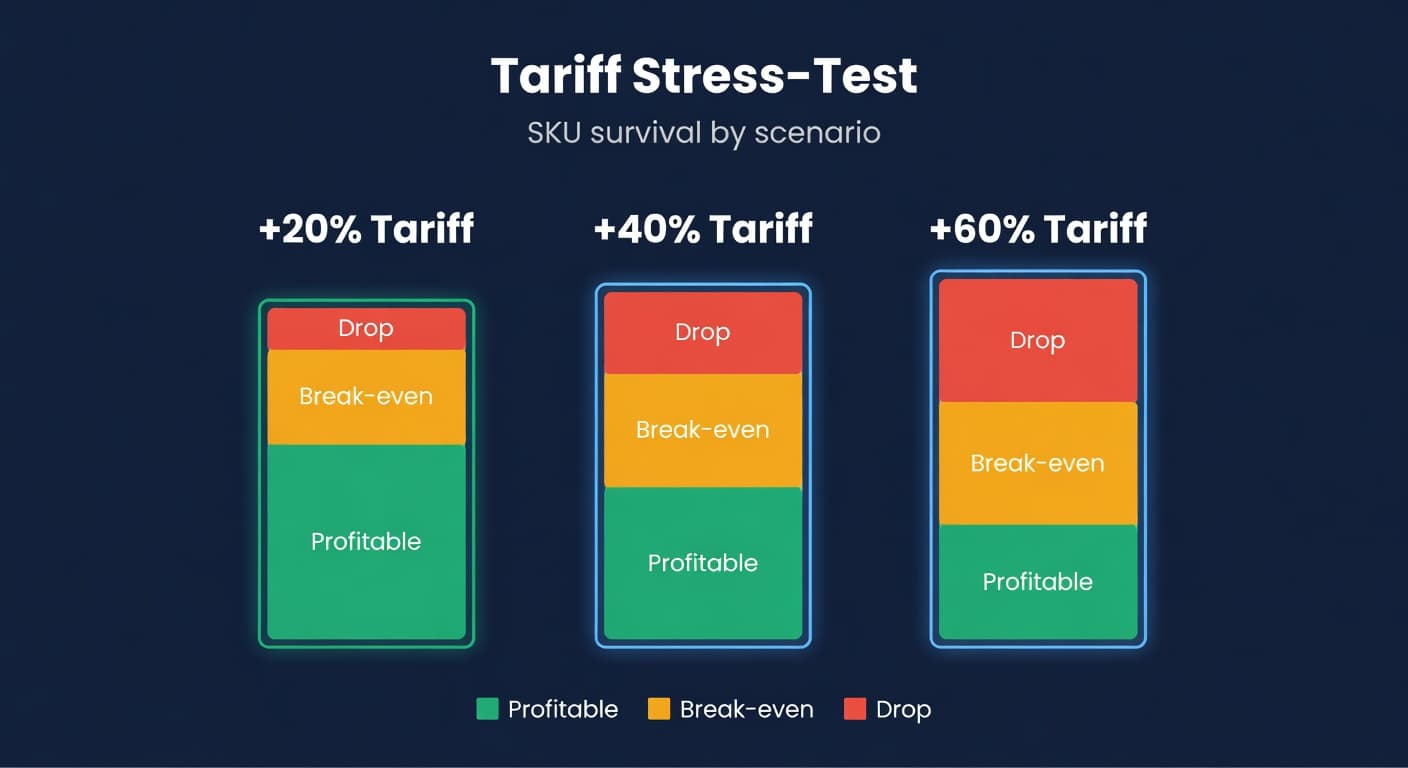
I use a +20/+40/+60 framework. These are not predictions. They are stress points. The goal is to find where each SKU breaks.
+20% scenario means your current rate goes from 25% to 45%. Plausible. Some HTS categories already hit this.
+40% scenario means 25% becomes 65%. Aggressive but not impossible. Battery and EV tariffs already exceed this.
+60% scenario means 25% becomes 85%. This is your "everything went wrong" number. If a SKU survives this, it survives anything realistic.
Here is the spatula set across all three:
| Scenario | Tariff Rate | Duty per Unit | Landed Cost | Margin | Margin % |
|---|---|---|---|---|---|
| Current | 25% | $1.70 | $10.30 | $5.19 | 20.8% |
| +20% | 45% | $3.06 | $11.66 | $3.83 | 15.3% |
| +40% | 65% | $4.42 | $13.02 | $2.47 | 9.9% |
| +60% | 85% | $5.78 | $14.38 | $1.11 | 4.4% |
At +40%, the margin is $2.47. That is thin. After ad spend ($3-5 per unit on a competitive kitchen keyword), this SKU is underwater. At +60%, it is dead.
That table took me four minutes to build in a spreadsheet. It should take you less if you already have your landed cost data pulled.
Step 1: Pull Your Landed Costs
You need four numbers per SKU: FOB price, freight allocation, current duty, and Amazon fees. If you do not have a clean landed cost per SKU, stop here and build one first. The stress test is meaningless without accurate base numbers.
Where to get the data:
Your supplier invoices have FOB prices. Your freight forwarder invoices have per-shipment costs that you divide by units. Your customs broker sends entry summaries with duty amounts per HTS code. Amazon's fee schedule or your Seller Central reports give you referral and FBA fees.
If you are sourcing from multiple countries, separate your SKUs by origin. A SKU sourced from Vietnam at 0% tariff does not need the same stress test as one from China at 25%.
Step 2: Apply the Scenarios
The tariff duty formula:
Duty = FOB Price x Tariff Rate
That is it. The tariff is assessed on declared value, which is almost always FOB. Not on your total landed cost.
For each SKU, calculate the new duty at each scenario rate and add it to your other landed cost components. Then subtract Amazon fees from selling price and compare against the new landed cost.
New Margin = Selling Price - Amazon Fees - New Landed Cost
I did this for my top 25 SKUs. It took about 90 minutes with a spreadsheet. Fourteen survived all three scenarios. Six died at +40%. Five were already marginal at +20%.

Step 3: Find the Break-Even Tariff Rate
This is the number that matters most. For each SKU, what tariff rate makes your margin zero?
Break-even tariff rate = (Selling Price - Amazon Fees - Non-duty Landed Costs) / FOB Price
For the spatula set:
Break-even = ($24.99 - $9.50 - $8.60) / $6.80 = $6.89 / $6.80 = 101%
A 101% tariff rate zeros out the margin entirely. That sounds high, but remember: ad spend, returns, and overhead are not in this formula. Your real break-even is lower. If you spend $3 per unit on ads, the break-even drops to ($6.89 - $3.00) / $6.80 = 57%.
That 57% is the number I actually plan around. Not the theoretical break-even. The operational one.
Step 4: Sort Into Buckets
Once you have break-even rates for every SKU, sort them into four buckets.
| Bucket | Break-Even Tariff | Action |
|---|---|---|
| Safe | Above 80% | No action needed. These survive almost anything. |
| Watch | 50-80% | Monitor. Have a price increase ready but do not pull the trigger yet. |
| Act Now | 30-50% | Start supplier diversification or raise prices immediately. |
| Drop | Below 30% | Sell through current stock. Do not reorder. |
For the spatula set with a 57% operational break-even, it falls in the "Watch" bucket. I would not panic, but I would have a plan B ready.
The ugly truth in my catalog: 8 of my 25 top SKUs had operational break-evens below 50%. Three were below 35%. Those three I stopped reordering from my China supplier and started qualification orders with a Vietnamese manufacturer. That process takes months, so starting early matters.

Step 5: Adjust Your Reorder Plan
The stress test is not just about which SKUs to keep. It changes how you order the ones you are keeping.
For "Act Now" SKUs, consider a pre-buy at current rates if a tariff increase has been announced. But only if you can sell through the extra stock within 4 months. I wrote about the pre-buy math in detail. The short version: carrying costs eat the tariff savings faster than most sellers expect.
For "Watch" SKUs, increase safety stock by 10-15%. The logic: if tariffs jump while you are at zero inventory, you reorder at the higher rate. That extra buffer gives you time to react. Bump your service level from 95% (Z-score 1.65) to 97% (Z-score 1.88) on anything tariff-sensitive.
For "Safe" SKUs, keep your normal ordering cadence. Do not over-invest in inventory buffers for products that can absorb tariff increases. Your capital is better deployed on the SKUs that need supplier diversification.
The safety stock adjustment is not permanent. It is a response to uncertainty. When tariff policy stabilizes, revert to your normal levels. Holding 15% extra inventory across your entire catalog gets expensive fast.
What About Raising Prices?
Every seller's first instinct. Sometimes the right call. Sometimes it kills velocity.
I tested a $2 price increase on the spatula set (from $24.99 to $26.99). Sales dropped 18% over 30 days. The extra margin per unit did not compensate for the lost volume. I reverted.
The problem is that tariffs hit your entire category. Your competitors face the same cost increase. But they do not all raise prices at the same time, and the ones who hold longest capture the volume. It becomes a game of chicken.
My rule: raise prices only on SKUs where you have pricing power. Products with strong reviews, limited competition, or brand recognition can absorb increases. Commodity products in crowded categories cannot.
Before you raise prices, check your EOQ calculation. Higher per-unit cost changes the optimal order quantity. Your ordering frequency might need to shift too.
The Spreadsheet vs. the System
I built my first stress-test spreadsheet in Google Sheets. Twenty-five SKUs, three scenarios, four columns of formulas. It worked. It took a full afternoon and I had to redo half of it when I realized my freight allocations were stale.
The second time I ran it, two months later, I spent another hour updating costs that had drifted. A supplier had quietly raised FOB by 4%. My freight rate had changed. One SKU had a new HTS classification from the customs broker review I mentioned in the tariff strategy post.
ReplenishRadar tracks landed cost per SKU with supplier-level cost data that updates from your actual POs. When I need to run a stress test now, the base numbers are already current. I am not pulling invoices from three different email threads and hoping I have the right freight rate. The landed cost is just there, per SKU, per supplier, updated on every sync.
Try ReplenishRadar free for 14 days ->
The Tariff-Sensitive SKU Checklist
Run this quarterly, or whenever new tariff policy is announced.
- Pull current landed cost per SKU (from your system or a fresh spreadsheet build)
- Calculate duty at +20%, +40%, +60% of current tariff rate
- Recalculate margin at each level after Amazon fees
- Find the operational break-even tariff rate (include ad spend)
- Sort SKUs into Safe / Watch / Act Now / Drop buckets
- For "Act Now" SKUs: start supplier diversification, raise prices, or plan sell-through
- For "Watch" SKUs: bump safety stock 10-15%, prepare price increase if needed
- Update your supplier lead times if you are shifting to new origins
The whole exercise takes half a day for 50-100 SKUs. Do it once, and you stop being surprised when the next tariff headline drops. The sellers who ran this in Q1 2026 are not panicking right now. They already made their moves.
Every tariff announcement is a wealth transfer from sellers who did not prepare to sellers who did. Pick which side you want to be on.
Related Reading:
Frequently Asked Questions
Get notified when it matters
Amazon and Shopify change the rules constantly. We'll email you when something affects your business.
See what your inventory is really doing
Doing $5M+ in revenue? Talk to our team
Related Posts
Amazon FBA vs FBM: Inventory Planning Guide
FBA vs FBM vs Seller Fulfilled Prime cost comparison with inventory planning differences. When each option wins and how to run hybrid.
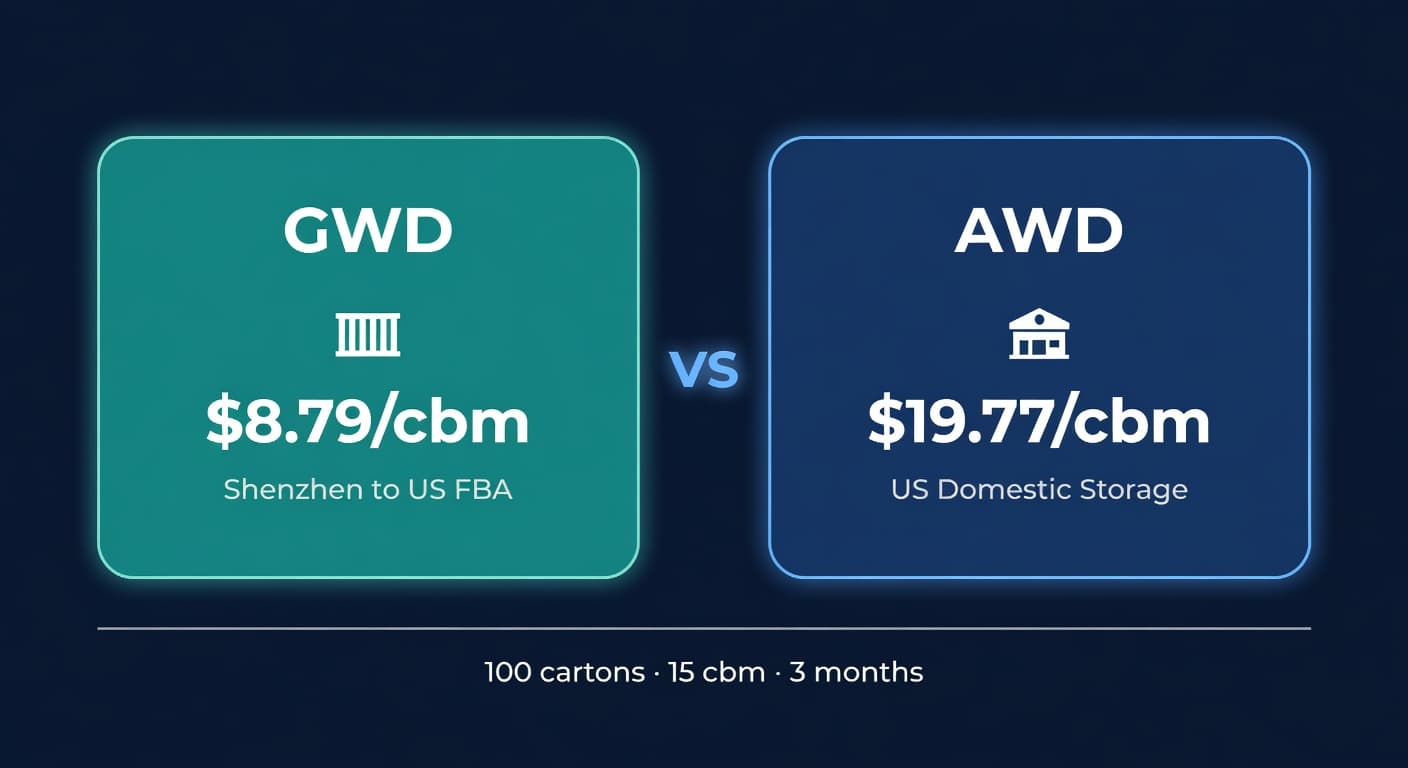
Amazon GWD: Fee Math, Pipeline Risk, and Who It Fits
Amazon's new Global Warehousing and Distribution program stores inventory in Shenzhen. Here's the real cost breakdown and what sellers should watch for.
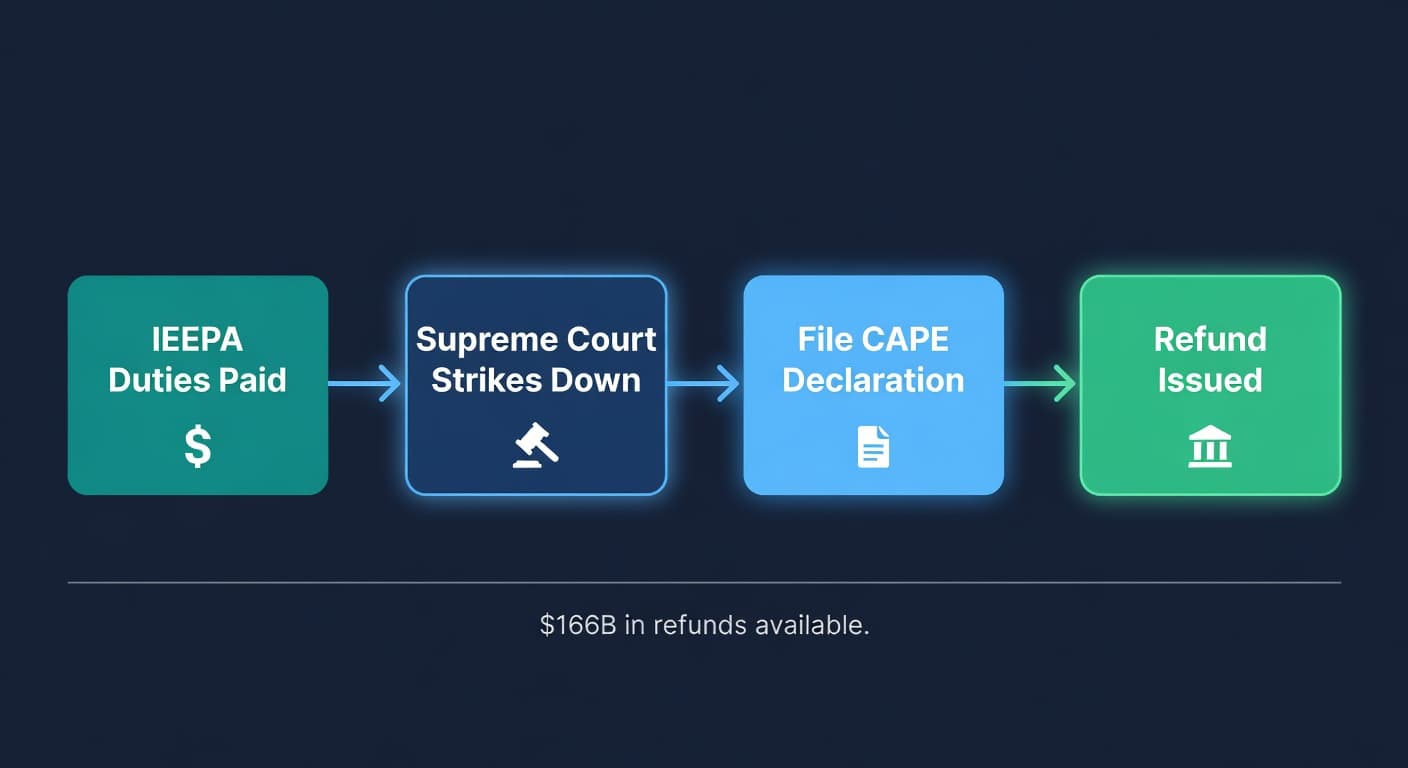
IEEPA Tariff Refund Portal: FBA Seller Guide
CBP's CAPE portal is live. If you paid IEEPA tariffs on imports, here's how to check eligibility and file for a refund before the window closes.
