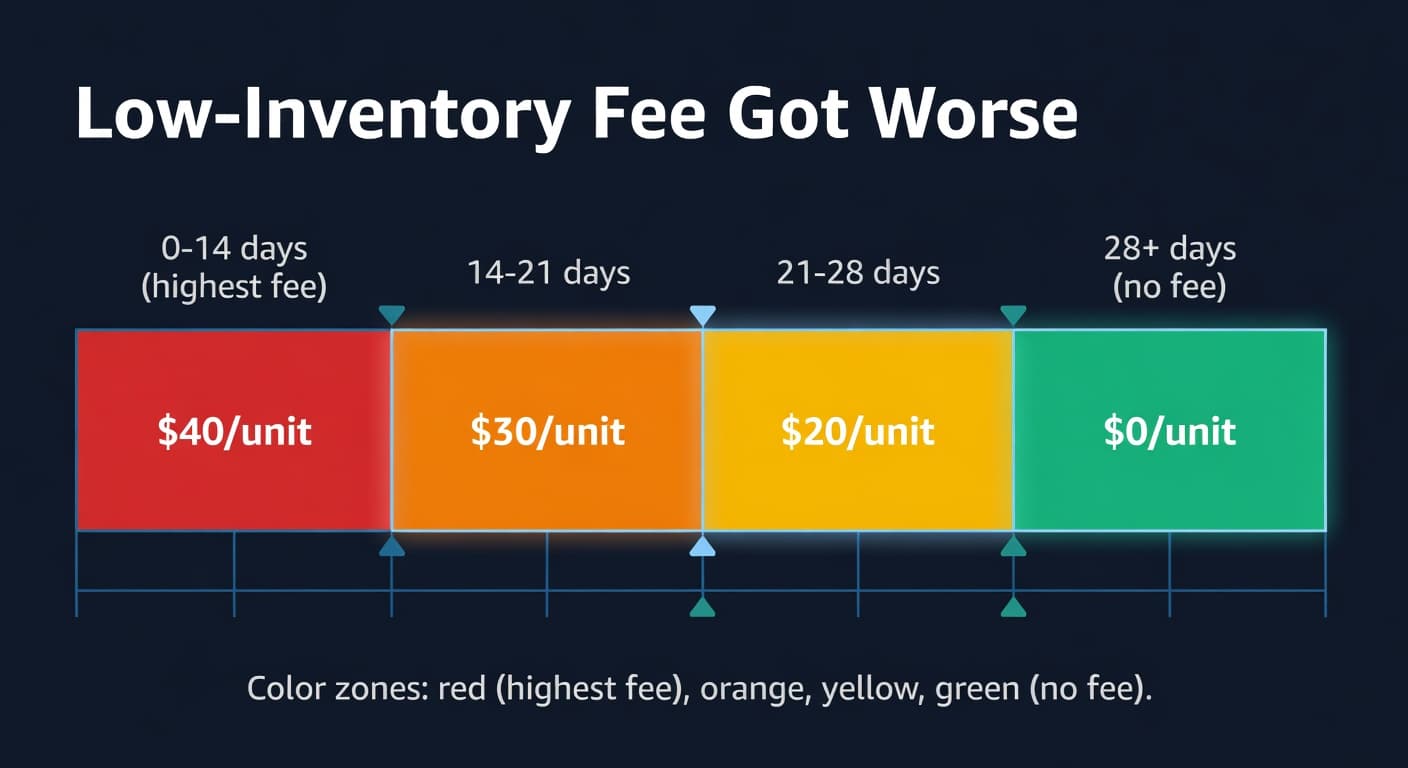
Amazon Adjusted the Low-Inventory-Level Fee. It Got Worse.
The Squeeze Got Tighter
Amazon updated the low-inventory-level fee effective February 2026. The fee already existed - it launched in April 2024 - but the 2026 version raised per-unit rates and tweaked the calculation methodology. If you were barely above the 28-day threshold before, you might not be anymore.
I wrote a full guide to the low-inventory-level fee last year that covers the mechanics. This post is specifically about what changed and what to do about it.
The Rate Increases
Every tier got more expensive.
| Historical Days of Supply | 2025 Rate (Standard) | 2026 Rate (Standard) | Change |
|---|---|---|---|
| 21-28 days | $0.32/unit | $0.36/unit | +$0.04 |
| 14-21 days | $0.63/unit | $0.68/unit | +$0.05 |
| Below 14 days | $0.97/unit | $1.11/unit | +$0.14 |
The below-14-day tier got hit hardest. That makes sense from Amazon's perspective - they really do not want sellers running with less than two weeks of supply. The $1.11 per-unit charge is punitive. On a product selling 50 units per day, dropping below 14 days costs an extra $55.50 per day until you restock. That adds up to $1,665 per month on a single ASIN.
Oversize rates went up proportionally, though the absolute numbers are slightly lower per unit.
The Calculation Change
This is the sneaky one. Amazon adjusted how they weight the two lookback windows.
The low-inventory-level fee uses two historical windows to calculate your days of supply: the last 30 days and the last 90 days. Previously, Amazon appeared to use the higher of the two (the more favorable calculation for sellers). Since February 2026, the 30-day window carries more weight.
Why does this matter? Because the 30-day window is more volatile. If you had a sales spike last month, your 30-day average daily shipments are higher than your 90-day average. Higher average daily shipments means you need more on-hand inventory to maintain the same days of supply. A product that showed 35 days of supply using the 90-day window might only show 24 days using the 30-day window.
I noticed this in late February when sellers started reporting unexpected low-inventory fees on ASINs they thought were properly stocked. The inventory levels had not changed. The calculation had.
The Real Problem: The Two-Sided Trap
Amazon has built a fee structure that penalizes both extremes. Too little inventory triggers the low-inventory-level fee. Too much triggers aged inventory surcharges. And the window between "too little" and "too much" keeps shrinking.
Here is where the math gets uncomfortable:
| Scenario | Days of Supply | Fee Risk |
|---|---|---|
| Understocked | Below 14 days | $1.11/unit low-inventory fee |
| Slightly low | 14-28 days | $0.36-$0.68/unit low-inventory fee |
| Sweet spot | 28-60 days | No penalty fees |
| Overstocked | 60-90 days | Rising storage cost |
| Aged | 90+ days | Aged inventory surcharge |
That sweet spot is a 32-day window. Thirty-two days of margin between paying Amazon for having too little and paying Amazon for having too much. For a product with variable demand, staying in that window requires actual planning. You can't eyeball it.
What To Do This Month
Recalculate your FBA restock triggers. If your reorder point was set to trigger at 21 days of supply, bump it to 28-30 days. The cost of the low-inventory fee at the new rates exceeds the cost of carrying a few extra days of stock. The math is unambiguous.
Watch the 30-day window after promotions. If you run a Lightning Deal or coupon that spikes sales for a week, your 30-day average daily shipments jump. That can push your days-of-supply calculation below 28 even though you have the same units on hand. Plan a restock shipment before any major promotion, not after.
Set up per-ASIN monitoring. This fee hits at the ASIN level, not the account level. You might have 200 ASINs in the safe zone and 15 below the threshold. Those 15 are costing you money every day. Knowing which ones are at risk - before they cross the line - is the whole game.
ReplenishRadar tracks days of supply per SKU and alerts you when any ASIN is trending toward the threshold. We factor in the 30-day velocity window, so the warning accounts for recent sales spikes. The alert fires before you drop below 28 days, not after Amazon has already charged you.
Related Reading:
Frequently Asked Questions
Get notified when it matters
Amazon and Shopify change the rules constantly. We'll email you when something affects your business.
See what your inventory is really doing
Doing $5M+ in revenue? Talk to our team
Related Posts
How to Handle Oversold Orders in E-commerce
Why overselling happens on multi-channel stores, what it costs you, and the prevention strategies that actually work, from buffer stock to real-time push sync.
Amazon Lost Inventory: How to Get Reimbursed
How to find lost or damaged FBA inventory, file reimbursement claims with Amazon, and stop leaving 1-3% of your FBA revenue on the table.
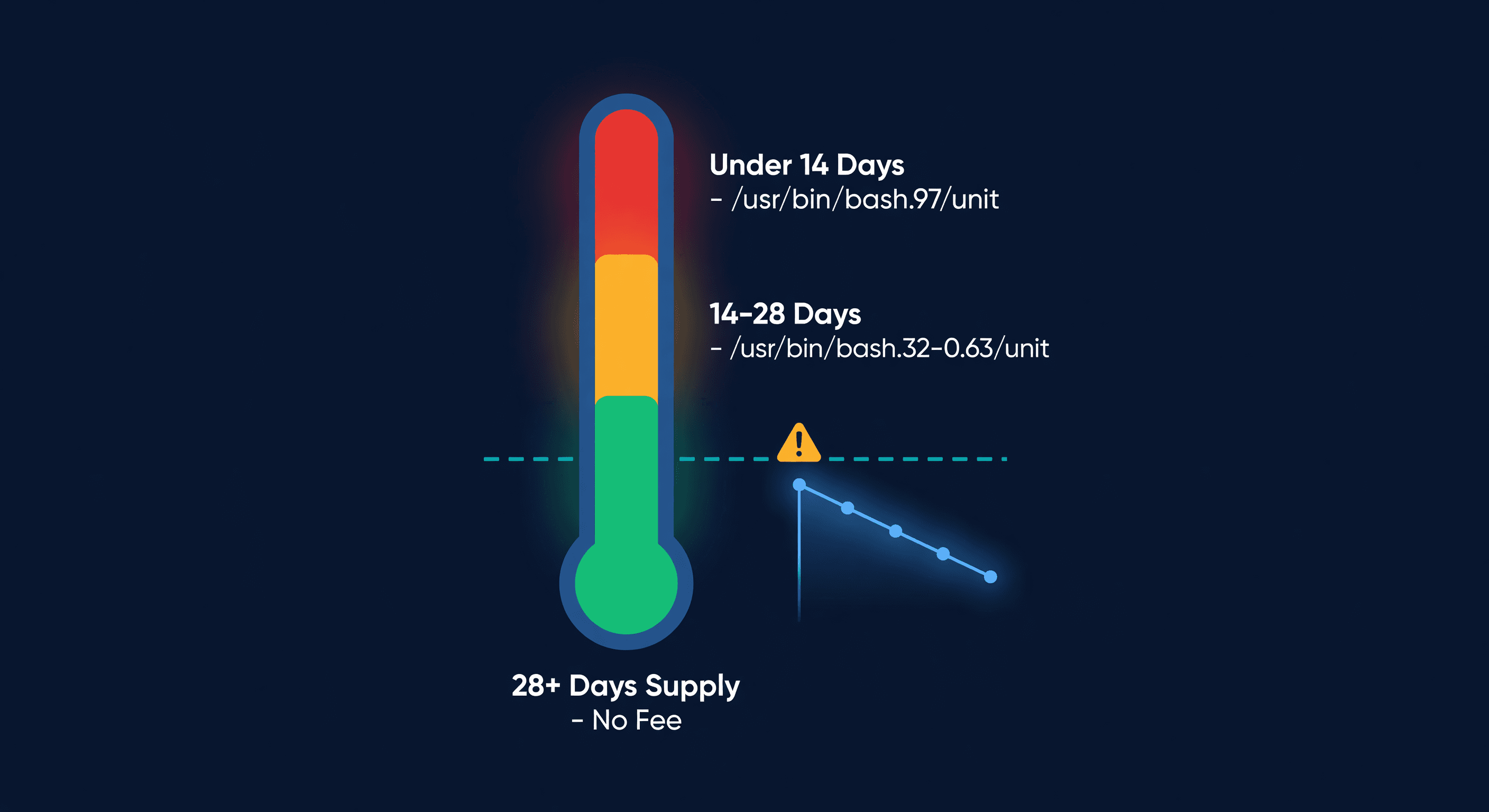
Amazon Low-Inventory-Level Fee Explained
How Amazon's low-inventory-level fee works, which products are exempt, fee amounts by days of supply, and how to avoid it without triggering storage fees.
