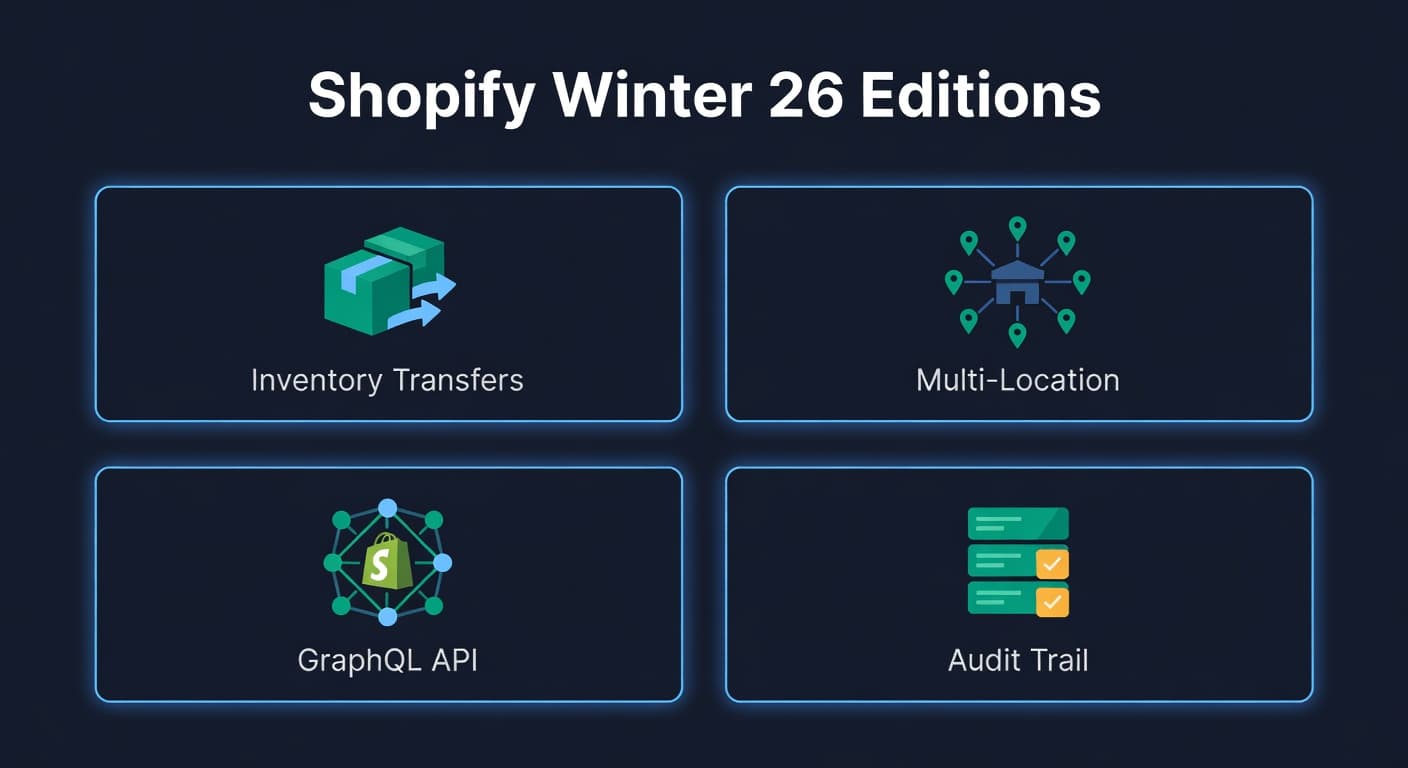
Shopify Winter '26 Editions: What Changed for Inventory
Shopify Shipped Some Real Inventory Features. Finally.
Shopify's Winter 2026 Editions dropped in late January, and for the first time in a while, the inventory updates are worth talking about. Not because they replace dedicated inventory software - they do not - but because they fill gaps that have annoyed Shopify sellers for years.
I have been building on the Shopify API since 2022. The inventory side has always been the weakest part of the platform. Shopify treated inventory as a secondary concern - the order system got all the love while inventory was basically a number attached to a variant. These updates suggest that's starting to change.
Native Inventory Transfers
This is the headline feature. Shopify now supports creating transfer orders between locations directly in the admin. You pick a source location, a destination, select variants and quantities, and ship them. The destination marks them received when they arrive.
Is it sophisticated? No. There is no in-transit status, no partial receiving, no expected delivery date tracking. You cannot create a transfer from a PO - the workflows are separate. But the basic flow works, and for sellers managing 2-3 locations within Shopify, it eliminates the manual stock adjustment workaround that everyone was doing before.
The workaround, if you were not aware: decrement inventory at Location A, increment at Location B, hope you did both correctly, and pray nobody places an order for the units that are currently in a box on a truck. That gap between "shipped from A" and "received at B" was invisible in Shopify. Now at least there is a record that a transfer is happening, even if the in-transit inventory is still not tracked as a distinct state.
Location-Level Analytics
Shopify added per-location inventory analytics in the admin. You can now see sell-through rate, average days to sell, and stock levels broken down by location. Previously, these numbers were only available at the aggregate level or through the API.
For multi-location sellers, this matters. If your Brooklyn warehouse sells through a SKU in 12 days but your Austin warehouse takes 45 days, that information should affect where you stock inventory. Before this update, you needed a third-party tool or a custom report to see that. Now Shopify shows it in the admin.
The numbers are directional. Shopify calculates sell-through using a 30-day rolling window, which is fine for fast-moving consumer goods but misleading for seasonal or slow-moving products. Take the Shopify numbers as a starting point, not the final word. For forecasting and reorder math the admin still does not cover, dedicated Shopify inventory management software fills the gap.
API Changes for Inventory
The developer-facing changes matter if you are building integrations or using tools that connect to Shopify.
Cost-per-item fields. Shopify added unitCost to the InventoryItem GraphQL resource. You could always store cost data in Shopify, but it was tucked into metafields or the product admin. Having it as a first-class API field makes landed cost calculations and margin tracking more reliable for any tool pulling from Shopify.
Inventory adjustment reason codes. The inventory_levels/adjust webhook now includes a reason code field - things like "received," "correction_positive," "correction_negative," "damaged," "shrinkage." This is huge for audit trails. Previously, you would see an inventory adjustment in the webhook and have no idea why it happened. Was it a PO receipt? A cycle count correction? A customer return? Now the reason is included.
Faster location queries. Shopify improved the performance of multi-location inventory queries in GraphQL. Fetching inventory levels across 5+ locations with 1,000+ variants was painfully slow in the 2024 API versions. The Winter 2026 version handles these queries roughly 3x faster based on our testing. If you have been hitting timeout issues with multi-location inventory pulls, the new API version should help.
What Has Not Changed
Shopify still does not have native demand forecasting. No reorder point calculations. No safety stock suggestions. No purchase order generation. No supplier management. No multi-channel inventory sync (if you sell on Amazon too, Shopify does not know about that inventory).
These are the features that matter for inventory planning, and they are not on Shopify's roadmap as far as I can tell. The Winter '26 updates are operational improvements - better tools for tracking what you have and where it is. The planning layer - what to buy, when to buy it, how much - still requires separate software.
That is not a criticism. Shopify is a commerce platform, not an inventory management system. They should not try to be both. The issue is sellers who see headlines about "new inventory features" and assume Shopify now handles everything. It does not.
What This Means for ReplenishRadar Users
We have already updated our Shopify integration to use the new API fields. The unitCost field flows into our cost tracking automatically if you populate it in Shopify. The reason code data improves our sync accuracy - we can now distinguish between a sale decrement and a manual adjustment, which makes reconciliation cleaner.
The native transfers feature is a good complement. Use Shopify transfers for the operational workflow (creating and tracking the physical movement), and use ReplenishRadar for the planning workflow (deciding what to move, where, and when). The two work together.
Try ReplenishRadar free for 14 days
Related Reading:
- Shopify Inventory Sync Best Practices
- Manage Inventory Across Multiple Shopify Stores
- Shopify POS + Online Inventory Sync
- From Spreadsheets to Software
Frequently Asked Questions
Get notified when it matters
Amazon and Shopify change the rules constantly. We'll email you when something affects your business.
See what your inventory is really doing
Doing $5M+ in revenue? Talk to our team
Related Posts
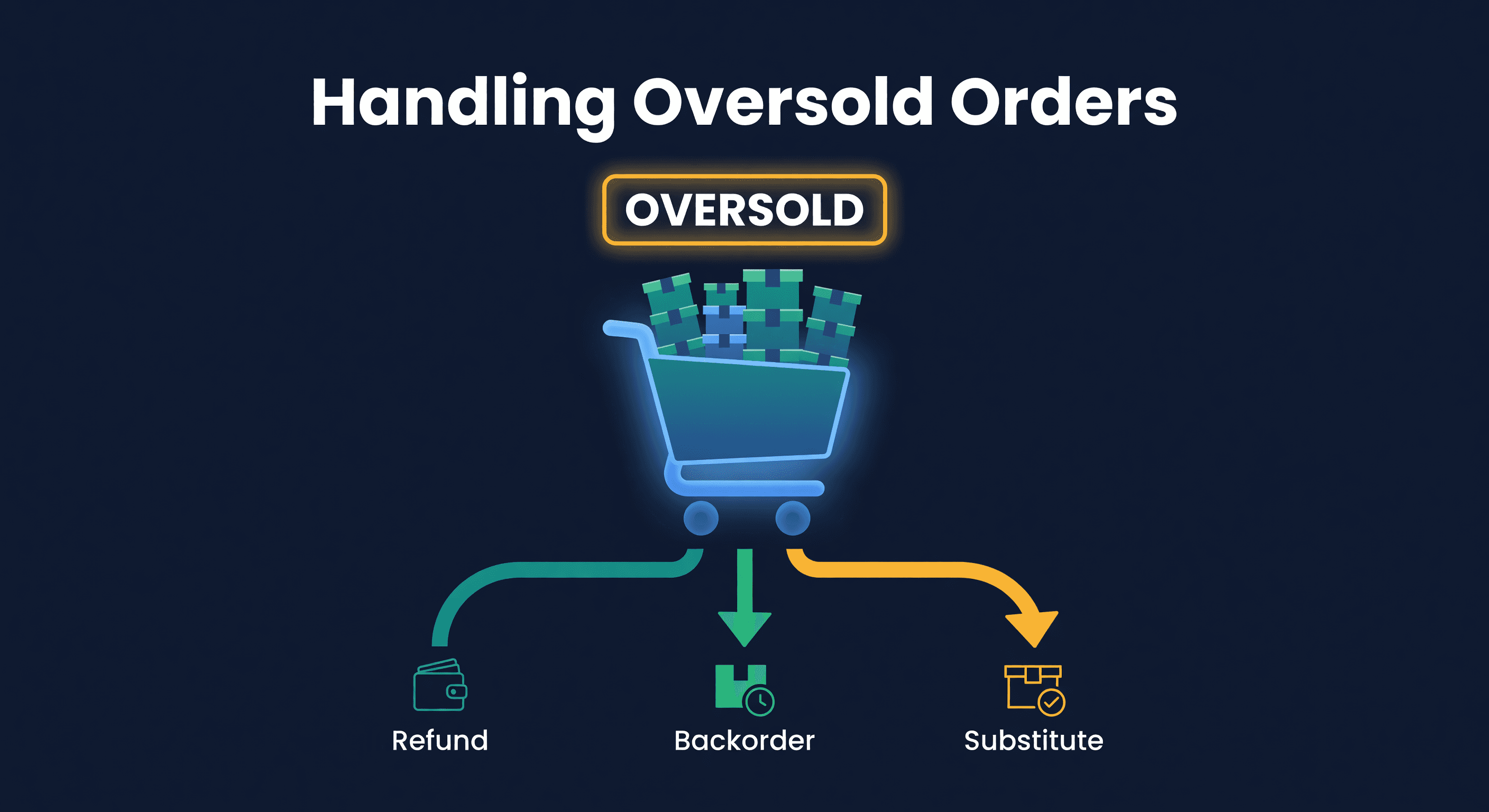
How to Handle Oversold Orders in E-commerce
Why overselling happens on multi-channel stores, what it costs you, and the prevention strategies that actually work, from buffer stock to real-time push sync.
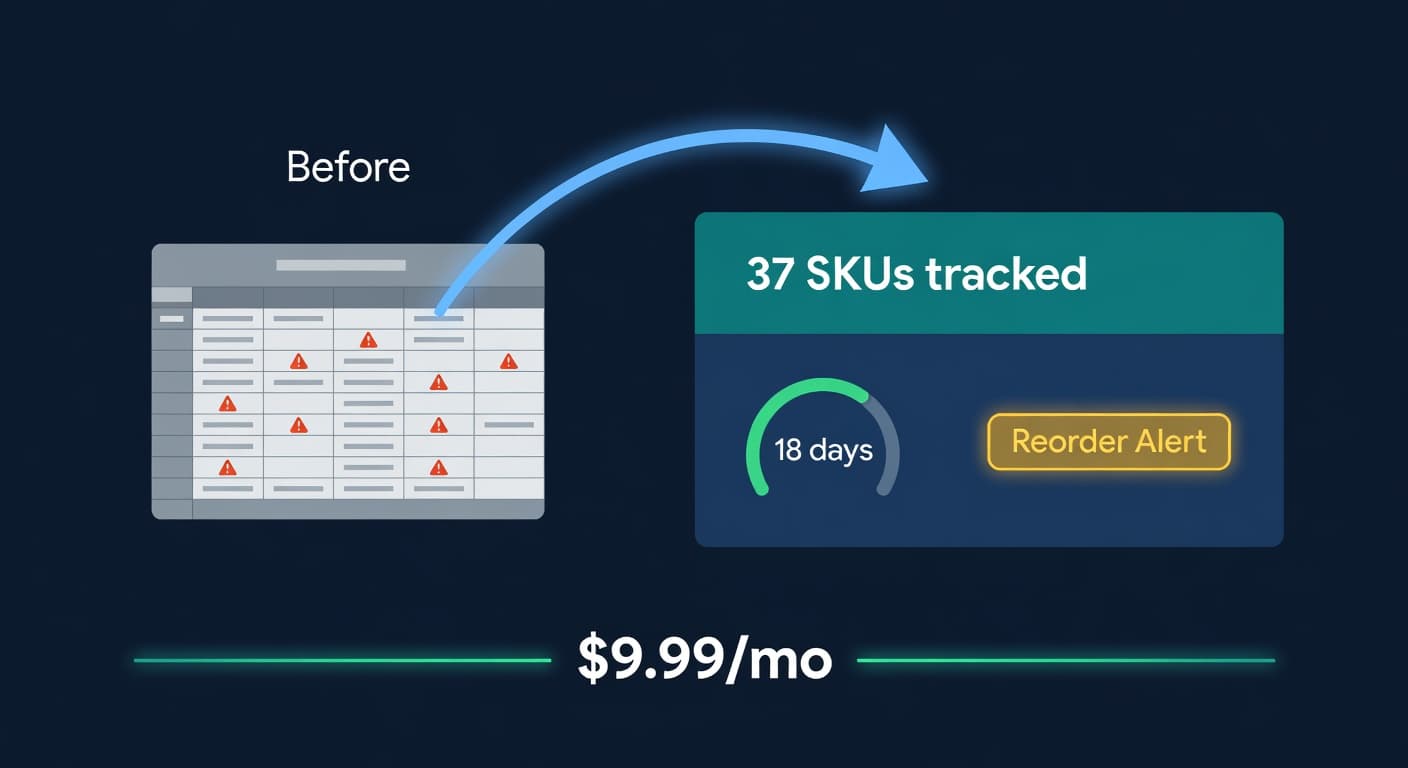
Inventory Lite: Who It's For, What It Does, When to Upgrade
Lite is $9.99/mo for hybrid Shopify + Amazon sellers under 50 SKUs and $10k/30d. Here is what it covers and when you outgrow it.
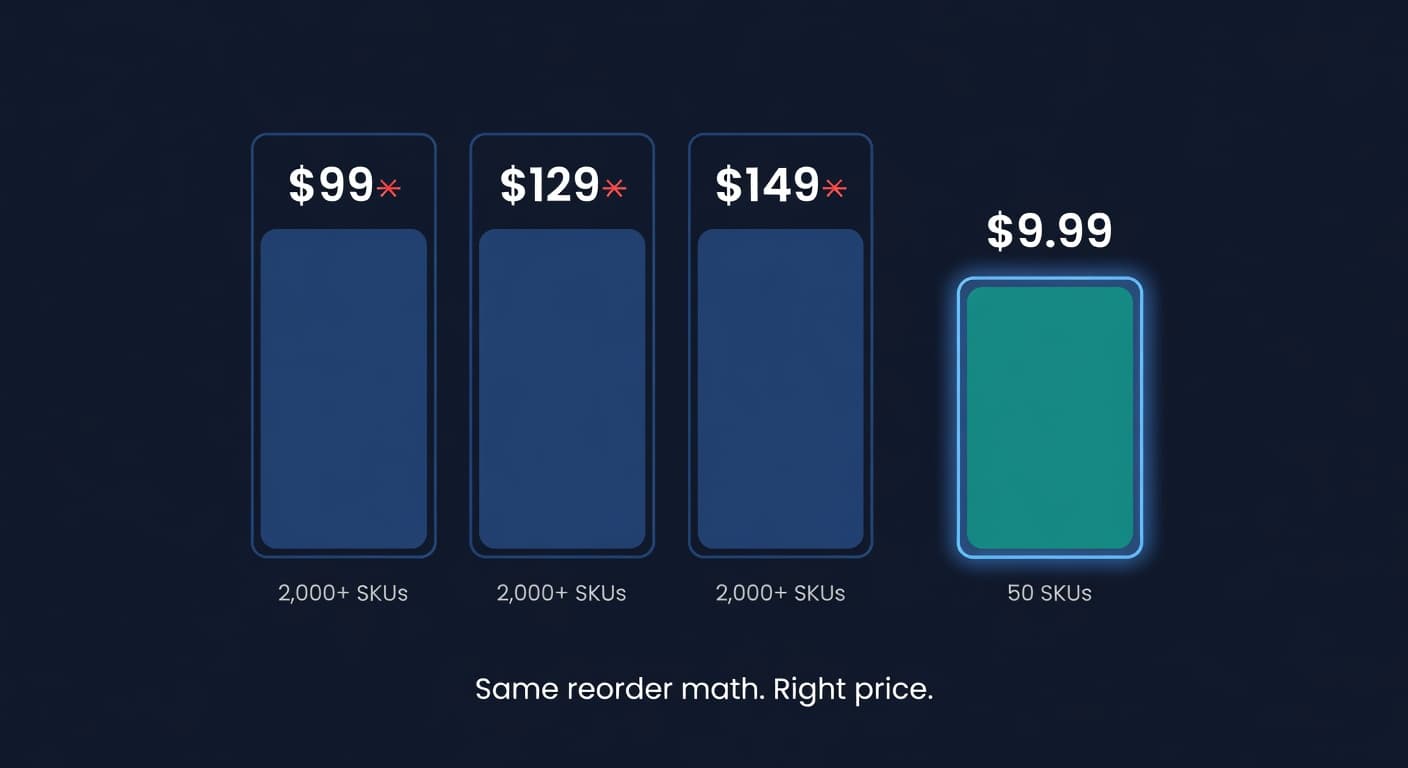
Why We Built a $9.99 Inventory Plan When Rivals Start at $99
Most inventory tools start at $99 and assume you have 2,000 SKUs and a buyer. If you sell 30 SKUs across Shopify and Amazon, that math is broken.
