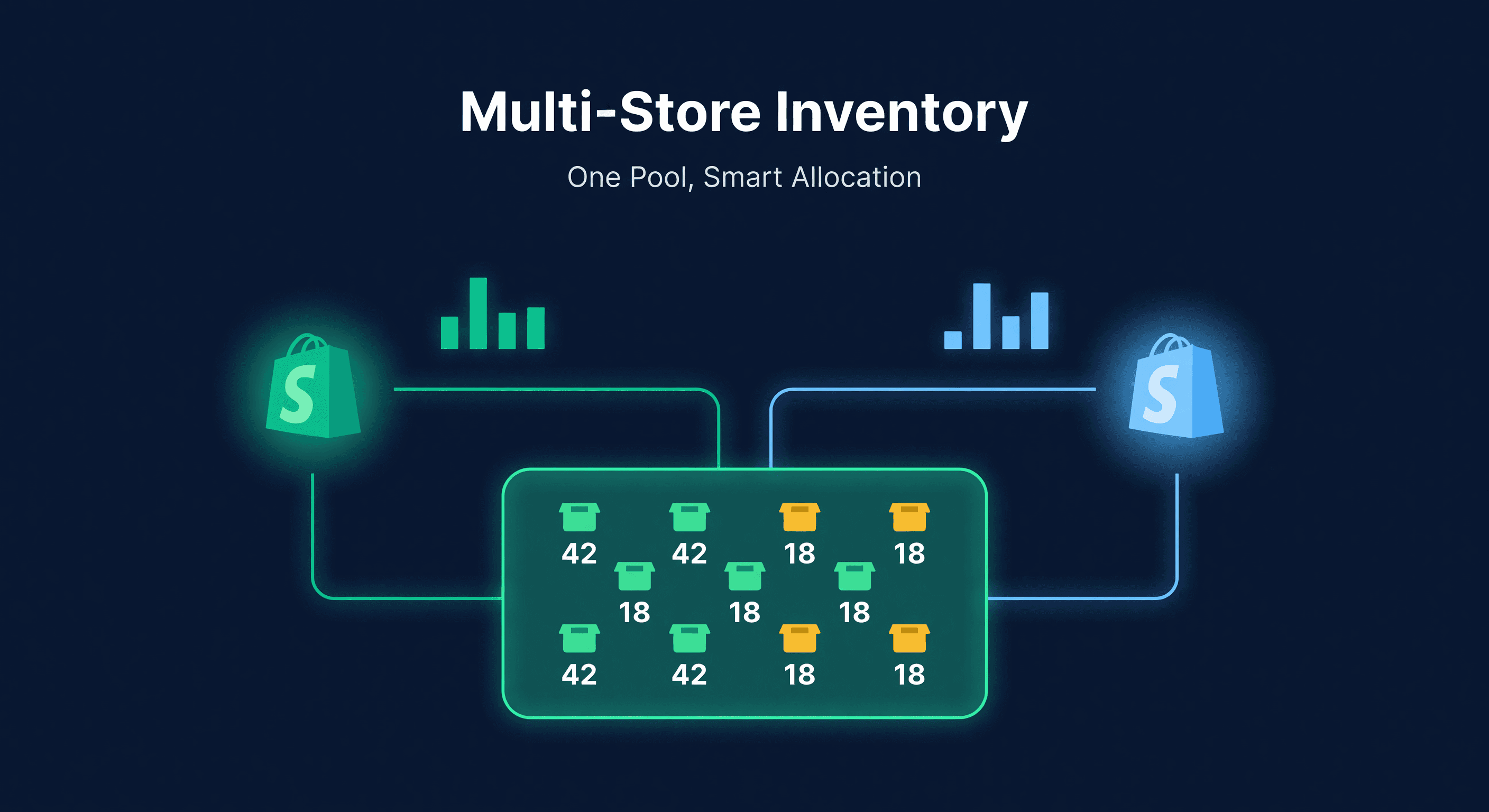
Multi-Store Shopify Inventory Allocation Math

Key takeaway: Multiple Shopify stores sharing one warehouse require unified inventory visibility. Allocate stock by sales velocity per store rather than a shared pool. Otherwise, your highest-traffic store will deplete inventory for the others.
Two Admin Panels, Zero Visibility
Every Shopify store is its own island. Separate admin, separate inventory counts, separate everything. Shopify built it that way on purpose - each store is a standalone business as far as the platform is concerned.
That works fine until you sell the same product on both stores.
I talked to a seller last month who runs two Shopify stores: one for retail customers and one for wholesale B2B. Same warehouse, same SKUs, two disconnected inventory systems. She found out about stockouts when customers emailed. Not ideal.
This is not a niche problem. Plenty of sellers run multiple Shopify stores for good reasons. The inventory part just happens to be the one thing Shopify does not solve for you.
Why Sellers Run Multiple Stores
There are a handful of common reasons, and they all create the same inventory headache:
| Reason | Example | Inventory Challenge |
|---|---|---|
| Different brands | Parent company with 2 product lines | Shared warehouse, separate storefronts |
| Wholesale + DTC | One store at retail prices, one for bulk buyers | Same SKUs, different pack sizes and velocity |
| Different regions | US store + EU store | Separate fulfillment, shared supplier base |
| Different niches | Fitness gear store + outdoor gear store | Partial SKU overlap |
| Marketplace test | Primary store + new market expansion | Shared inventory with uncertain demand split |
The common thread: one supply chain feeding multiple storefronts.
The Real Costs of Flying Blind
When your stores cannot see each other's stock, three things happen. All of them cost money.
Overselling. Store A sells your last 5 units. Store B still shows 5 available because nobody updated it. A customer orders from Store B. Now you are canceling an order, issuing a refund, and explaining yourself. On Shopify, this erodes customer trust. On Amazon, it can tank your account health. Either way, it is a problem with a dollar figure attached.
Lopsided stock. Without cross-store visibility, you guess when allocating inventory. Store A gets 200 units, Store B gets 200 units. But Store A sells 3x faster. Store A stocks out in two weeks while Store B has 10 weeks of supply sitting there collecting dust. Capital trapped in the wrong place.
Duplicate ordering. You look at Store A and see you are running low. You look at Store B and see the same. You place a PO for each store's needs separately, not realizing the combined on-hand across both stores is enough to last another month. You just doubled your inventory investment for no reason.
I have done all three. The duplicate ordering one stung the most because I did not realize it for six weeks.
A Worked Example: Two Stores, 500 Shared SKUs
Let me walk through the math with a realistic scenario.
Setup: Sarah runs two Shopify stores. Store A is her main DTC brand. Store B is a newer brand targeting a different demographic. Both sell from the same warehouse, and about 500 SKUs overlap between the stores.
Here is what one SKU looks like:
| Metric | Store A | Store B | Combined |
|---|---|---|---|
| Weekly sales | 45 units | 15 units | 60 units |
| Sales velocity share | 75% | 25% | 100% |
| Current stock (warehouse) | - | - | 300 units |
| Supplier lead time | - | - | 21 days |
Allocating Stock by Velocity
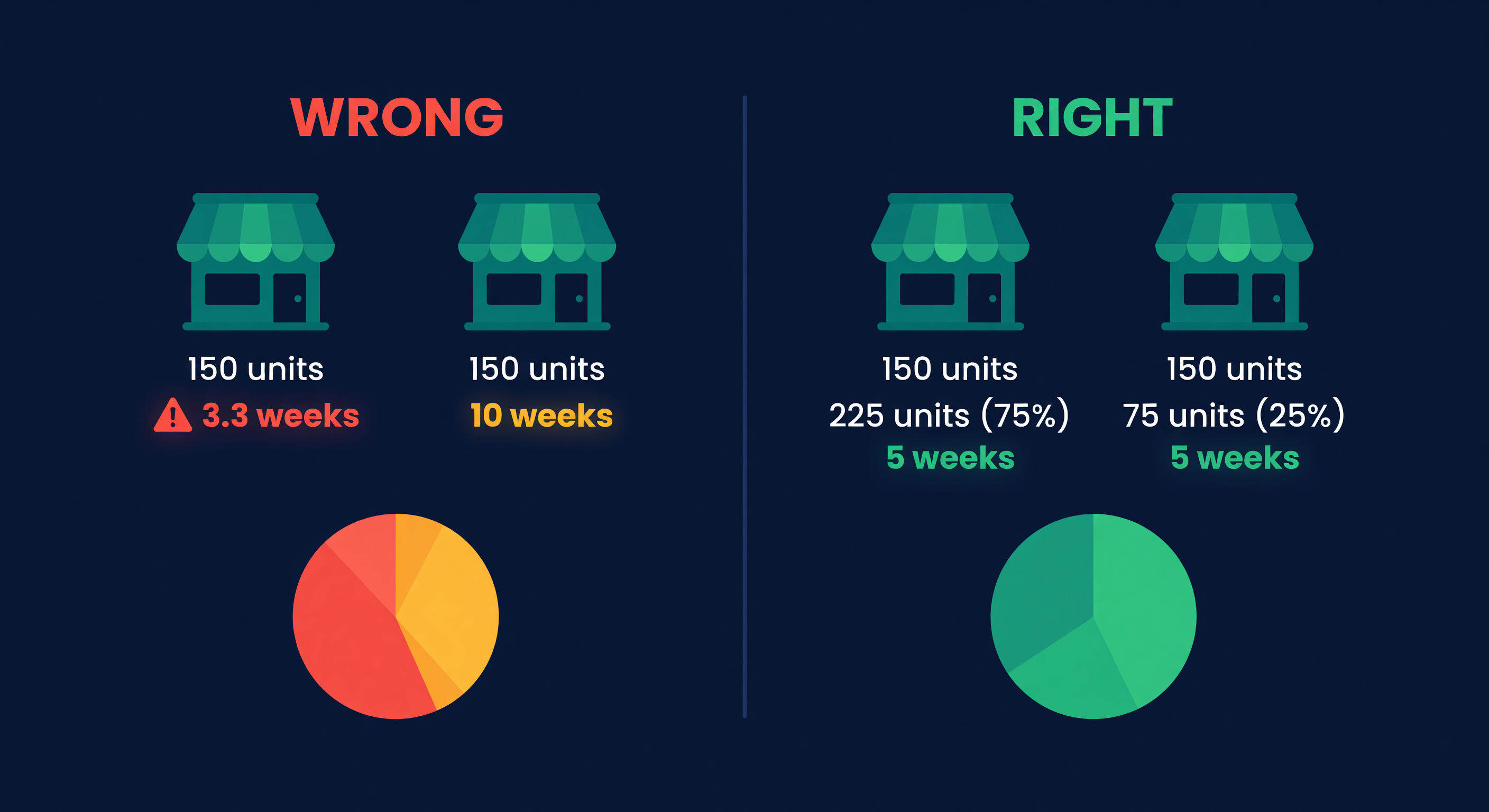
The wrong way: split 300 units evenly, 150 per store. Store A runs out in 3.3 weeks. Store B has 10 weeks of cover.
The right way: allocate proportionally based on how fast each store sells.
Store A does 75% of the volume, so it gets 75% of the stock - 225 units. Store B gets the remaining 75. Both stores end up with roughly 5 weeks of cover. That is the goal - not equal units, but equal runway.
Calculating the Reorder Point
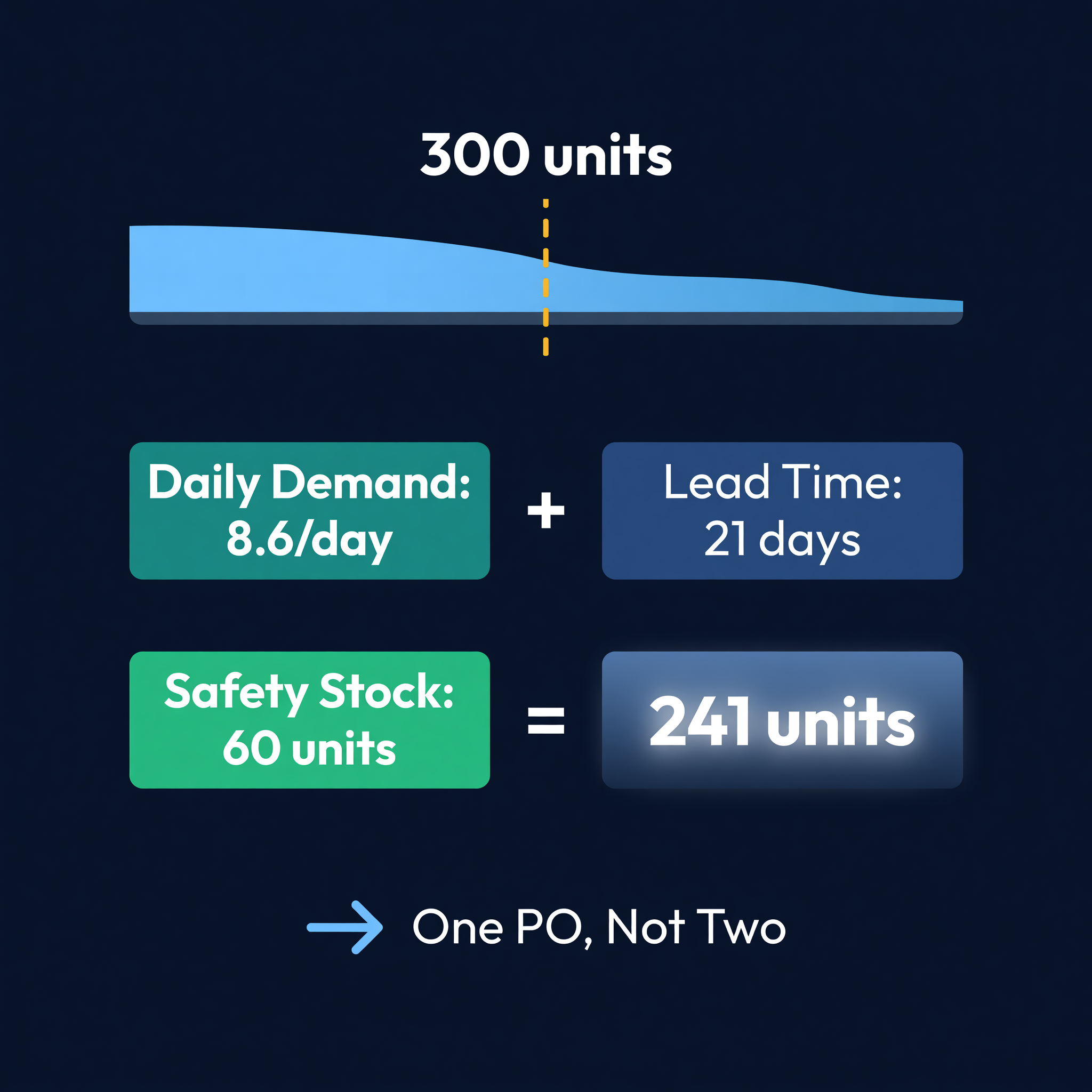
With 500 shared SKUs, Sarah needs one reorder point per SKU based on combined demand:
Combined daily demand = 60 / 7 = 8.6 units/day
Lead time = 21 days
Safety stock = 7 days of demand = 60 units

Reorder point = (8.6 x 21) + 60 = 241 units
When total warehouse stock hits 241, Sarah orders. One PO, not two. The math uses combined demand because the supplier does not care which store sells the product.
What Happens Without Combined Demand
If Sarah calculates reorder points per store independently:
Store A reorder = (6.4/day x 21) + 45 = 179 units
Store B reorder = (2.1/day x 21) + 15 = 59 units
These two reorder points sum to 238 - close to the combined 241, but the problem is timing. Store A might trigger a reorder while Store B still has plenty. Sarah places a smaller PO, gets a worse unit price from the supplier, and pays shipping twice when one larger order would have covered both.
We see this constantly. Sellers with multiple stores place 40-60% more POs than necessary because each store triggers its own reorder independently.
Setting Up Cross-Store Inventory
Step 1: Build the Unified SKU Map
Every downstream calculation depends on having one canonical SKU per product across all stores. Shopify does not enforce consistent naming between stores, so you need to map variants yourself. I covered the full SKU mapping process - including audit cadence and common drift problems - in the ops playbook for multi-store Shopify. Get the map right before you touch any formulas.
Step 2: Set Allocation Rules
For each shared SKU, define the allocation split. The simplest approach: look at trailing 30-day sales for each store and give each store a proportional share of available inventory.
Recalculate weekly. Velocity shifts, especially during promotions or seasonal changes. A static 75/25 split set in January will be wrong by March.
Step 3: Consolidate Purchase Orders
Order based on combined demand, not per-store demand. One PO for 500 units beats two POs for 300 and 200 - better unit pricing, one shipment, one receiving event. See EOQ for the math on optimal order quantities, or plug your combined demand into our reorder point calculator. The ops playbook covers the operational savings in detail, including a real time audit showing how consolidated purchasing cut a 3-store seller's PO workload by two-thirds.
Step 4: Build the Restock Cadence
Check allocations against actual stock at least weekly. When Store A's allocated stock drops below its per-store reorder point, update Shopify's inventory count for that store. If total warehouse stock is below the combined reorder point, place a PO.
A simple weekly workflow:
- Pull sales data from both stores
- Recalculate velocity splits
- Update per-store allocations
- Check combined stock against reorder point
- Place PO if needed
This takes about 90 minutes a week in spreadsheets for 500 SKUs. It takes about 90 seconds with software that connects to both stores.
Pitfalls I Have Seen
Forgetting about returns. Returns come back to a single warehouse but might need to be reallocated across stores. A surge of returns from Store A's promotion should not sit unallocated while Store B is running low.
Promotion timing overlap. Running a sale on both stores simultaneously for the same product doubles the demand spike. Plan for this. If Store A and Store B both run Black Friday promotions, your combined reorder point needs to account for the combined spike, not each store's spike independently.
SKU mapping drift. Someone creates a new variant on Store B without updating the mapping. Now that product is invisible to your cross-store system. Audit the mapping monthly.
Velocity lag. Last month's velocity may not reflect this month's reality. New product launches, marketing campaigns, and seasonal shifts all change the split. A product that was 60/40 last quarter might be 90/10 this quarter because Store B ran out of that color and customers went to Store A.
The Manual Version vs. the Automated Version
Let me be honest about what this takes.
The manual version - spreadsheets, weekly updates, SKU mapping in a Google Sheet - works for sellers with under 100 shared SKUs and predictable demand. I did it for a year. It cost me about 6 hours a week and I still made mistakes.
ReplenishRadar connects both Shopify stores and syncs inventory automatically. The system maps SKUs across stores, calculates velocity per store, and generates PO suggestions based on combined demand. When one store's allocated stock gets low, you see it in one place instead of bouncing between two Shopify admin panels. Standard plan supports 2 stores. Growth handles 5. Scale covers 10. Allocation updates automatically as sales data changes, so you are not working with last Tuesday's numbers.
The 6 hours a week I spent on manual cross-store reconciliation went to zero. The overselling went to zero too, which was the part that actually mattered.
If you are copying inventory numbers between two Shopify admin panels and praying you got it right, the math does not have to be this manual. Try ReplenishRadar free for 14 days ->
Related Reading:
Frequently Asked Questions
Get notified when it matters
Amazon and Shopify change the rules constantly. We'll email you when something affects your business.
See what your inventory is really doing
Doing $5M+ in revenue? Talk to our team
Related Posts
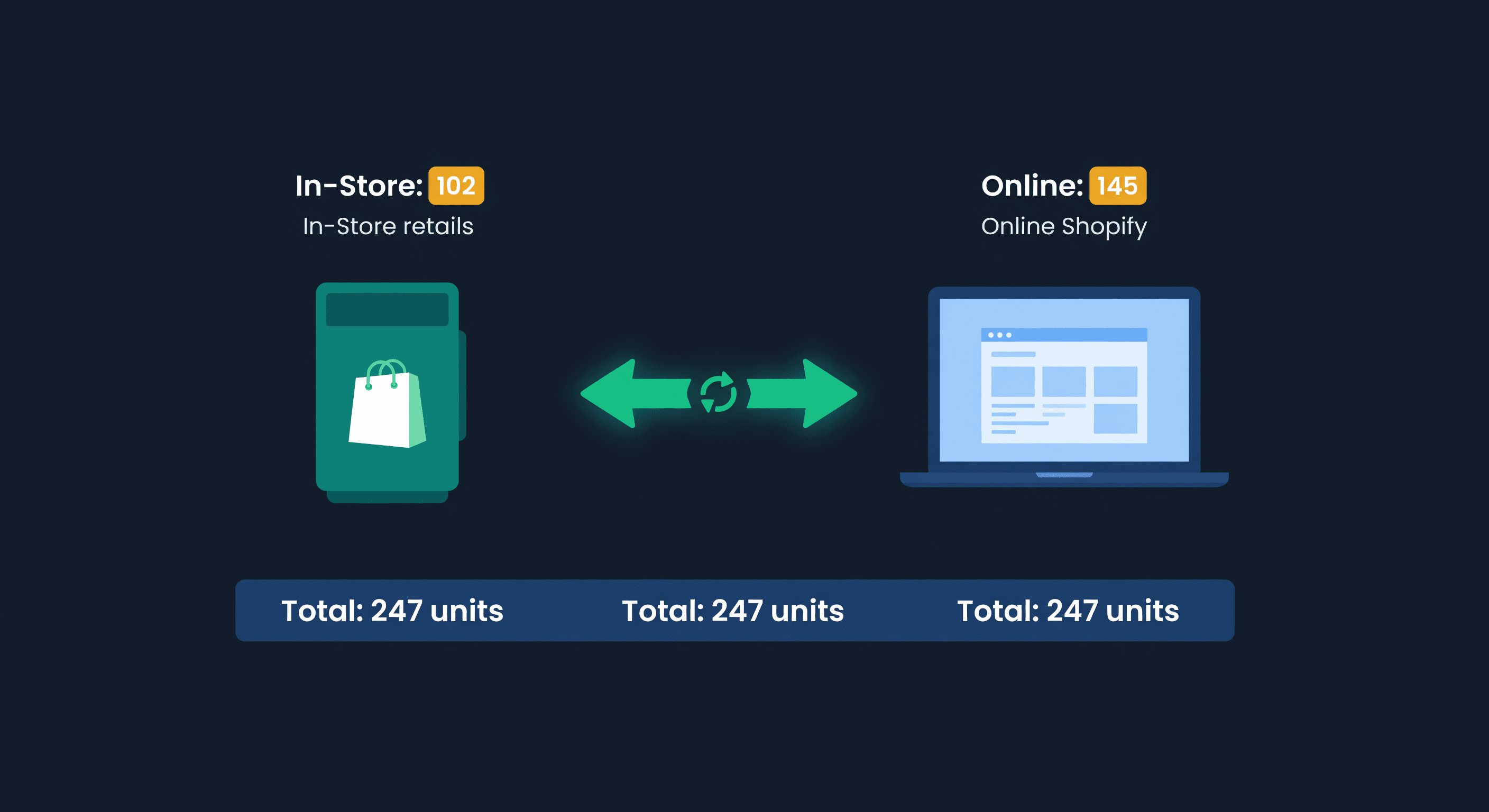
Shopify POS + Online Inventory Sync Guide
How Shopify POS syncs with your online store, where it breaks, and how to stop selling the last unit twice, with the buffer math to size your reserve.
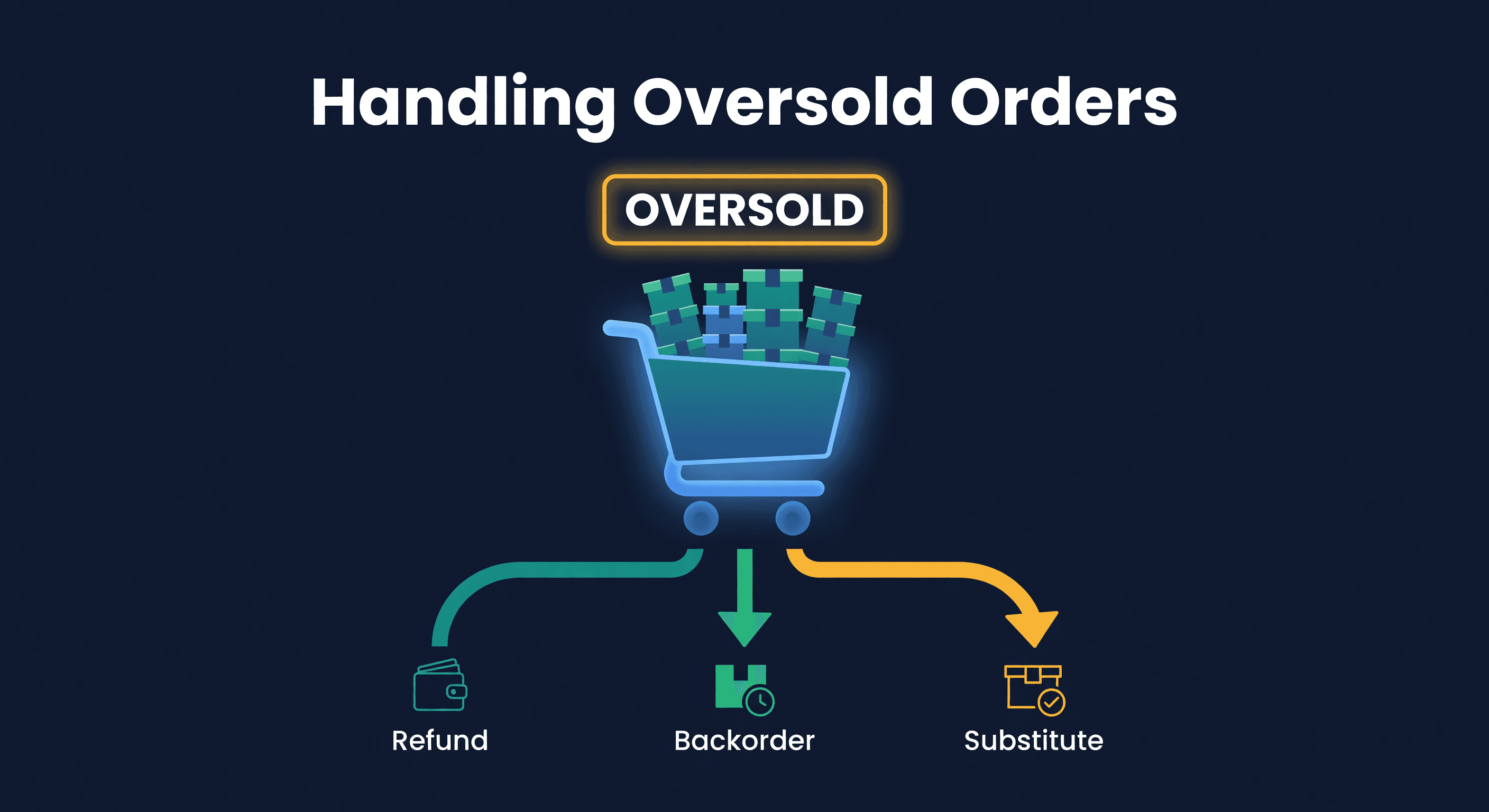
How to Handle Oversold Orders in E-commerce
Why overselling happens on multi-channel stores, what it costs you, and the prevention strategies that actually work, from buffer stock to real-time push sync.
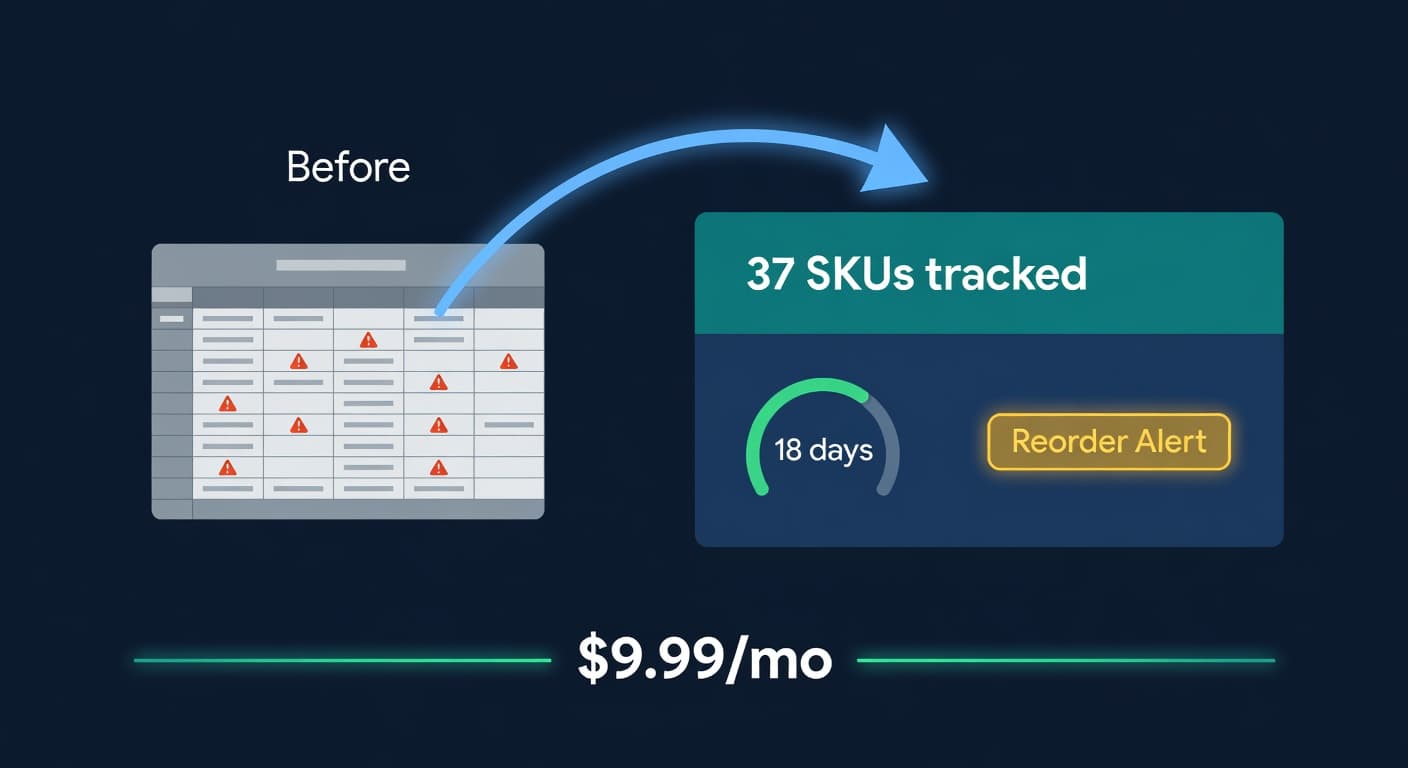
Inventory Lite: Who It's For, What It Does, When to Upgrade
Lite is $9.99/mo for hybrid Shopify + Amazon sellers under 50 SKUs and $10k/30d. Here is what it covers and when you outgrow it.
