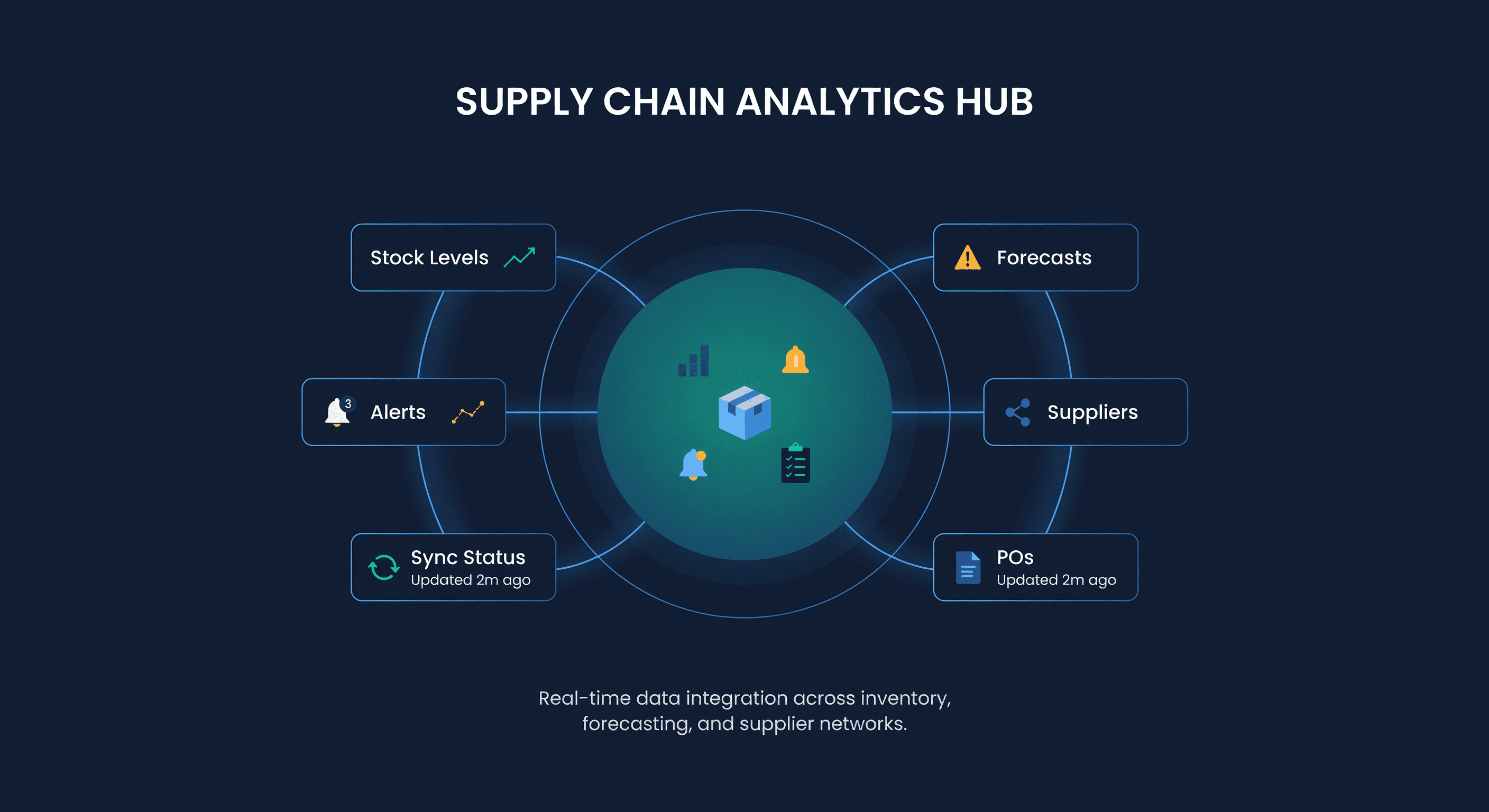
What Can an AI Agent Do With Your Inventory Data?
Key takeaway: AI agents excel at morning inventory briefings, automated low-stock alerts, and drafting purchase orders from reorder rules. They can't replace human judgment on product strategy, pricing decisions, or supplier relationship management.
I spent a week wiring an AI agent to our inventory data. Not as a product demo - I wanted to know if this was actually useful or just a fancy way to query a database.
Short version: it is useful. But not in the way most AI marketing wants you to believe.
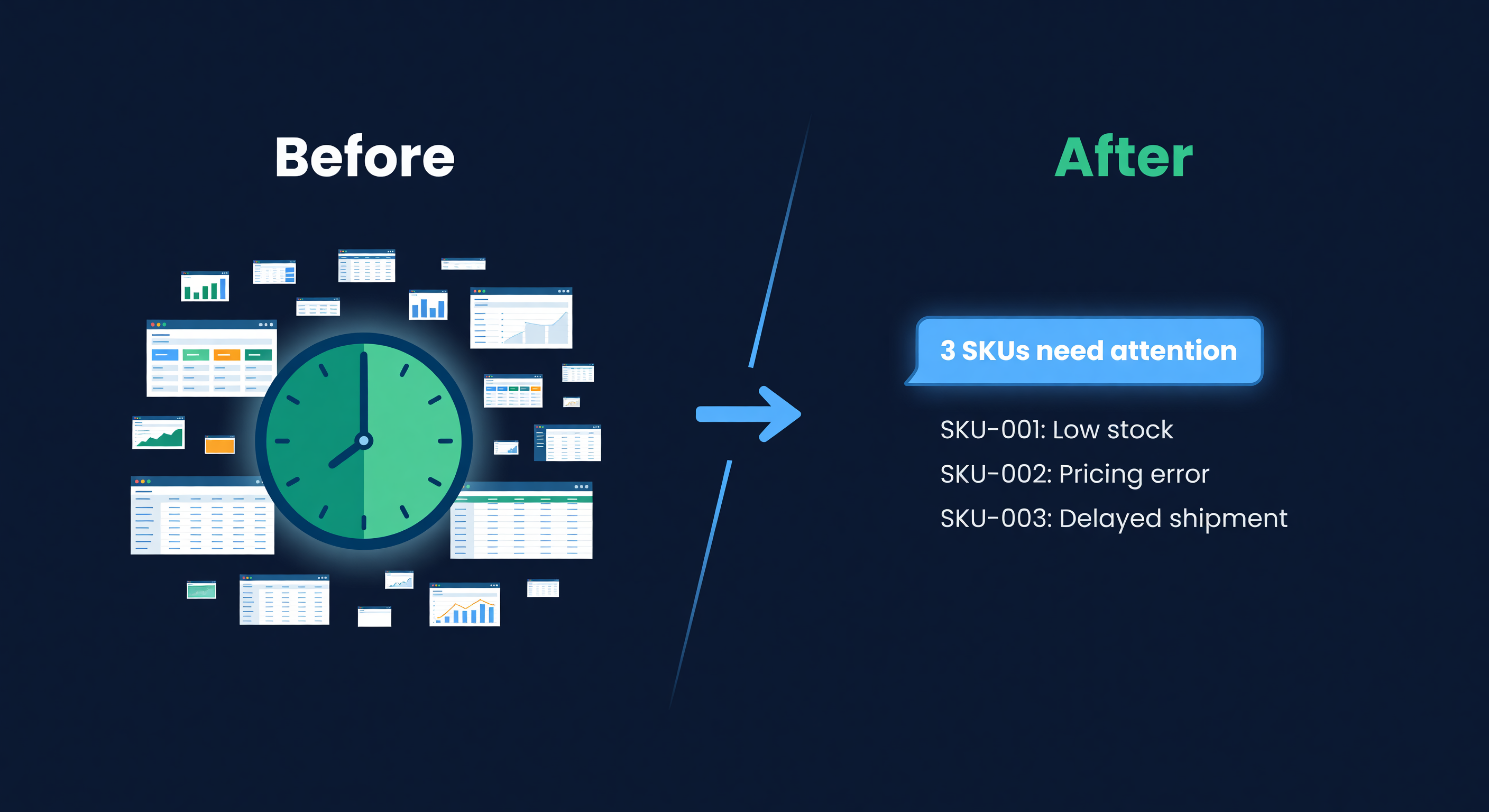
The agent did not "revolutionize" anything. It did not replace my judgment or make decisions I was not already capable of making. What it did was eliminate the 20-minute morning ritual of logging in, checking dashboards, scanning for problems, and mentally prioritizing what needed attention. That ritual is now a 30-second conversation. And that matters more than it sounds.
The Morning Briefing
Here is what my morning used to look like. Open the inventory dashboard. Sort by days of supply. Scan for anything under 14 days. Cross-reference with open POs to see if a replenishment was already in transit. Check if any Amazon listings had gone out of stock overnight. Look at the forecast view for anything trending up faster than expected.
Twenty minutes on a good day. Forty-five if something was wrong.
Now I type one message:
"What are my top stockout risks this week?"
The agent checks every SKU's current position against its reorder point, factors in open POs and in-transit inventory, and comes back with a ranked list. Five SKUs. Each one includes current stock, daily run rate, days until stockout, and whether a PO is already open.
| SKU | On Hand | Daily Demand | Days Left | PO Open? |
|---|---|---|---|---|
| BLU-WIDGET-LG | 84 | 12 | 7 | No |
| RED-CASE-SM | 156 | 18 | 8.7 | Yes (arrives ~6 days) |
| YOGA-MAT-BLK | 203 | 22 | 9.2 | No |
| CANDLE-VAN-3PK | 67 | 6 | 11.2 | No |
| PHONE-STAND-WHT | 312 | 25 | 12.5 | Yes (arrives ~3 days) |
Two items need attention. Three are covered. I know this in 30 seconds instead of 20 minutes.
That is not artificial intelligence doing something magical. It is a structured query against real data, returned in natural language. But the time savings compound. Five days a week, 50 weeks a year, that is roughly 80 hours of dashboard-scanning I am not doing.
The Stockout Response
The morning briefing is useful. The real-time response is where things get interesting.
Before agents, the workflow for a stockout risk looked like this: I notice a SKU is running low (maybe during my morning check, maybe by accident, maybe when a customer emails asking when it is back in stock). I open the supplier list. I look up the last PO for that SKU to see what I paid. I check the lead time for the supplier. I calculate how much to order based on the forecast. I create the PO. Total elapsed time: 15-25 minutes per SKU.
With an agent connected to inventory data, the research work gets compressed. A scheduled workflow or agent check sees that BLU-WIDGET-LG crossed its reorder point, pulls the supplier details and the demand forecast, drafts a PO for 500 units at the last negotiated price, and requests approval.
I get a message in Slack:
Stockout Risk: BLU-WIDGET-LG 84 units on hand, 12/day demand, ~7 days of stock remaining. Supplier: WidgetCo (21-day lead time) Suggested order: 500 units at $3.40/unit ($1,700) [Approve Draft PO] | [Modify] | [Dismiss]
The PO is created as a draft in the system. I review the details, click to approve, and only then can it be sent to the supplier.
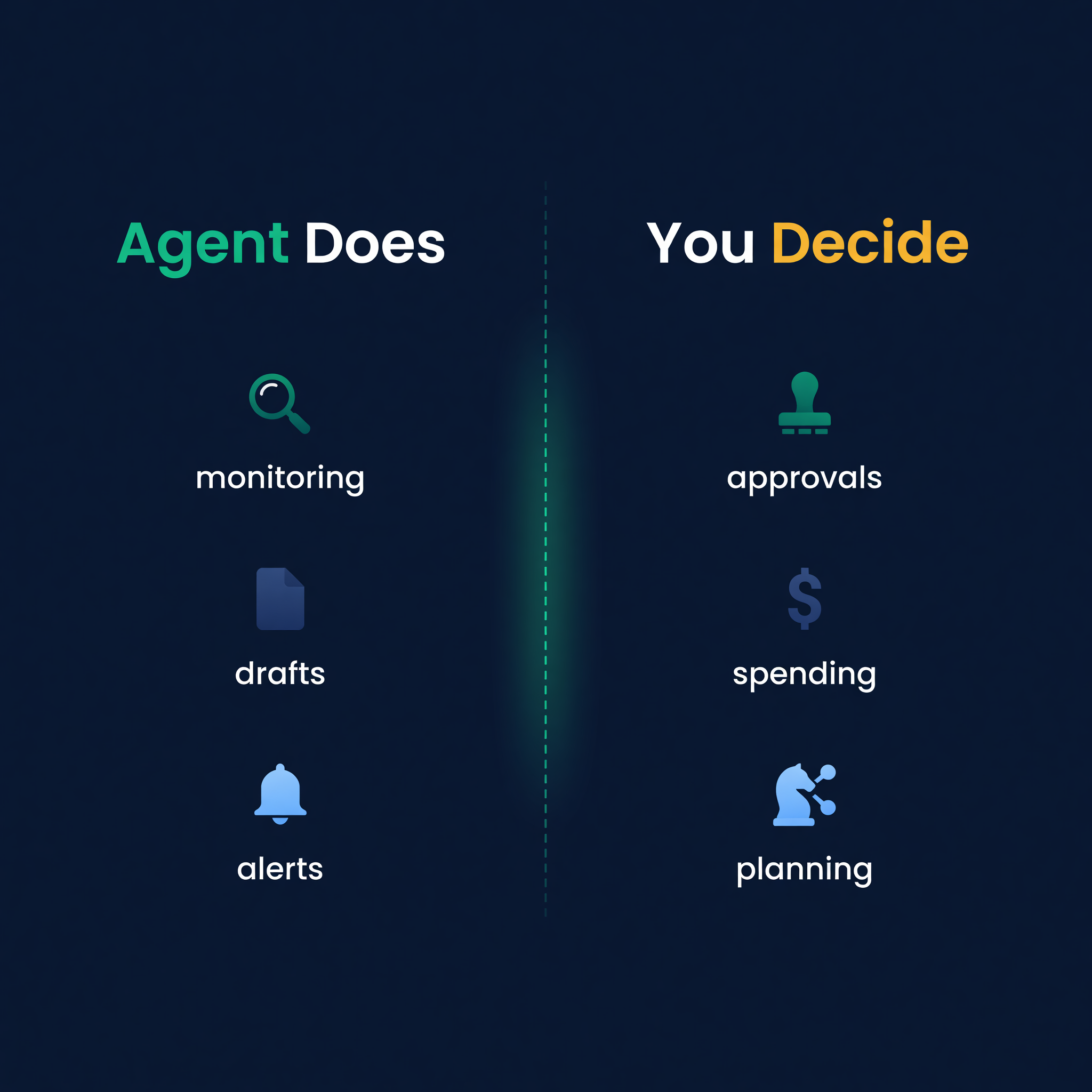
The key word is "draft." The agent does not send anything to the supplier. It does not commit my money. It does the research, does the math, and presents a recommendation. I still make the call. That distinction matters. Anyone who has been in e-commerce long enough has a healthy distrust of automation that spends money without asking.
What You Can Actually Ask
The conversational interface is not a gimmick. Some questions are genuinely faster to ask than to look up.
Here are real queries I use regularly:
"What should I order this week?" - The agent scans all SKUs approaching their reorder points, groups them by supplier, and returns a consolidated list. This is the question that replaces the weekly PO review meeting with yourself.
"Are there any active alerts?" - Stockout risks, sync failures, forecast anomalies. One question instead of checking three different dashboards.
"What is the 30-day demand forecast for YOGA-MAT-BLK?" - Returns the projected demand with the confidence interval. Useful when a supplier asks "how much do you want?" and I need a quick answer on a phone call.
"Show me everything from WidgetCo." - All SKUs from that supplier, their current stock levels, open POs, average lead time. I use this before supplier calls to have all the data in front of me without opening six different views.
"Which SKUs have had the biggest demand increase in the last 60 days?" - Surfaces trends I might miss in a dashboard. The answer is not always the top sellers - sometimes it is a mid-tier SKU that has quietly doubled its run rate.
None of these are things I could not find in the software. I could. The agent just makes the retrieval faster, especially for ad-hoc questions that do not map neatly to a single dashboard view. It is the difference between running a report and having a conversation.
PO Approval Without Logging In
This one surprised me. I expected the agent-generated POs to be a novelty. They turned out to be the feature I use most.
The workflow is simple. The agent detects a reorder trigger, drafts a PO based on the safety stock calculation and current demand forecast, and posts a link to the order in whatever channel I am already in - Slack, Teams, email, or Discord. I open it, review the details, and approve.
The PO lands in the system as a confirmed draft. I can still edit quantities, add notes, or batch it with other orders for the same supplier before sending. But 80% of the time, the suggested quantities are right because they are calculated from the same data I would use if I did it myself. They are not LLM guesses. They are the output of the same forecasting engine that runs on every sync cycle.
On a typical week I approve 4-6 POs this way. Each one would have taken 15-20 minutes to research and create manually. That is roughly 90 minutes per week I am getting back. Over a year, that is 75 hours - not counting the stockouts I avoid because the reorder happens on day one of the risk window instead of day three when I finally noticed.
What Agents Still Cannot Do
This is the section most AI content skips. I am not going to skip it.
Agents cannot negotiate with your suppliers. They can pull your purchase history and tell you your average cost per unit. They cannot call your supplier in Guangzhou and talk them down from $3.60 to $3.40 because you are increasing your quarterly volume. That conversation requires relationship context, tone, and judgment that no LLM has.
Agents cannot decide your product strategy. Should you expand into that new category? Should you discontinue the SKU that sells 5 units a month but has a 60% margin? These are business decisions that depend on your brand, your market position, and your risk tolerance. An agent can tell you the numbers. It cannot tell you what the numbers mean for your specific situation.
Agents cannot set your risk tolerance. How many days of safety stock is "enough"? That depends on whether a stockout costs you a few missed sales or a lost Amazon ranking that takes months to rebuild. The agent does not know the second-order consequences. You do.
Agents cannot replace domain judgment. A supplier emails that raw material prices are going up 15% next quarter. Do you pre-buy at current prices and tie up cash, or wait and absorb the increase? The agent can model both scenarios if you ask. It cannot decide which risk you prefer. That is still your job.
I bring this up because the AI marketing around inventory tools often implies that the agent "handles" your inventory. It does not. It handles the data retrieval and the mechanical parts of ordering. The judgment calls are still yours. Any tool that pretends otherwise is selling you something you should not buy.
The Rails, Not the Bot
Here is how I think about the relationship between inventory software and an AI agent.
The software is the rails. It holds the data: inventory positions across every channel, demand forecasts, supplier lead times, ordering constraints, safety stock levels. It runs the math. It keeps Shopify and Amazon inventory in sync in real-time via webhooks and push notifications. It knows that your supplier ships in casepacks of 24 and has a $2,000 MOQ.
The agent rides the rails. It queries the data, presents it conversationally, executes workflows (draft a PO, acknowledge an alert), and pushes notifications to where you already work. But without the structured data underneath, the agent has nothing useful to say. Ask an LLM "how much inventory should I order?" without giving it your demand data, lead times, and constraints, and you get a generic answer that could apply to any business. Give it your actual data through a proper API, and you get a specific, useful answer.
This is why the "just use ChatGPT for inventory" advice falls apart. ChatGPT does not have your data. It does not know your stock levels, your suppliers, your lead times, or your sales velocity. An agent connected to your inventory system does.
ReplenishRadar provides the data layer and the math engine. We expose it through an MCP server package for compatible local clients and a REST tool-call endpoint for workflow tools like n8n or Make. You pick the agent. We provide the data it needs to be useful. Notification channels support approved-PO events today; stockout and sync workflows use MCP/API polling or your own scheduled automation.
Standard includes limited read access and safe basic-action workflows. Growth adds diagnosis/status reads and direct write tools. Scale raises the limits for higher-volume automations. If you have 30 SKUs on one Shopify store, you probably don't need an agent layer. You need the software.
How to Start
If you already use an MCP-compatible agent - Claude Desktop, OpenClaw, a custom build - and want to connect it to your inventory data, the setup takes about five minutes. You generate an API key in ReplenishRadar, add the npm MCP server package to your agent config, and the tools your tier and key permissions allow - stockout risk, demand forecasts, draft POs, alerts - are available immediately.
If you do not have an agent yet, start with the software itself. The dashboards, alerts, and automated PO suggestions work without any agent. The agent is an acceleration layer, not a prerequisite.
The sellers who get the most out of this are the ones managing 200+ SKUs across multiple channels who spend real time every week on monitoring and reorder tasks. For them, the agent is not a toy. It is 75-100 hours per year that goes back into the parts of the business that actually need human attention.
For everyone else, the software is the thing. The agent is the cherry on top.
Try ReplenishRadar free for 14 days ->
Related Reading:
Frequently Asked Questions
Get notified when it matters
Amazon and Shopify change the rules constantly. We'll email you when something affects your business.
See what your inventory is really doing
Doing $5M+ in revenue? Talk to our team
Works with your AI agent
Ready for agents: MCP tools for live stock data OpenClawClaudeChatGPT
Related Posts
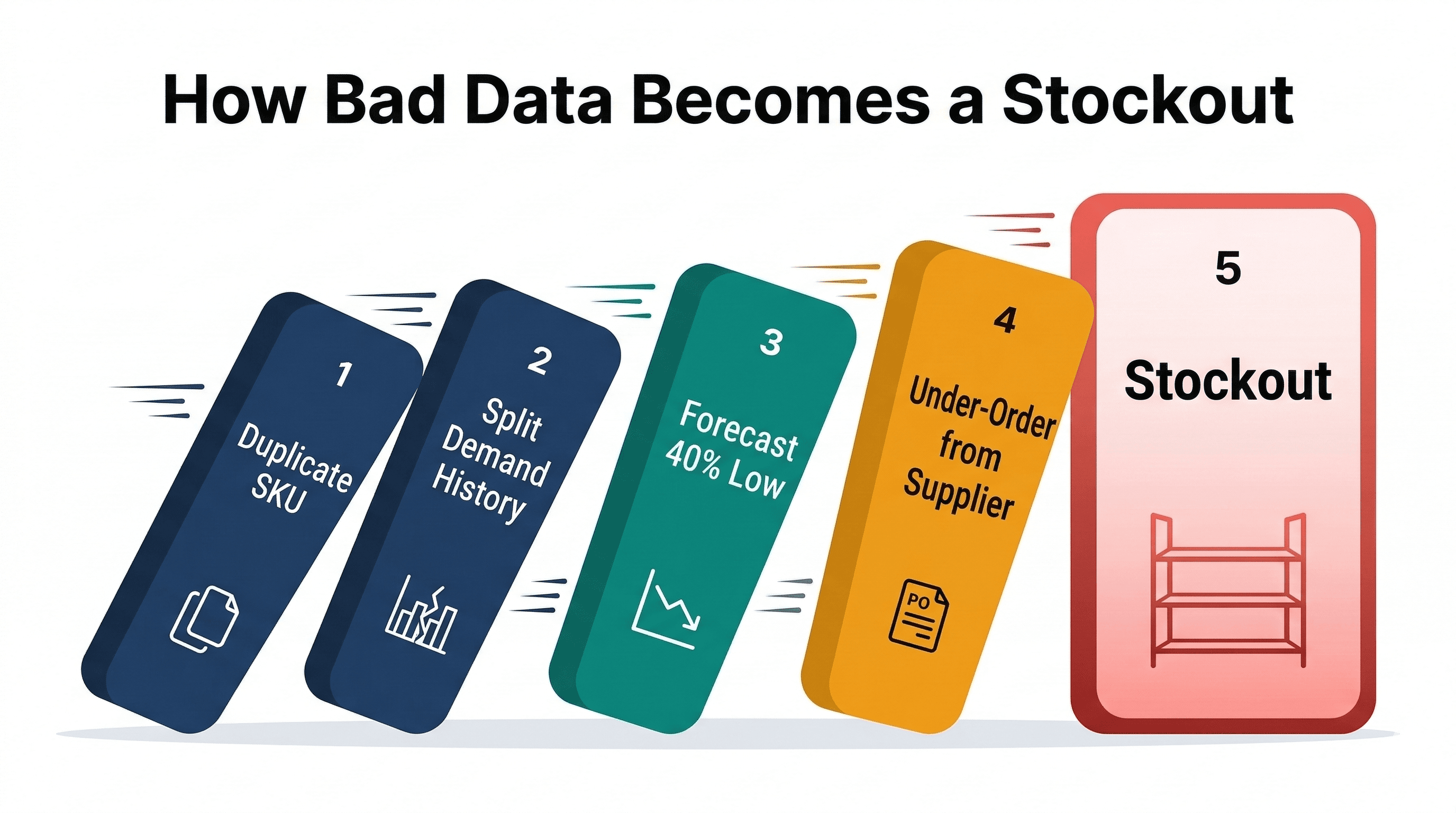
Your Inventory Data Is Wrong
How bad SKU data (duplicates, missing costs, unmatched listings, missing demand) breaks inventory forecasting and costs real money.
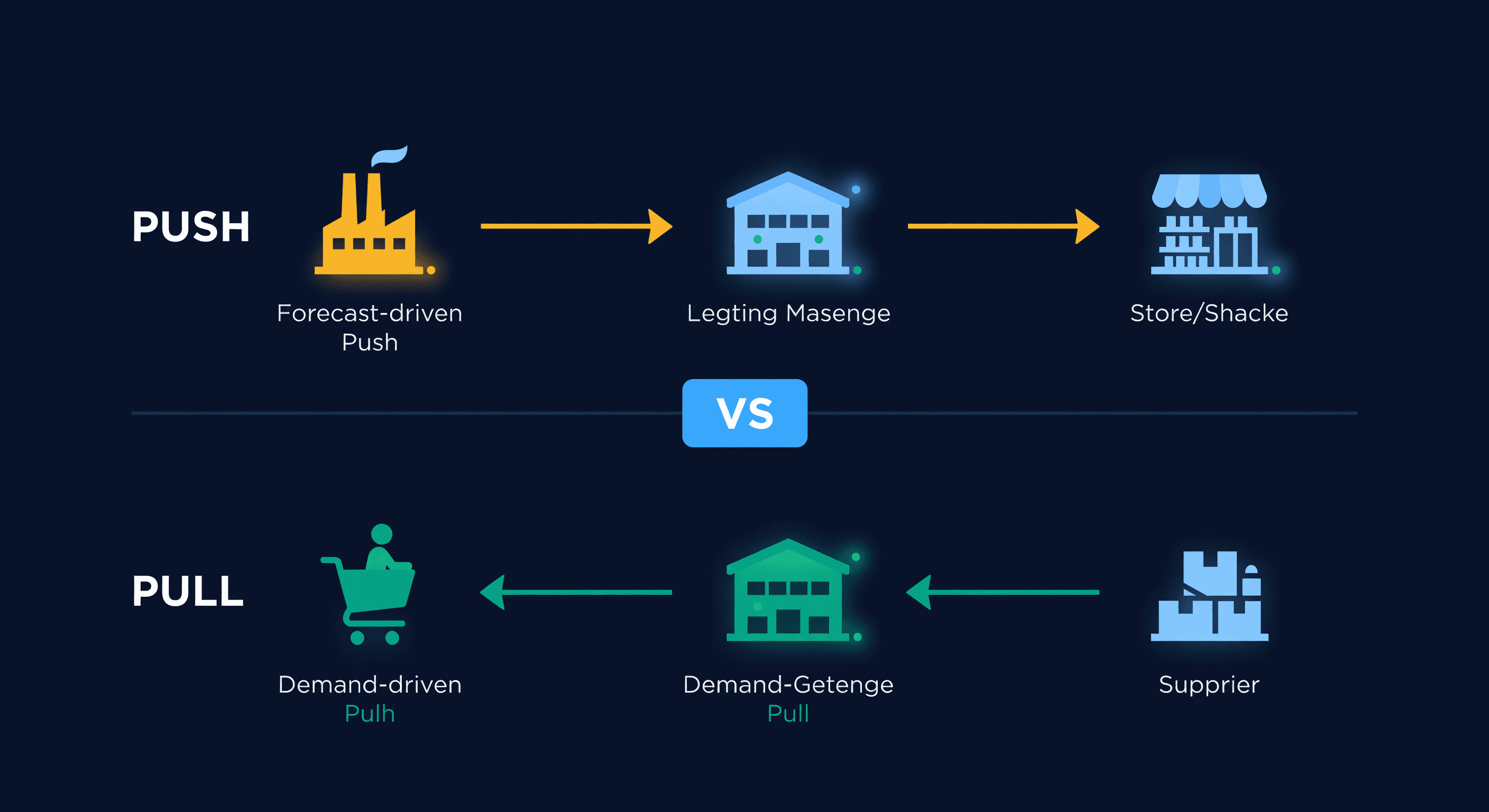
Pull vs Push Inventory: Which Model Wins?
Push inventory relies on forecasts. Pull inventory responds to demand. Most e-commerce sellers need both. Here's how to decide.
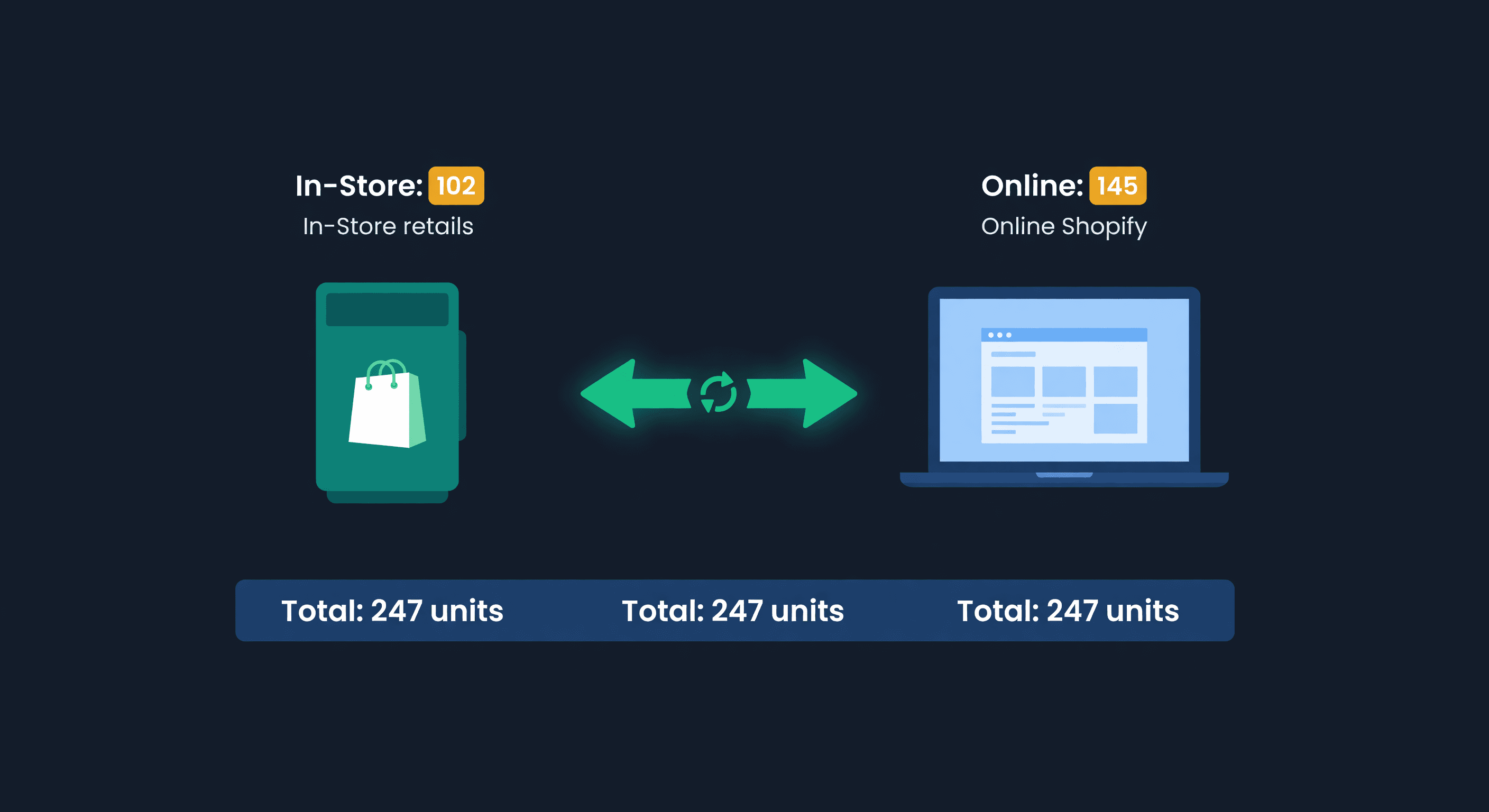
Shopify POS + Online Inventory Sync Guide
How Shopify POS syncs with your online store, where it breaks, and how to stop selling the last unit twice, with the buffer math to size your reserve.
