Prime Day Inventory Prep Checklist for FBA Sellers
Key takeaway: The FBA inventory cutoff is 2-3 weeks before Prime Day. Ship your stock 4-5 weeks prior to account for Amazon's receiving delays. Plan for 2-3x normal sales velocity on promoted ASINs, and pre-negotiate supplier terms for the surge order.
Last Year I Left $40,000 on the Table
My two best ASINs stocked out on day two of Prime Day. Not because I forgot about the event - I had a spreadsheet, a plan, and what I thought was enough inventory. The problem was timing. I shipped to FBA three weeks before the event, Amazon took 18 days to receive and stow the shipment, and by the time units were available, I had 4 days of cover instead of 14.
That was the year I stopped winging Prime Day prep.
The Timeline That Matters
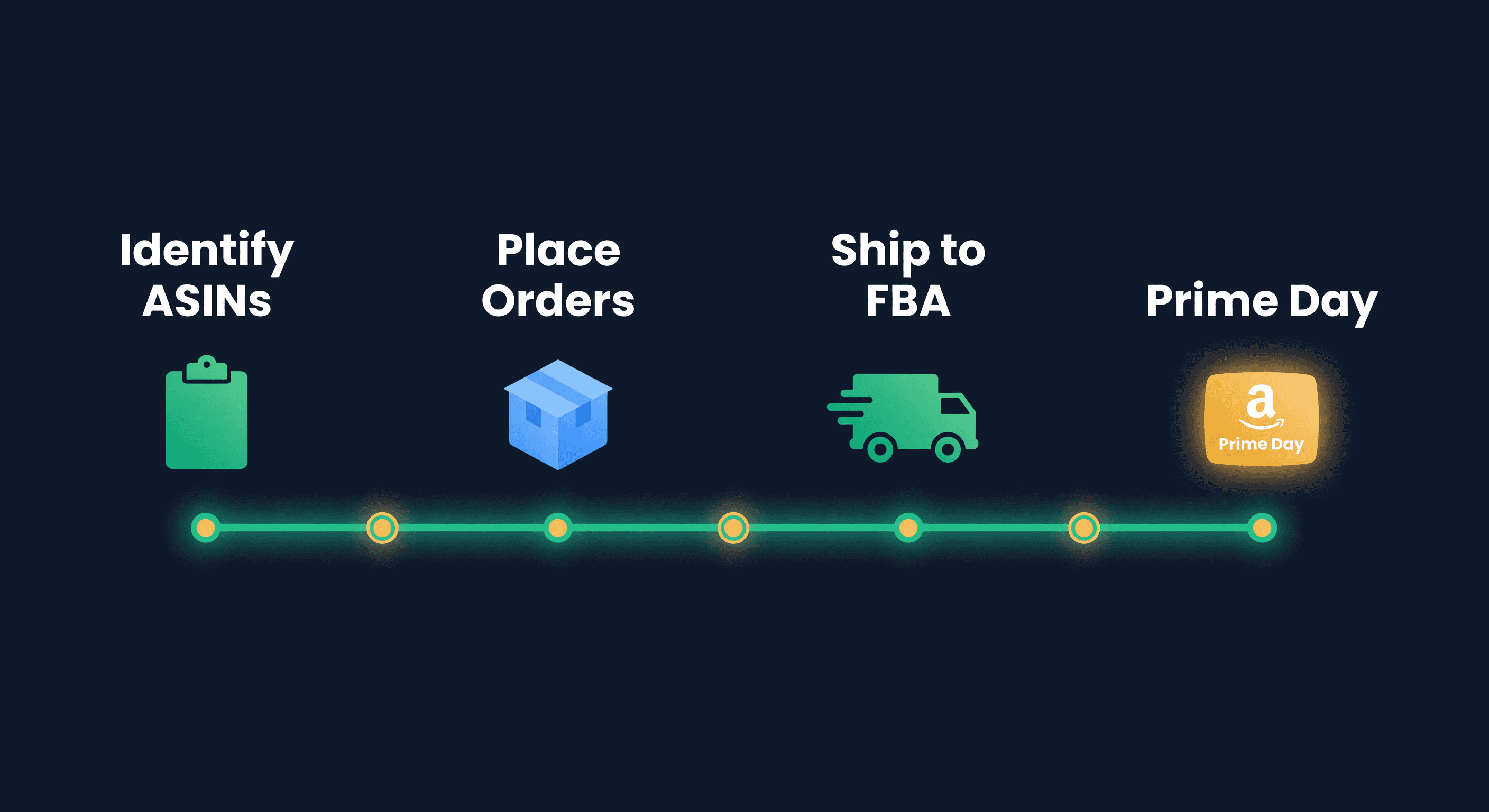
Everything works backward from Amazon's inventory cutoff date. They announce it roughly 4-6 weeks before the event. Historically, Prime Day lands in mid-July. The math:
| Milestone | Target Date | Why |
|---|---|---|
| Identify promoted ASINs | 8 weeks before | You need time to forecast, order, and ship |
| Place supplier orders | 6-7 weeks before | Domestic lead times are typically 2-4 weeks |
| Ship to FBA | 4-5 weeks before | Amazon receive times spike as every seller ships at once |
| Inventory received at FBA | 2-3 weeks before | The actual cutoff for Prime Day eligibility |
| Lightning Deal submissions | 6-8 weeks before | Amazon's deadline, not yours |
Those FBA receive times are the killer. During normal weeks, Amazon processes inbound shipments in 5-10 days. In the 6 weeks before Prime Day, I have seen it stretch to 21 days. Plan for the worst case.
Deciding What to Promote
Not every product deserves extra Prime Day inventory. I use three filters:
Margin filter. If your post-discount margin on a Prime Day deal is under 15%, the volume will not save you. I learned this selling a product at 40% off during a Lightning Deal - moved 800 units and made less profit than a normal week because the deal fee plus the discount ate everything. Calculate your break-even on the discounted price before committing.
Velocity filter. Products already selling 5+ units per day benefit most from Prime Day visibility. Slow movers (under 2 units/day) rarely see the 2-3x lift that makes extra inventory worthwhile. They see maybe 1.5x, and now you have 3 weeks of excess stock in FBA at higher Q3 storage rates.
Inventory age filter. If you have units already sitting at FBA approaching the 181-day aged inventory surcharge, Prime Day is your chance to flush them. Run a promotion on aging stock and solve two problems at once. This is the one scenario where aggressive discounting makes sense.
Forecasting the Spike
Your normal demand forecast is useless for Prime Day. You need event-based forecasting.
If you sold through Prime Day last year, start there. Pull your daily unit sales for the 7 days surrounding the event and compare against the 30-day average before it.
Prime Day Lift = Prime Day Week Units / Normal Week Units
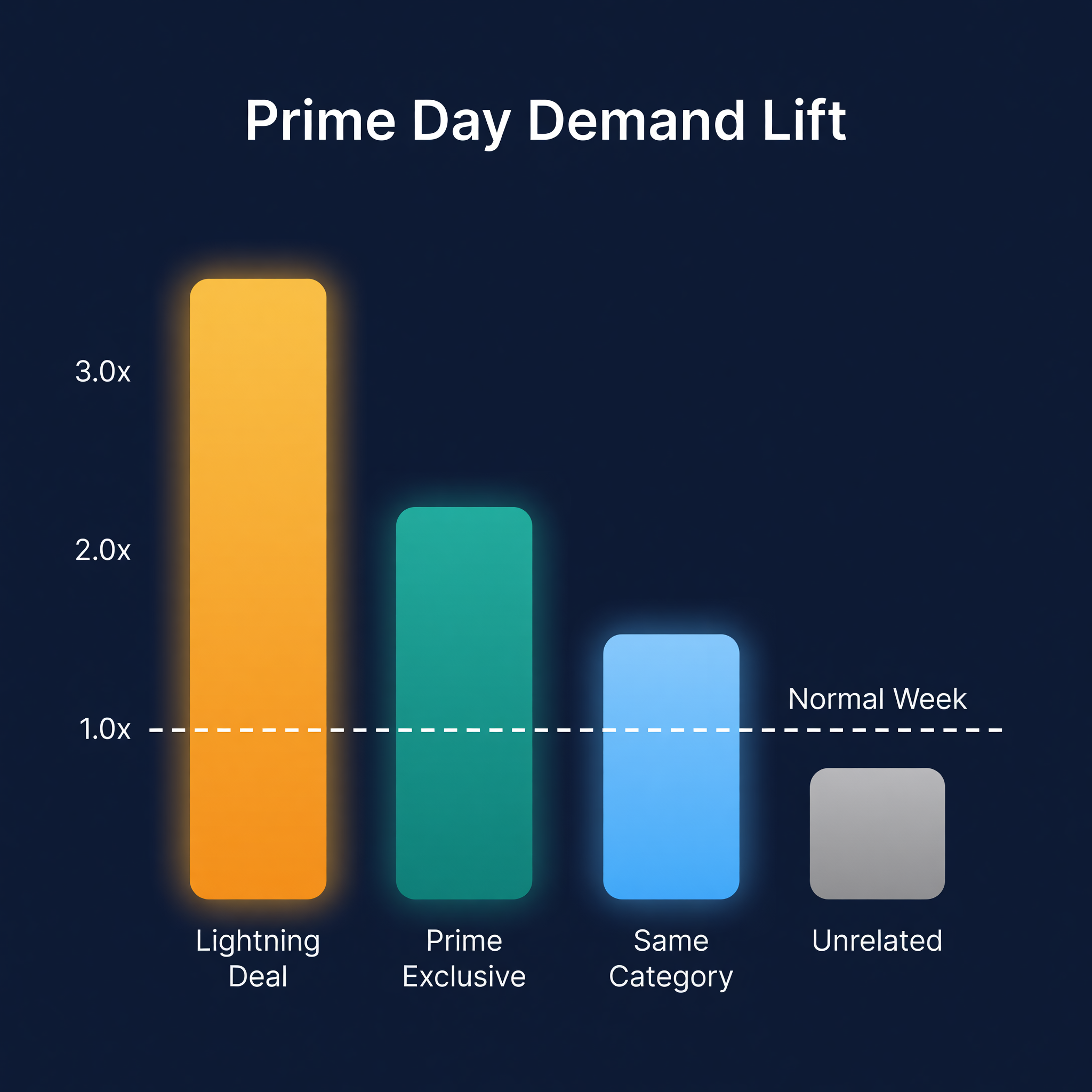
For my catalog, the average lift across all ASINs was 2.1x. But promoted ASINs saw 3.5x, and non-promoted ASINs in the same category saw 1.4x. The spread matters because you are placing orders on specific SKUs, not your whole catalog.
If this is your first Prime Day, use these conservative benchmarks:
| ASIN Type | Expected Lift | Recommended Stock Cover |
|---|---|---|
| Lightning Deal / Best Deal | 2.5-4x normal week | 3-4 weeks at lifted velocity |
| Promoted (coupon, Prime Exclusive) | 1.8-2.5x | 2-3 weeks at lifted velocity |
| Non-promoted, same category | 1.2-1.5x | Normal cover + 30% buffer |
| Non-promoted, unrelated category | 1.0-1.1x | Normal cover, no change |
I would rather be 10% over than 10% under on promoted ASINs. The cost of a stockout during Prime Day - lost organic rank, wasted ad spend, missed BSR momentum - is far higher than carrying an extra week of inventory.
The Send-In Math
Once you know your target cover, work backward to the order quantity:
Send-In Qty = (Daily Velocity x Lift Multiplier x Days of Cover) - Current FBA Units
Say your product sells 15 units/day normally. You are running a Best Deal and expect 3x lift. You want 21 days of cover.
15 x 3.0 x 21 = 945 units needed
You have 200 at FBA currently
Send-in: 745 units
Check this number against your FBA capacity limits. If your capacity allocation cannot absorb 745 units, you have two options: request a capacity increase (Amazon allows this, with a reservation fee) or reduce the send-in and accept you may stock out late in the event.
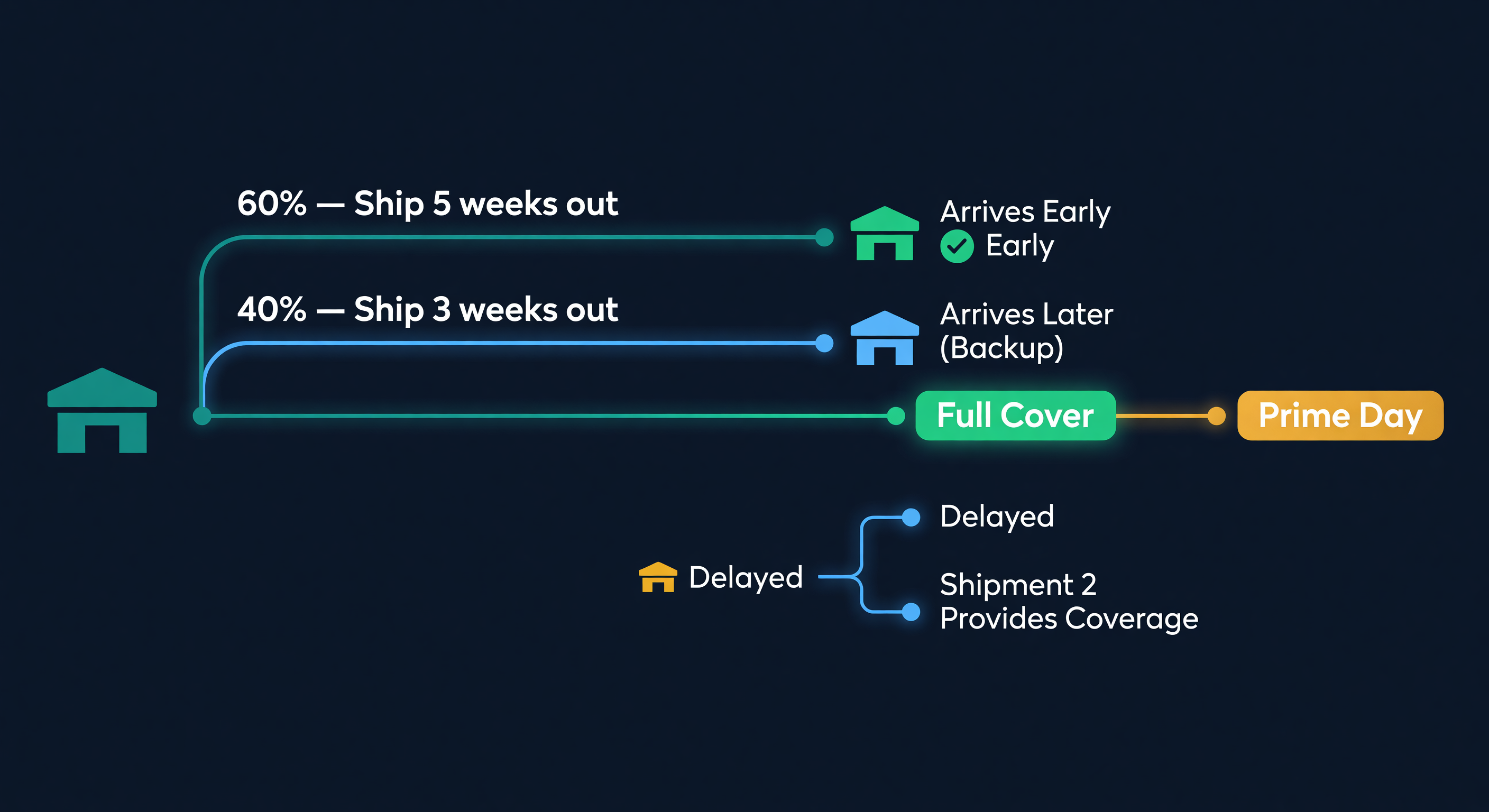
One more thing on the send-in: split the shipment if possible. I send 60% of my target quantity 5 weeks out and hold 40% for a second shipment 3 weeks out. If the first shipment gets delayed in receiving, the second is a backup. If both arrive on time, great - you have your full cover. This costs slightly more in shipping but has saved me from at least two Prime Day stockouts.
Storage Fee Trap
Here is the part most guides skip. Prime Day falls in July. Amazon's monthly storage fees jump in Q3:
| Period | Standard-Size (per cubic ft) | Oversize (per cubic ft) |
|---|---|---|
| Jan-Jun | $0.78 | $0.56 |
| Jul-Sep | $2.40 | $1.40 |
| Oct-Dec | $2.40 | $1.40 |
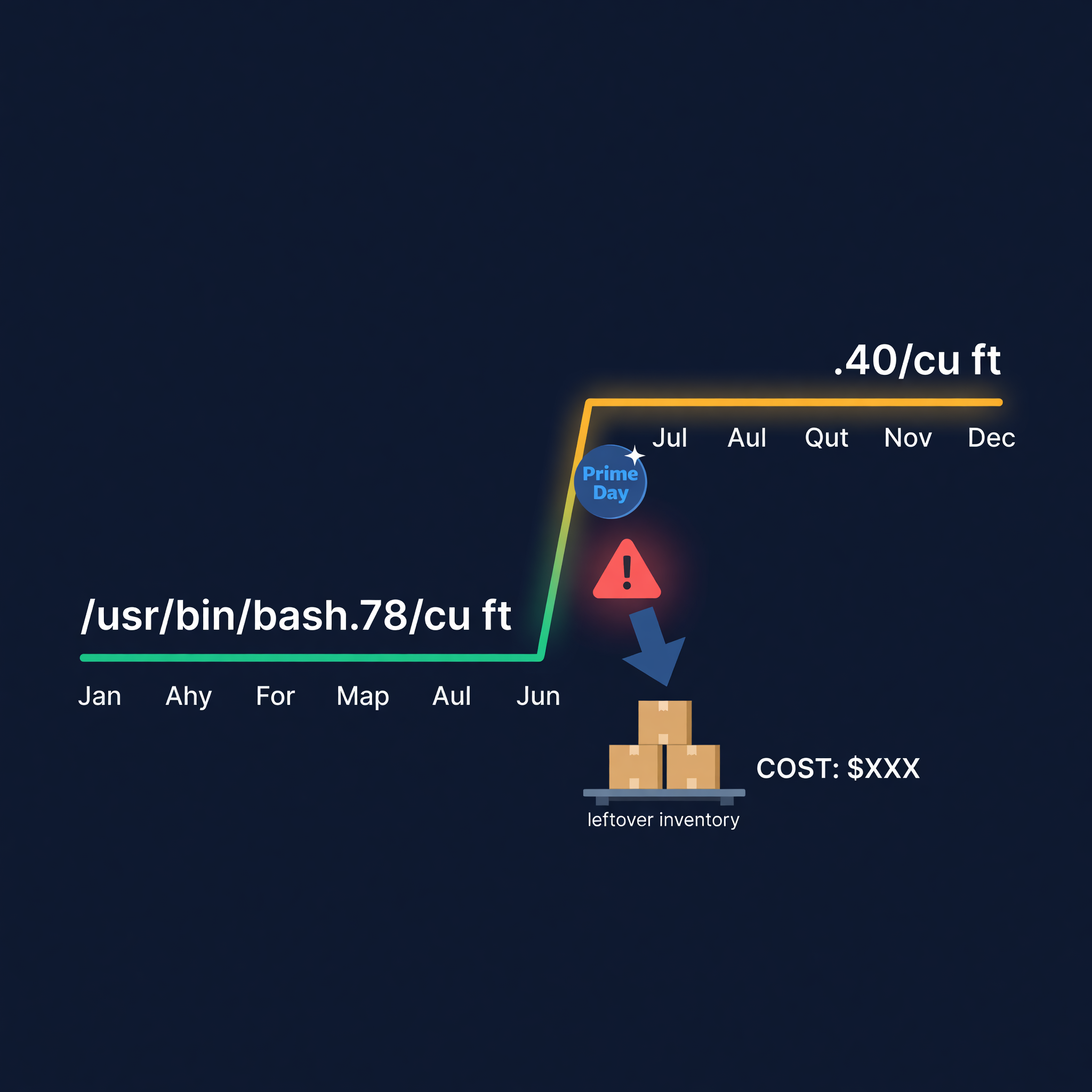
That is a 3x increase on standard-size. If you send 1,000 units and only sell 600 during Prime Day, those 400 leftover units are sitting in the most expensive storage quarter of the year. And if they linger past 181 days, the aged inventory surcharge stacks on top.
This is why I said send 3-4 weeks of cover, not your whole warehouse. Keep reserves at your facility where storage costs you a fraction of FBA rates. Replenish after Prime Day if sell-through beats your forecast.
Five Mistakes I See Every Year
Shipping too late. I already covered this, but it bears repeating. If you ship to FBA the same week Amazon announces the cutoff, you are gambling. FBA receive times are unpredictable during peak inbound periods. We factor in historical receive-time variability for exactly this reason.
Ignoring the halo effect. Sellers focus on their promoted ASINs and forget that their entire catalog sees a traffic bump. I have had non-promoted products stock out on Prime Day because I did not account for the 30-40% lift in category browsing.
Sending full pallets of a new product. Prime Day is not the time to test demand for a new ASIN. Send enough to cover a modest lift, but do not bet the farm on an unproven product just because you are excited about event traffic.
Forgetting post-Prime Day velocity. The 2-3 weeks after Prime Day often show elevated sales as organic rank improves from the volume spike. If you sell out completely during the event and have no replenishment ready, you lose the momentum.
Not setting a liquidation trigger. Decide before the event: if a product has more than X weeks of cover at FBA by August 1, I will run a 20% off coupon or create a removal order. Setting the trigger in advance prevents the emotional "maybe it will sell" delay that leads to long-term storage fees.
Here is a rough cost comparison to make this concrete:
| Scenario (400 leftover units, 0.5 cu ft each) | Cost Over 90 Days |
|---|---|
| Q3 storage fees only ($2.40/cu ft/mo x 3 months) | $1,440 |
| Storage + aged surcharge (181+ days) | $2,100+ |
| Removal order ($0.97/unit) | $388 one-time |
| 20% off coupon to sell through | $0 fees, reduced margin |
The math usually favors getting the inventory out early.
Forecasting Demand Spikes in ReplenishRadar
Doing this by hand means pulling Seller Central reports, building a separate Prime Day forecast spreadsheet, manually adjusting reorder quantities, and rechecking capacity limits. We did it that way for years. It took about 6 hours per event across a catalog of 80 ASINs.
ReplenishRadar handles event-based demand differently. You flag ASINs with expected lift multipliers, and the forecasting engine adjusts the demand curve for the event window. Reorder suggestions and FBA restock quantities reflect the spike automatically - including the post-event tail. If you want to sanity-check the math, run the surge velocity through our days of supply calculator before committing to a send-in quantity. The system also cross-checks your send-in quantities against your current FBA capacity so you are not building shipments that will get rejected.
Try ReplenishRadar free for 14 days -> and set up your Prime Day plan before the deadline passes.
Your Timeline Starts Now
If you read this in May and Prime Day is in July, you have roughly 8 weeks. That is enough if you start this week. Here is the compressed version:
This week: Pull last year's Prime Day data. Identify your top 10-15 ASINs for promotion. Calculate lift multipliers.
Next week: Place supplier orders for any inventory you do not already have on hand. Factor in your supplier's lead time plus 3-5 days of buffer.
Week 3-4: Ship to FBA. Use Amazon's partnered carrier program for faster receive times when possible. Track your shipments daily - if they are not showing as "Receiving" within 10 days, open a case.
Week 5+: Monitor. Adjust. If sell-through in the first 48 hours of Prime Day exceeds your forecast, immediately ship your warehouse reserve as a follow-up shipment.
The sellers who win Prime Day are not the ones with the biggest budgets. They are the ones who shipped inventory on time.
Related Reading:
Frequently Asked Questions
Get notified when it matters
Amazon and Shopify change the rules constantly. We'll email you when something affects your business.
See what your inventory is really doing
Doing $5M+ in revenue? Talk to our team
Related Posts
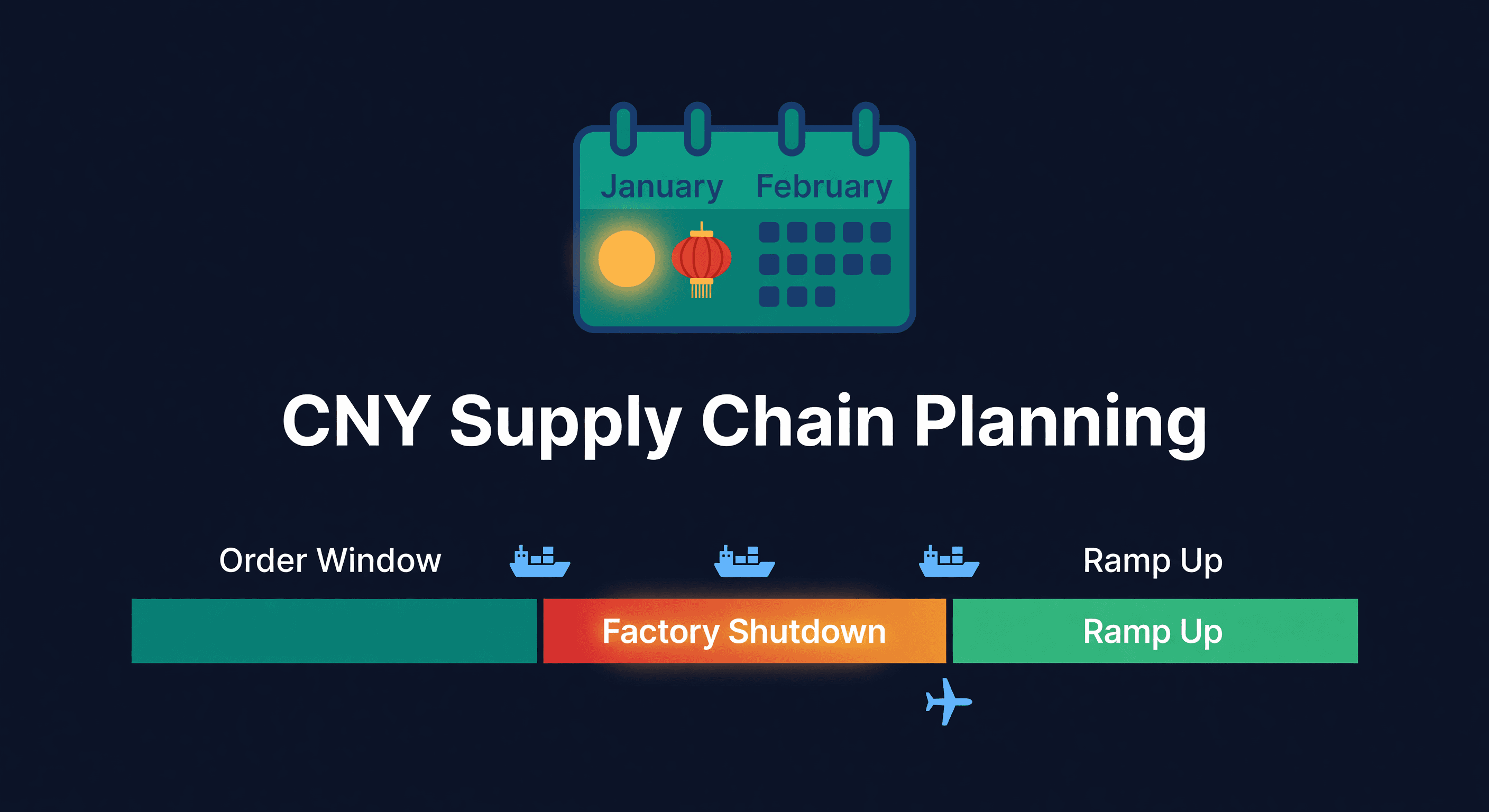
Chinese New Year Supply Chain Planning Guide
How to plan inventory around Chinese New Year factory shutdowns. Timelines, buffer calculations, and the mistakes that leave sellers out of stock for 6 weeks.
Amazon's 2027 Bundle Rule and Your Kitted Inventory
Amazon's bundle policy changes January 11, 2027. Here's how to plan kitted FBA inventory, the reorder to skip, and the exemptions that keep a bundle live.
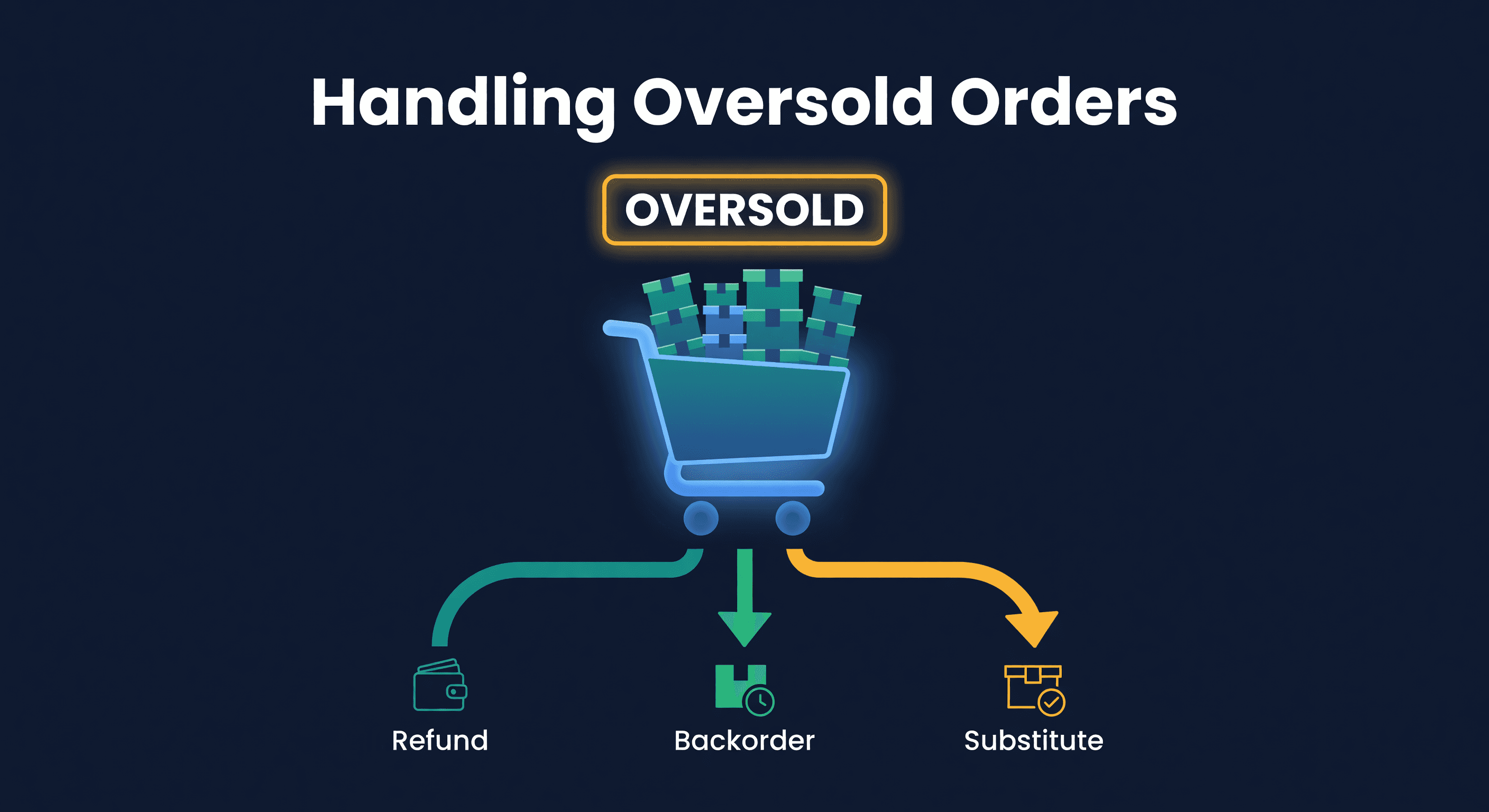
How to Handle Oversold Orders in E-commerce
Why overselling happens on multi-channel stores, what it costs you, and the prevention strategies that actually work, from buffer stock to real-time push sync.
