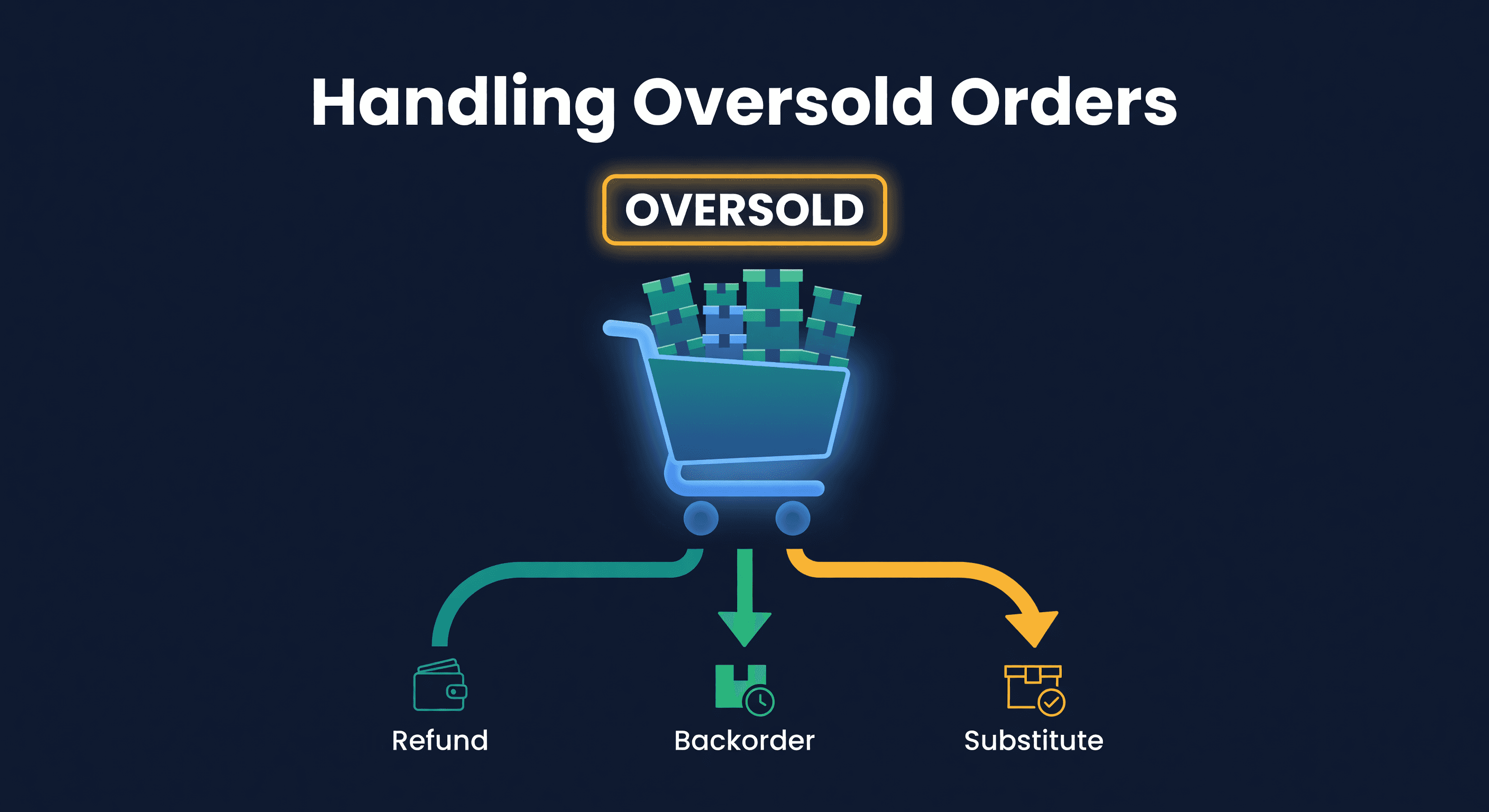
How to Handle Oversold Orders in E-commerce
Key takeaway: Overselling happens during sync lags between sales channels. Most tools poll inventory every 15 to 60 minutes, which is plenty of time to sell the same unit twice. Real-time push from Amazon closes one half of the gap. Buffer stock and channel-specific allocation close the other half.
Selling the Same Unit Twice Happens More Often Than You'd Guess
Say a $45 product sells to two different customers on two different channels within 11 minutes of each other. One buys on Shopify. The other on Amazon. The seller's inventory sync runs every 30 minutes. Both orders look legitimate. Both customers get order confirmations.
One of them is not getting their product.
The Shopify side is easy to fix: email an apology, refund immediately, include a discount code. The Amazon side is harder. Canceling a merchant-fulfilled order counts as a pre-fulfillment cancellation defect on the account health dashboard. Amazon does not care why you canceled. A cancel is a cancel.
One incident will not sink an account. But if it happens four more times in a month and the cancellation rate crosses 3%, Amazon sends a warning email, and that tends to get a seller's attention fast.
Why Overselling Happens
The root cause is always the same: your sales channels do not talk to each other fast enough.
You have 5 units of SKU-X. It is listed on Amazon, Shopify, and maybe Walmart or Etsy. A customer buys 1 on Amazon at 2:14 PM. Your inventory should now show 4 units everywhere else. But your Shopify-side polling cycle does not run until 2:30 PM. In those 16 minutes, your Shopify store still shows 5 units. If someone buys 1 on Shopify at 2:22 PM, you have sold 6 units of a product you have 5 of.
That is the simple version. Here is how it gets worse:
Batch orders. Someone buys 3 units on Shopify at 2:20 PM. Now you have sold 4 units across channels but only have 5 total. Your sync runs at 2:30, updates everything, but if you had sold even one more unit on Amazon before the update, you are oversold.
Manual inventory updates. You received a shipment and updated your warehouse count, but forgot to push the update to one channel. Or you adjusted inventory in Shopify but the change did not propagate to your Amazon listing.
Return processing lag. A customer returns a product. You issue the refund. But you do not add the unit back to your available inventory for 3 days because you need to inspect it. Meanwhile, your available count is 1 unit lower than reality across all channels, and that 1-unit gap becomes the oversold unit.
FBA quantity drift. Amazon's FBA inventory count and your own records drift apart over time. You think you have 12 units at FBA. Amazon says 10. You are listing 12 on your other channels based on your number, but only 10 are actually available. Two customers are going to be disappointed.
The Real Cost
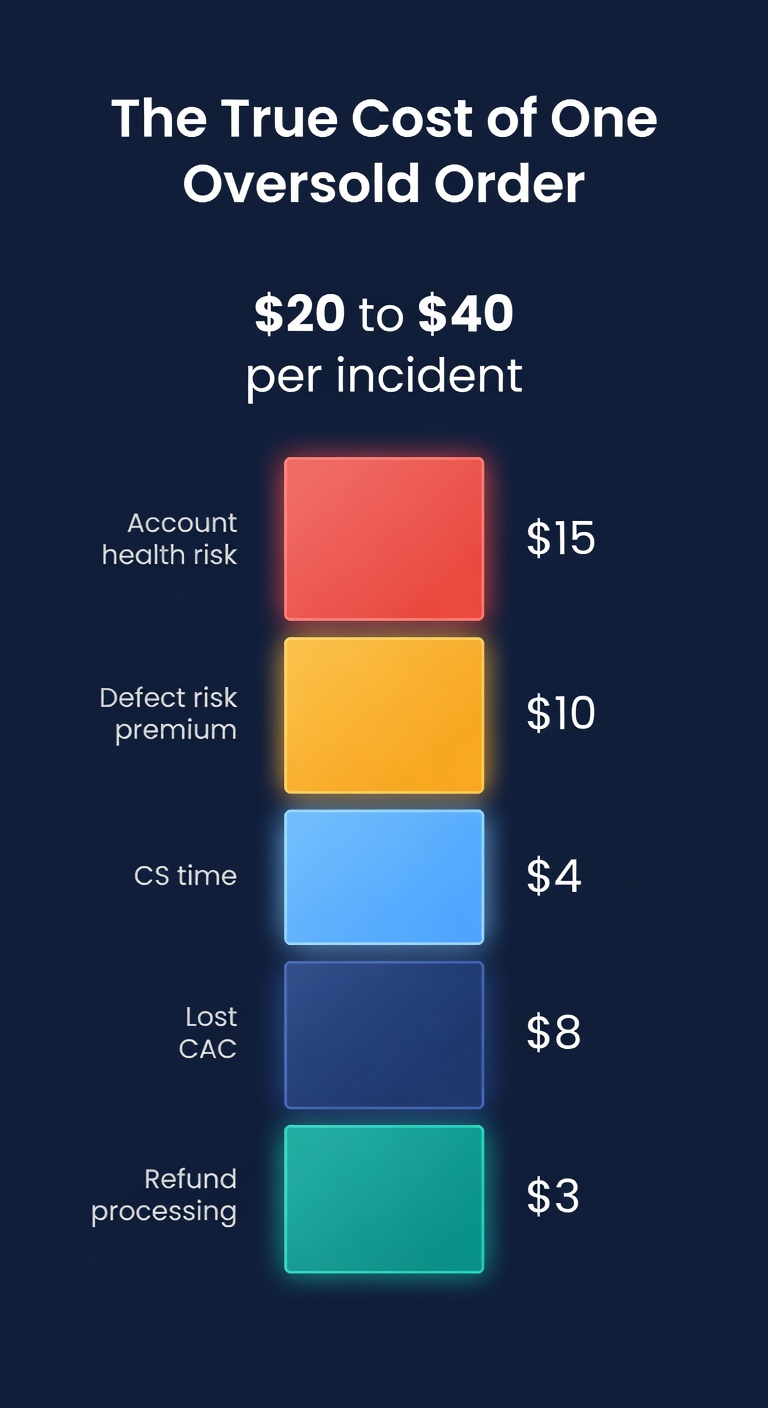
Overselling is not just an inconvenience. It has measurable financial consequences that compound.
| Impact | Cost |
|---|---|
| Refund + payment processing fee lost | The processing fee on the original sale, which most payment providers do not refund |
| Customer acquisition cost wasted | $10-$30 (that customer may never come back) |
| Negative review risk | A share of oversold customers leave a negative review |
| Amazon cancellation defect | Each one counts against your 2.5% threshold |
| Amazon account suspension | No Amazon revenue until reinstated |
| Customer service time | 15-30 min per incident at $20+/hr |
Illustrative numbers, not real data.
For a seller doing $50,000/month at a $50 average order value, that is 1,000 orders a month. Overselling 1% of those orders is 10 oversold orders a month. At $20-$40 in total cost per incident (including all the downstream effects), that is $200-$400/month. Annoying but survivable.
The real problem is the Amazon account health risk. Fifteen cancellations on 1,500 monthly merchant-fulfilled orders is a 1% cancellation rate, safely under the 2.5% threshold. But if your merchant-fulfilled volume is only 200 orders and you cancel 15, that is a 7.5% rate. Amazon does not care about your total volume. They care about the ratio. Smaller sellers get punished harder.
Prevention: The Three Layers
There are three layers of prevention, in order of importance.
Layer 1: Close the Sync Gap
This is a major lever, and it is the layer where the industry has changed in the last two years. The old model was: every tool polls every channel on a fixed clock. Fifteen minutes, thirty, sixty. The math of oversell exposure was straightforward:
Oversell Risk per SKU = Units Sold per Minute x Sync Interval in Minutes
If a product sells 0.5 units per minute across all channels and your sync runs every 30 minutes, the expected oversell exposure is 15 units per sync window. At a 5-minute interval, it drops to 2.5. That is the difference between a headache and a rounding error.
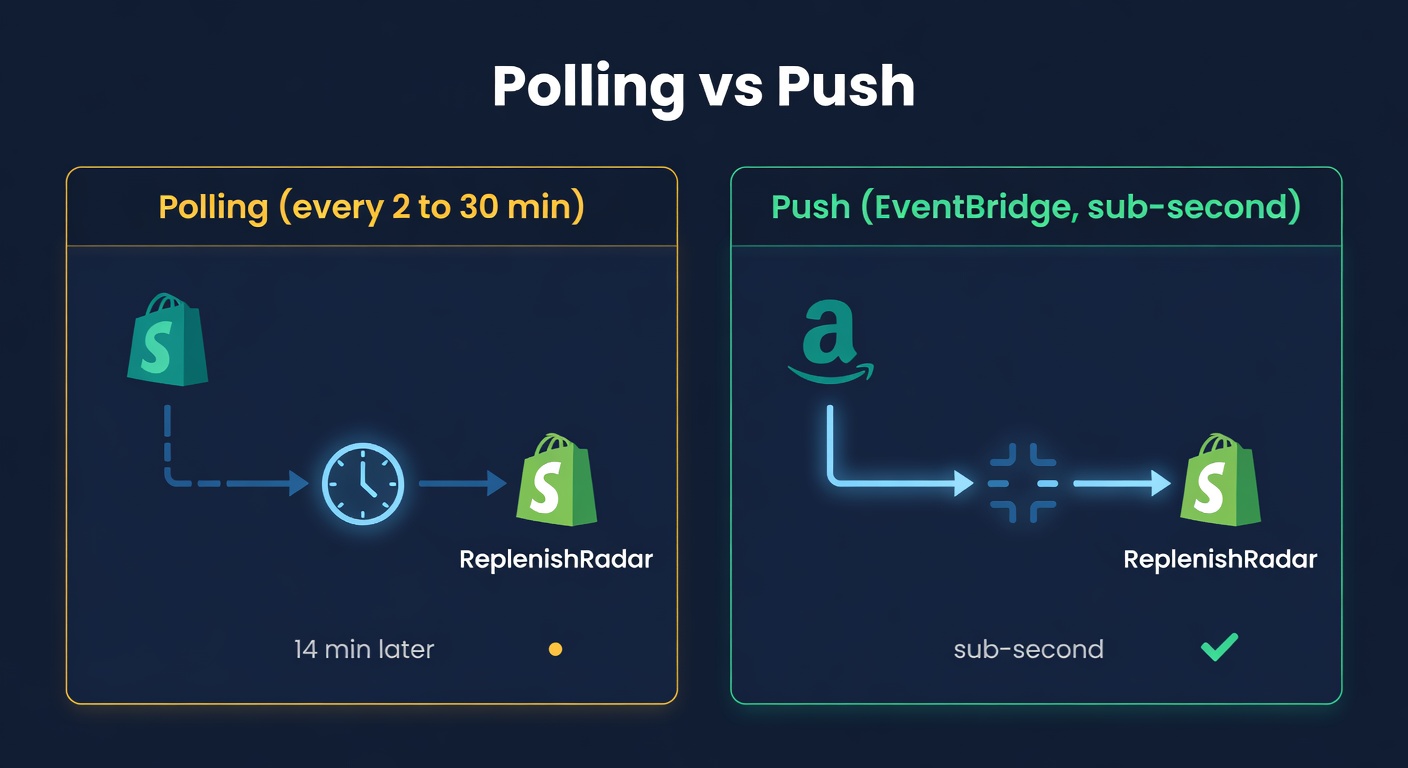
Most inventory tools still work this way. They poll Amazon every 15-60 minutes, poll Shopify on the same clock, and tell you faster polling is the differentiator. It is not a great answer. Polling is a guess about when to ask. The unit might have moved 14 minutes ago.
The better answer is push. Amazon's SP-API supports push notifications for FBA_INVENTORY_AVAILABILITY_CHANGES, delivered via SQS, which means when an FBA unit ships, Amazon tells you in seconds, not in the next polling cycle. ReplenishRadar consumes that SQS notification stream natively. On Standard and above, your Amazon FBA side of the ledger is real-time, with a daily reconcile at 04:00 UTC and a daily FBA snapshot report as backstops in case a single notification is missed. Inventory Lite, our $9.99 visibility plan, refreshes weekly and gives you one manual Sync Now a day instead.
The Shopify side is near-real-time too: Shopify pushes inventory deltas to us via webhooks the moment stock changes. Scheduled accuracy checks then reconcile the full catalog: every 24 hours on Standard, 6 hours on Growth, 1 hour on Scale, and 30 minutes on Enterprise. A webhook still beats polling because we are told the instant the unit moves rather than guessing when to ask.
What that means for the worst-case oversell window:
| Scenario | Worst-case window |
|---|---|
| FBA unit ships, must reflect in Shopify count | Seconds (Amazon push) |
| Shopify sale, must reflect in Amazon listing | Real-time event path, backed by tiered accuracy checks and Instant Refresh |
| Self-fulfilled Amazon sale, must reflect in Shopify | Seconds (push from Amazon orders stream) |
Half the gap closes to zero. The other half shrinks to our position recompute cadence. That asymmetry matters when you decide where to allocate buffer stock.
Layer 2: Buffer Stock
Do not list 100% of your available inventory on every channel. Hold back a buffer.
Rule of thumb: buffer = max units you could sell while waiting for the slowest relevant correction path. Since Amazon and Shopify both push events, the normal window is much smaller than old polling systems, but a conservative buffer should still account for event-processing delay, your plan's accuracy-check cadence, and whether you use Instant Refresh for high-risk SKUs.
| Daily Velocity (across all channels) | Recompute Window | Buffer per Channel |
|---|---|---|
| 1-5 units/day | Real-time push + daily accuracy check | 1 unit |
| 5-20 units/day | 15 min | 1-2 units |
| 20-50 units/day | 5 min | 2-3 units |
| 50+ units/day | 2 min | 2-3 units |
Yes, this means you are under-listing your inventory. A 2-unit buffer on a product with 200 units is a 1% reduction in listed quantity. That is not going to cost you meaningful sales. But it will prevent the order you cannot fulfill.
The exception: if you have fewer than 10 units total, buffers get tricky. Holding back 2 out of 8 units means you are showing 6 when you have 8, a 25% reduction. At low quantities, faster polling matters more than buffers.
Layer 3: Channel-Specific Allocation
For high-velocity products, buffers are not enough. Allocate specific quantities to each channel.
Say a SKU sells 80 units per day: about 45 on Amazon FBA, 25 on Shopify DTC, and 10 through wholesale. Instead of showing all 280 on-hand units everywhere (the total held outside FBA), allocate:
- Amazon FBA: handled separately (inventory is at Amazon's warehouse)
- Shopify: 200 units listed
- Wholesale portal: 50 units listed
- Reserve: 30 units unallocated
The reserve is an emergency buffer: if Shopify demand spikes and the allocation runs out, there are 30 units before the SKU is truly oversold. This approach means a channel sometimes shows "out of stock" while inventory sits in reserve. That is by design. A temporary out-of-stock on one channel is far less damaging than an oversold order on Amazon.
When It Happens Anyway
Prevention is not perfect. Even with push sync, buffers, and allocation, you will occasionally oversell. Here is what to do.
Shopify DTC: immediate honest communication. Email the customer within an hour. Apologize. Offer a full refund or the option to wait for restock. Include a discount code for their next order. Most DTC customers handle this gracefully if you are fast and honest.
A direct template to use instead of the corporate one:
"Hey [name], I screwed up. The item you ordered sold out across two channels simultaneously and I do not have one to ship you right now. I am issuing a full refund now. I will have more in stock on [date] if you want to reorder, and here is 15% off to make up for the hassle: [code]. Sorry about this."
Amazon merchant-fulfilled: cancel fast and take the defect. Do not let the order sit. Cancel it immediately. A late shipment is worse than a cancellation in Amazon's eyes, and shipping an order you cannot fulfill is fraud. Yes, the cancellation defect stings. But one defect is recoverable. A late-shipment defect plus a customer complaint is worse.
Amazon FBA: this should not happen. If you are selling through FBA, Amazon manages the inventory. Overselling from FBA is Amazon's problem; they will either fulfill from another warehouse or cancel and reimburse. If your FBA inventory count is wrong because of a reconciliation issue, that is a different problem.
Partial fulfillment. If a customer ordered 3 units and you can ship 2, contact them first. Some customers want the 2 now. Some want all 3 or nothing. Do not partially ship without asking: a customer who receives "only part of my order" with no warning is exactly the kind who leaves a 1-star review.
How ReplenishRadar Handles the Sync Gap
This is exactly the problem we built ReplenishRadar to solve, and the architecture matters because not all "real-time" claims mean the same thing.
On the Amazon side, we subscribe to SP-API SQS push notifications for FBA inventory deltas and orders. When a unit ships from an FBA warehouse, that event lands in our pipeline within seconds, and the new available count propagates through the event path. On the Shopify side, webhooks tell us when stock changes instead of making us poll on a fixed interval. Tiered accuracy checks and FBA snapshot jobs catch anything a single notification missed, so the pipeline self-heals if a webhook is dropped.
We also flag "danger zone" SKUs, where available quantity divided by daily velocity gives less than one polling window of coverage. Those are the products most likely to oversell next. Checking that list every morning catches them early: a product with 3 units left that sells 8 per day across channels has about 9 hours before it is gone, which is the signal to replenish or pull the listing.
Try ReplenishRadar free for 14 days ->
The 11-Minute Problem
Overselling is a timing problem, not an inventory problem. You had the units. You just sold them twice before your systems caught up. Every solution boils down to closing that timing gap: real-time push where the channel supports it, tight polling where it does not, buffers that absorb whatever lag remains.
The sellers who never oversell are not the ones with perfect systems. They are the ones who assume their systems are imperfect and build in margins of error. Hold back a buffer. Use push sync where you can. Allocate by channel.
And when it happens anyway, because it will, fix it fast, be honest with the customer, and figure out which gap let it through.
One oversold order is a bad day. A pattern of oversold orders is a process problem. Fix the process before it fixes your Amazon account for you.
Related Reading:
Frequently Asked Questions
Get notified when it matters
Amazon and Shopify change the rules constantly. We'll email you when something affects your business.
See what your inventory is really doing
Doing $5M+ in revenue? Talk to our team
Related Posts
Inventory Lite: Who It's For, What It Does, When to Upgrade
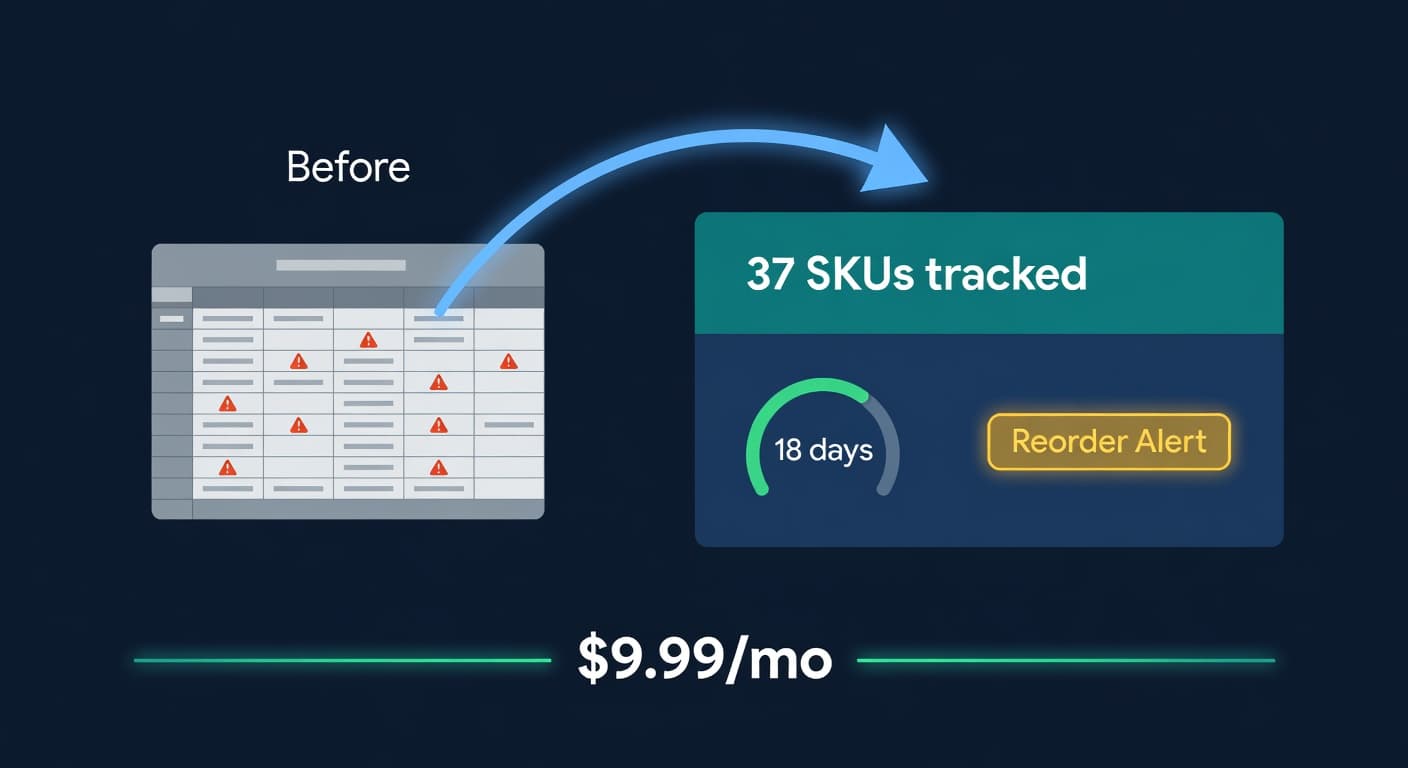
Lite is $9.99/mo for hybrid Shopify + Amazon sellers under 50 SKUs and $10k/30d. Here is what it covers and when you outgrow it.
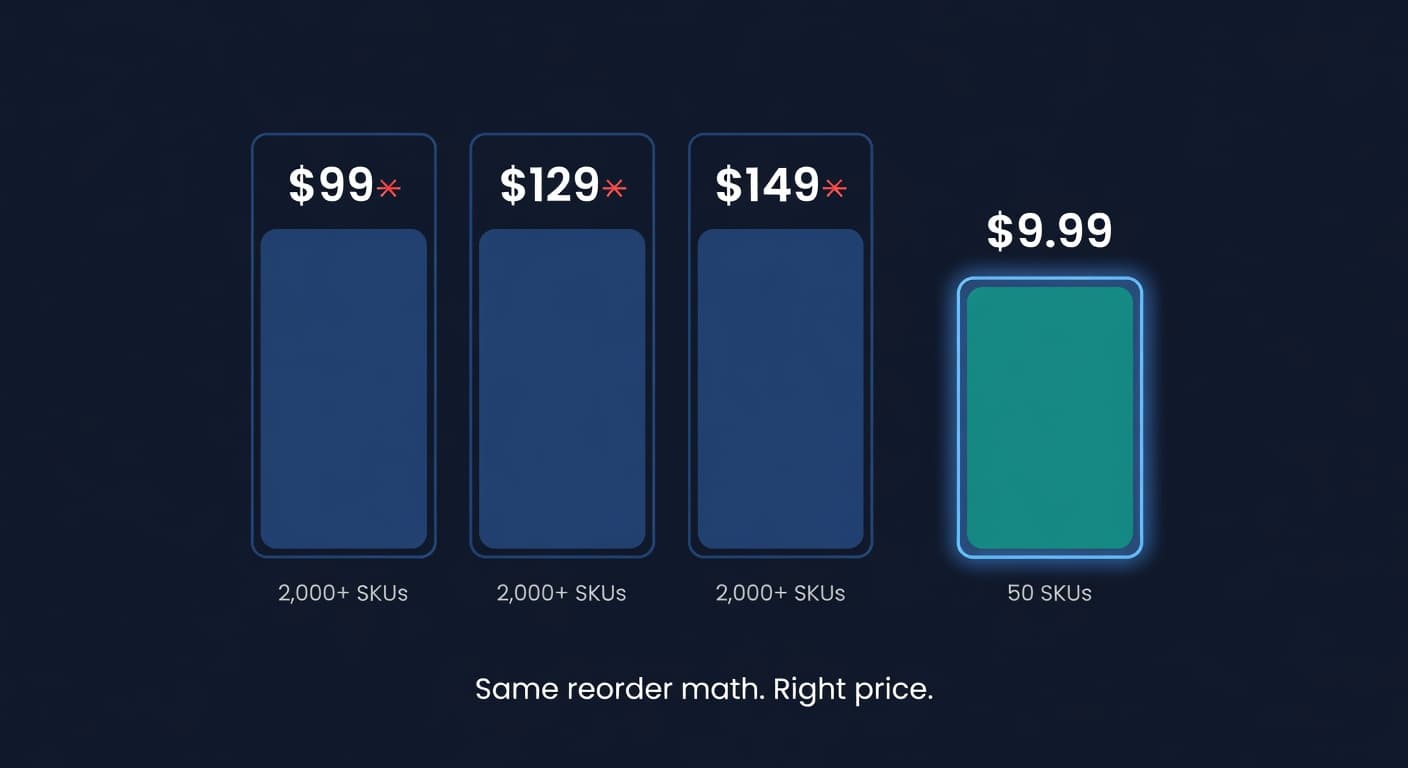
Why We Built a $9.99 Inventory Plan When Rivals Start at $99
Most inventory tools start at $99 and assume you have 2,000 SKUs and a buyer. If you sell 30 SKUs across Shopify and Amazon, that math is broken.
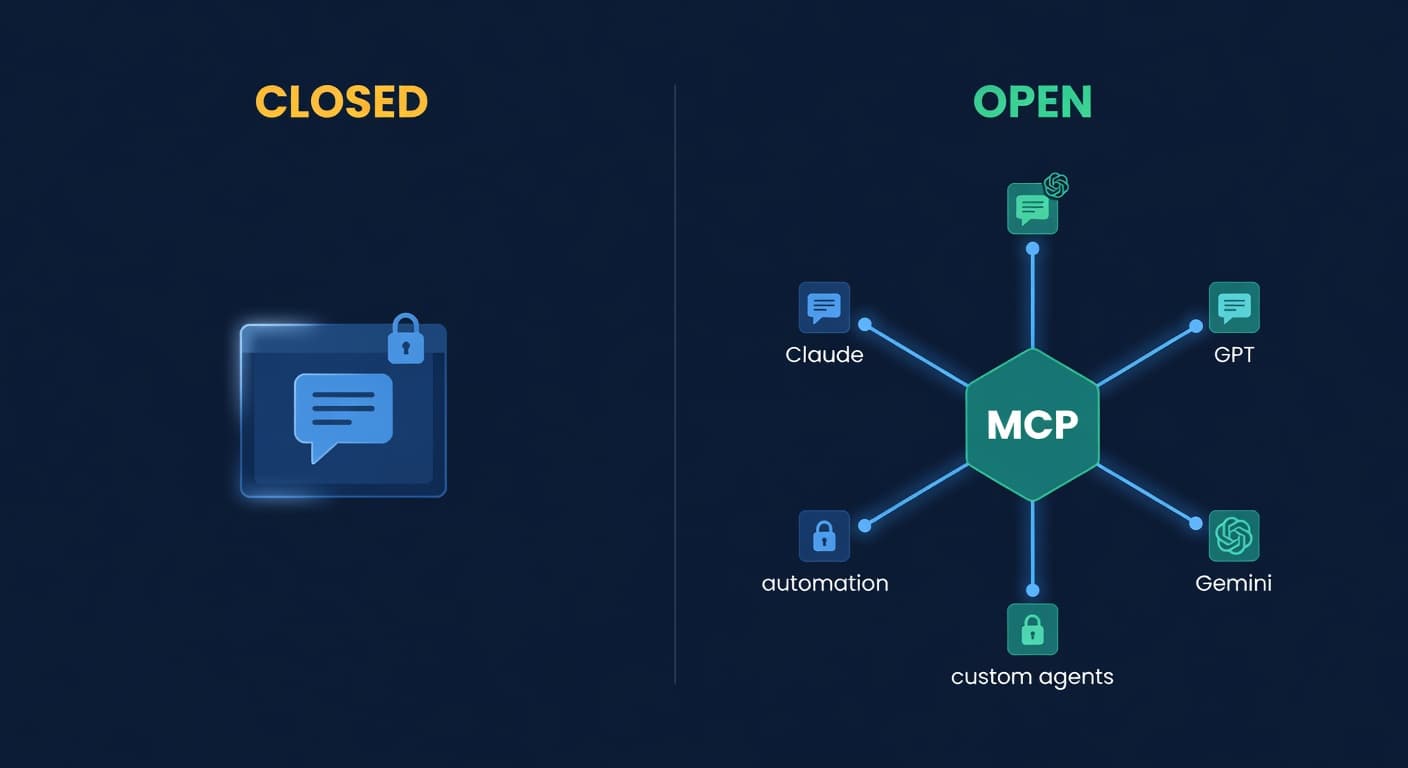
Open vs Closed AI for Inventory Management
Chat-first vs protocol-first AI for inventory management: why MCP matters, and why one data layer across Shopify and Amazon beats one app's forecast.
