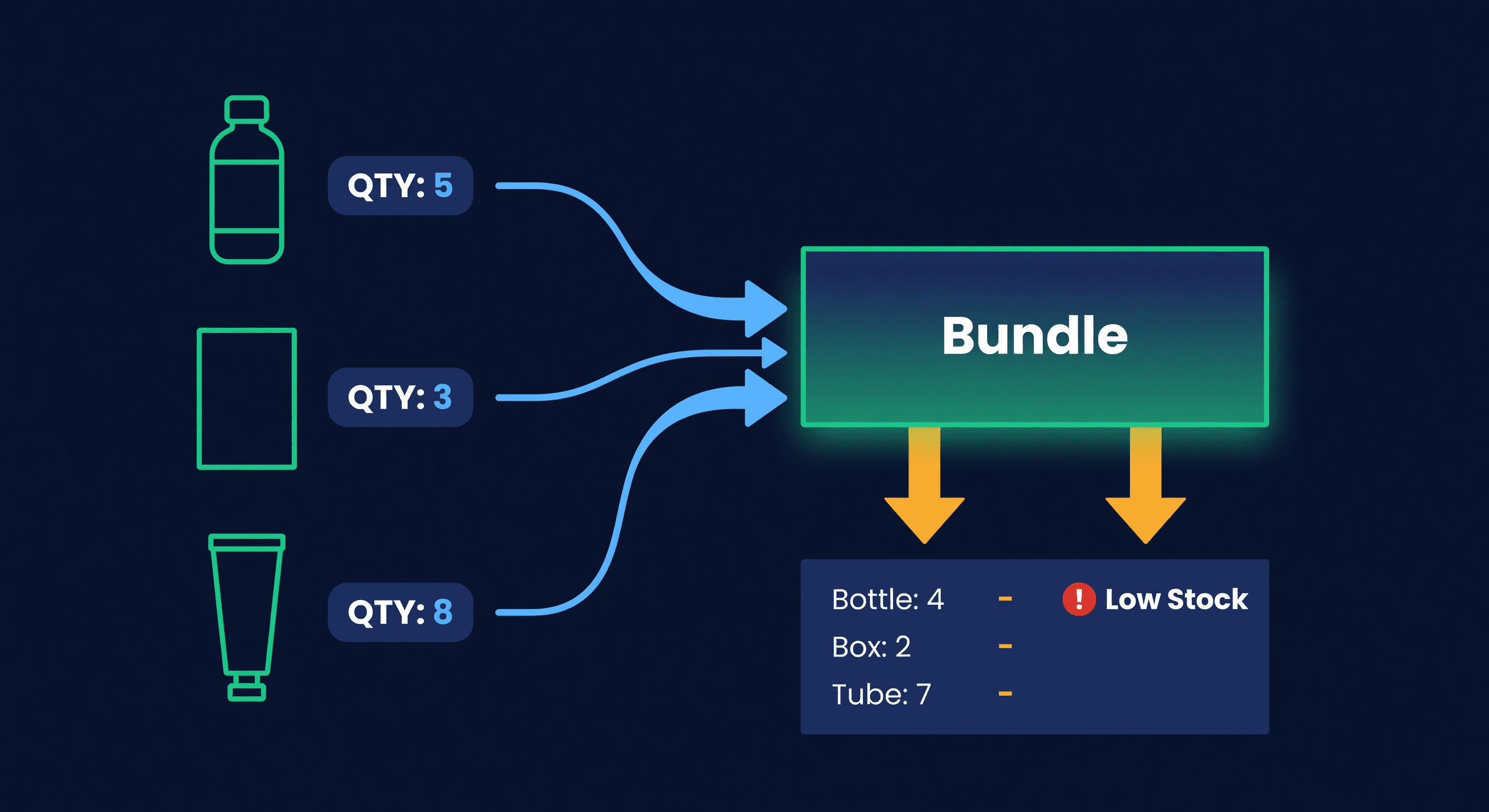
Shopify Bundles and the Inventory Problem
Key takeaway: Bundle inventory breaks when Shopify doesn't track component-level stock separately. Phantom inventory occurs when a bundle shows as available but one of its components has sold out through individual sales. Always forecast and track at the component SKU level.
Bundles are one of the best margin plays in e-commerce. Take three products that sell for $15 each, package them together for $38, and your average order value jumps while the customer feels like they got a deal. Three items that would have been three separate $15 orders become one $38 order.
Then the inventory problems started.
The Core Problem
A bundle is not a product. It is a promise to ship multiple products together. But most inventory systems, Shopify included, treat it like a single SKU. That gap between what the system tracks and what actually needs to ship is where overselling happens.
Say you sell a "Morning Routine Kit" that contains Product A (cleanser), Product B (moisturizer), and Product C (SPF). You have 50 of each in stock. Shopify shows the bundle as available.
A customer buys 10 units of Product A individually. Your stock of A drops to 40. Can you still fulfill 50 bundles? No. You can fulfill 40. But the bundle listing still says 50 are available because Shopify is not doing that subtraction for you.
This is phantom inventory. The bundle looks purchasable but the components are not there to support it.
The consequences range from annoying to expensive. Best case: you catch it during fulfillment, cancel the order, apologize to the customer. Worst case on Amazon: an order defect, a potential listing suppression, and a customer who leaves a 1-star review mentioning "out of stock despite showing available." On Shopify, you eat the chargeback if the customer disputes.
Illustrative assumptions: sell 14 bundles over a holiday weekend that you cannot fulfill because Component B sold out through individual orders the day before. At an average order value of $60, that is $840 in refunds, on top of negative reviews and support time. All preventable with real-time component-level tracking.
Types of Bundles and Their Tracking Complexity
Not all bundles are equally painful. The tracking difficulty depends on the structure.
| Bundle type | Example | Tracking difficulty | Why |
|---|---|---|---|
| Fixed bundle | "Starter Kit" - always the same 3 items | Low | Static bill of materials, predictable component demand |
| Tiered bundle | Buy 2 get 1 free from same SKU | Low | Single component, just quantity math |
| Mix-and-match | "Pick any 3 soaps for $25" | High | Customer chooses components at checkout, demand is unpredictable per SKU |
| BOGO / gift-with-purchase | "Free tote with orders over $75" | Medium | The gift item has hidden demand that is hard to forecast |
| Subscription bundle | Monthly box of 4-5 rotating items | Very high | Components change each cycle, advance planning required |
Fixed bundles are manageable. You know exactly what goes into each one. Mix-and-match bundles are the hardest because you cannot predict which components the customer will choose, so you cannot forecast component demand from bundle sales alone.
If you are just starting with bundles, stick to fixed. Get the inventory tracking right on a simple bill of materials before adding the complexity of customer-selected components. Mix-and-match multiplies the component combinations you have to track, so add it only once fixed-bundle tracking is solid.
What Shopify Actually Does (and Does Not Do)
Shopify added a native Bundles app in 2023. It handles the merchandising side well. You can create a bundle listing, show the discount, and process the order. Here is what it does for inventory:
It creates a bundle product that references component products. When someone buys the bundle, Shopify is supposed to decrement the component inventory. In practice, the timing is inconsistent: component inventory can update immediately, update on fulfillment, or occasionally not update at all until a manual sync runs.
The bigger gap is availability calculation. Shopify does not set the bundle's available quantity to the minimum of its components. If you have 40 of Component A, 50 of Component B, and 50 of Component C, the bundle should show 40 available. Shopify does not always enforce this ceiling, especially with third-party bundle apps.
We are talking about a system that tracks bundles as products rather than as composite records that derive their availability from component stock. That is a design decision, and it is the wrong one for sellers running bundles at any scale.
Third-party bundle apps (Bold Bundles, Bundler, Wide Bundles) handle the merchandising differently but many share the same inventory blind spot. They create a great checkout experience. They do not solve the component-level stock ceiling problem. Before you install one, ask: does this app enforce that the bundle's available quantity equals the minimum of its component quantities? If the answer is no, you still have the phantom inventory problem.
The Bill of Materials Approach
The fix is thinking about bundles the way manufacturers think about finished goods. Every bundle has a bill of materials (BOM), a list of components and quantities.
Morning Routine Kit BOM:
- 1x Cleanser (SKU: CLN-001)
- 1x Moisturizer (SKU: MST-001)
- 1x SPF (SKU: SPF-001)
Available to sell = MIN(Cleanser stock, Moisturizer stock, SPF stock)
If you have 40, 50, and 50 respectively, you can sell 40 kits. Period. Your system should enforce this.
Now add individual product sales. In any given week, you might sell:
| Channel | Cleanser units | Moisturizer units | SPF units |
|---|---|---|---|
| Individual Shopify sales | 15 | 8 | 12 |
| Bundle sales (10 kits) | 10 | 10 | 10 |
| Individual Amazon sales | 20 | 18 | 22 |
| Total demand | 45 | 36 | 44 |
Your Cleanser has the highest total demand across all channels. If you forecast bundle demand and individual demand separately and do not combine them at the component level, you will undercount. Stocking out on the best-selling component while sitting on excess of the others is where that undercount leads, and it means the bundles stop selling too.
Forecasting Bundles: Go to the Component Level
This is a common mistake. Sellers forecast demand for the bundle SKU and forecast demand for the individual SKUs separately. Then they order components based on individual demand only.
Do not do this. Forecast at the component level.
Total demand for Component A = Individual sales of A + (Bundle 1 sales x qty of A in Bundle 1) + (Bundle 2 sales x qty of A in Bundle 2) + ...
If Component A sells 100 units individually per month and appears in two bundles that sell 30 and 20 units respectively, total monthly demand for A is 100 + 30 + 20 = 150 units. Your reorder point and safety stock should be based on 150, not 100.
(We track demand at the variant level across all channels in ReplenishRadar, so if a component appears in both individual and bundle sales, the total demand rolls up automatically. If you are doing this manually, you need a lookup table that maps bundle SKUs to component SKUs with quantities.)
Pre-assemble or Pick at Fulfillment?
Two schools of thought here, each with a real tradeoff.
Pre-assembling means you take 50 of each component, assemble 50 bundles, and store the finished kits. Those components are now committed. If bundle demand drops and individual demand spikes, your components are locked inside bundles you cannot sell. Breaking them apart costs labor. For FBA sellers, pre-assembly used to be the default because Amazon needs a scannable FNSKU on the bundle package. From January 11, 2027, most single-ASIN bundles on Amazon must be packaged by the manufacturer or brand instead, so a kit you assemble yourself needs a letter from every brand in it or an exemption. We covered what that does to kitted FBA stock in Amazon's 2027 bundle rule.
Pick-at-fulfillment means you keep all components as individual units and assemble the bundle when the order comes in. This is more flexible. If bundles sell slowly one week, those components are still available for individual orders. The tradeoff is slightly higher pick-and-pack time per order.
The recommendation: pick at fulfillment for merchant-fulfilled and Shopify orders. On Amazon, pre-assemble only kits that will still be allowed after January 11, 2027: bundles you have brand authorization for, or ones in an exempt category. The flexibility of keeping components in individual inventory is worth the extra 30 seconds of pack time per bundle order.
Here is the math on why.
Illustrative assumptions: pre-assemble 100 bundles using 100 units each of Component A, B, and C. Two weeks later, bundle demand is slow (only 20 bundles sell), but Component A individually is in demand for 60 more units than the 20 sold bundles can supply. Pre-assembled, those extra units are locked inside unsold kits and are not available to sell individually, so you lose 60 units x $15 = $900 in sales because the inventory was in the wrong form.
If you had picked at fulfillment instead, the 80 unassembled Component A units left over after the 20 bundle sales (100 minus 20) would have been available for individual orders. You would have made the 20 bundle sales and the 60 individual sales. Same inventory, $900 more revenue at the $15 price point.
When Bundles Get Dangerous
A few bundles with unique components? Fine. The tracking complexity explodes when multiple bundles share the same components.
Say Component A appears in Bundle X, Bundle Y, and Bundle Z, plus it sells individually. Now you have four demand streams competing for the same stock. A spike in Bundle X sales depletes Component A, which makes Bundle Y and Bundle Z unfulfillable even if their other components are fully stocked.
This is a constraint problem. The shared component becomes the bottleneck, and it needs its own safety stock buffer calculated against the combined demand from all four streams.
If you have more than 3 bundles sharing a single component, that component needs weekly monitoring at minimum.
Illustrative assumptions: an $8 component feeds three bundle listings and one individual listing, together selling 60 units a week at an average order value of $70. Run out of that one component for a week and $4,200 of weekly revenue is at risk, against a $350 reorder that would have prevented it.
The 500-SKU Bundle Problem
The inventory math scales badly. A seller with 200 individual SKUs and 15 bundles averaging 3 components each has 245 demand relationships to track (200 individual + 45 bundle-component links). Add a second sales channel and you double the demand tracking.
At this scale, spreadsheets break. Not because of row limits. Because of the relational logic. Every time a bundle sells, you need to update available quantity for the bundle itself, check component stock against all other bundles that share those components, and recalculate individual availability. In real time. Across channels.
If you are running more than 5 bundles with shared components across Shopify and Amazon, this is a software problem. Manual tracking will miss something, and the first thing you will miss is the oversell that gets you a Shopify chargeback or an Amazon order defect.
The spreadsheet approach works at small scale. Ten bundles with no component overlap? A tab with VLOOKUP formulas can handle it. But the moment you have shared components and multiple channels, you need a system that recalculates availability in real time. Not tomorrow. Not when you remember to refresh the formula. Now.
Try ReplenishRadar free for 14 days ->
The Bundle Overlap Rule
Keep your bundle count low and your component overlap lower. Three to five fixed bundles is a reasonable starting point for many catalogs. Every bundle you add that shares a component with an existing bundle doubles the monitoring complexity for that component.
Bundles should make your customers happy and your margin better. If they are making your inventory tracking worse, you have too many or the wrong structure. Start with one or two fixed bundles, measure the sales lift, and only add more once you have the component-level tracking figured out. The AOV boost from bundles is real. The inventory headache is also real. Get the tracking right first.
Related Reading:
Frequently Asked Questions
Get notified when it matters
Amazon and Shopify change the rules constantly. We'll email you when something affects your business.
See what your inventory is really doing
Doing $5M+ in revenue? Talk to our team
Related Posts
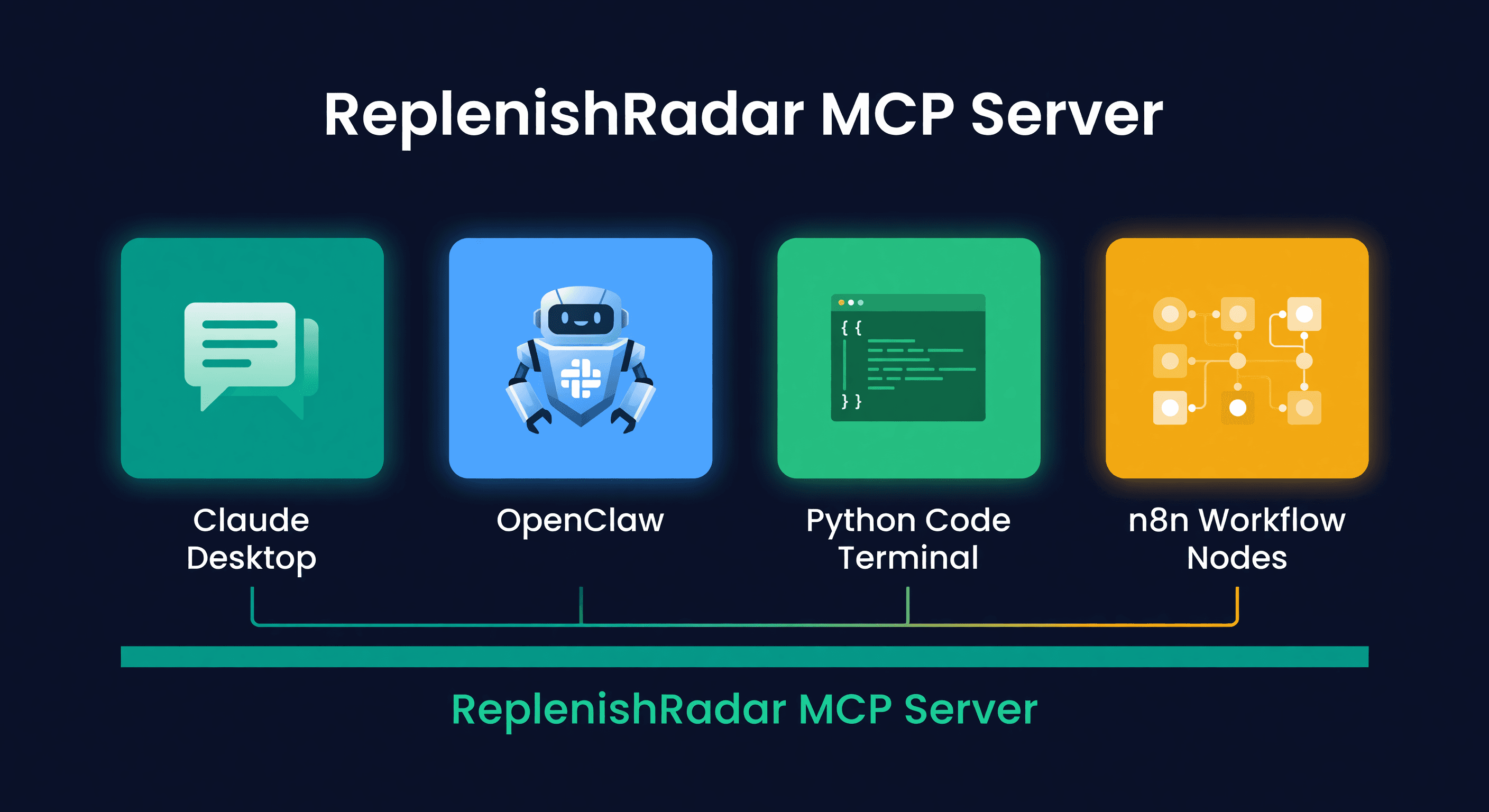
Best AI Agent Setup for Amazon and Shopify (2026)
Four ways to connect an AI agent to your inventory data. Claude Desktop, OpenClaw, custom Python, and n8n compared with honest pros and cons.
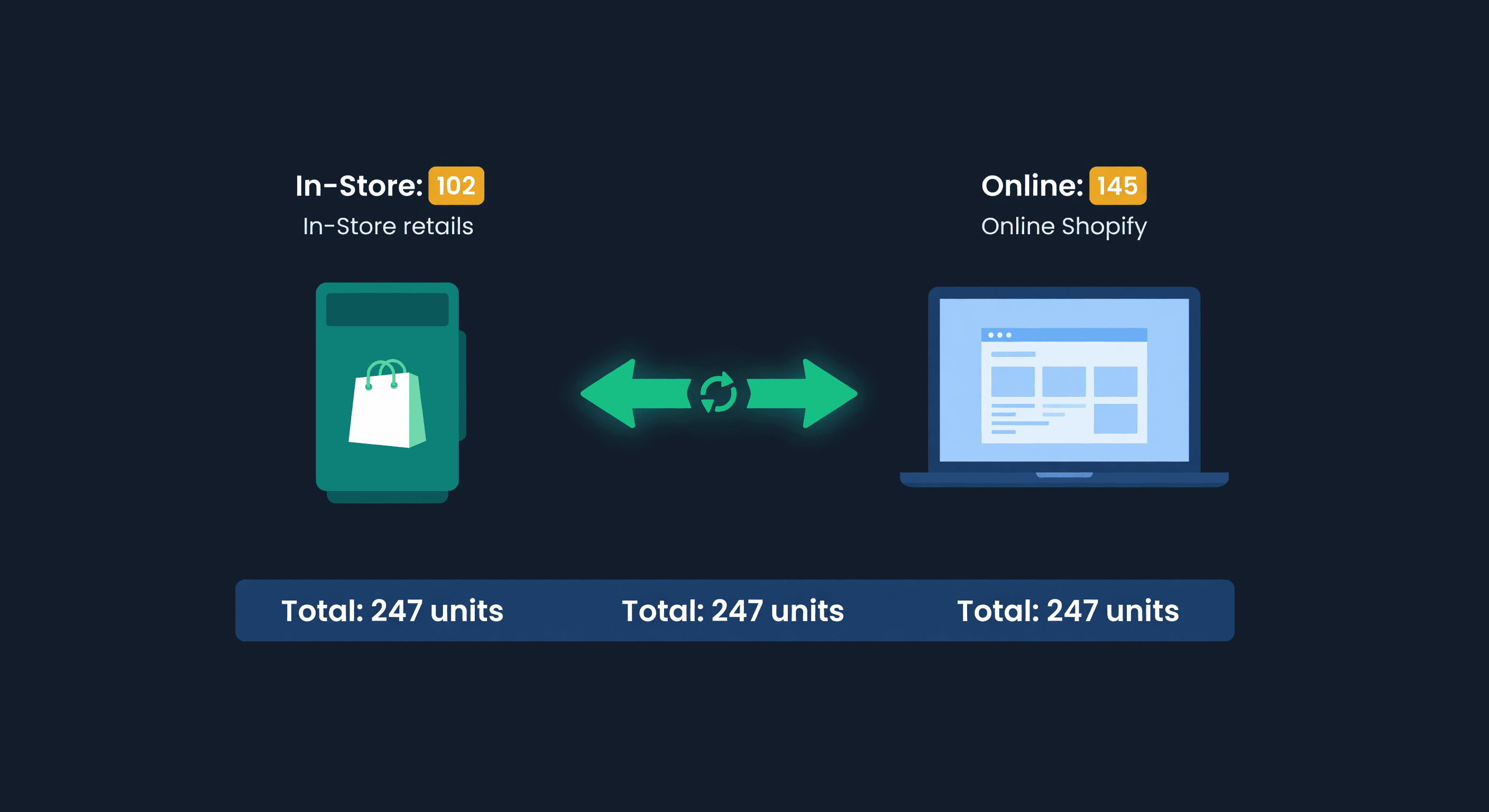
Shopify POS + Online Inventory Sync Guide
How Shopify POS syncs with your online store, where it breaks, and how to stop selling the last unit twice, with the buffer math to size your reserve.
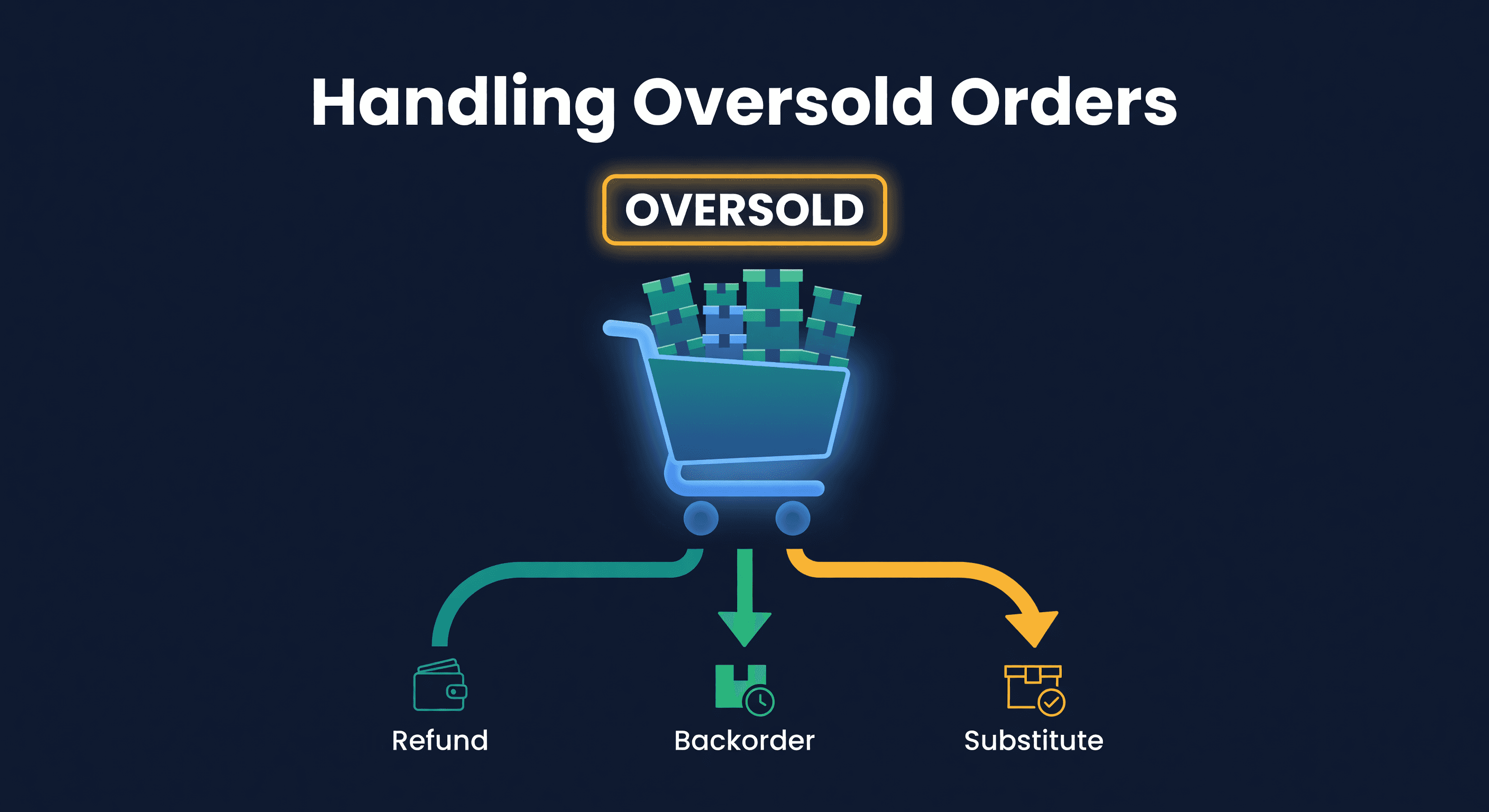
How to Handle Oversold Orders in E-commerce
Why overselling happens on multi-channel stores, what it costs you, and the prevention strategies that actually work, from buffer stock to real-time push sync.
