How to Create a Purchase Order (Step-by-Step)
Key takeaway: A purchase order is your legal protection against supplier discrepancies. It documents what you ordered, agreed pricing, delivery dates, and payment terms. Even a single-supplier business needs formal POs to avoid costly disputes.
A PO Is Not Paperwork. It Is Inventory Control.
An illustrative scenario, not a real account.
Say a seller skips formal purchase orders for months. They email a supplier something like "Hey, can you send me 500 units of SKU-A?" and get back "OK, shipping next week." No document. No terms. No record beyond a buried email thread.
It works fine until it does not. The supplier ships 450 units instead of 500 and bills for 500. There is no proof of what was ordered. The dispute drags on for weeks before the buyer eats the cost: $375 in products paid for and never received.
That is the point where writing purchase orders stops being optional.
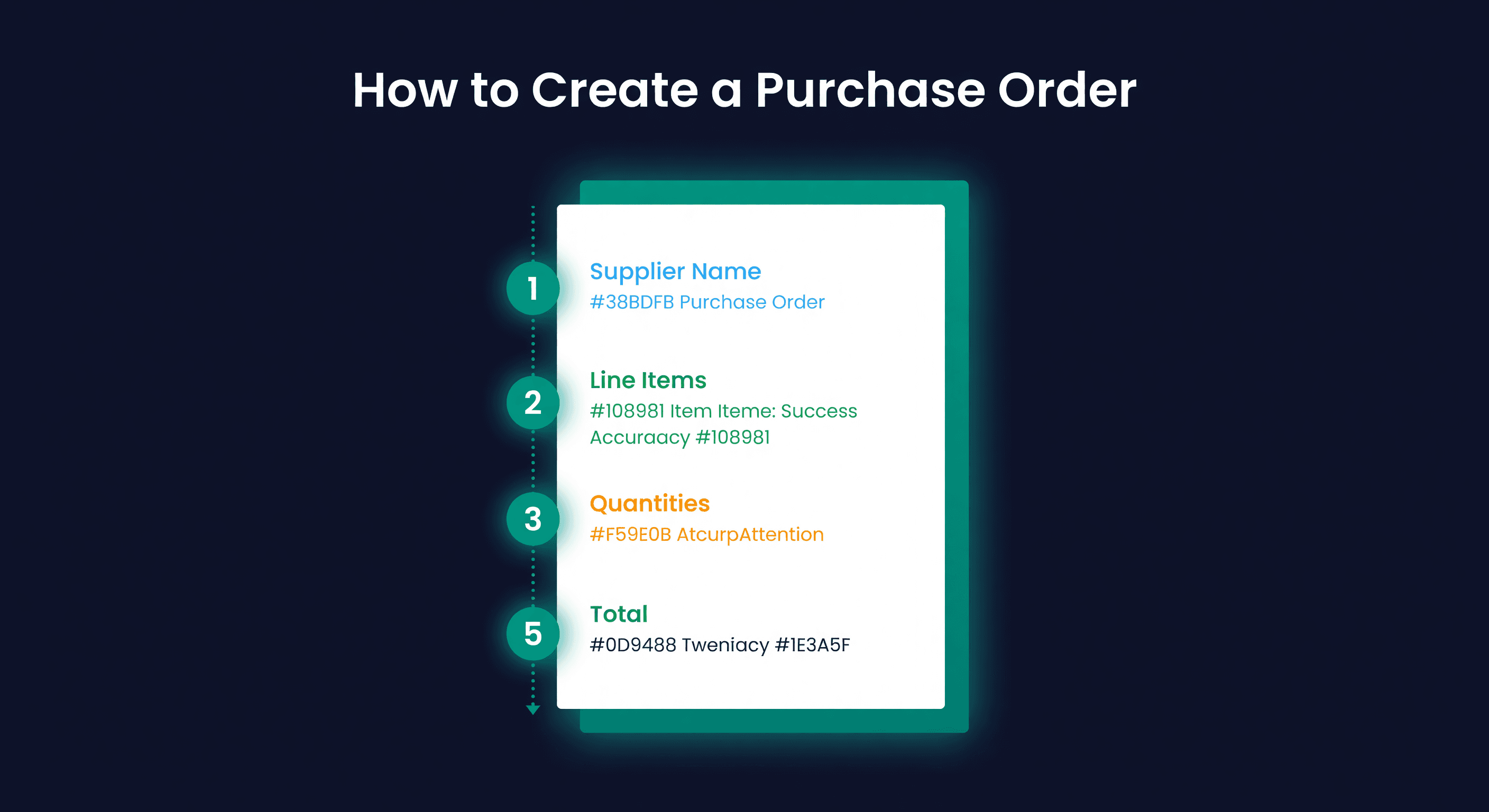
What Goes on a Purchase Order
A PO is not complicated. It is a structured document with specific fields that protect both you and your supplier. Here is what every PO should include:
The Header
- PO number - sequential, unique, never reused. A common format is PO-YYYYMM-XXX (e.g., PO-202609-012), which sorts chronologically.
- Date issued - when you sent it
- Supplier name and contact - legal entity name, not just "my supplier in Shenzhen"
- Ship-to address - your warehouse, FBA prep center, or 3PL
- Expected delivery date - based on agreed lead time
- Payment terms - Net 30, 50% deposit + 50% on shipment, whatever you negotiated
The Line Items
This is the core of the PO. Each line needs:
| Field | Example | Why It Matters |
|---|---|---|
| SKU / product code | WDG-BLK-LG | Your internal identifier |
| Supplier part number | SPN-4422 | Their identifier, prevents shipping errors |
| Description | Widget, Black, Large | Human-readable backup |
| Quantity | 500 units | What you are ordering |
| Unit cost | $8.20 | Agreed price per unit |
| Line total | $4,100.00 | Quantity x unit cost |
| Case pack quantity | 25 units/case | How the product ships |
The Footer
- Subtotal - sum of all line totals
- Shipping / freight cost - if negotiated separately
- Total - what you expect to pay
- Notes - special instructions (labeling requirements, FBA prep needs, quality specs)
When to Issue a PO
Timing matters more than most sellers realize. Issue too early and you are carrying unnecessary inventory. Issue too late and you stock out during the lead time window.
Three triggers for issuing a PO:
Reorder point trigger. This is the standard case. Your on-hand inventory for a SKU hits the reorder point, so you issue a PO. The reorder point should already account for lead time demand and safety stock, so when you hit the trigger, you have exactly enough inventory to last until the new shipment arrives.
Reorder Point = (Average Daily Demand x Lead Time in Days) + Safety Stock
If you sell 10 units/day, your supplier takes 21 days to deliver, and your safety stock is 50 units, your reorder point is 260 units. When on-hand hits 260, issue the PO.
Seasonal pre-buy. You know demand is going to spike for Q4, or before a specific event. You issue a PO months in advance, sometimes before your current inventory is low, to make sure goods arrive before the spike. This requires demand forecasting, not just a reorder point.
New product launch. No historical data, so no reorder point to trigger. You estimate first-order quantity based on market research, competitive analysis, or gut feel plus a small buffer. A conservative approach for first runs is 60-90 days of estimated demand. Better to reorder quickly than sit on 6 months of a product nobody wants.
Common PO Mistakes
These mistakes are common, and sellers often repeat more than one.
Not confirming the PO with the supplier. You send a PO. You assume they received it and will fulfill it. Two weeks later you check in and they never saw it, or saw it and flagged a problem they never told you about. Always get acknowledgment. A PO is not confirmed until the supplier acknowledges it in writing.
Ignoring MOQs. Your calculation says you need 300 units. Your supplier's minimum order quantity is 500. You order 300 anyway. The supplier either rejects the order, charges a small-order surcharge, or ships 500 and bills you for 500. Know your MOQs before you create the PO.
Wrong unit cost. Your supplier quoted $7.50 last year. You put $7.50 on the PO. Their current price is $8.20. Now you have a dispute on the invoice. Confirm pricing before every order, especially if your last order was more than 90 days ago.
Missing lead time in the PO. If your PO does not include an expected delivery date, you have no basis for escalation when the shipment is late. Put the date on the PO. Add a line that says "Expected ship date: [date]. Expected delivery date: [date]. Please confirm."
Ordering round numbers instead of calculated quantities. Round hundreds feel clean: 500, 1,000, 1,500. But the actual demand-driven quantity is almost never a round number.
Ordering 1,000 when you need 780 means carrying 220 extra units. At 25% annual carrying cost, that is $550 on a $10 item. Over a year, across 20 SKUs, the round-number habit costs thousands.
The EOQ Question
How much should you order? There is a formula for this.
EOQ = sqrt((2 x Annual Demand x Order Cost) / Holding Cost per Unit)
If you sell 3,000 units per year, each order costs $150 to place and receive, and holding cost is $2.50 per unit per year:
EOQ = sqrt((2 x 3,000 x 150) / 2.50)
EOQ = sqrt(360,000)
EOQ = 600 units
So your optimal order size is 600 units, which means roughly 5 orders per year. That minimizes the combined cost of ordering and holding.
EOQ is a starting point, not a commandment. Adjust for MOQs, supplier discounts, and cash flow constraints. But it gives you a baseline that is better than guessing.
Tracking PO Status
A PO is not done when you send it. It is done when the inventory is on your shelf and the invoice matches.
Track these dates for every PO:
| Milestone | What to Track | Why |
|---|---|---|
| PO issued | Date sent to supplier | Start of the clock |
| Supplier acknowledged | Date they confirmed receipt and terms | No acknowledgment = no commitment |
| Production started | Date supplier begins manufacturing (if applicable) | Identifies early delays |
| Shipped | Date goods leave supplier's facility | This is when your lead time actually starts |
| Received | Date goods arrive at your warehouse or FBA | This minus "shipped" is your transit time |
| Inspected and stowed | Date goods pass QC and enter sellable inventory | The actual end of the PO lifecycle |
The gap between "PO issued" and "Received" is your actual lead time. Track this per supplier across multiple POs. After 5+ orders, you will have a real average and standard deviation for lead time tracking - worth more than any quoted number your supplier gave you.
Illustrative numbers, not real data.
Track one supplier over 12 POs and compare the quoted lead time to the actual average. Say the quote was 28 days but the actual average came out to 33, with a standard deviation of 5 days. A gap like that is enough to cause a stockout if the reorder point still assumes the quoted number instead of the measured one.
Automated PO Suggestions in ReplenishRadar
This is where the spreadsheet version of purchase ordering falls apart. You can build a reorder-point spreadsheet. You can track PO status in a tab. But the spreadsheet does not watch your inventory levels between the times you remember to check it. It does not recalculate your reorder point when your supplier's actual lead time drifts from 28 days to 33. It does not flag that you have 4 SKUs hitting their reorder point on the same day from the same supplier, so you should combine them into one PO and save on freight.
We built ReplenishRadar to do all of that. The system monitors your on-hand quantities against SKU-level reorder points, generates PO suggestions when it is time to reorder, groups line items by supplier, and pre-fills the quantities using your demand forecast and lead time data. You review, adjust if needed, and issue. Our PO tracking captures acknowledgment, shipment, and receipt dates so your lead time data stays current automatically.
If you want the math done for you entirely, an agent integration can draft POs automatically based on your demand forecasts and supplier constraints - no manual review step unless you want one.
Try ReplenishRadar free for 14 days ->
The PO Is the Foundation
Every inventory metric downstream depends on the PO being right. Your cost basis comes from the PO. Your lead time data comes from the PO. Your supplier performance comes from the PO. Your cash flow forecast comes from the PO.
Get the PO wrong (wrong quantity, wrong timing, wrong price) and those errors ripple through every report, every forecast, every decision for months. Get it right and you have a clean data trail from order to sale.
Start with the template above. Track the dates. Calculate your quantities instead of rounding. A good PO process does not take more time. It takes less, because you stop fixing the problems that bad orders create.
Related Reading:
Frequently Asked Questions
Get notified when it matters
Amazon and Shopify change the rules constantly. We'll email you when something affects your business.
See what your inventory is really doing
Doing $5M+ in revenue? Talk to our team
Related Posts
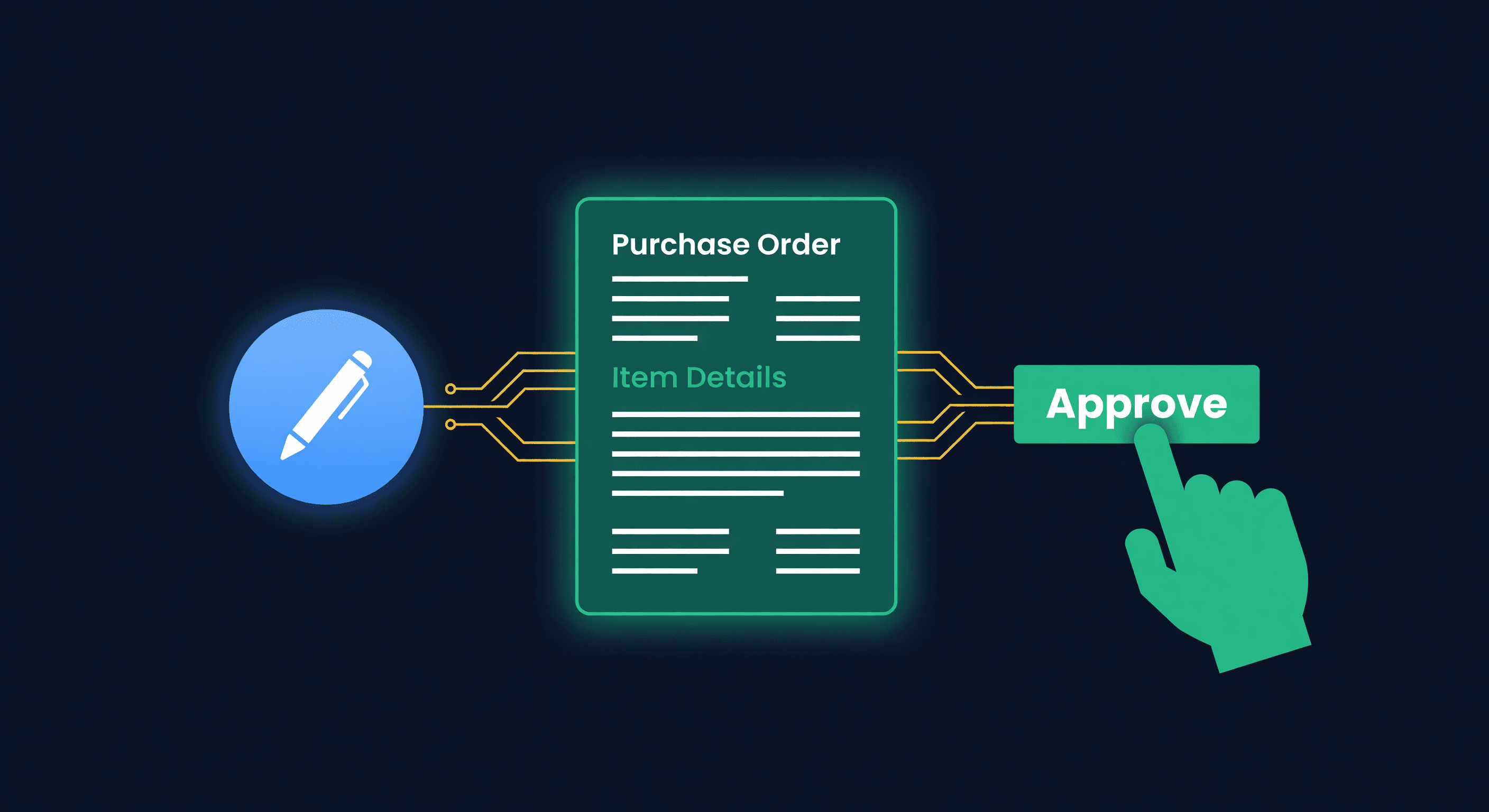
AI Purchase Orders: Automate Reordering Safely
How AI agents create draft purchase orders, why agent-created POs start as drafts and need approval before sending, and the guardrails that keep it safe.
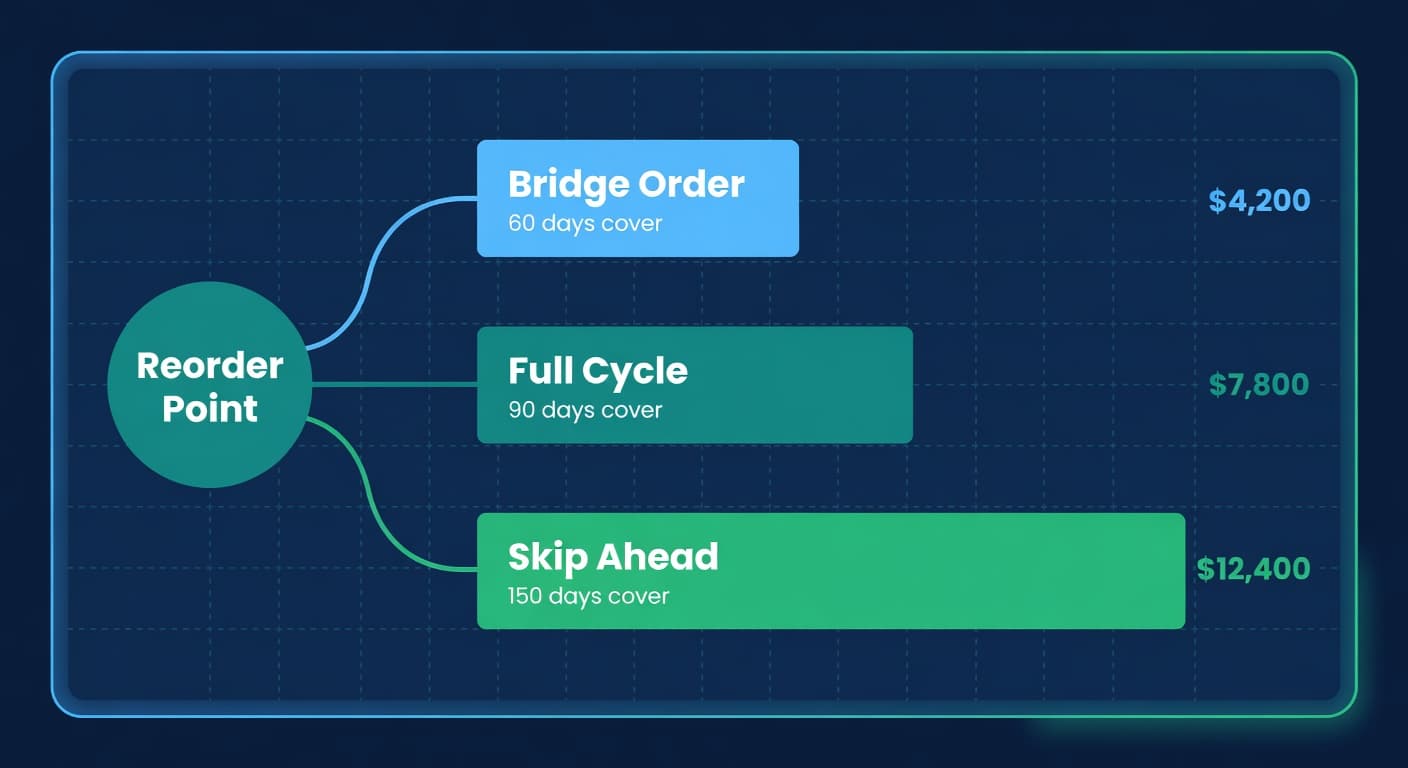
Three Ways to Place the Same Order
Bridge, Full Cycle, and Skip Ahead ordering strategies compared with worked cost numbers. When each one wins and how to pick.
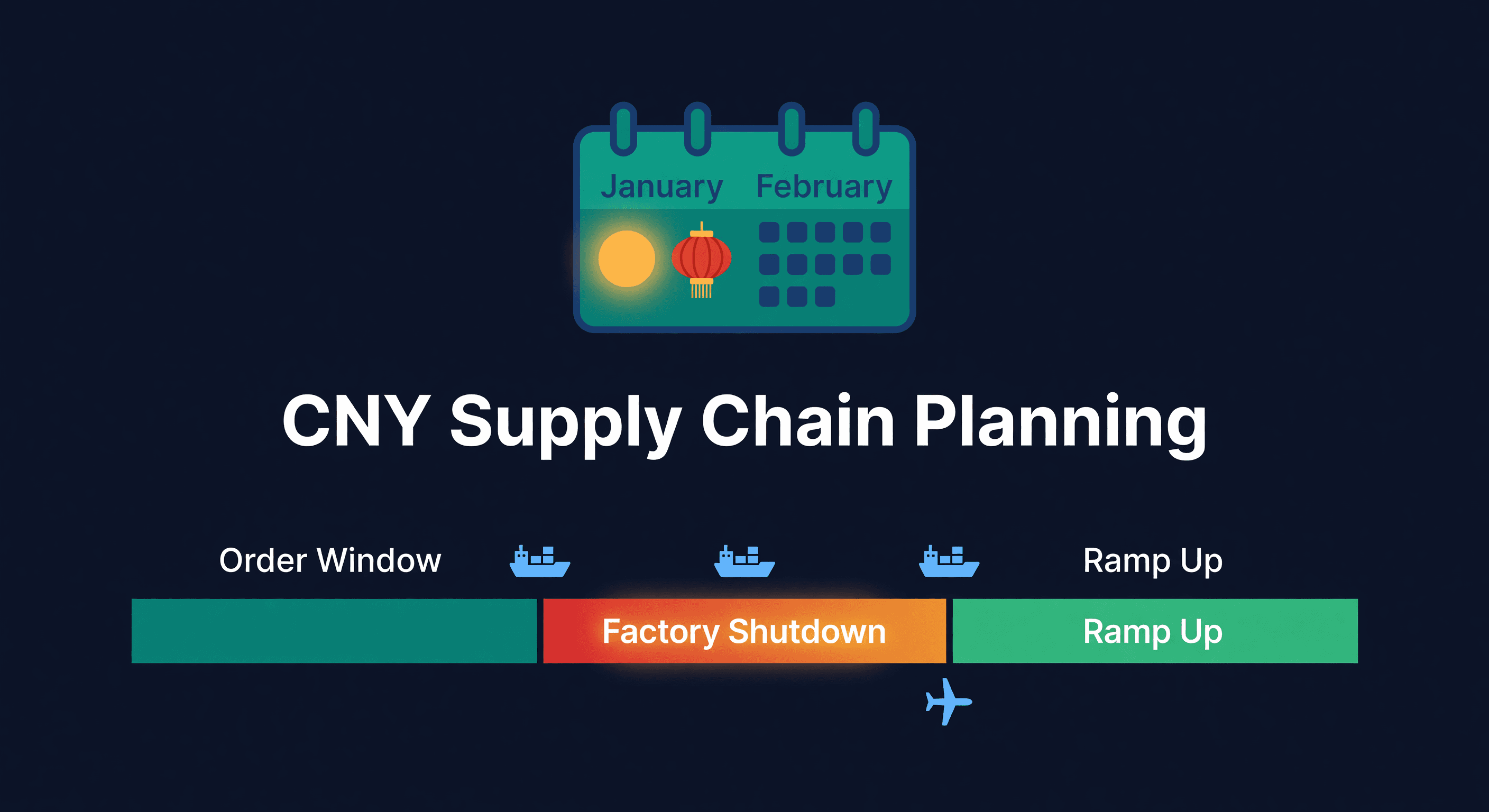
Chinese New Year Supply Chain Planning Guide
How to plan inventory around Chinese New Year factory shutdowns. Timelines, buffer calculations, and the mistakes that leave sellers out of stock for 6 weeks.
