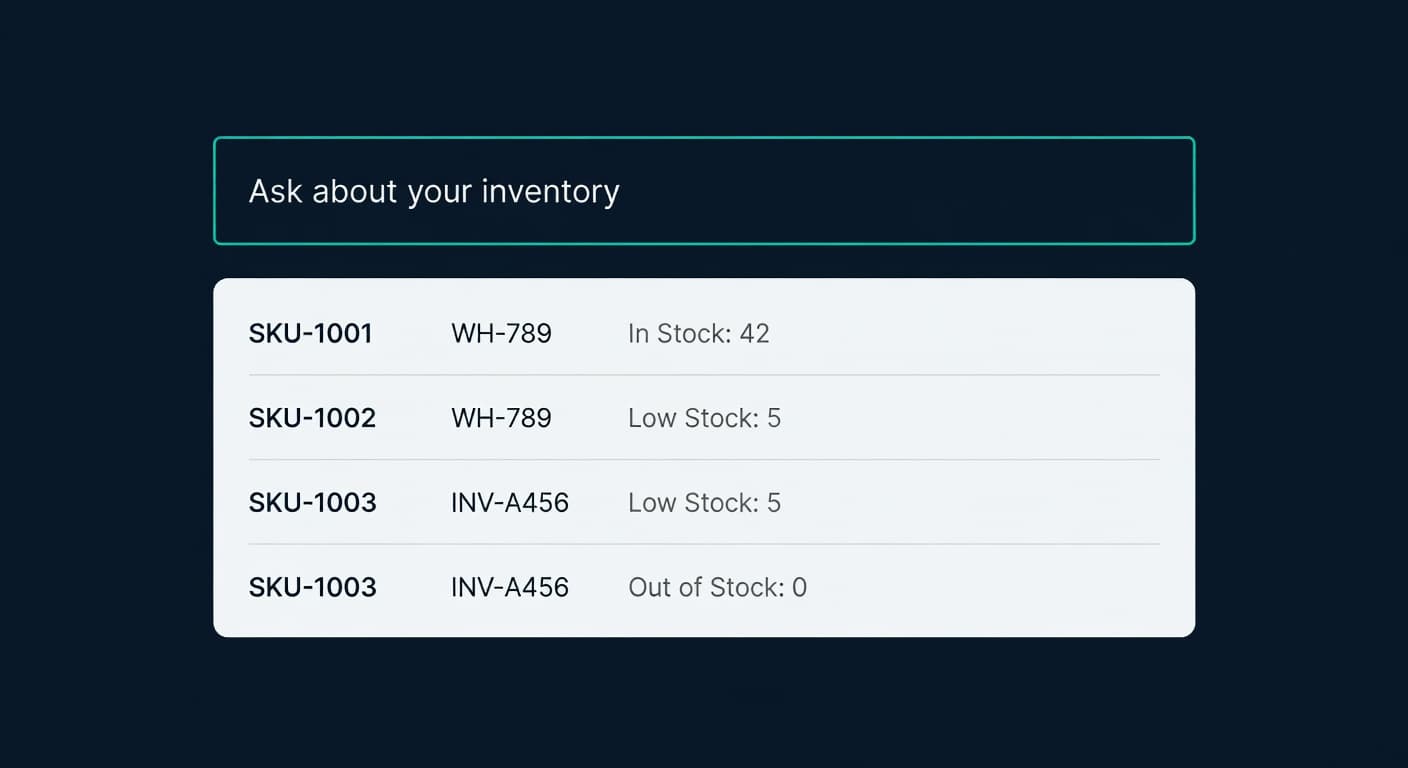
Ask Your Inventory a Question. Get a Real Answer.
Key takeaway: Ask ReplenishRadar lets you type inventory questions in plain English and get answers from your live data. It uses the same MCP tools that external AI agents use, but you do not need to set up anything. Just type and ask.
I used to start every morning the same way. Open ReplenishRadar. Click to the inventory view. Sort by days of supply. Scroll through the reds. Open the ones that looked wrong. Check the forecast. Check the PO status. Check whether the last FBA shipment was received.
It took about fifteen minutes. Not terrible. But it was the same fifteen minutes every single day. And most days, the answer was "everything is fine, nothing changed since yesterday."
So we built something different.
What Ask ReplenishRadar Actually Does
There is a small input bar in your dashboard header. Click it and type a question.
"Which SKUs are at stockout risk this week?"
In a few seconds, you get an answer. Not a generic explanation of what stockout risk means. Not a link to a help article. An actual list of your SKUs with their days of supply, current velocity, and what you should do about them. From your data. Right now.
"How much dead stock do I have in dollars?"
A number. Your number. Calculated from your inventory levels, your cost data, your velocity. The same sort of check you could run on a single SKU with our days of supply calculator, but across every SKU at once.
"Why is SKU-4872 flagged as critical?"
The specific reasons: 4 days of supply remaining, selling 8 units per day, no PO in pipeline, supplier lead time is 21 days. You are already 17 days late on the reorder.
That last one is the one I care about most. Instead of clicking into the item drawer, checking the forecast tab, cross-referencing the PO list, and doing mental math, I just ask. Three seconds.
This Is Not a Chatbot
I want to be clear about this because every software company is slapping a chat bubble on their product and calling it AI.
Ask ReplenishRadar does not generate opinions. It does not hallucinate numbers. It does not make up inventory data it does not have.
Under the hood, it uses the same MCP tools that external AI agents use when they connect to ReplenishRadar. Stockout risk calculation, inventory position queries, demand forecast lookups, alert summaries, supplier data. The same 49-tool backend surface, the same real-time data, the same math engine.
The difference is you do not need to set up Claude Desktop or configure an MCP package. You just type.
If the answer requires data we do not have, it says so. If you ask about a SKU that does not exist, it tells you. There is no creative writing happening here. Just queries against your database, formatted so you can read them.
The Questions That Save Time
Some questions save you a click. Some save you fifteen minutes.
| Question | What happens | Time saved |
|---|---|---|
| "Show me dead stock" | Redirects to inventory view, filtered to dead stock | 3 clicks |
| "Which SKUs are at stockout risk?" | Queries stockout risk, returns sorted list with days of supply | 5 minutes of manual sorting |
| "How is SKU-1234 performing?" | Pulls velocity, forecast, stock levels, recent sales, PO status | 8-10 clicks across 3 views |
| "What should I order from Supplier X?" | Queries suggestions for that supplier with quantities and timing | 15 minutes of PO review |
| "Draft a PO for items below reorder point" | Creates a draft PO with calculated quantities when write access is allowed, then asks for confirmation | 20+ minutes |
The first one does not even use AI. If your question maps to a specific page or filter, we just take you there. No weekly limit charge, no AI cost. We call these smart redirects.
The last one is the interesting one. When write access is allowed, you can ask ReplenishRadar to take actions. But it never executes without your confirmation. It shows you exactly what it plans to do, you review it, you approve or cancel. Every write action goes through this two-step flow.
Contextual Prompts
When you hover over a critical risk badge on any SKU in your inventory, you will see a small "Ask AI" link. Click it and the question is pre-filled: "Why is [SKU name] at critical risk?"
We added this because the most common question is "why is this flagged?" And the answer always requires checking three or four different data points. The AI pulls all of them in one pass and explains the situation.
This works on stockout risk badges, overstock flags, and dead stock indicators. Anywhere you see a status that might make you wonder "wait, why?"
Seed Questions
The first time you open the Ask panel, it is not blank. We generate a few starter questions based on your actual data.
If you have items at stockout risk, one of the suggestions might be "3 SKUs are projected to stock out this week. Want details?" If your last FBA shipment had a discrepancy, it might suggest "Your last shipment to FBA was shorted 12 units. Want to see the details?"
These change based on your inventory state. They are not canned prompts.
Weekly Limits
This costs real money to run. Every question calls Claude, which calls your MCP tools, which queries your database. We are not hiding this behind "unlimited AI" marketing.
| Tier | Weekly queries |
|---|---|
| Trial | 20 |
| Standard | 10 |
| Growth | 30 |
| Scale | 100 |
| Enterprise | Unlimited |
Smart redirects (navigation questions) do not count. The counter resets weekly. When you hit your limit, the Ask bar tells you and shows when it resets.
10 per week on Standard is enough to check in daily and ask the one question that matters most. 30 on Growth covers a daily routine plus ad-hoc investigation. 100 on Scale is "ask whatever you want, whenever you want."
No Other Inventory Tool Does This
I checked. Inventory Planner does not have it. SoStocked did not have it before they shut down. Cin7 does not have it. Prediko does not have it. Katana, Brightpearl, NetSuite - none of them let you ask a question in English and get an answer from your live inventory data.
Some of them have chatbots that answer help questions. That is not the same thing. A help chatbot tells you how to use the software. Ask ReplenishRadar tells you what your inventory is doing right now.
How We Built It
For the technically curious: the backend creates an SSE (server-sent events) connection so you see the answer stream in as it is generated. Claude receives your question plus context about your organization (tier, connected stores, SKU count). It decides which MCP tools to call, executes them (up to 5 tool calls, 30-second timeout), and formats the answer.
The same 49 MCP tools that power external agent integrations power this feature. We did not build a separate query engine. If you have already connected Claude Desktop or OpenClaw to your ReplenishRadar account, Ask ReplenishRadar is using the same infrastructure.
Write actions go through a confirmation flow with server-side replay protection. The AI drafts the action, you see exactly what it will do, you approve or cancel. No action executes without explicit confirmation.
We built this on ReplenishRadar's data and shipped it in production. Your inventory data stays in your account. The only external call is to Claude's API for the language model.
Related Reading:
- Give Your AI Agent Live Inventory Data - for sellers who want to connect their own AI agent
- OpenClaw Can Manage Your Inventory. Should It? - when a general agent works vs. when you need purpose-built tools
- What Can an AI Agent Actually Do With Your Inventory? - the realistic capabilities and limits
- Ask ReplenishRadar feature page - feature details and tier limits
I spent years checking the same dashboards every morning. Now I type one question and get the answer. The dashboards are still there when I need them. But most days, I do not need them.
Frequently Asked Questions
Get notified when it matters
Amazon and Shopify change the rules constantly. We'll email you when something affects your business.
See what your inventory is really doing
Doing $5M+ in revenue? Talk to our team
Related Posts
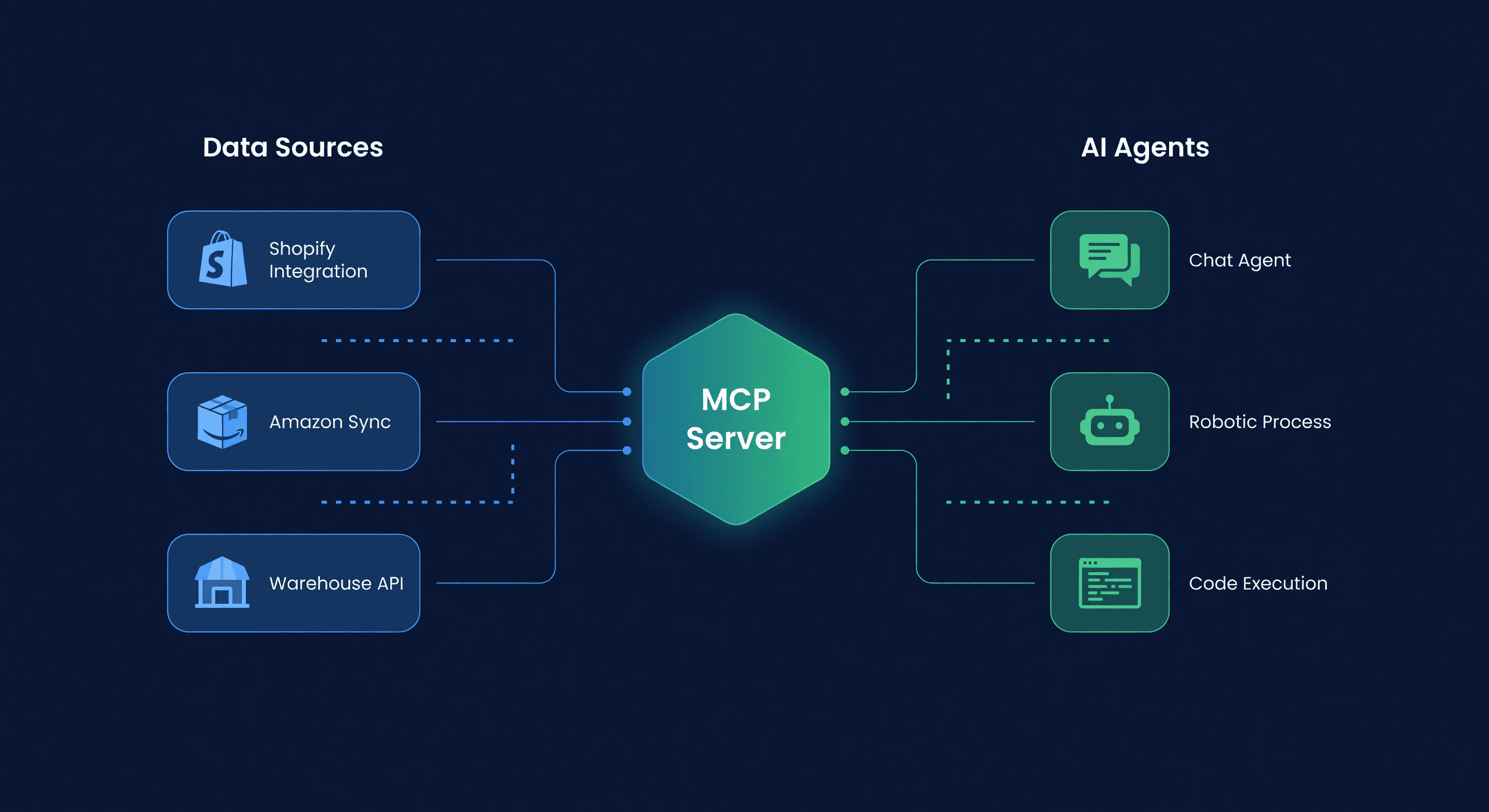
Connect Your AI Agent to Inventory (MCP Guide)
Set up an AI agent with live Amazon and Shopify inventory data in 5 minutes using ReplenishRadar's MCP package. Claude Desktop, OpenClaw, and custom agent setup.
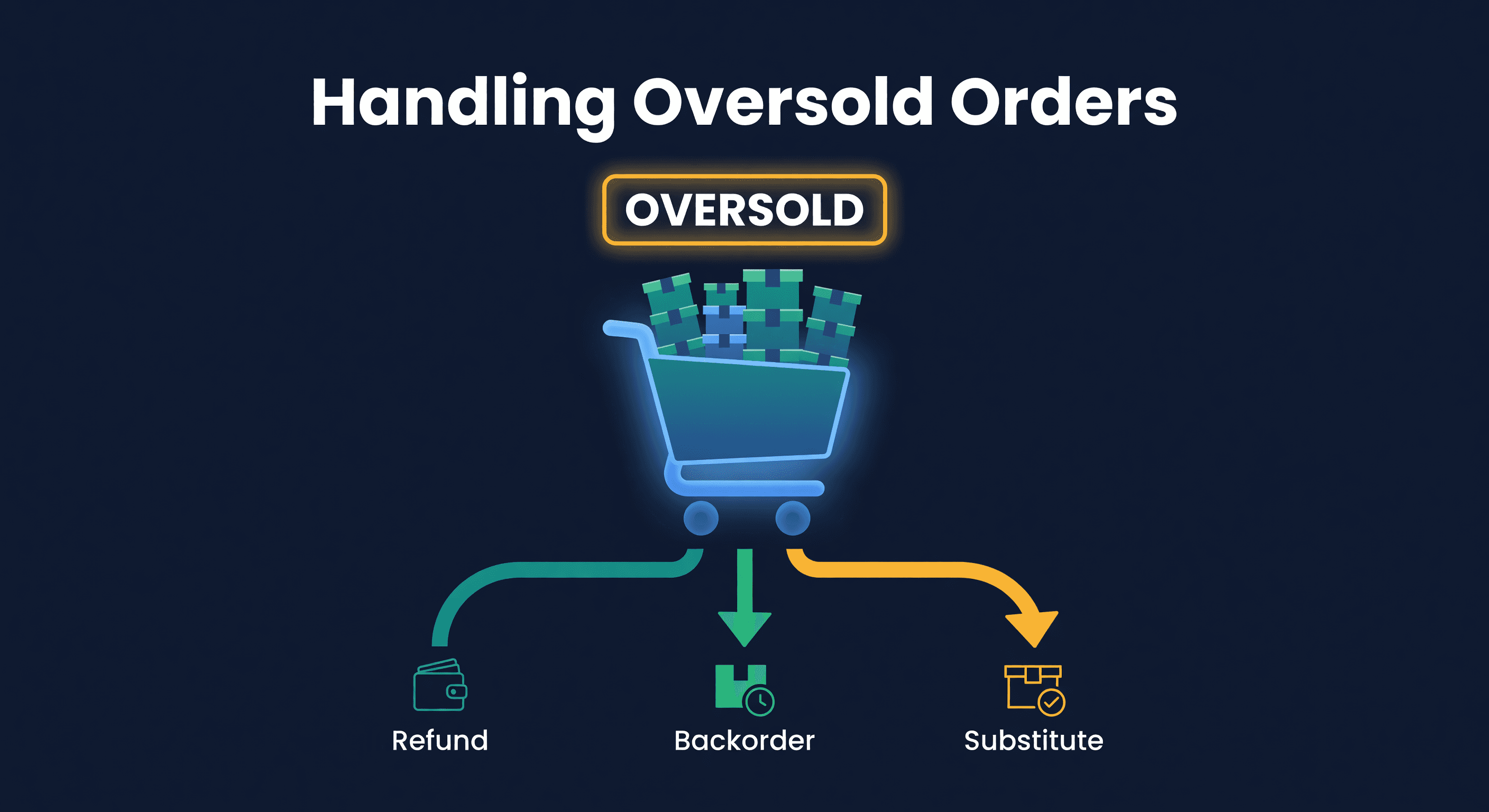
How to Handle Oversold Orders in E-commerce
Why overselling happens on multi-channel stores, what it costs you, and the prevention strategies that actually work, from buffer stock to real-time push sync.
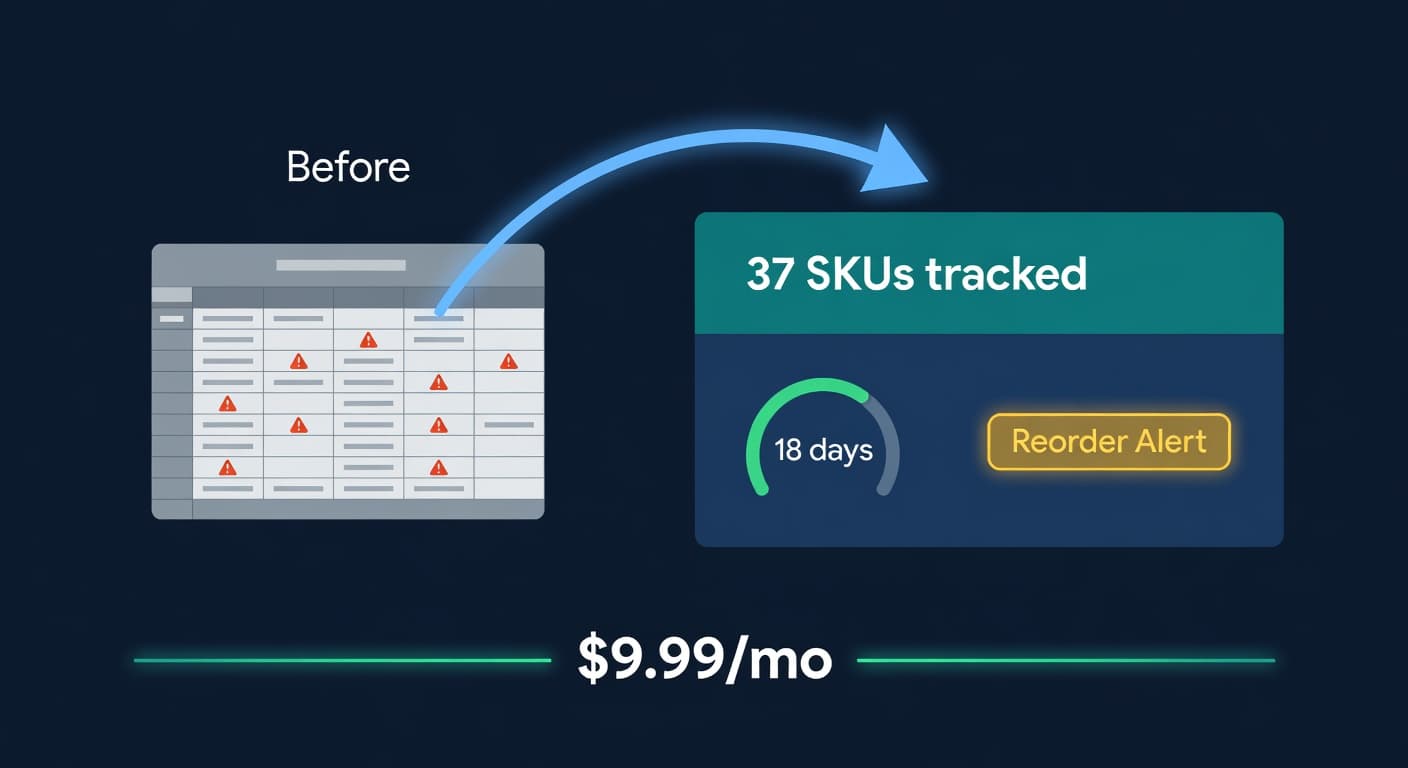
Inventory Lite: Who It's For, What It Does, When to Upgrade
Lite is $9.99/mo for hybrid Shopify + Amazon sellers under 50 SKUs and $10k/30d. Here is what it covers and when you outgrow it.
