Your Inventory Data Is Wrong
Key takeaway: Duplicate SKUs, missing costs, and mismatched variants split your demand history and tank forecast accuracy. A handful of bad records is enough to size purchase orders on the wrong numbers, so clean the catalog before you trust the forecast.
I once chased a forecast that kept under-predicting demand for one of our best sellers. The model looked fine. The inputs looked fine. The history looked fine, until I realized I was looking at half the history.
The product existed twice in our system. Once as "Blue Widget 12oz" from Shopify. Once as "Blue Widget - 12 oz" from Amazon. Same product. Same warehouse shelf. Two records. The forecasting engine treated them as two separate products, each selling 30 units per day. The real number was 60.
My reorder point was calculated on 30 units/day. I ordered accordingly. I stocked out.
That one data error cost us real sales while the shelf sat empty. And it was not a software bug. The system did exactly what it was supposed to do: it forecasted demand for two separate products. The problem was that there were not two separate products. There was one product with two identities.
The Cascade
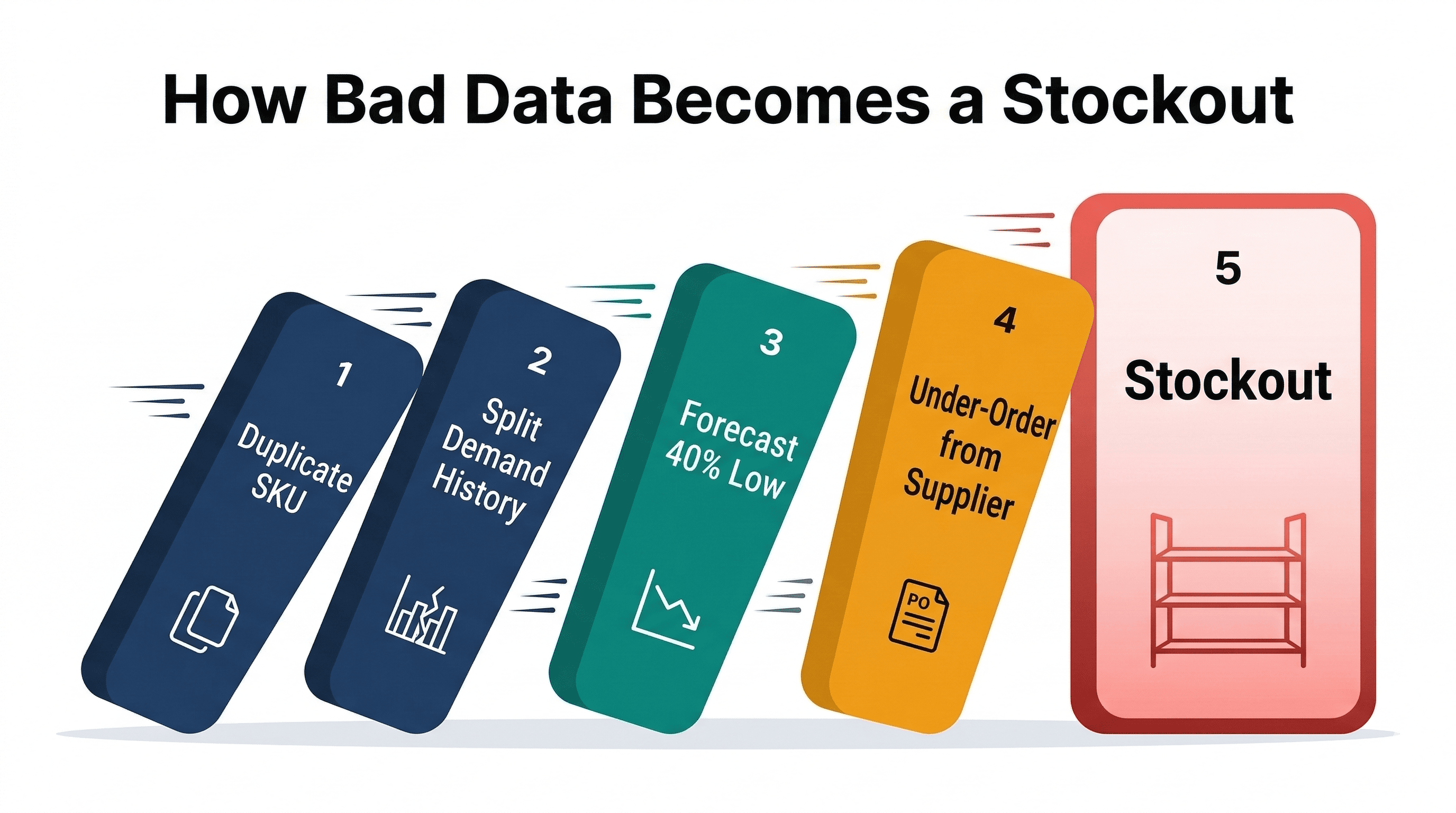
Bad catalog data does not just produce one wrong number. It produces a chain of wrong numbers, each feeding the next.
Here is how it works with the Blue Widget example. The numbers are illustrative:
| Step | What happens | Impact |
|---|---|---|
| 1. Duplicate SKU created | "Blue Widget 12oz" and "Blue Widget - 12 oz" exist as separate records | Demand history split |
| 2. Forecast runs | System calculates 30 units/day per record instead of 60 | Forecast 50% low |
| 3. Reorder point set | ROP = 30/day x 14 days lead time + safety stock = ~500 units | Should be ~1,000 |
| 4. PO generated | Order 500 units instead of 1,000 | Under-order by 50% |
| 5. Stockout hits | Run out in ~8 days instead of ~14 | Lost sales, lost rank |
One duplicate. Five downstream errors. Each one is correct given its inputs. The inputs are just wrong.
This is why I get nervous when people tell me their forecasting tool "just works." The tool probably does work. But it is only as good as the data feeding it, and most sellers have never audited that data.
Where Bad Data Comes From
Most catalog data problems trace back to one thing: multiple source systems with no reconciliation between them.
You connect Shopify. It imports your products with whatever titles, SKUs, and cost fields you entered in Shopify. Then you connect Amazon. It imports ASINs, FNSKUs, and whatever product data lives in Seller Central. The two systems use different naming conventions, different field structures, and different identifiers. Nobody maps them to each other. Your inventory tool inherits all of that entropy.
Here are the patterns I see most often.
Duplicates
The most damaging problem. A single physical product exists as multiple records because the source systems describe it differently. Sometimes the names are almost identical: "12oz" vs "12 oz" vs "12 Oz." Sometimes the SKU fields use different conventions, like "BW-12-BLUE" in Shopify and "BW12BLUE" in Amazon.
The forecasting impact is always the same: demand splits across records.
The math is brutal. If your demand history splits in half, your forecast error is not 50%. It is worse. Most forecasting models also account for trend and variability. With half the data points, the model sees lower velocity and lower variance. It predicts lower demand with higher confidence. You get a forecast that feels right, with a tight confidence interval, and it is completely wrong about the actual number.
The split makes the model see lower velocity with false confidence. The model did not get dumber. It got lied to.
Missing Costs
This one is quieter. No alarms go off when a product has no cost entered. The forecast still runs. The reorder point still calculates. But here is what breaks:
Margin calculations are gone. Working capital planning is impossible. PO value estimates are just labels on a spreadsheet with no dollar amounts.
A purchase order for 500 units means nothing without a unit cost. Is that $2,500 or $25,000? Are you committing 5% of your working capital or 50%? You do not know. You are flying blind on the financial side while the operational side keeps humming along, generating purchase suggestions you cannot evaluate.
I have seen catalogs where a big share of SKUs had no cost at all. The seller had been approving POs for months without knowing the cash impact of any of them.
Missing Lead Times
Your reorder point formula has two critical inputs: daily demand and lead time. Most sellers get the demand side roughly right. The lead time side is a mess.
When a product has no lead time set, one of two things happens. Either the system defaults to zero, which means it tells you to reorder when you are already out of stock. Or it uses some global default like 14 days that has nothing to do with your actual supply chain. Your supplier who ships from Shenzhen in 45 days gets the same reorder point math as your domestic supplier who ships in 5. That is not a rounding error. That is a different planet.
Unmatched Cross-Channel Listings
This is the multi-channel version of the duplicate problem, but with a twist. Instead of having two records for the same product, you have one record with demand from only one channel.
Your Shopify listing sells 20 units/day. Your Amazon listing sells 40 units/day. If those two listings are not linked in your inventory system, the Shopify record forecasts based on 20/day and the Amazon record forecasts based on 40/day. That sounds correct until you realize they share the same physical inventory. Your warehouse has one pool of stock serving both channels. The reorder point should be based on 60/day of combined demand.
Unmatched listings do not just affect forecasting. They break inventory allocation across channels. If you are deciding how many units to send to FBA vs hold for DTC fulfillment, you need combined demand data. Without it, each channel operates in its own bubble.
Missing Demand Is Not Zero Demand
The last pattern hides behind a number on the buying screen. Sometimes that number is zero.
Take two products that are both out of stock, with the same supplier and the same lead time. The illustrative numbers below show the difference.
| Product A | Product B | |
|---|---|---|
| Units on hand | 0 | 0 |
| Supplier lead time | 60 days | 60 days |
| Sales history | A handful of orders | Too little to estimate demand |
| Suggested order | 4 units | 0 units |
The 4 is a small number built on a weak estimate. You can check it. Look at the few sales that exist, the lead time, and the order cycle, and decide whether 4 units is a fair bet.
The 0 is not a small number. It is a missing one. With no reliable demand estimate there is nothing to multiply by the lead time, and zero is what falls out. That makes it a review task, not a decision. An out-of-stock product with no usable history might be dead. It might also be a new launch, a relisted SKU whose sales sit on an old record (the duplicate problem again), or a product that sold out before it could build a history. Zero sales while you had zero stock tells you nothing about demand.
My rule: never approve a zero for an out-of-stock product until you know why the estimate is missing.
Current data is three different questions
"Is my data current?" sounds like one question. It is three, and a yes to one does not answer the others.
Account freshness tells you when the store last synced. It says nothing about any single product. Item eligibility tells you whether a product had the inputs to be forecast at all. A product with no supplier or no cost can drop out of the forecast while the account still reads as fully current. Forecast confidence tells you how much history sits behind an eligible product's estimate. A product with three weeks of sales is in the forecast, and its number deserves less trust than one with two years behind it.
Then there is the partial refresh. A forecast run can finish and still have parts that did not refresh. The run says complete, most products got new numbers, and some are still carrying last week's. Before you act on the numbers, find out which part failed and which products it touched. Our forecasting basics guide covers what each input feeds.
The Math on Catalog Errors at Scale
Ten bad SKUs sounds manageable. But run the numbers.
Illustrative assumptions, not measured data:
| Catalog size | Error rate | Affected SKUs | Avg daily revenue/SKU | Daily at-risk revenue |
|---|---|---|---|---|
| 100 SKUs | 3% | 3 | $500 | $1,500 |
| 200 SKUs | 5% | 10 | $500 | $5,000 |
| 500 SKUs | 5% | 25 | $500 | $12,500 |
| 2,000 SKUs | 8% | 160 | $500 | $80,000 |
At-risk does not mean lost. Not every data error leads to a stockout. Some lead to over-ordering instead, which burns cash differently. A split history under-orders the product and runs it out. A record with a wrong lead time or a stale cost can just as easily over-order it, and that cash sits on a shelf. Either way, the purchase order was sized on numbers that were never true.
Why Most Tools Do Not Catch This
Most inventory tools treat the catalog as an input, not something to validate. You connect Shopify, you connect Amazon, data flows in, and the system starts forecasting immediately. The assumption is that the data is clean.
It usually is not. In my experience, a first catalog import almost always turns up something: a duplicate, a missing cost, an unmatched listing.
The problem is that nobody looks at catalog quality until something goes wrong. You do not notice a missing lead time until you stock out. You do not notice a duplicate until your forecast is badly off. You do not notice missing costs until someone asks how much cash the next PO requires and you cannot answer.
By then, the bad data has been feeding into your forecasts for weeks or months.
Fix the Data First
If I could give one piece of advice to a seller setting up any inventory system, it would be this: spend your first week on data quality, not forecasting. Do not run a forecast until your catalog is clean.
That means:
- Match every cross-channel listing. Your Shopify product and its Amazon counterpart are the same thing. Link them.
- Fill in costs. Every SKU needs a unit cost. No exceptions. If you do not know the exact cost, enter your best estimate and flag it for update. A rough cost is better than no cost.
- Set lead times per supplier. Not a global default. Each supplier has a different shipping timeline. Enter them individually. Then track actual lead times from your PO history and update.
- Hunt for duplicates. Search for products with similar names, similar SKUs, or suspiciously low demand. Two records with 30/day demand for what looks like the same product is a duplicate.
- Check it quarterly. Data quality degrades. New products get added without costs. New channels get connected without matching. Set a calendar reminder.
This is not glamorous work. Nobody brags about cleaning their catalog data. But much of what you spend on better forecasting algorithms is wasted if the data feeding those algorithms is wrong.
Fixing the Root Cause
ReplenishRadar includes a dedicated catalog triage workflow that surfaces data quality issues like duplicates, missing costs, and unmatched listings before they cascade into bad forecasts. When you connect a store, the system does not just import and start forecasting. It flags the problems it finds first. It will not find every bad record, and nothing will, which is why the quarterly check above still matters. Fix the data, then forecast. We built it this way because I got tired of debugging forecasts that were not broken. They were just working with garbage inputs.
Try ReplenishRadar free for 14 days
Bad data is patient. It does not announce itself. It sits in your catalog, quietly splitting demand histories and blanking out cost fields, and every forecast you run on top of it is built on a cracked foundation. The sellers who get forecasting right are not the ones with the best algorithms. They are the ones who fix their data first.
Related Reading:
- Inventory Forecasting 101
- How to Measure Forecast Accuracy
- Supplier Lead Time Tracking
- Multi-Channel Inventory Challenges
- Stockout Cost Calculator
- SKU-Level Demand Forecasting: matching each SKU to the right forecast model
Frequently Asked Questions
Get notified when it matters
Amazon and Shopify change the rules constantly. We'll email you when something affects your business.
See what your inventory is really doing
Doing $5M+ in revenue? Talk to our team
Related Posts
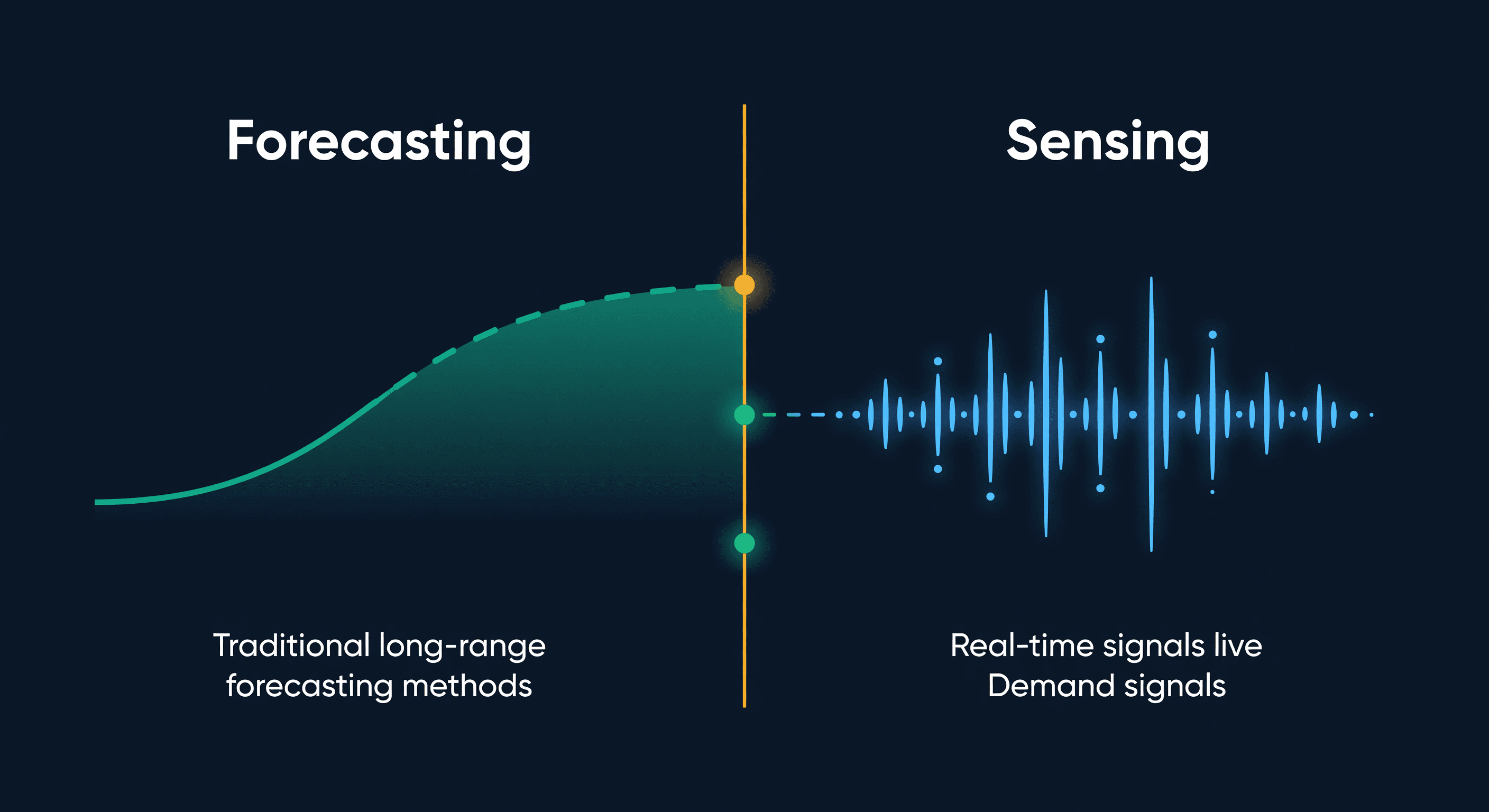
Demand Sensing vs Forecasting for E-commerce
What demand sensing actually is, how it differs from forecasting, why most e-commerce sellers only need one of them, and the practical middle ground.
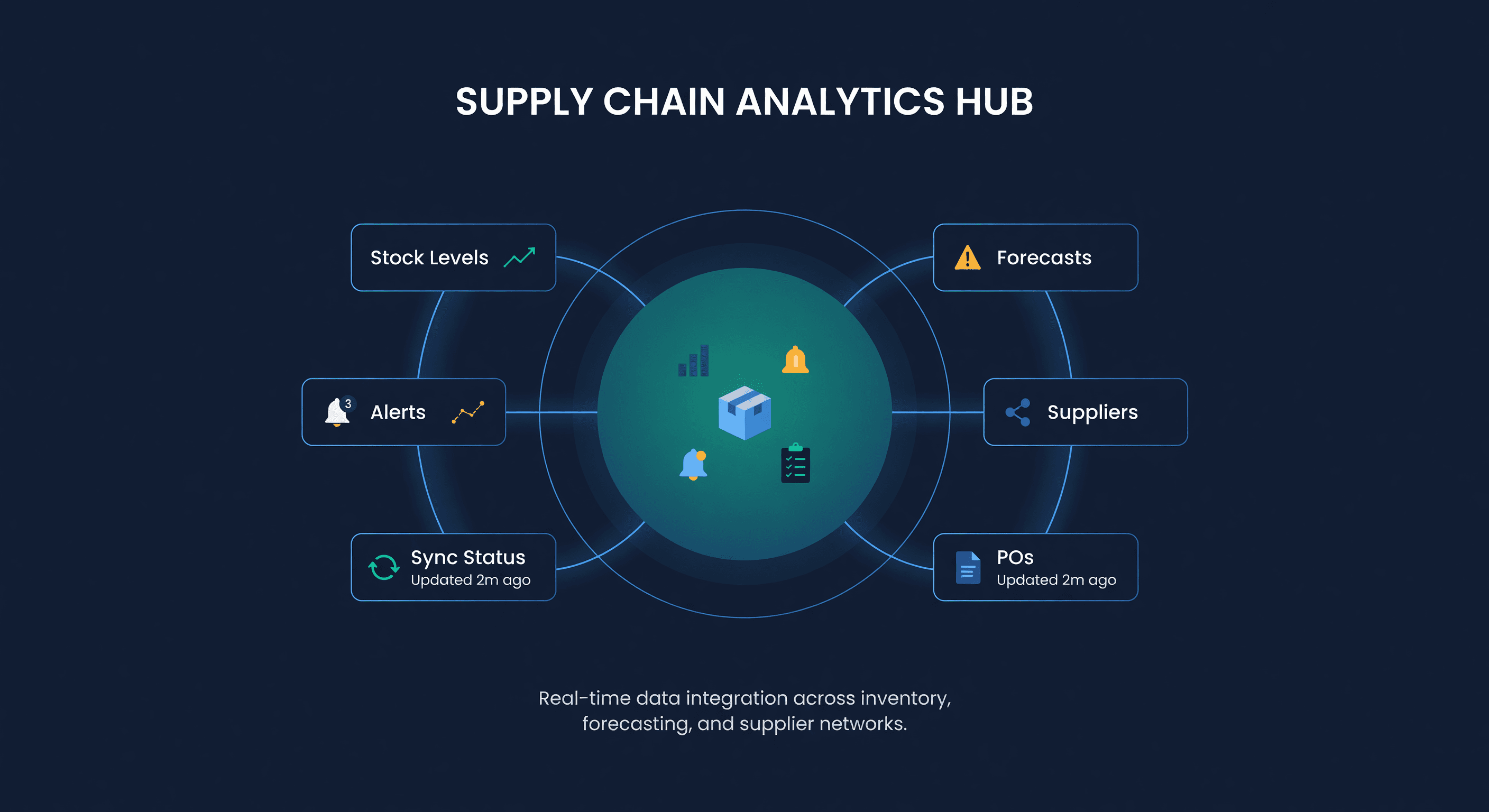
What Can an AI Agent Do With Your Inventory Data?
Real use cases for AI agents in inventory management: morning briefings, stockout alerts, PO drafts, and what agents still can't do.
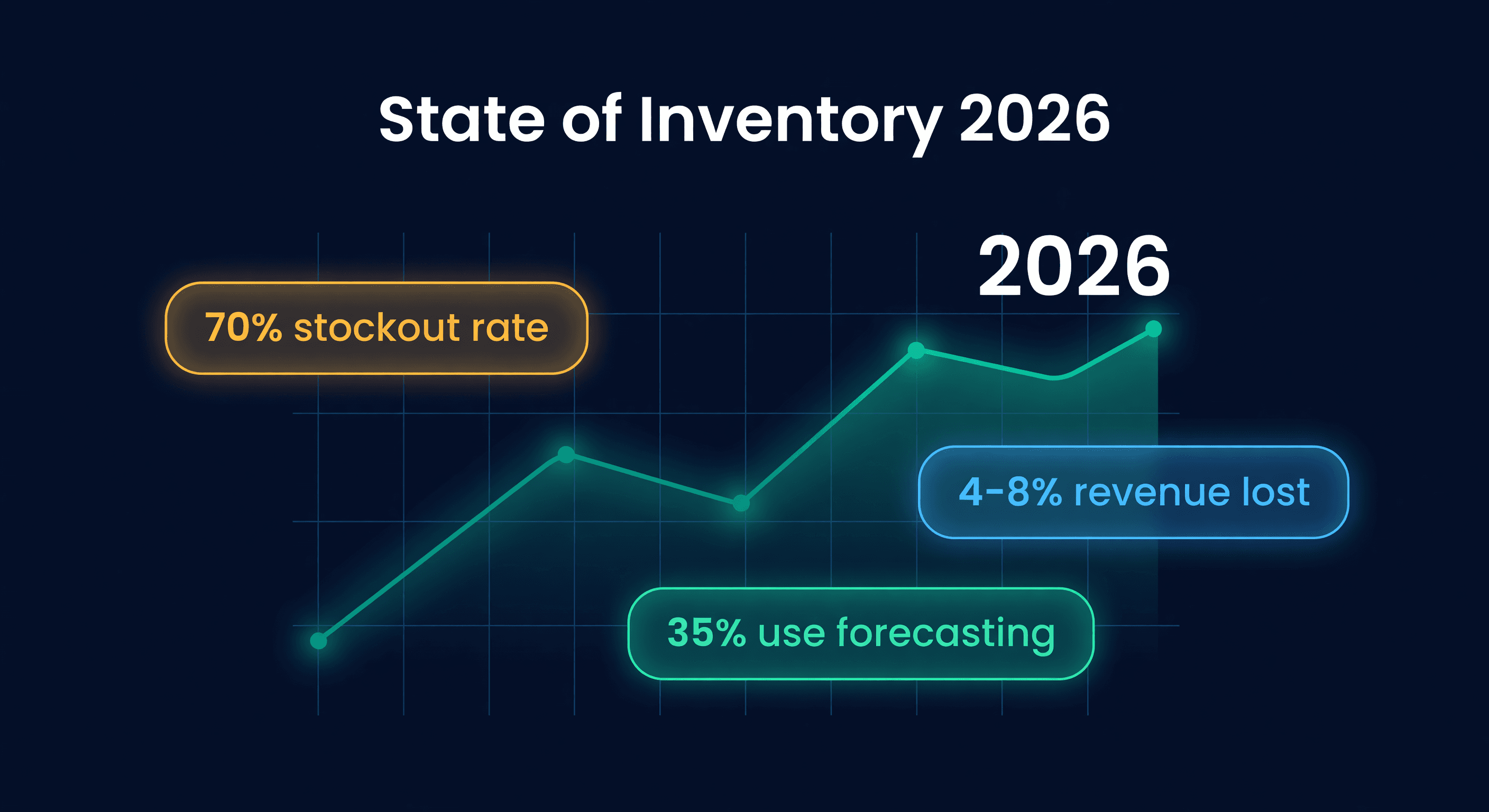
State of E-commerce Inventory Management 2026
Original research on the inventory problems Shopify and Amazon sellers face. Data on stockouts, overstock, forecasting use, and running more than one channel.
