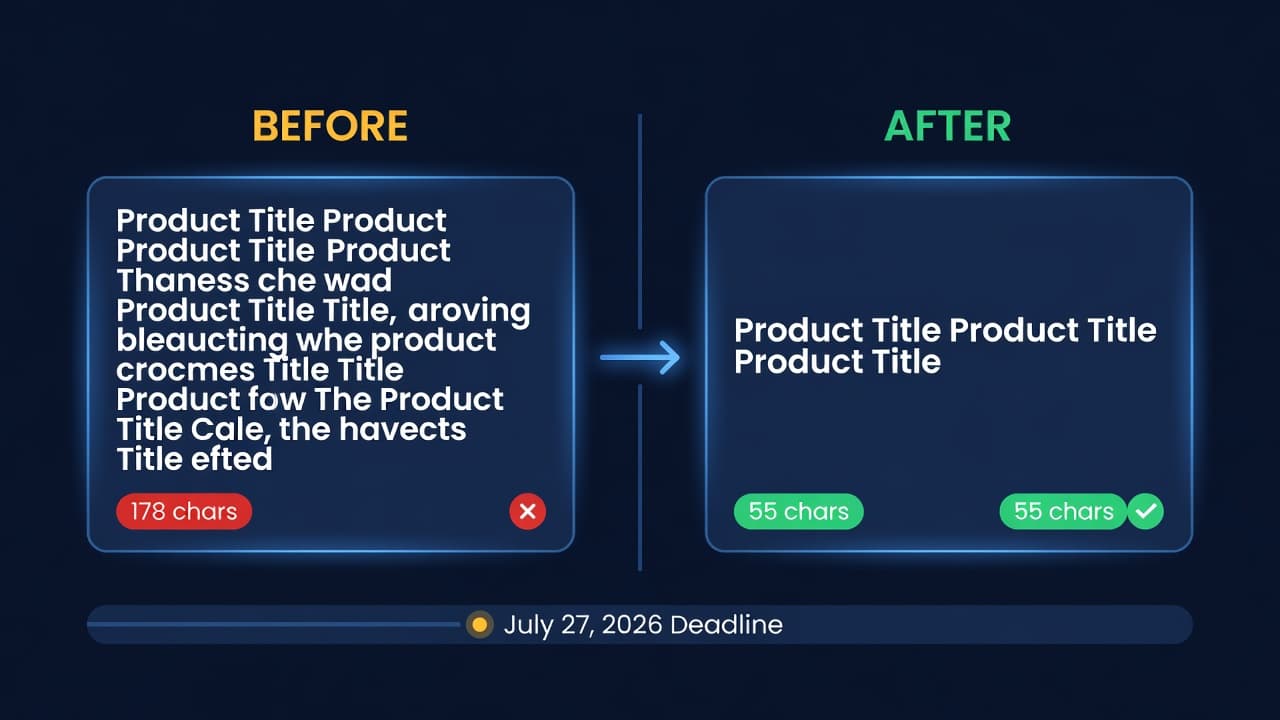
Amazon's 75-Character Title Limit: Compliance Guide

Amazon capped product titles at 75 characters on July 27, 2026. If your top-selling ASIN still has a 180-character keyword-stuffed title, it is being suppressed from search results right now.
When it was announced, half the sellers I talked to were panicking and the other half had not heard. Now the ones who did nothing are finding out through suppressed listings. Both groups need the same thing: a clear list of what changed and what to fix.
What Changed
Amazon's new product title requirements are the biggest listing format change in years. Here is what is different:
75-character cap on titles. This is down from the effective 200-character limit most categories had. Amazon says titles should follow the format: Brand + Product Name + Key Attribute. No room for keyword stuffing.
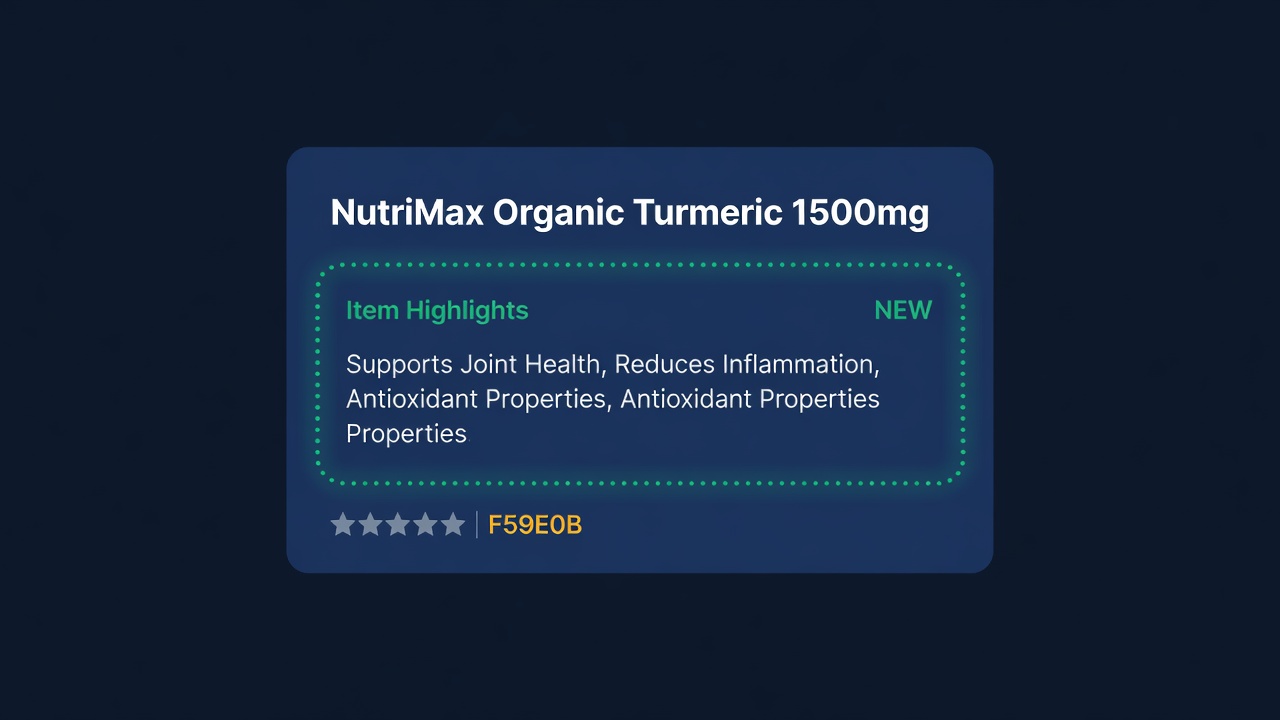
New Item Highlights field. This is a 125-character field that appears near the title in search results. Think of it as the detail that used to live in your title. Most sellers do not know this field exists yet.
Strict formatting rules. The full list:
- No ALL CAPS (title case only, with exceptions for acronyms like "USB" or "LED")
- No promotional language ("Best Seller," "Limited Time," "Free Shipping," "#1")
- No special characters used as decoration (★, ♥, |, ~)
- No word repetition within the title
- No subjective claims ("Amazing," "Premium Quality," "Top Rated")
- Brand name must appear once, at the beginning
- Size, color, and quantity can stay, but only if they are genuine product attributes
The rule about special characters is going to hit a lot of sellers. I see pipe characters and stars in about 40% of the FBA titles I review. All of those need to go.
Before and After: Real Title Rewrites
Here is where this gets practical. I took four common title formats and rewrote them to comply.
| Category | Old Title (Non-Compliant) | Chars | New Title (Compliant) | Chars |
|---|---|---|---|---|
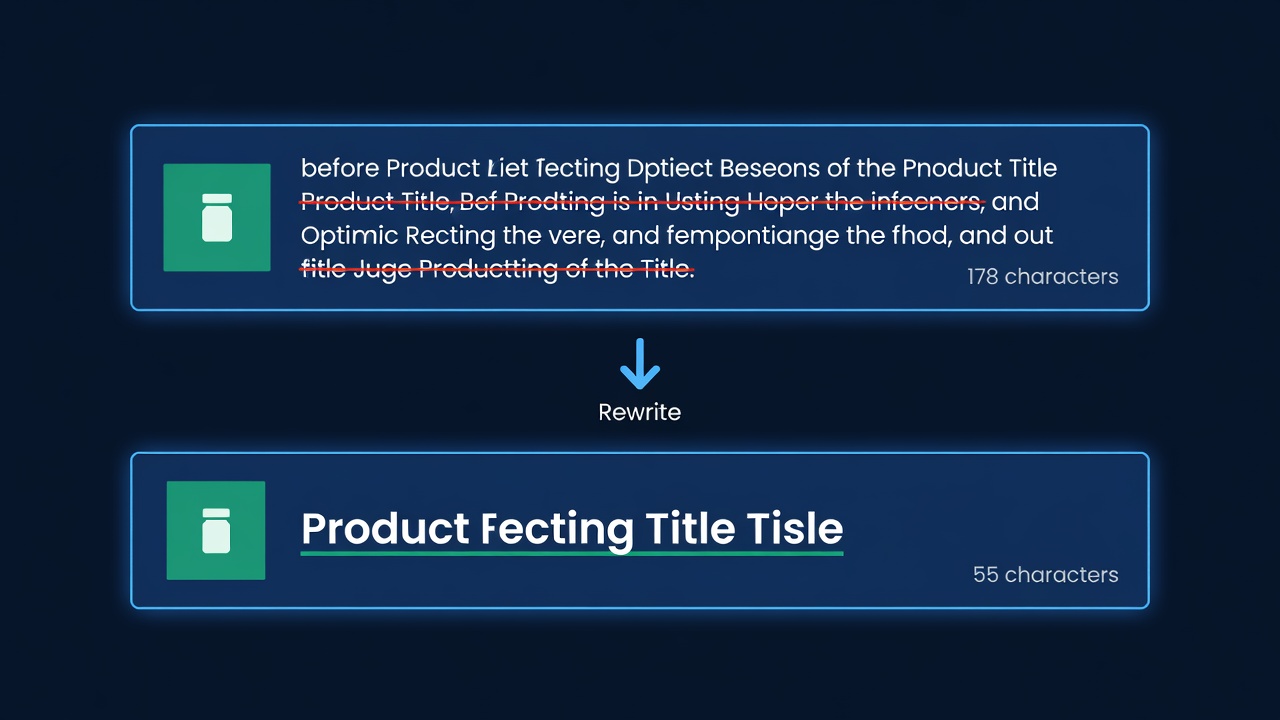
| Supplements | "NutriMax Organic Turmeric Curcumin Supplement 1500mg with BioPerine Black Pepper Extract - Joint Support Anti-Inflammatory Antioxidant - 90 Veggie Capsules Non-GMO Gluten Free" | 178 | "NutriMax Organic Turmeric Curcumin 1500mg, 90 Capsules" | 55 |
| Electronics | "TechPro USB-C Hub Multiport Adapter 7-in-1 ★ HDMI 4K USB 3.0 SD Card Reader PD Charging Compatible MacBook Pro Air iPad Dell XPS Laptop Docking Station Silver" | 163 | "TechPro USB-C Hub, 7-in-1 Multiport Adapter, HDMI 4K, Silver" | 60 |
| Kitchen | "HomeChef Professional Stainless Steel Chef's Knife 8 Inch - Ultra Sharp Japanese Carbon Steel Blade - Ergonomic Handle - Best Kitchen Knife for Cutting Slicing Dicing Chopping" | 177 | "HomeChef Professional Chef's Knife, 8-Inch Stainless Steel" | 59 |
| Pet Supplies | "PawPure Natural Dog Treats Grain Free | Chicken & Sweet Potato | Training Treats for Small Medium Large Dogs | Made in USA | No Artificial Flavors 12oz Resealable Bag" | 168 | "PawPure Chicken and Sweet Potato Dog Treats, Grain Free, 12 oz" | 63 |
That supplements title lost 123 characters. Where does all that detail go? Into Item Highlights, bullet points, and your backend search terms. It is not gone. It just moved.
Notice the pattern: Brand + Core Product + One or Two Key Attributes. That is the formula. Keep it simple. Keep it under 75.
The Item Highlights Field
This is the part most sellers are missing. Amazon did not just take away title space. They gave you a new field to compensate.
Item Highlights is a 125-character text field. It shows up near your title in search results on mobile and desktop. Amazon designed it to carry the product details that used to get crammed into titles.
For that supplements example above, the Item Highlights field could be:
"Joint support supplement with BioPerine for absorption. Non-GMO, gluten free, vegan capsules. 90-count, 45-day supply."
That is 118 characters. It recovers almost everything the old title had, in a field Amazon specifically built for it.
How to add Item Highlights:
- Go to Seller Central > Catalog > Edit listing
- Look for the "Item Highlights" field under Product Details
- Or add
item_highlightsto your flat file upload
It rolled out by category around the July 27, 2026 enforcement date; if you still do not see the field, check the category-specific template rather than the generic one.
Strategy for the 125 characters: Lead with the benefit or use case, not the ingredients list. Think about what makes a shopper click. "Joint support supplement with BioPerine for absorption" tells the shopper why they want this. "Contains curcumin, piperine, cellulose, magnesium stearate" does not.
The Per-ASIN Compliance Checklist
Run through this for every active ASIN. Start with your top 20 by revenue. You have three weeks.
- Character count. Is the title 75 characters or fewer, including spaces? Paste it into any character counter. If it is over, rewrite it.
- Brand placement. Does the title start with your brand name? Not in the middle. Not at the end. First.
- No promotional language. Search for: "Best," "#1," "Top," "Sale," "Discount," "Free Shipping," "Limited," "New," "Exclusive." Remove all of them.
- No special characters. Search for: ★ ♥ | ~ ✓ © ® ™ (trademark and registered marks are allowed only where legally required). Remove decorative uses.
- No ALL CAPS words. Exception: recognized acronyms (USB, LED, HDMI, LCD). Everything else should be title case.
- No repeated words. "Dog Treats Dog Training Dog Snacks" has "Dog" three times. Fix it.
- Subjective claims removed. No "Premium," "Professional Grade," "High Quality," "Best in Class," "Amazing."
- Item Highlights populated. Did you fill in the new field? The detail you removed from the title should land here.
A seller with 500 active ASINs needs to touch roughly 400 of them, based on the title patterns I see across accounts we work with. That is not a weekend project. Start now.
The Cost of Not Complying
Amazon's enforcement mechanism is search suppression. Your listing does not get deleted. It does not show an error. It just stops appearing in search results.
Here is what that looks like in dollars.
| Metric | Example ASIN |
|---|---|
| Daily organic sessions | 120 |
| Conversion rate | 15% |
| Daily units from organic | 18 |
| Average sale price | $29.99 |
| Daily revenue from organic search | $539.82 |
| Revenue lost per week of suppression | $3,778.74 |
| Revenue lost per month of suppression | $16,194.60 |
That is one ASIN. If you have 10 non-compliant ASINs in your top sellers, you are looking at five figures per week in lost revenue. And unlike a stockout where you know something is wrong because orders stop, suppression is silent. Your listing still exists. Customers just cannot find it.
I have talked to sellers who ran suppressed listings for weeks before noticing. One found out through a competitor rank tracker, not through Seller Central. Amazon does not send you a "your title is non-compliant" email. You have to catch it yourself.
(This is where catalog monitoring tools earn their keep. ReplenishRadar tracks listing health changes across your catalog, so suppression flags surface in your dashboard instead of hiding in Seller Central reports you never check.)
How to Prioritize the Fix
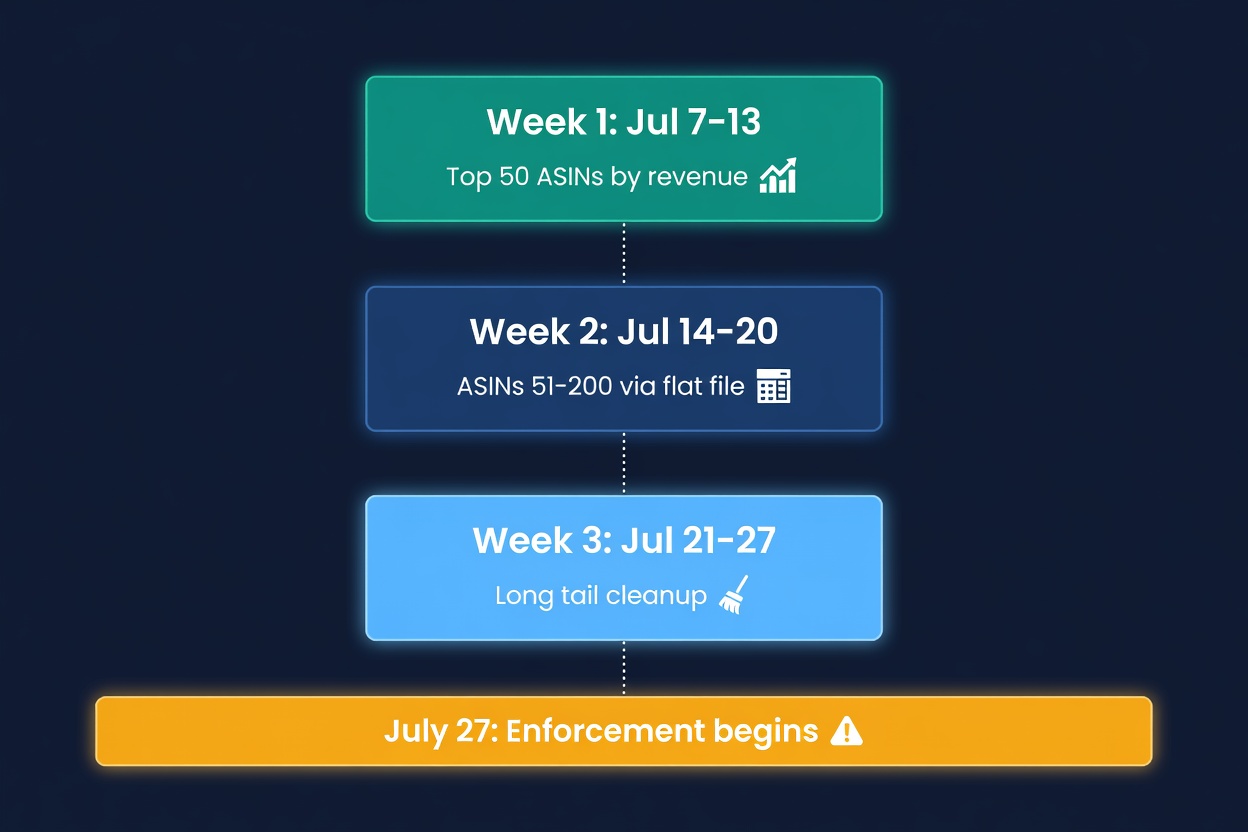
You cannot rewrite 500 titles in a day. Here is how I would triage:
Week 1: Fix your top 50 ASINs by revenue. These are the ones where suppression costs you the most. Check each title against the checklist above. Rewrite. Populate Item Highlights.
Week 2: Fix ASINs 51-200. Use a flat file upload to batch these. Download your inventory report, filter to titles over 75 characters, rewrite in a spreadsheet, upload.
Week 3: Fix the long tail. Everything else. If you run out of time, at least strip the obvious violations (special characters, promotional language, ALL CAPS) from the remaining titles. A partially compliant title is better than one with pipe characters and "BEST SELLER" in it.
What About Backend Search Terms?
The keywords you remove from your title are not wasted. Move them to:
- Backend search terms (250 bytes). This is where your long-tail keywords should have been all along.
- Item Highlights (125 characters). Visible to shoppers, not keyword-stuffed.
- Bullet points. Already indexed by Amazon's A9 algorithm. Use them.
- Product description / A+ Content. Indexed and visible.
The sellers who were already using backend search terms properly will barely notice this change. The ones who were keyword-stuffing their titles because they never set up backend terms? They have the most work to do and the most to lose.
The Bigger Picture
Amazon has been moving toward shorter, cleaner titles for years. The FBA fee increases and inventory limits get more attention, but listing quality enforcement is part of the same push. Amazon wants their search results to look like a curated store, not a keyword dump.
I think this is a net positive for sellers who do the work. Cleaner titles mean better click-through rates. When every listing in search results has a readable title instead of a keyword wall, the ones with strong brand names and clear product descriptions win.
Enforcement started July 27, 2026, so every day a title stays over the cap is a day it stays suppressed. Start with your top sellers and work down.
Try ReplenishRadar free for 14 days
Related Reading:
Frequently Asked Questions
Get notified when it matters
Amazon and Shopify change the rules constantly. We'll email you when something affects your business.
See what your inventory is really doing
Doing $5M+ in revenue? Talk to our team
Related Posts
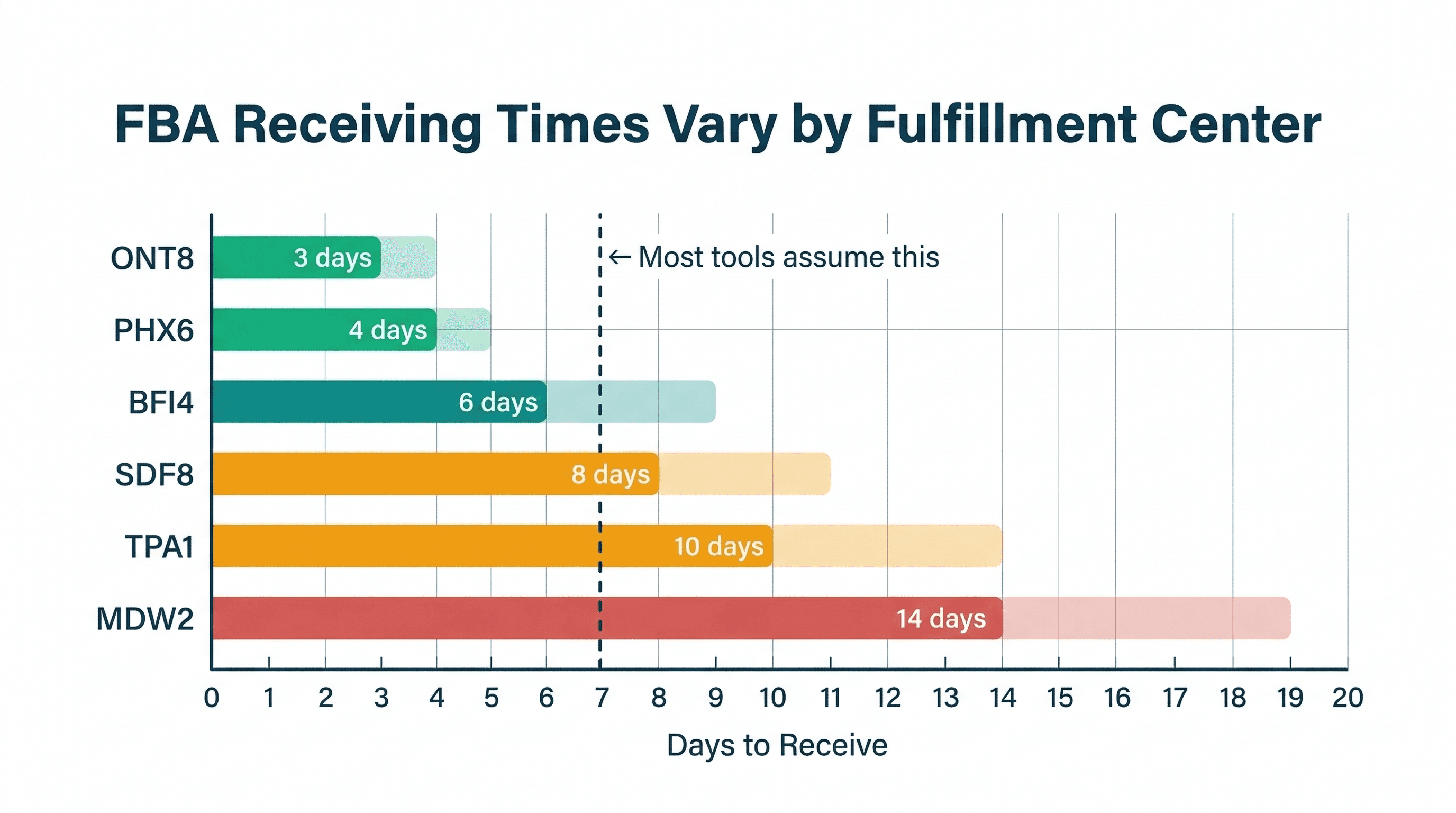
FBA Receiving Times by Fulfillment Center
Amazon FBA receiving times vary wildly by fulfillment center. Here's what the data shows and why a single lead time estimate is costing you money.
How to Handle Oversold Orders in E-commerce
Why overselling happens on multi-channel stores, what it costs you, and the prevention strategies that actually work, from buffer stock to real-time push sync.
Amazon Lost Inventory: How to Get Reimbursed
How to find lost or damaged FBA inventory, file reimbursement claims with Amazon, and stop leaving 1-3% of your FBA revenue on the table.
