Physical Inventory Counts: A Practical Guide
Key takeaway: Do a full physical count annually at your lowest-inventory point; cycle count your top 20% of SKUs monthly. Expect 10-20% variance on your first count if you've never done one. Accuracy below 95% means your reorder decisions are based on wrong data.
Your Inventory Numbers Are Wrong
I do not mean slightly off. I mean if you have never done a physical count, your system quantities and your actual quantities probably disagree by 10-20%. Maybe more.
I know because the first time I did a full count, I found 14 SKUs where my system said I had stock and the shelf was empty. Empty. Zero units. Not "off by a few" - completely gone. Some were picking errors that accumulated over months. Some were receiving shortages I never caught. One was a product I discontinued but never removed from inventory, so the system kept showing 23 phantom units.
That was the day I started counting regularly. Not because I enjoy counting. Because every reorder point, every safety stock calculation, every stockout alert depends on knowing what you actually have.
Three Approaches to Counting
There are three ways to count your inventory. Each has a place.
Full physical count. Everything, all at once. You shut down operations, mobilize everyone available, and count every unit of every SKU. This is the gold standard for accuracy but the worst for operational disruption. Most businesses do this once or twice per year.
Cycle counting. You count a subset of your inventory on a rolling schedule. Maybe 20 SKUs per day, working through your entire catalog over a month or quarter. Operations continue normally. Errors get caught in weeks, not months. This is the approach I recommend for anyone with more than 50 SKUs.
Spot checks. Random, targeted counts triggered by a specific event - a customer complaint about a wrong item, a reorder alert that does not match what you see on the shelf, a receiving discrepancy. Not a systematic approach but a good supplement to cycle counts.
The right cadence depends on your SKU count and inventory value:
| Catalog Size | Recommended Approach | Frequency |
|---|---|---|
| Under 50 SKUs | Full count | Quarterly (4 hours or less) |
| 50 - 200 SKUs | Full count + spot checks | Full count semi-annually, spot checks weekly |
| 200 - 1,000 SKUs | Cycle count + annual full count | Count 5-10% of SKUs per week |
| 1,000+ SKUs | Cycle count only | Count 2-5% of SKUs per week, prioritize by ABC class |
How to Organize a Full Count
If you have never done this, here is the process that works. I have run about a dozen full counts and refined this over time.
Week before the count:
Print your inventory list sorted by location (bin, shelf, zone). Not alphabetically by SKU. Your counters will walk through the warehouse physically, and the list should match that path. Include columns for SKU, description, expected quantity, and a blank column for the actual count.
Assign zones to people. Two-person teams work best - one counts, one records. This is not about trust. It is about accuracy. A single person counting alone makes 2-3x more errors than a pair.
Day of the count:
Stop receiving. Stop shipping. This is non-negotiable. If orders come in while you are counting, you will count units that are about to leave. If a shipment arrives while you are counting, you will either double-count or miss it entirely.
Count everything in a zone before moving on. Do not skip bins because they look right. Do not assume the sealed case has 24 units because the label says 24 - open it.
After the count:
Enter your actual counts immediately. Do not wait until Monday. The longer the gap between counting and recording, the more changes happen.
Compare actual vs expected for every SKU. Flag anything with a variance above 2% or 3 units, whichever is greater. Investigate the big ones - they usually point to a systematic problem, not a random error.
The Case for Cycle Counting
A full count tells you where you stand once or twice a year. Cycle counting keeps you accurate all the time. Here is why I switched, and why I am not going back.
My first full count found 47 discrepancies across 230 SKUs. Ugly, but I fixed them all in a day. Six months later, I did another full count. Forty-one new discrepancies. The errors had accumulated for six months because I was not catching them as they happened.
Cycle counting flips this. If you count 10% of your SKUs each week, every SKU gets counted roughly twice per quarter. Errors get caught in days or weeks, not months. By the time a discrepancy grows from "we received 2 fewer units than the PO said" to "we are showing 50 units but only have 34," you have already caught and corrected it.
The math is simple. 200 SKUs, counting 10% per week = 20 SKUs per week = 4 SKUs per business day. That is 30 minutes of counting. Compare that to shutting down for a full day twice a year.
Which SKUs to Count First
Not all SKUs deserve equal counting attention. Prioritize by two factors: value and velocity.
Your A-class items - the top 20% by revenue - should get counted monthly. A discrepancy on a SKU selling 50 units per day costs you far more than one on a SKU selling 2 units per week. If your system shows 100 units but you have 80, that is a 4-day supply error on the fast mover but a 10-week error on the slow one. The fast mover triggers a stockout. The slow one probably does not.
Your C-class items - the bottom 50% by revenue - can go quarterly. Still count them. Just less often.
| ABC Class | % of SKUs | Count Frequency | Why |
|---|---|---|---|
| A (top 20% revenue) | 20% | Monthly | High cost of stockout, high transaction volume = more error opportunity |
| B (next 30% revenue) | 30% | Every 2 months | Moderate risk, moderate volume |
| C (bottom 50% revenue) | 50% | Quarterly | Low cost of error, low volume |
We use ABC analysis to set these tiers. If you are not already classifying your inventory, start there.
The Reconciliation Process
Counting is the easy part. Reconciliation - figuring out why the numbers do not match and deciding what to do about it - is where the real work happens.
Step one: identify the variance for every counted SKU. System says 100, you counted 94, variance is -6 units (6% short).
Step two: separate the variances by size. Minor variances (under 3% or under 5 units) are normal. They accumulate from small picking errors, damaged units pulled off the shelf without a system update, and rounding in receiving. Adjust your system count to match reality and move on.
Major variances (above 5% or above 20 units) need investigation. Something specific went wrong. The common causes, from most to least frequent:
- Receiving errors. You received 46 units but logged 48. Happens on almost every large shipment. This accounts for 30-40% of discrepancies I have tracked.
- Picking errors. Warehouse staff grabbed the wrong SKU. The system deducted from one SKU, the physical inventory changed on another.
- Unrecorded returns or damage. A return arrived, went back on the shelf, but nobody updated the system. Or damaged units got tossed without a system write-off.
- Location errors. The units exist but are in the wrong bin. Your count missed them because you were counting the assigned location. This is not really a quantity error - it is a location error that looks like one.
- Theft. Real but less common than sellers fear. If you have eliminated the other causes and the variance persists, it is worth investigating.
Step three: adjust the system to match reality. Your physical count is the truth. The system is the record that needs to match it.
Step four - and this is the step most people skip - fix the process that caused the variance. If receiving errors are your biggest source, start double-counting every inbound shipment. If picking errors dominate, look at your bin labeling. Counting without fixing the root cause means you will find the same problems next time.
Common Discrepancy Patterns
After enough counts, you start seeing patterns. These are the ones I see most often in e-commerce warehouses:
Consistent negative variance on high-velocity SKUs. Usually means picking errors. When staff are rushing through orders, they grab quantities by feel instead of counting. "About 5" becomes 4 or 6. Over hundreds of orders, it adds up.
Positive variance on recently received items. Your supplier actually sent more than invoiced. This happens more often than you would think. Or your team counted fast during receiving and logged a round number instead of the actual count.
Zero on-hand but system shows positive. Either the product was damaged and discarded without a system update, or it was mis-located and is sitting in the wrong bin. Check adjacent bins before writing it off.
Wild swings between counts. If a SKU shows +12 one month and -8 the next, you probably have a location problem. The product is moving between bins without system updates.
Accuracy Targets
What is "good enough"? Here are the benchmarks I use:
| Metric | Poor | Acceptable | Good | Best-in-class |
|---|---|---|---|---|
| SKU-level accuracy | Below 90% | 90-95% | 95-98% | 99%+ |
| Location accuracy | Below 85% | 85-92% | 92-97% | 98%+ |
| Variance investigation rate | 0% | Majors only | All above 5% | All above 2% |
If you are below 90%, your demand forecasts and reorder suggestions are running on bad inputs. Garbage in, garbage out. Fix accuracy before spending time tweaking forecast models.
Inventory accuracy above 95% is where automated reorder systems start working reliably. Below that threshold, the system thinks you have stock that does not exist, so it does not trigger reorders, so you stock out. Or it thinks you are lower than you are, triggers unnecessary reorders, and you end up overstocked. Either way, bad data makes the automation work against you. (ReplenishRadar flags SKUs with frequent stock-level mismatches - the data quality tab highlights variance patterns so you can investigate before the bad numbers cascade into bad purchasing decisions.)
Your First Count
If you have never counted, do a full count this month. Not next quarter. This month. Block out half a day, print your list, and count everything.
You will find errors. Probably a lot of them. That is the point. Every KPI you track, every reorder point you set, every forecast you run is only as good as the number it starts from. Get the number right.
For sellers managing multiple locations, count each location independently. Do not net quantities across warehouses - a SKU showing 50 units total is useless if 48 of them are in the wrong warehouse.
After the first count, switch to cycle counting. Twenty minutes a day beats one miserable day every six months.
Related Reading:
Frequently Asked Questions
Get notified when it matters
Amazon and Shopify change the rules constantly. We'll email you when something affects your business.
See what your inventory is really doing
Doing $5M+ in revenue? Talk to our team
Related Posts
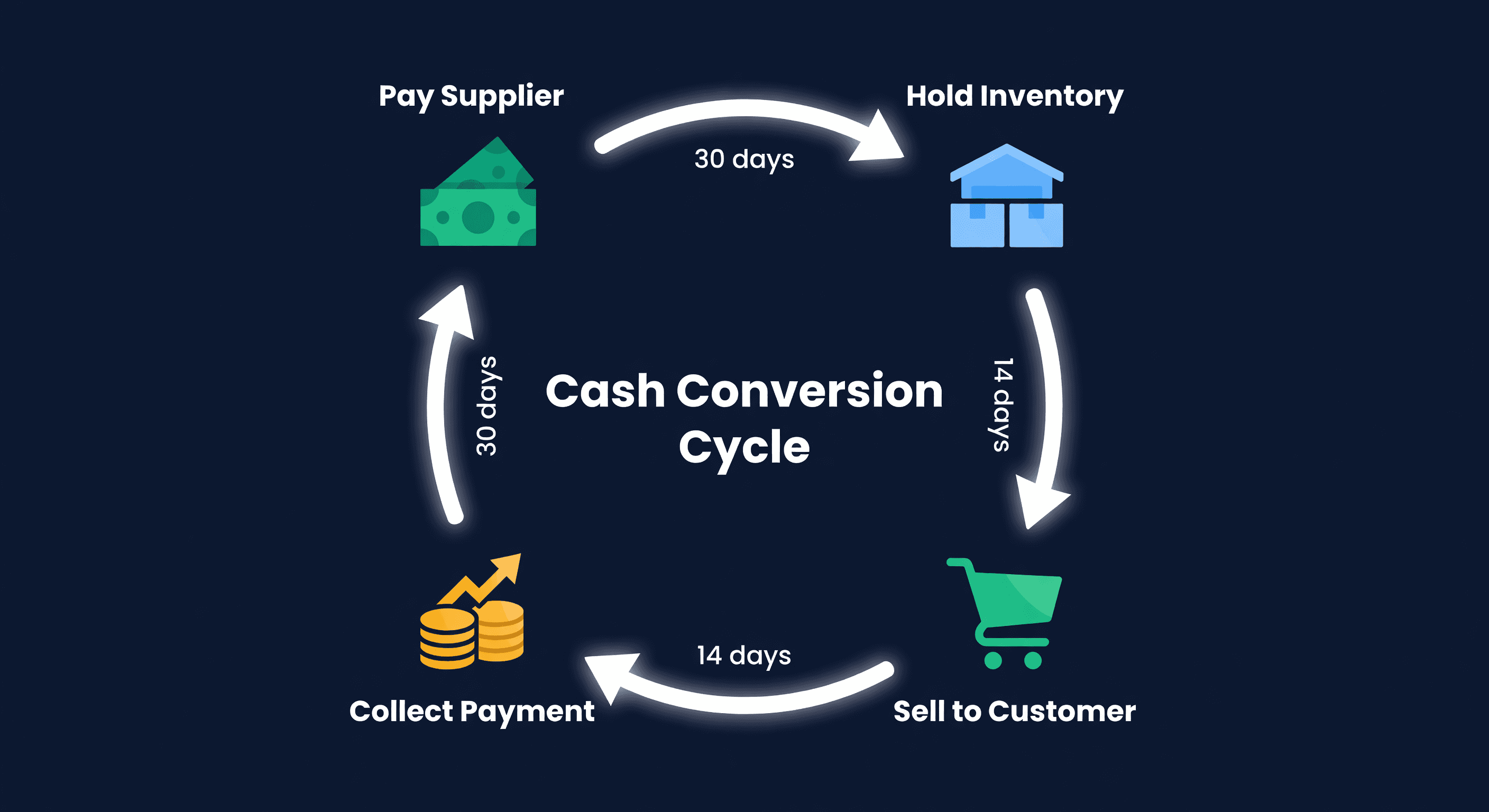
Cash Conversion Cycle for E-commerce Sellers
The CCC formula (DIO + DSO - DPO) explained with real e-commerce numbers. Learn what good looks like and how to shorten yours.
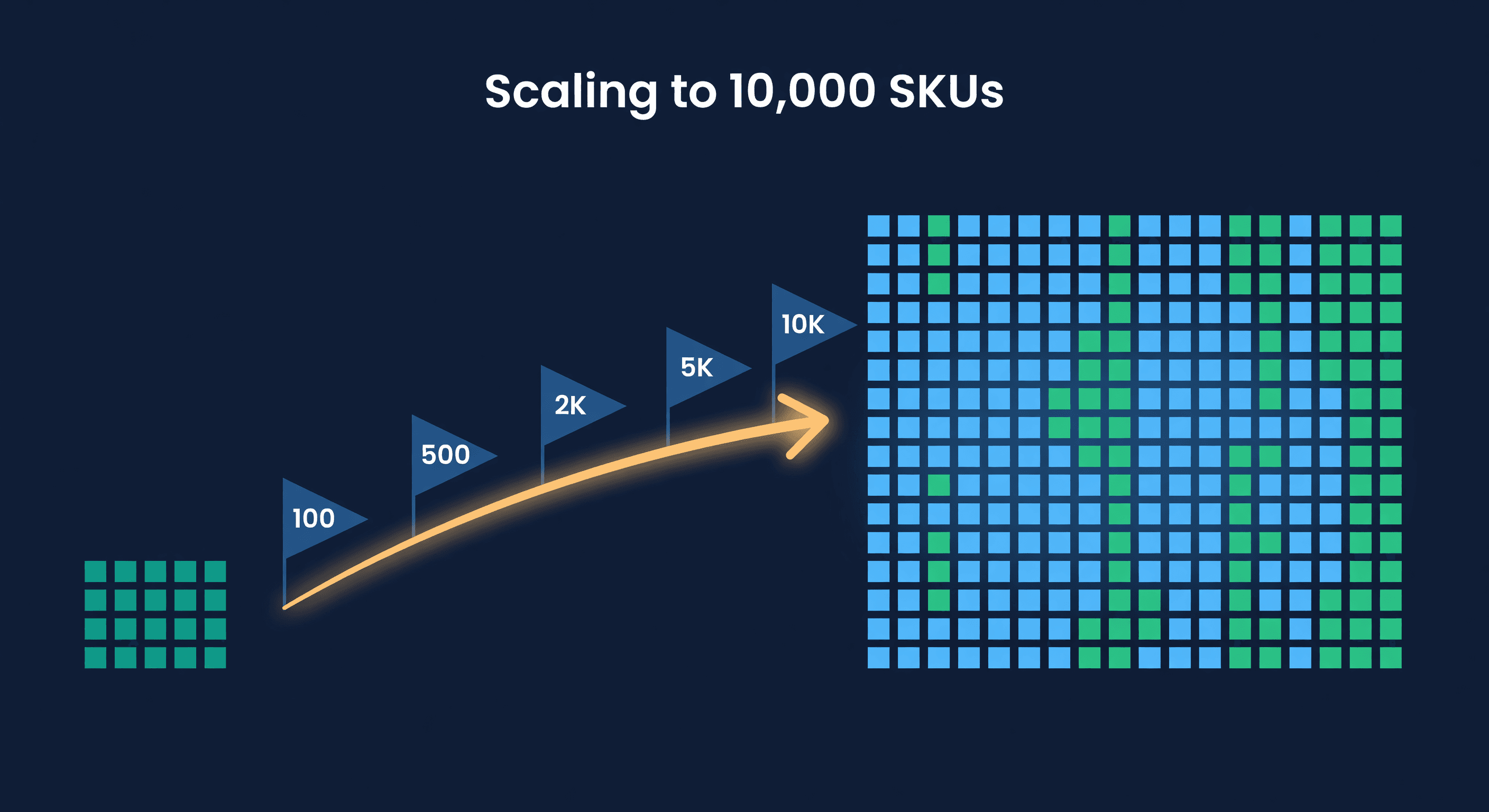
Scaling from 100 to 10,000 SKUs
What breaks at each stage of inventory growth. The systems, processes, and tools you need at 100, 500, 2,000, 5,000, and 10,000 SKUs.
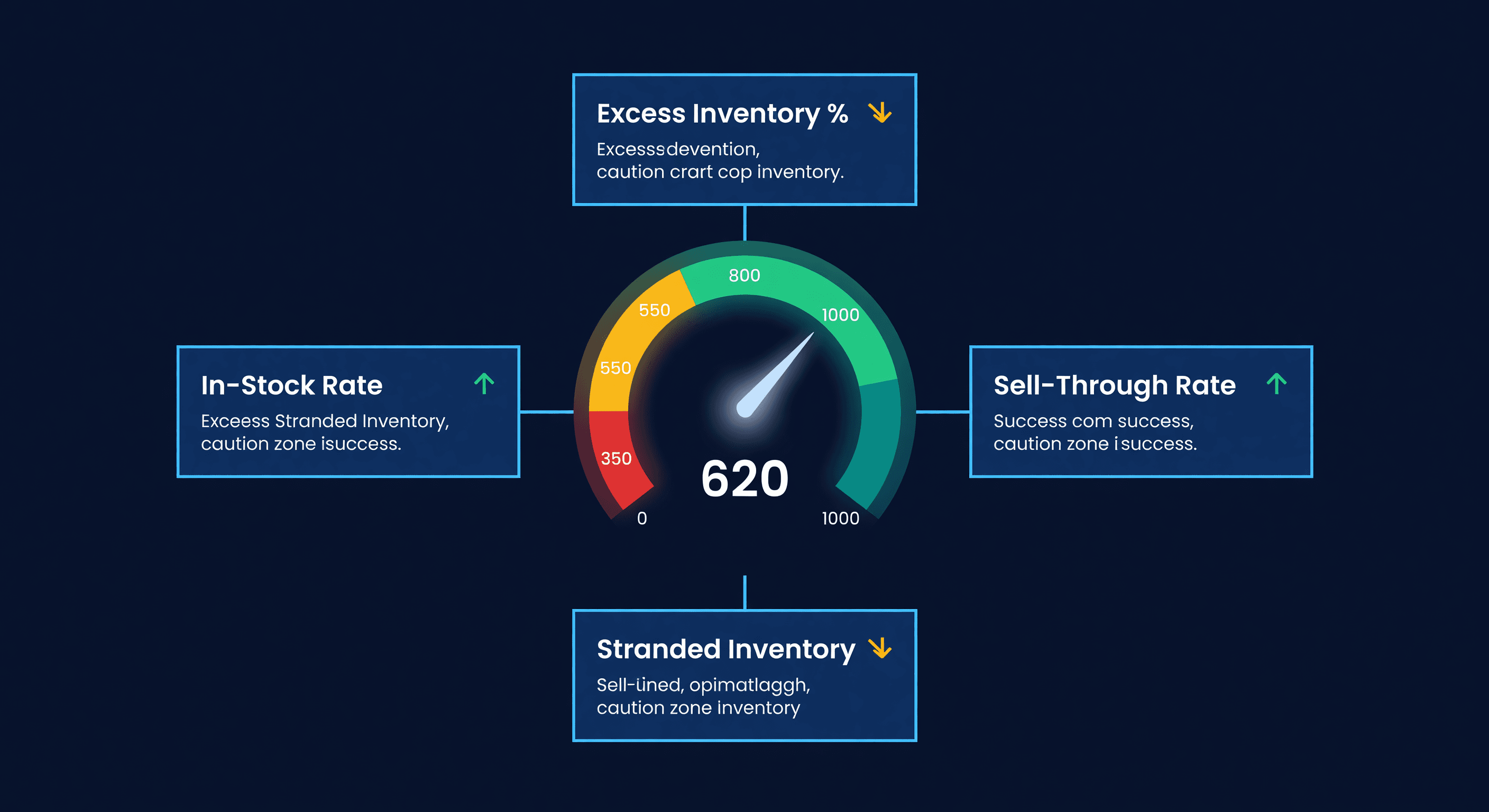
Amazon IPI Score: What It Is and How to Fix It
Your Amazon IPI score controls your FBA storage limits. Learn what the 4 factors actually measure, the score thresholds, and how to improve each one.
