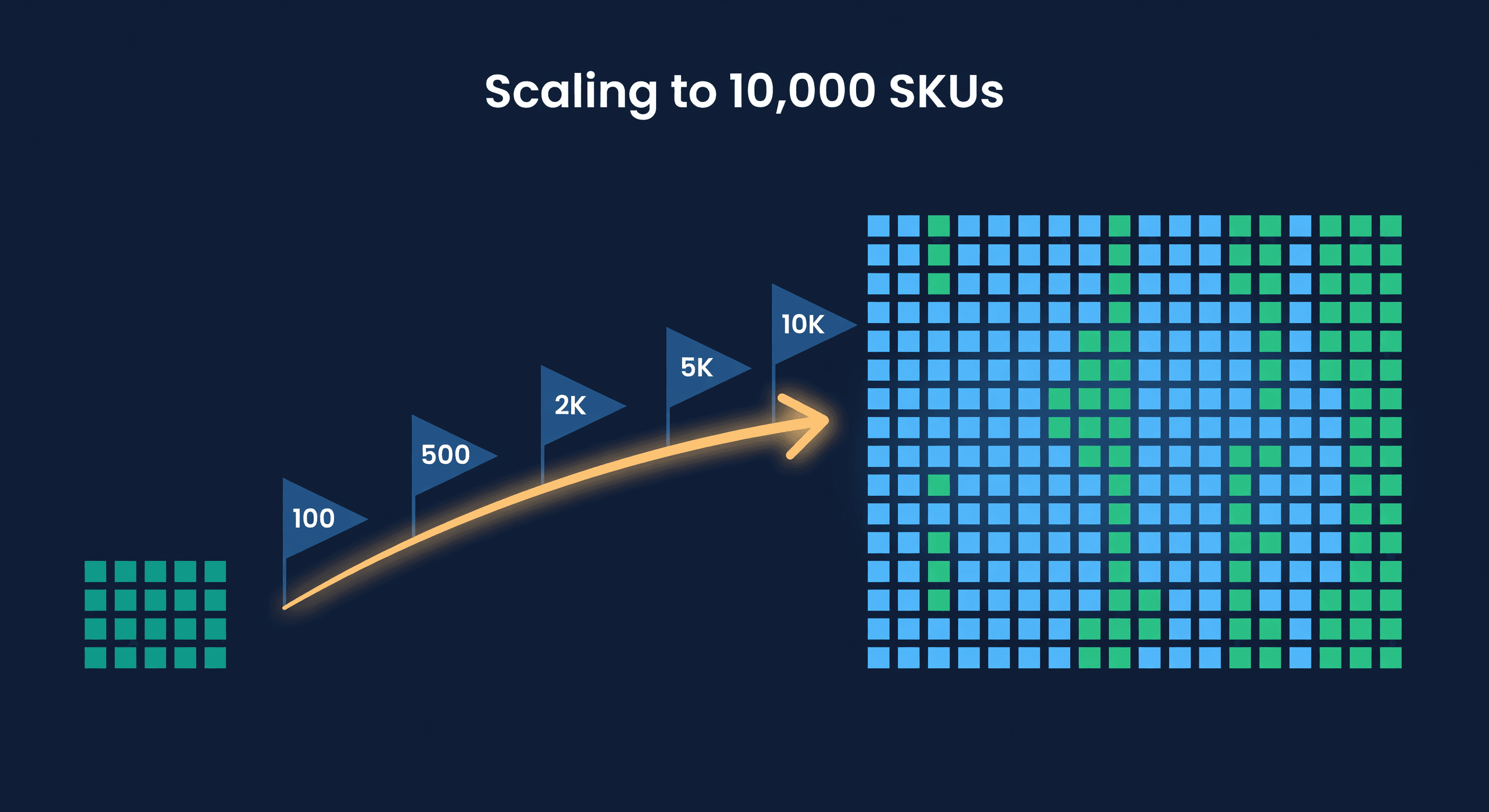
Scaling from 100 to 10,000 SKUs
Key takeaway: Spreadsheets break at roughly 200 SKUs. At 1,000 SKUs you need dedicated inventory software plus one person managing planning full-time. Each growth stage (100, 500, 2K, 5K, 10K SKUs) requires different tools, processes, and team structure.
Everything Breaks Eventually
Picture one seller's catalog growing, step by step. (A composite scenario, not a real business.)
At 50 SKUs, inventory lives in your head. You know what is running low because you walk past the shelves every day. It works. You are fast, accurate, and rarely stock out.
At 200 SKUs, there is a spreadsheet that looks like it belongs in a museum of bad decisions. Dozens of tabs, circular reference errors, and a VLOOKUP chain that takes seconds to recalculate. It still works, barely, because someone spends hours every week maintaining it.
At 800 SKUs, the spreadsheet stops working. You hire someone to help with operations, and the first question is "how do you know what to reorder?" The honest answer is "I check the sheet and then check the shelf."
The problem with scaling inventory is that the tools and processes that work at one level actively fail at the next. And the failures are not obvious. Things just slowly get worse (more stockouts, more overstock, more time spent on operations) until you realize the system you are running cannot support the business you have built.
At 100 SKUs: The Manual Era
This is where most sellers start. You can see the whole catalog at a glance. You know your best sellers by name. A spreadsheet with reorder points and a weekly review cycle works fine.
What you need at this stage:
- A single spreadsheet with SKU, on-hand quantity, daily sales rate, lead time, and reorder point
- Weekly reorder review (block 1-2 hours)
- A supplier list with contact info and lead times
- Basic receiving process (count items, update the sheet)
What breaks when you grow past this: your memory. At 100 SKUs, you notice when something is running low. At 200, you don't. The spreadsheet catches some of it, but only if you remember to check.
Cost of this system: 2-4 hours/week. Fine for the revenue it supports.
At 500 SKUs: The Spreadsheet Ceiling
This is where the pain tends to peak. Five hundred SKUs is too many to manage by feel but not enough to justify (in most sellers' minds) investing in proper tooling. So they keep pushing the spreadsheet.
Here is what 500 SKUs looks like in a spreadsheet:
| Problem | Symptom | Cost |
|---|---|---|
| Stale data | On-hand quantities are 1-3 days behind | Missed reorders, phantom stock |
| Formula bloat | Sheet takes 10-30 seconds to recalculate | Staff avoids updating it |
| No multi-channel sync | Amazon and Shopify quantities tracked separately | Over-selling, stockouts on one channel |
| Manual reorder review | 500 SKUs x 30 seconds each = 4+ hours per review | Either you rush and miss things or it eats your whole day |
| No audit trail | Someone changed a cell. Who? When? Why? | Errors compound silently |
The spreadsheet does not crash at 500 SKUs. It just gets slow, unreliable, and time-consuming enough that you start cutting corners. You stop checking every SKU during your review. You focus on the top sellers and hope the rest is fine. The ABC analysis you should be doing formally, you are doing informally and badly.
Cost of this system: 8-12 hours/week. Your weekly hours have roughly tripled since 100 SKUs. Most of that time is data entry and manual review, not actual decision-making.
At this stage, you need inventory software. Not an ERP. A focused tool that syncs your channels, calculates reorder points, and alerts you when something needs attention.
At 2,000 SKUs: Where Processes Matter More Than Tools
Software solves the data problem. But at 2,000 SKUs, the process problem emerges. You cannot personally review every reorder suggestion. You cannot investigate every variance. You need systems that let you manage by exception.
What changes at this level:
ABC classification becomes mandatory, not optional. In a typical Pareto split, your top 20% of SKUs (400 items) bring in something like 80% of revenue. Those need tight monitoring: high service levels, frequent reorder review, safety stock calculated per-SKU. The bottom 50% (1,000 items) can tolerate broader tolerances and less frequent attention.
You need a receiving SOP. Informal "count it and put it away" receiving processes create the errors that haunt you for months. At 2,000 SKUs, you are receiving shipments multiple times per week. Every unit that gets miscounted or mis-located degrades your data.
One person cannot do it alone. A single inventory planner can handle 500-1,000 SKUs effectively with good tools. At 2,000, either you need a second person or you need heavy automation doing the routine work (reorder suggestions, low-stock alerts, receiving verification) so the planner focuses on exceptions and decisions.
Cost of the system: 15-20 hours/week across 1-2 people. But the per-SKU cost is dropping if you have the right tools. The software handles the volume. The people handle the judgment calls.
At 5,000 SKUs: The Long Tail Problem
Here is a point inventory content rarely makes: at 5,000 SKUs, the majority of your catalog does not deserve individual attention.
Illustrative numbers for a 5,000-SKU catalog (a common long-tail shape, not real data):
| Tier | SKU Count | Revenue Share | Management Approach |
|---|---|---|---|
| Top 200 (4%) | 200 | 50-60% | Individual review, tight safety stock, weekly reorder check |
| Next 800 (16%) | 800 | 25-30% | Formula-driven reorders, monthly review |
| Middle 1,500 (30%) | 1,500 | 10-15% | Automated reorders, exception-only review |
| Bottom 2,500 (50%) | 2,500 | 5-10% | Auto-reorder or discontinue |
Say the catalog does $1M a year, so the bottom 2,500 SKUs bring in $50,000-$100,000 combined. Even 30 minutes per SKU per year on these items adds up to 1,250 hours, which is $25,000-$50,000 in labor at $20-$40 an hour, spent on products generating thin margins. Thirty minutes a month would be twelve times that. That math does not work.
This is where automation stops being nice-to-have. You need your system to handle the long tail entirely: auto-generate POs when stock drops below the reorder point, flag anything that has not sold in 90 days for dead stock review, and only surface exceptions that require a human decision.
Your job at 5,000 SKUs is not managing inventory. It is managing the exceptions. The routine work must be automated or it will bury you.
At 10,000 SKUs: Organizational Inventory Management
At this level, inventory is not a task. It is a department. A seller at 10,000 SKUs often has 3-5 people involved in purchasing and inventory planning, a dedicated warehouse team, and multiple suppliers and channels to coordinate.
What is different at this scale:
Category management. You cannot have one person own all 10,000 SKUs. Split by category, supplier group, or channel. Each category manager knows their segment deeply and makes autonomous purchasing decisions within guidelines.
Planning cadence. Weekly for A items, biweekly for B items, monthly for C items. If you are reviewing everything at the same frequency, your A items are under-managed and your C items are over-managed.
System performance matters. Loading a 10,000-SKU inventory table needs to take under 3 seconds or planners will avoid using the tool. Filtering, sorting, and bulk operations need to be fast. When the software cannot handle the load, the team goes back to exporting CSVs.
Supplier consolidation. At 10,000 SKUs, you might have 50-100 suppliers. But Pareto applies here too: 10-15 of them probably account for most of your purchasing volume. Invest in those relationships. Negotiate better terms, shorter lead times, and electronic PO exchange. The rest can run on autopilot.
| Metric | 100 SKUs | 500 SKUs | 2,000 SKUs | 5,000 SKUs | 10,000 SKUs |
|---|---|---|---|---|---|
| Weekly hours (inventory mgmt) | 2-4 | 8-12 | 15-20 | 25-35 | 40-60 |
| People involved | 1 (you) | 1 (you, stressed) | 1-2 | 2-4 | 4-8 |
| Tool | Spreadsheet | Spreadsheet (barely) | Inventory software | Inventory software + automation | Inventory software + automation + SOPs |
| Decision model | Review all SKUs | Review all, miss some | ABC-based | Exception-based | Category management |
| Weekly hours per 100 SKUs | 2-4 | 1.6-2.4 | 0.75-1.0 | 0.5-0.7 | 0.4-0.6 |
Illustrative estimates, not measured data. The last row is the first row divided by the catalog size.
The Scaling Pattern
Every breakpoint has the same structure. The tool that worked before starts costing more in time than it saves in money. Here is when each transition should happen:
100 to 500: Get real inventory software. Stop before the spreadsheet costs you a stockout on a best-seller. One week out of stock on a $25 product selling 20 units a day is $3,500 in lost sales, about 35 months of a $99/mo tool.
500 to 2,000: Implement ABC classification and build SOPs for receiving and cycle counting. Your accuracy and efficiency depend on process now, not just tools.
2,000 to 5,000: Automate the long tail. Your system should generate POs for C-items without human review. Free your planners to focus on the top sellers that carry most of your revenue.
5,000 to 10,000: Build a team. Category management, dedicated planning roles, and a system that supports multiple users with role-based access.
How ReplenishRadar Maps to Growth Stages
We set ReplenishRadar's tiers around these breakpoints. The Standard tier supports up to 2,000 SKUs, enough for the spreadsheet-to-software transition. Growth handles 20,000 SKUs with 6-hour accuracy checks and a 30-minute Instant Refresh cooldown because at that level, stale data means missed reorders. Scale goes to 50,000 SKUs with hourly accuracy checks and a 5-minute Instant Refresh cooldown for sellers whose purchasing teams need tighter reconciliation. Each tier adds the automation that becomes necessary at that size, not before. You do not pay for enterprise features while you are at 500 SKUs, and you do not outgrow the tool when you hit 5,000.
Try ReplenishRadar free for 14 days ->
Start Where You Are
If you are at 100 SKUs reading this, we would not tell you to panic-buy enterprise software. Your spreadsheet is fine for now. Bookmark this post for when it stops being fine.
If you are at 500 SKUs and your weekly inventory review takes all day, you waited too long. The spreadsheet-to-software transition should have happened at 200.
If you are at 2,000+ SKUs and still reviewing every SKU with the same frequency, you are spending 15-20 hours a week, 780-1,040 hours a year, on review that proper KPI tracking and automation could take a large share of.
The one constant across every stage: your per-SKU management cost should decrease as you grow. If it is increasing, something in your system is broken.
Related Reading:
Frequently Asked Questions
Get notified when it matters
Amazon and Shopify change the rules constantly. We'll email you when something affects your business.
See what your inventory is really doing
Doing $5M+ in revenue? Talk to our team
Related Posts
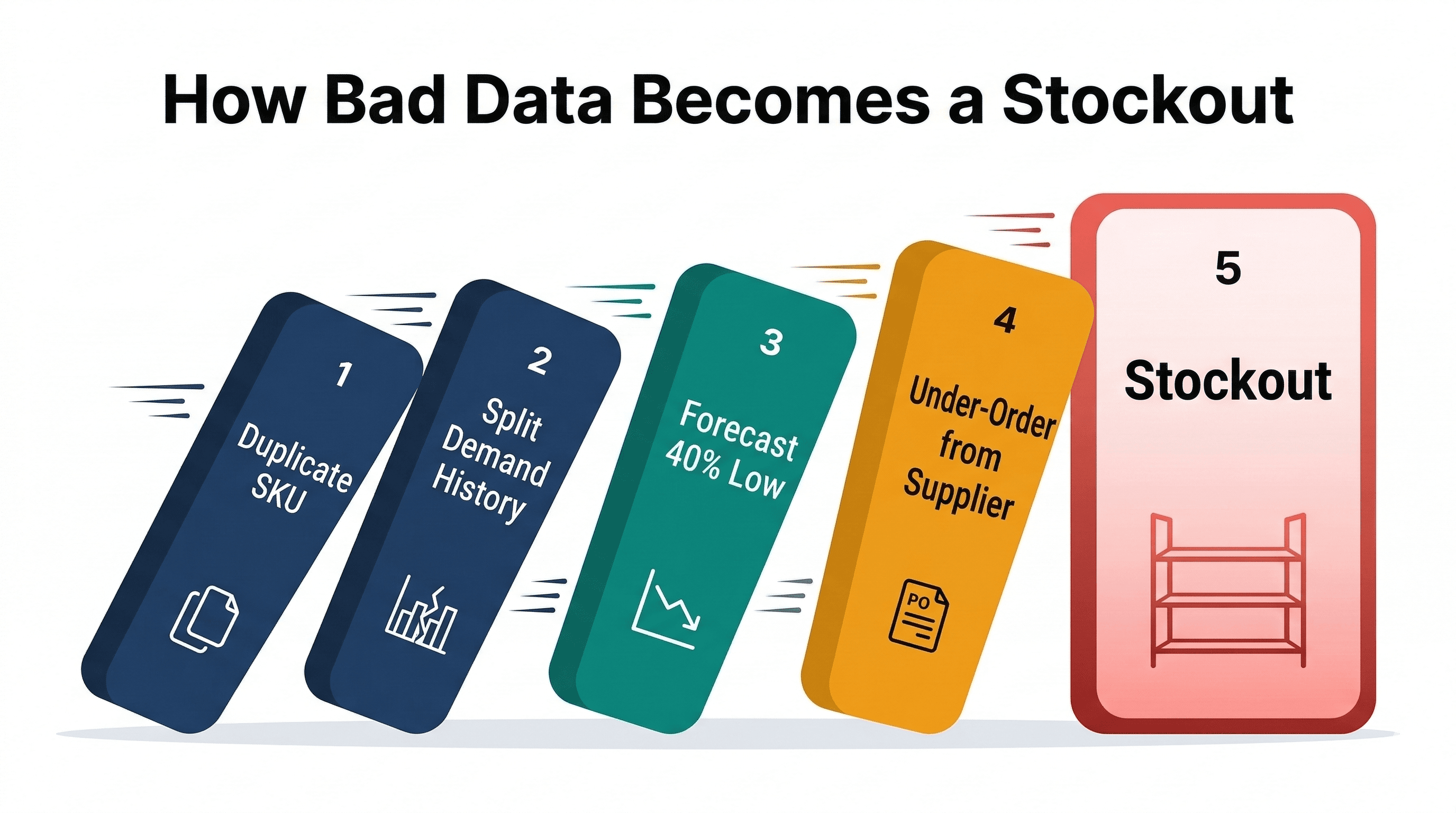
Your Inventory Data Is Wrong
How bad SKU data (duplicates, missing costs, unmatched listings, missing demand) breaks inventory forecasting and costs real money.
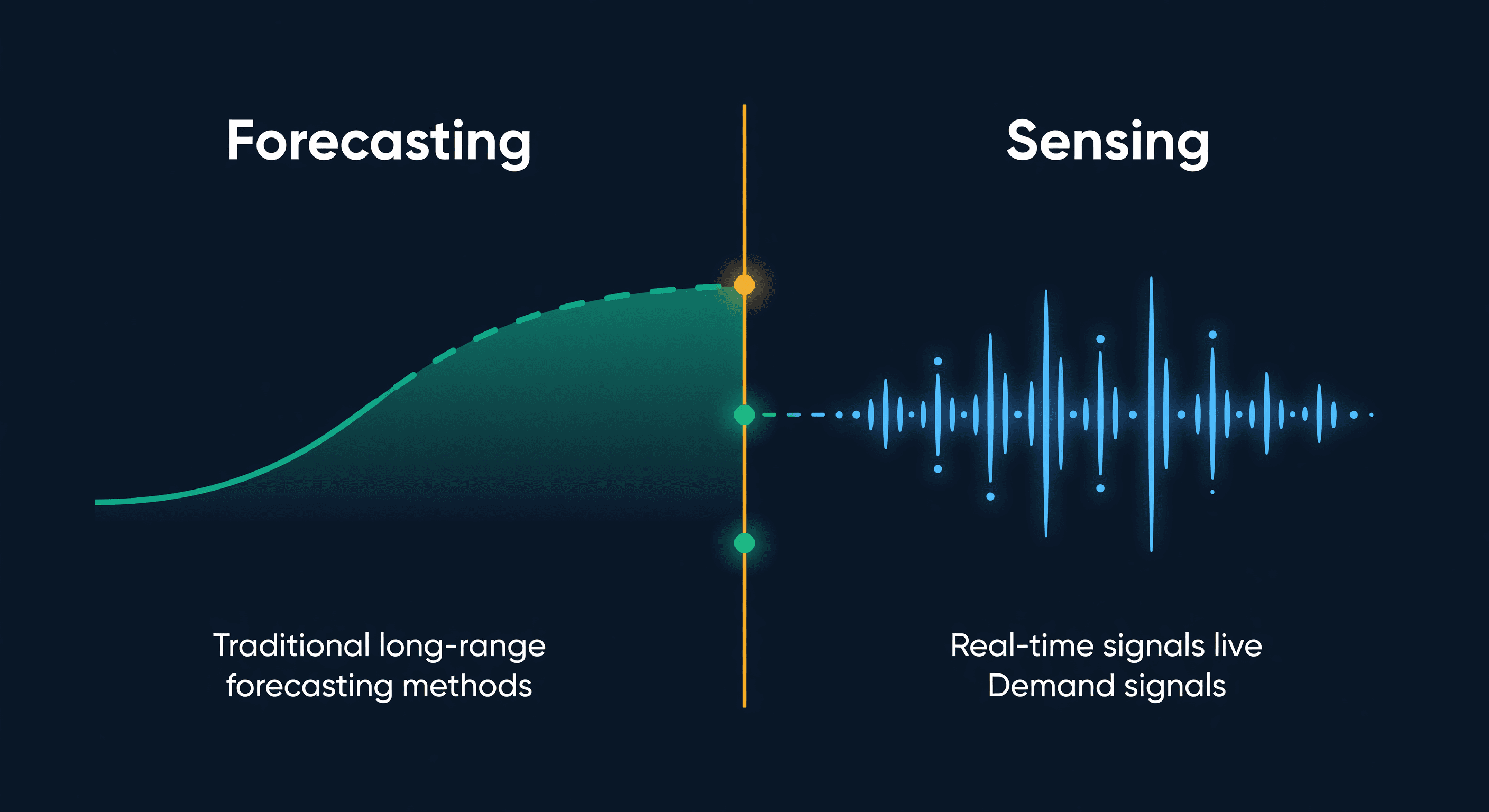
Demand Sensing vs Forecasting for E-commerce
What demand sensing actually is, how it differs from forecasting, why most e-commerce sellers only need one of them, and the practical middle ground.
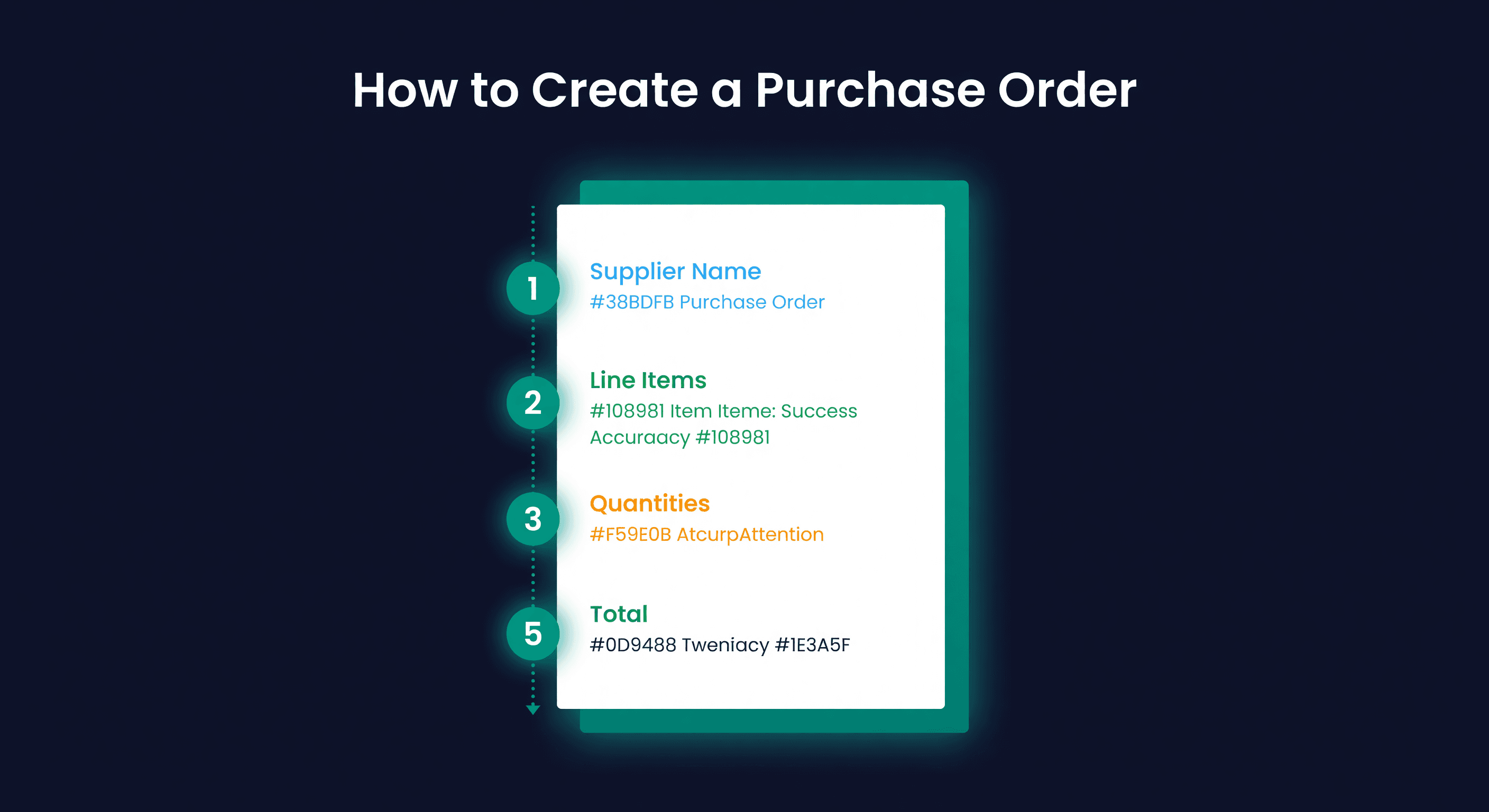
How to Create a Purchase Order (Step-by-Step)
How to create a purchase order for e-commerce, with a PO template, worked examples, and the ordering mistakes that cost sellers thousands.
